 SmartAccess
Planned quantity × 1
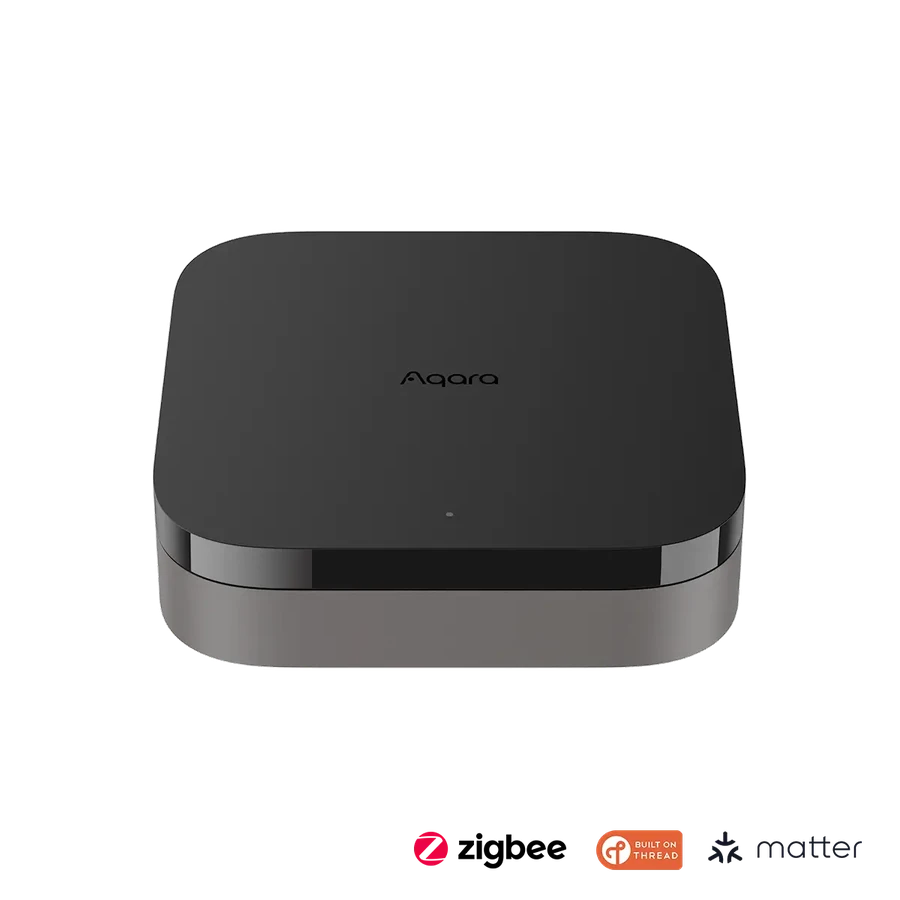
Aqara Hub M3
A control starting point for supported Aqara devices.
Before buying: Review supported child devices, bridge functions, network and power. A shared protocol does not guarantee every feature.
Find model on Amazon CA ↗Two adjacent studies should not trigger each other unnecessarily.
Selected devices from this configuration · verify the seller’s model, version and pack.
Configure only the listed equipment: calibrate curtain motors, group lights and assign the listed buttons, or map presence zones on site. Test the configured functions, including manual override and, where relevant, still or multiple occupants.
4 models / 9 planned units. Reuse existing compatible equipment after checking it. Confirm accessories, power supplies and installation separately.
As an Amazon Associate I earn from qualifying purchases. Links open a model search: check the seller, regional version, pack size, shipping and returns. Items are purchased separately; these are not official Amazon kits.
A control starting point for supported Aqara devices.
Before buying: Review supported child devices, bridge functions, network and power. A shared protocol does not guarantee every feature.
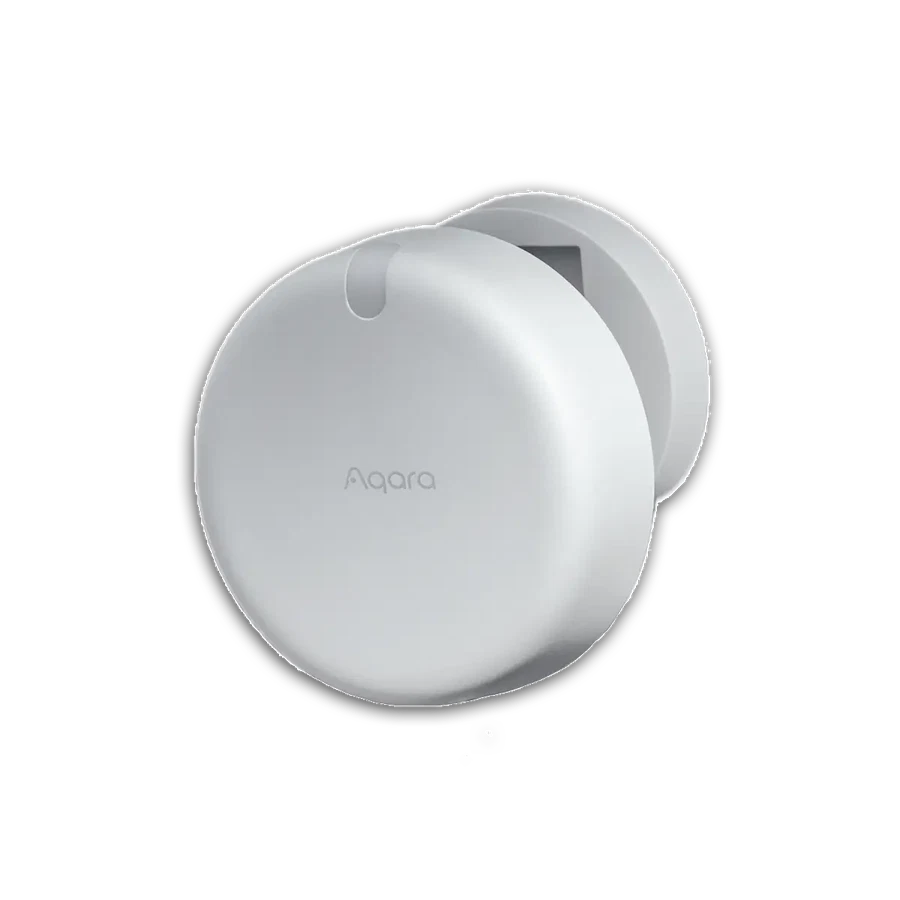
Find model on Amazon CA ↗Plan presence-based routines for defined room zones.
Before buying: Needs continuous USB power and 2.4 GHz Wi-Fi. Calibrate room zones; this is not a medical or life-safety monitor.
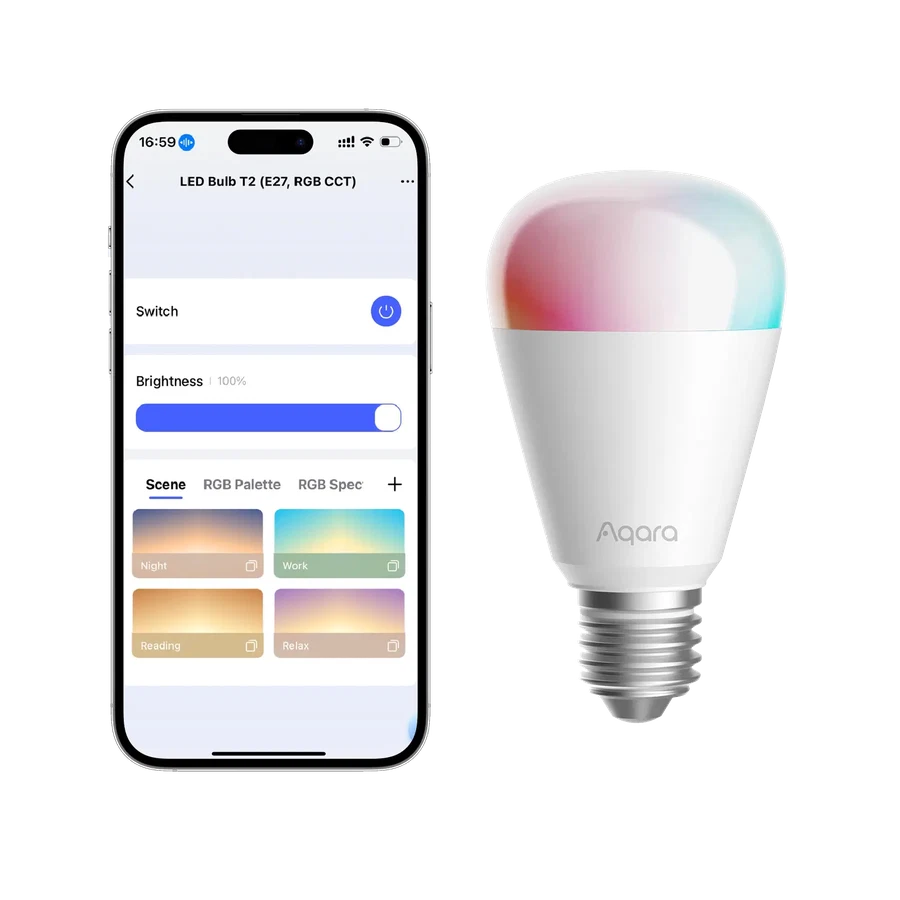
Find model on Amazon CA ↗Set color and warm-to-cool white light in an E26 lamp.
Before buying: Choose Zigbee with an Aqara hub, or Thread with a Matter controller and border router. Keep wall power on; do not place a smart bulb on a conventional dimmer.
Find model on Amazon CA ↗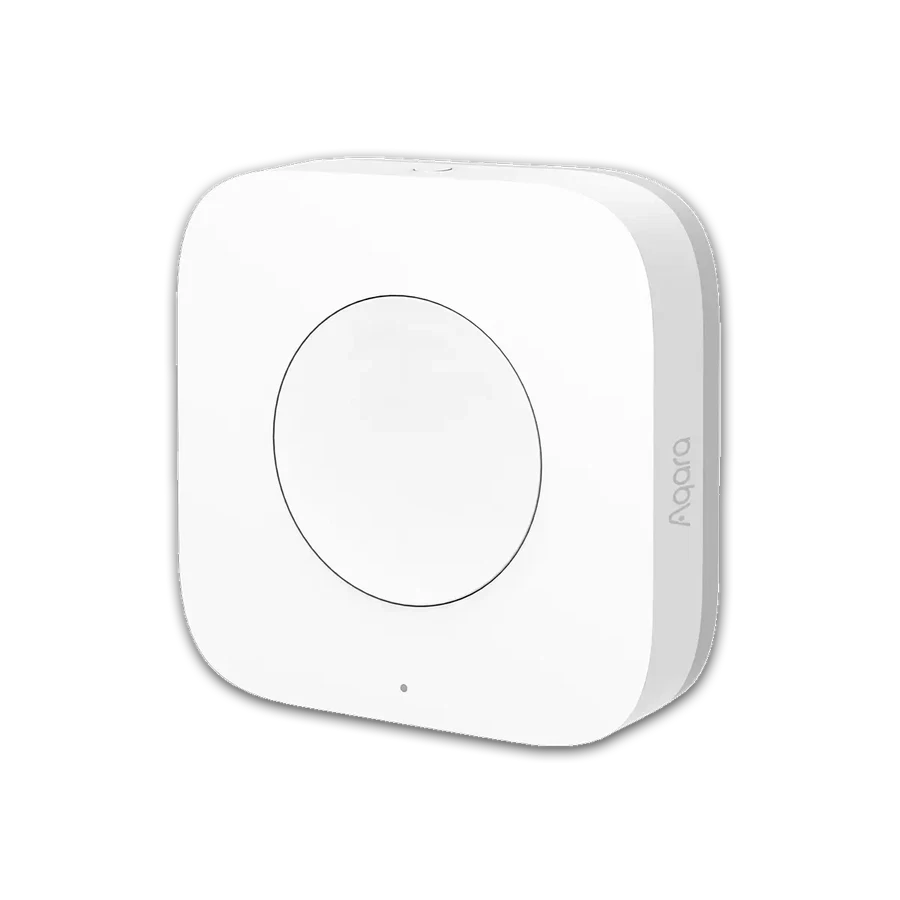
Give a useful scene a familiar physical button.
Before buying: Needs a compatible Aqara hub. Confirm supported features and account region.
Find model on Amazon CA ↗Two adjoining studies Aqara Hub M3 × 1 Aqara Presence Sensor FP2 × 2 Aqara LED Bulb T2 (E26 RGB CCT) × 4 Aqara Wireless Mini Switch × 2