 SmartAccess
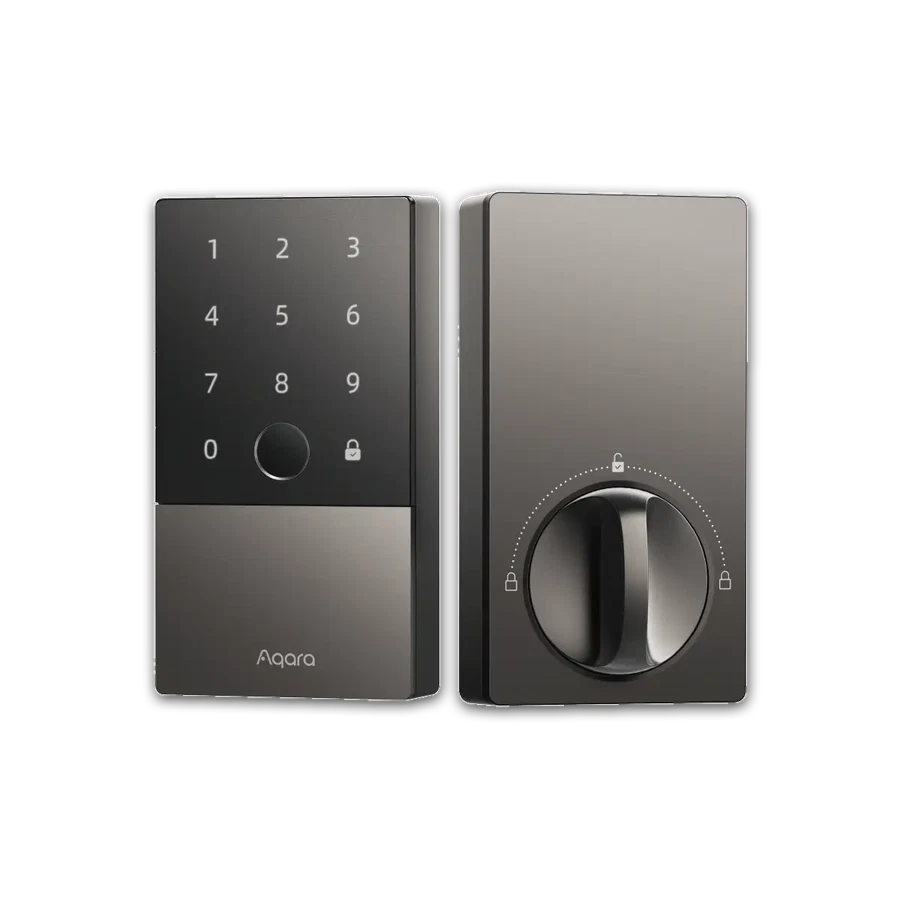
SA100-001 · Entry & access
Cleaner key handover
A cleaner needs scheduled access without sharing a permanent family key.
Explore setup & shopping list →An overlooked door, a hallway that wakes everyone, a leak hidden behind the washer. Choose a practical configuration, check what it needs, then find the models on Amazon.
Entry setup selection · selected devices shown; see the full list for quantities.
As an Amazon Associate I earn from qualifying purchases. Links open a model search: check the seller, regional version, pack size, shipping and returns. Items are purchased separately; these are not official Amazon kits.
Showing 200 setups
A cleaner needs scheduled access without sharing a permanent family key.
Explore setup & shopping list →School bags make the light switch awkward to reach.
Explore setup & shopping list →Family and garden access should be separate for front and rear doors.
Explore setup & shopping list →
Remove previous resident access before demonstrating a new handover.
Explore setup & shopping list →Basement tenants need their own entry and a usable nighttime route.
Explore setup & shopping list →Visitors should have an understandable alternative to installing an app.
Explore setup & shopping list →Carrying boxes from the garage makes it easy to overlook the interior and side doors.
Explore setup & shopping list →Sales staff and service workers need different showhome permissions.
Explore setup & shopping list →Two arrival routes need a repeatable door and lighting check.
Explore setup & shopping list →Simplify guest access and check room conditions without putting cameras in private indoor spaces.
Explore setup & shopping list →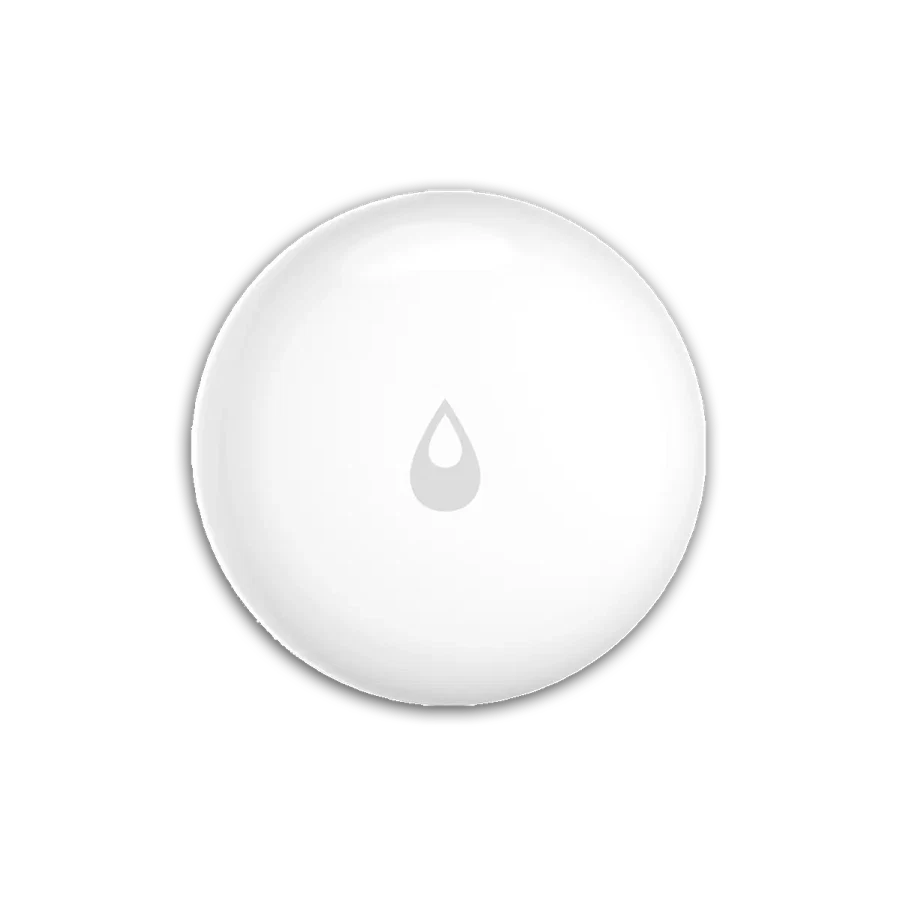
Washer hose connections can leak out of sight.
Explore setup & shopping list →A sink cabinet and dishwasher can leak in different places.
Explore setup & shopping list →Separate laundry and water-heater points need identifiable alerts.
Explore setup & shopping list →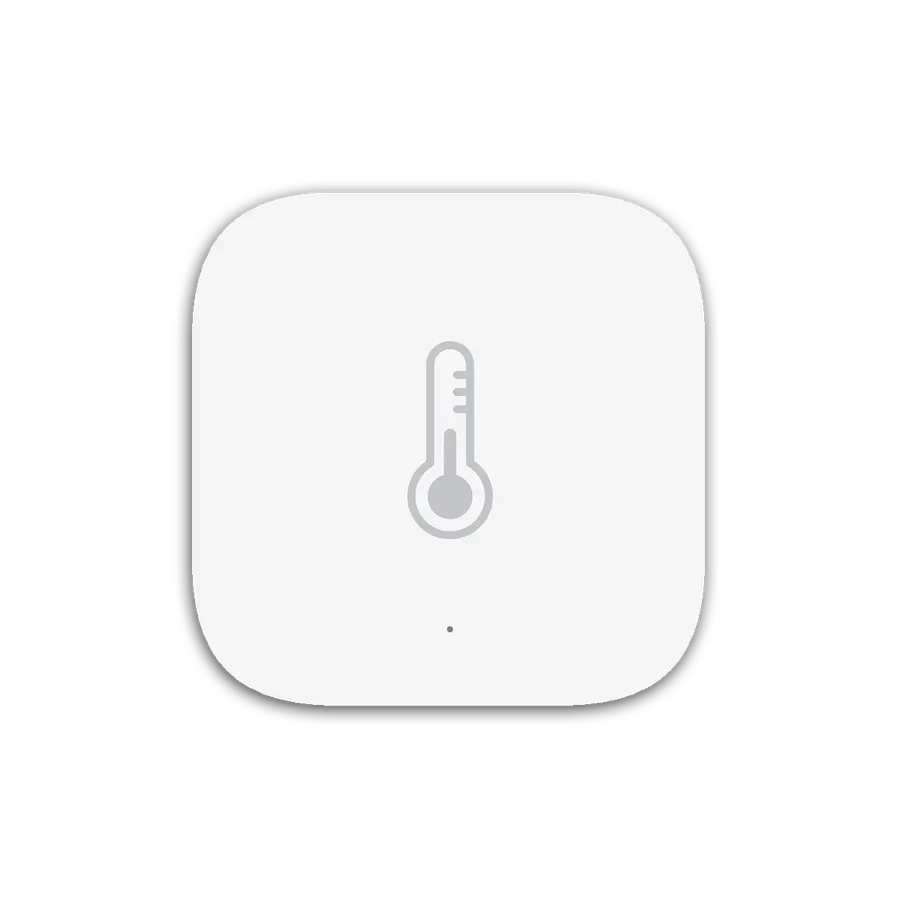
An empty basement needs water and temperature observations.
Explore setup & shopping list →Upstairs cabinet leaks can remain hidden until damage becomes visible downstairs.
Explore setup & shopping list →Test each location before leaving for several weeks.
Explore setup & shopping list →Number utility-room sensors so the responder knows where to go.
Explore setup & shopping list →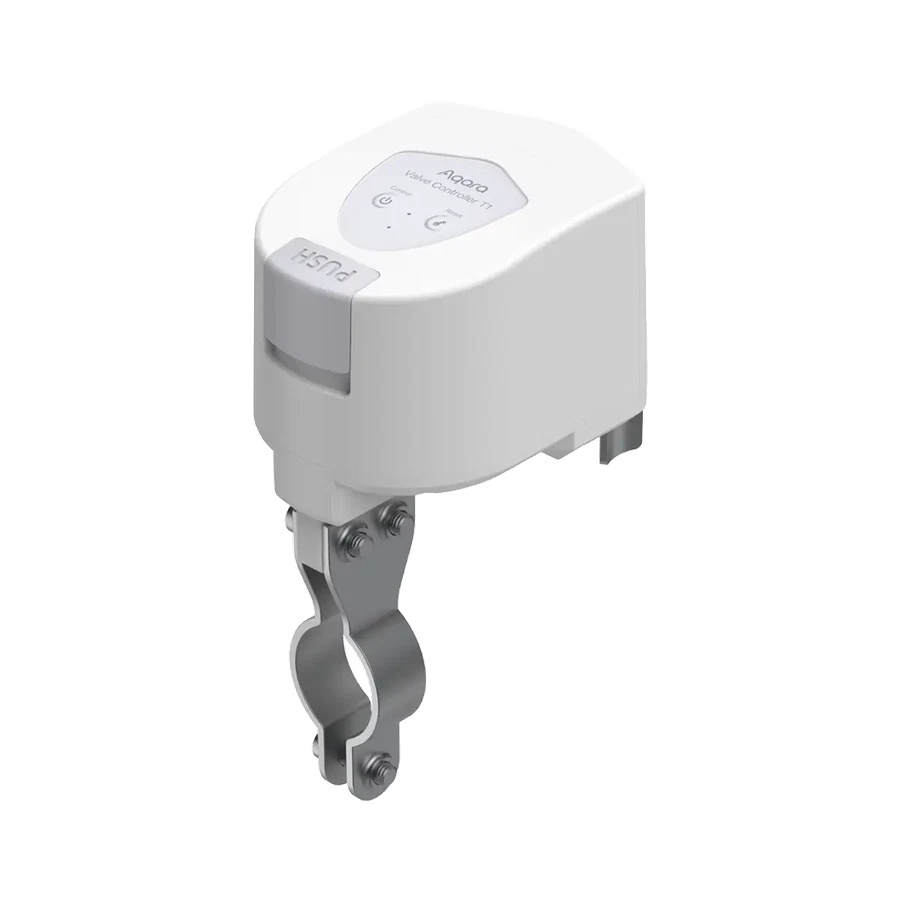
Evaluate a compatible valve actuator before considering a shutoff rule.
Explore setup & shopping list →Two water zones need separate valve-fit and response checks.
Explore setup & shopping list →Give the cleaning team a clear list of sensor locations to inspect.
Explore setup & shopping list →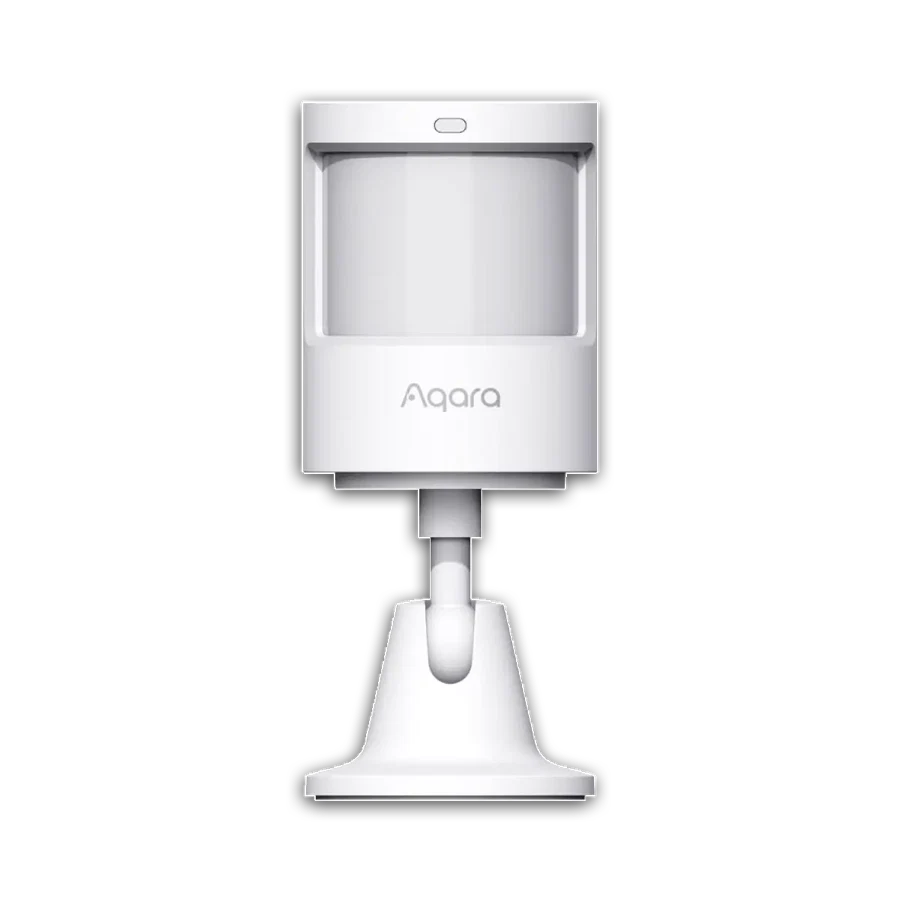
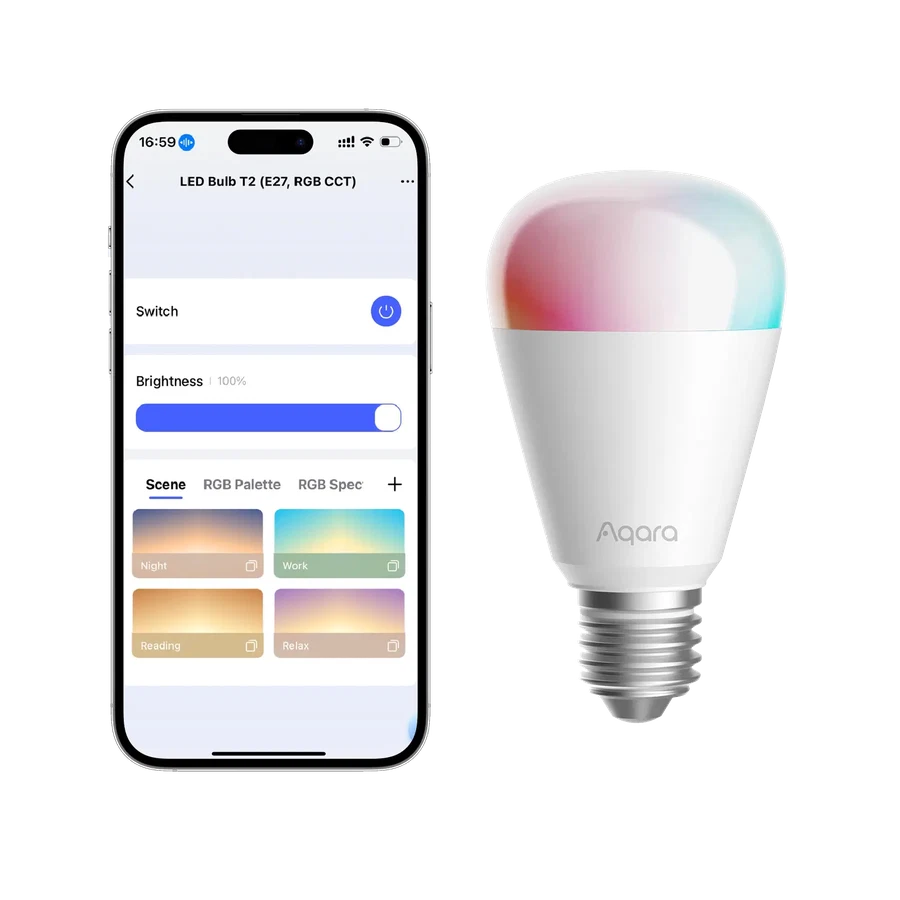
A bright ceiling light is uncomfortable during a nighttime bathroom trip.
Explore setup & shopping list →One hallway sensor may miss people entering at the opposite end.
Explore setup & shopping list →A stair landing should be tested before approaching the first step.
Explore setup & shopping list →Hands full of boxes make a storage-room switch difficult to reach.
Explore setup & shopping list →
Small movements while choosing clothes can defeat a short motion timeout.
Explore setup & shopping list →Two parking spaces create different arrival paths.
Explore setup & shopping list →
A child needs gentle path lighting without a claim of safety monitoring.
Explore setup & shopping list →Carrying laundry through several doorways requires continuous practical lighting.
Explore setup & shopping list →Do not illuminate the entire living room for a kitchen trip.
Explore setup & shopping list →Separate floor-level nighttime settings to avoid waking everyone.
Explore setup & shopping list →
Operate curtains and lighting from a practical bedside position.
Explore setup & shopping list →Check whether both curtain panels require their own motor.
Explore setup & shopping list →Separate desk and resting areas within a shared bedroom.
Explore setup & shopping list →Test a seated reader before enabling automatic shutoff.
Explore setup & shopping list →Use low-glare light and room readings without treating them as infant monitoring.
Explore setup & shopping list →
Give guests clear physical controls rather than a mandatory new app.
Explore setup & shopping list →Reduce window glare before buying more desk lighting.
Explore setup & shopping list →One person getting up should not activate the other side of the room.
Explore setup & shopping list →Watching, talking and cleaning require different usable light settings.
Explore setup & shopping list →Two adjacent studies should not trigger each other unnecessarily.
Explore setup & shopping list →
Save separate dining and cleanup scenes.
Explore setup & shopping list →Use physical controls at the door and sofa rather than voice alone.
Explore setup & shopping list →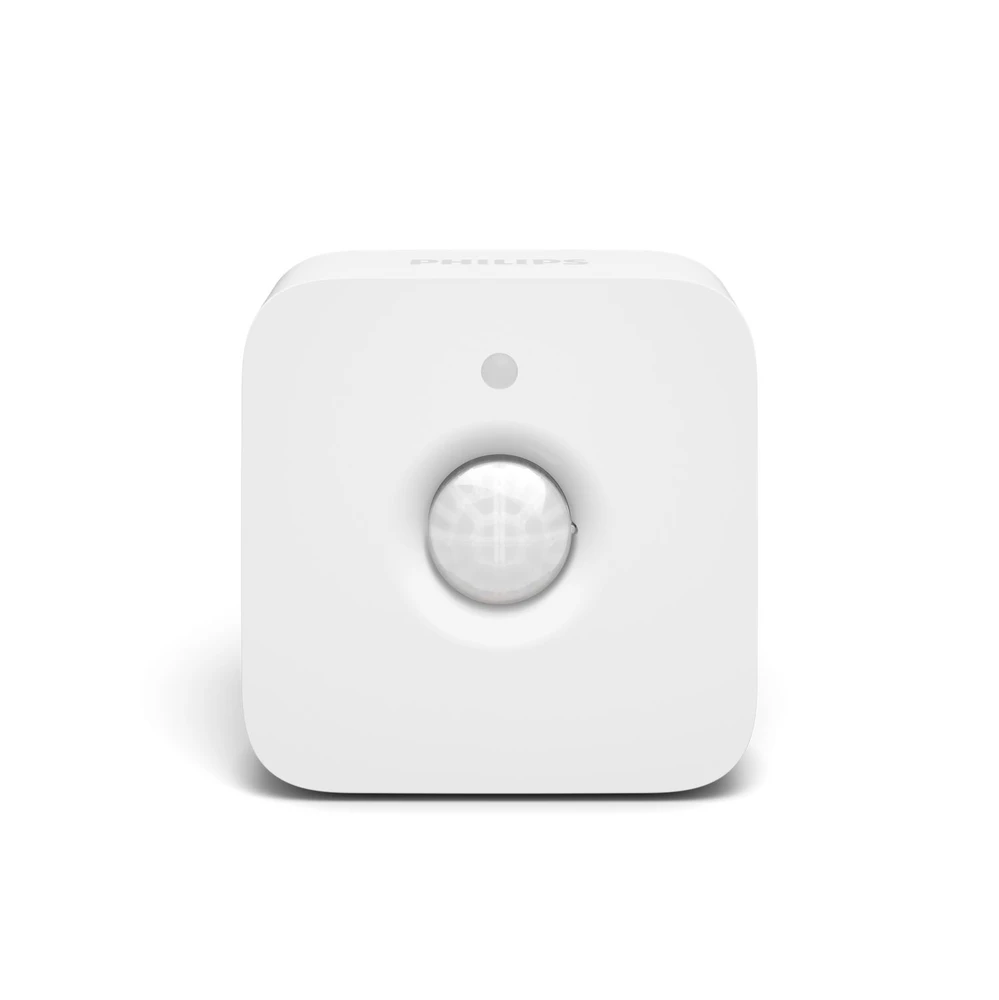
Test motion-triggered lighting in a small entrance.
Explore setup & shopping list →Check sensor coverage at both ends of a stairwell.
Explore setup & shopping list →Upgrade removable bulbs and controls without altering rental wiring.
Explore setup & shopping list →Keep guest-room and hallway groups separate from the main bedroom.
Explore setup & shopping list →Choose room ambience without buying unnecessary TV-sync hardware.
Explore setup & shopping list →Make four separate lamps convenient from one control.
Explore setup & shopping list →Test pet activity before accepting a sensor placement.
Explore setup & shopping list →Pilot one floor before changing every light in the house.
Explore setup & shopping list →
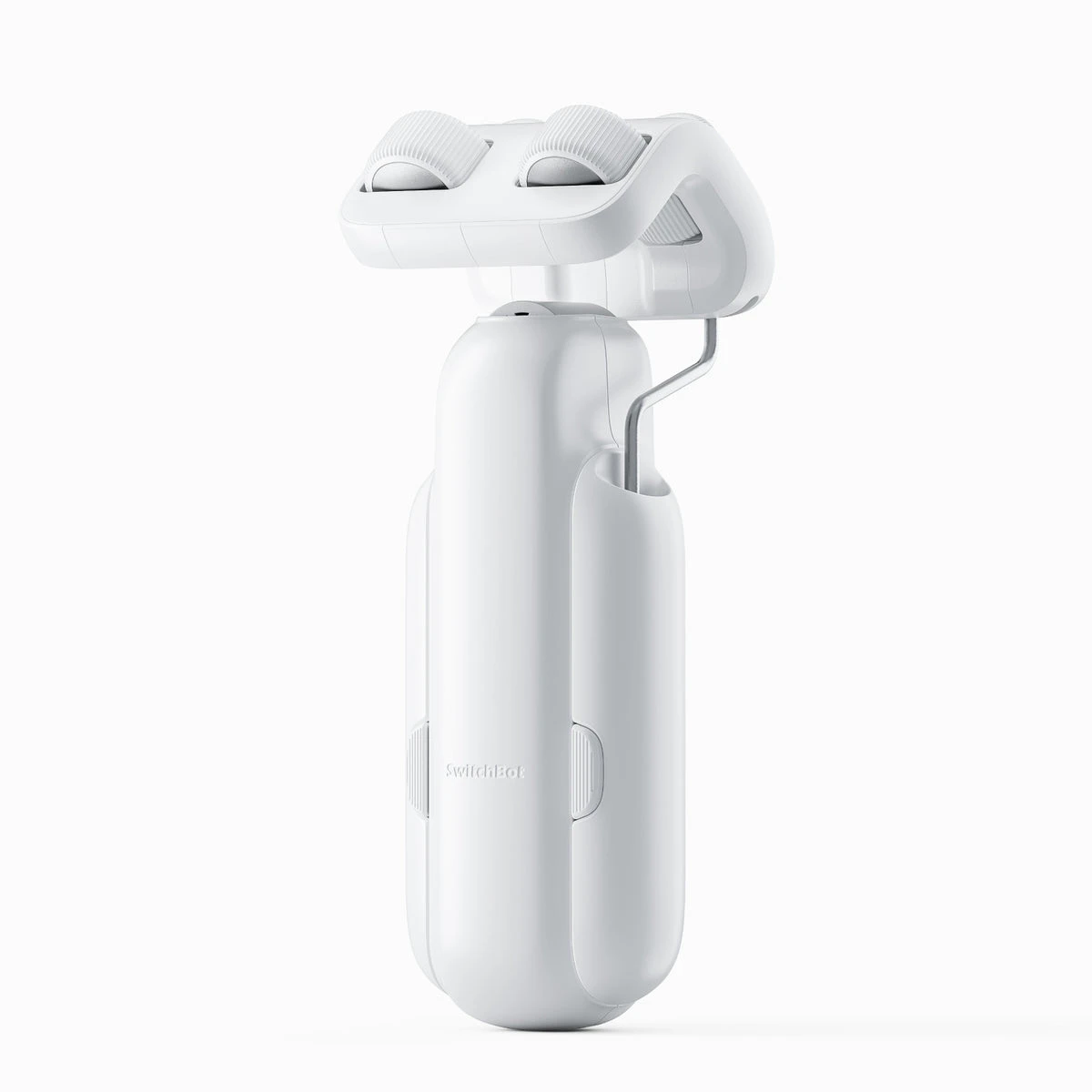
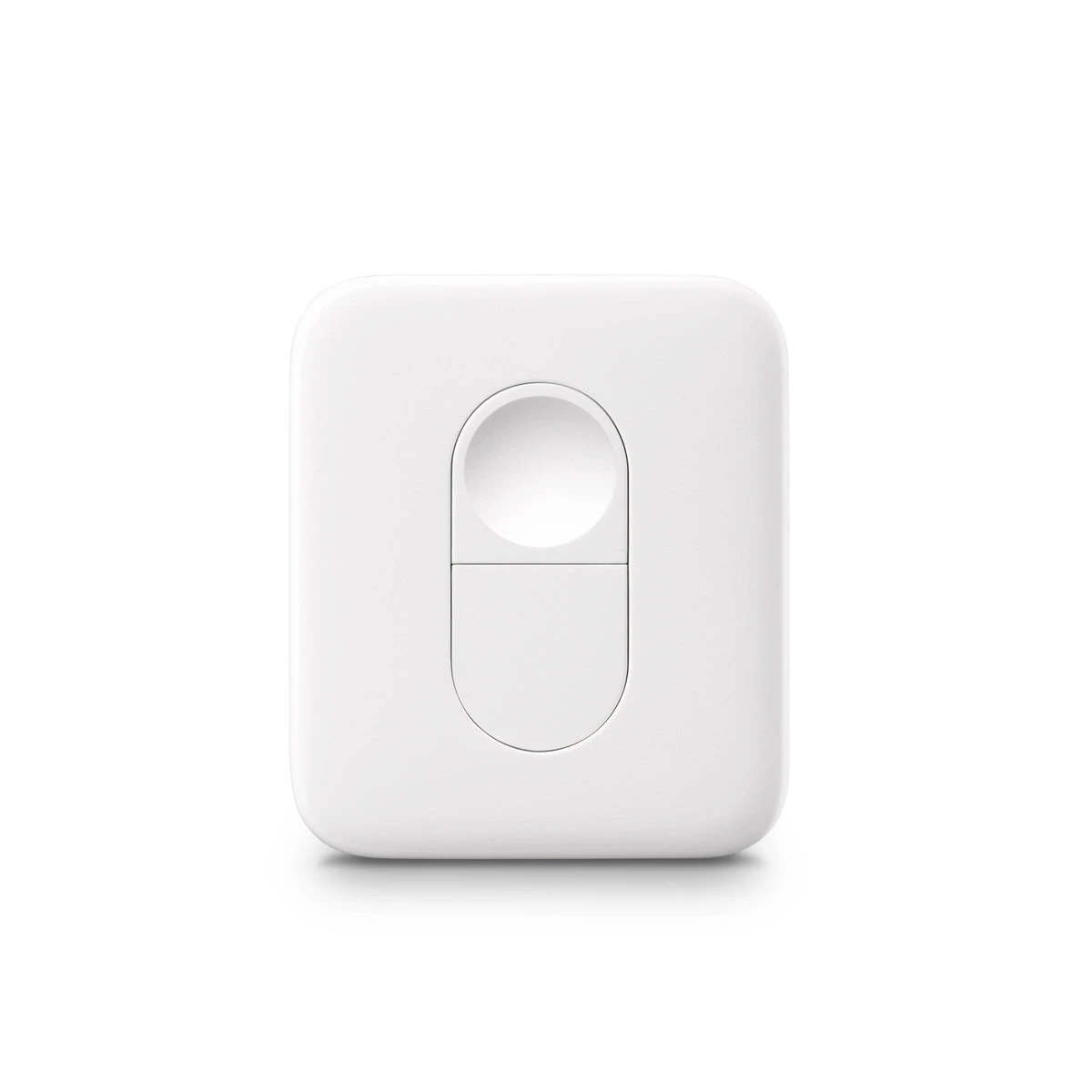
A high curtain needs an accessible physical control.
Explore setup & shopping list →Two curtain panels need separate fit and travel calibration.
Explore setup & shopping list →Different rooms should not share one indiscriminate schedule.
Explore setup & shopping list →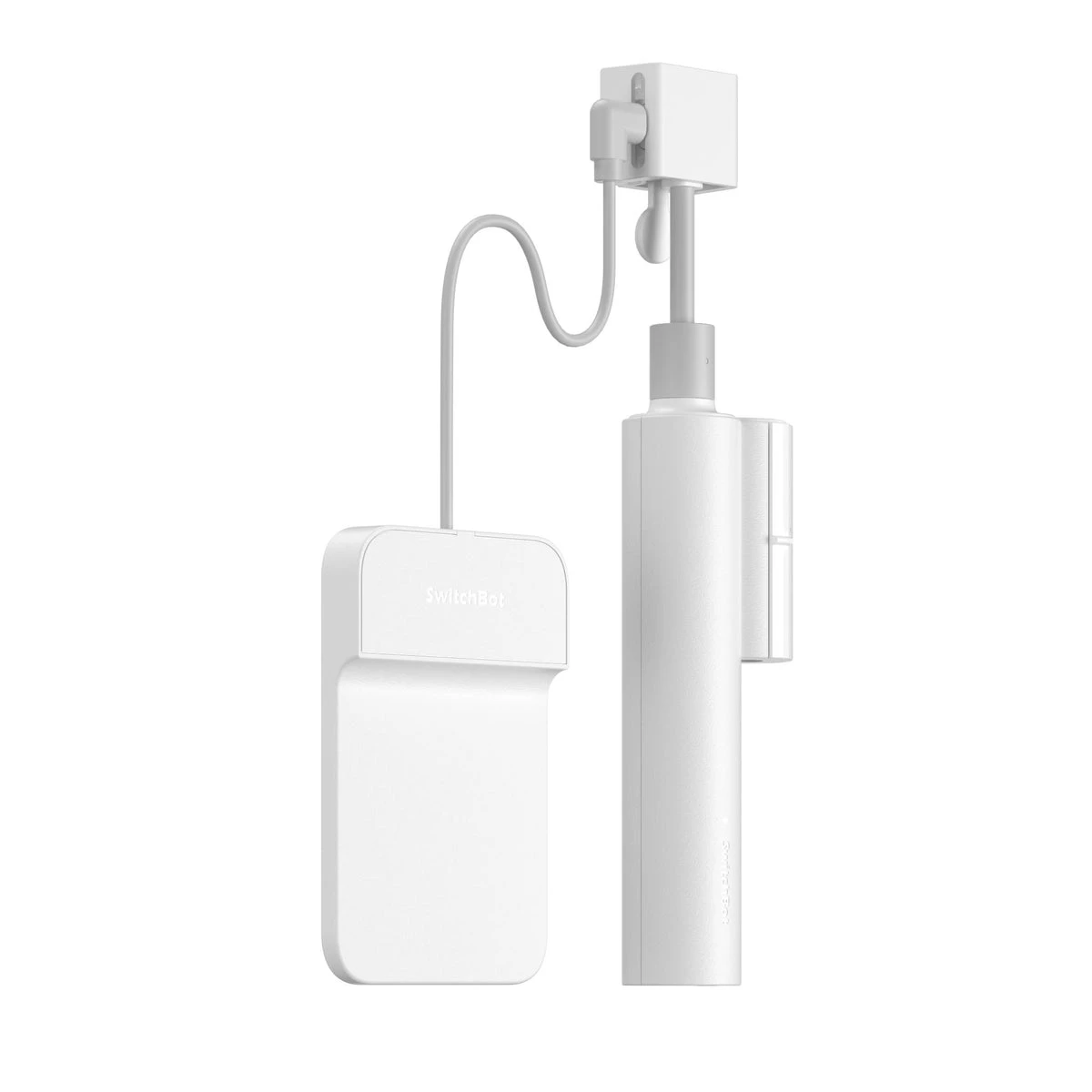
Check the tilt mechanism before adding a blind motor.
Explore setup & shopping list →Calibrate adjacent blinds individually.
Explore setup & shopping list →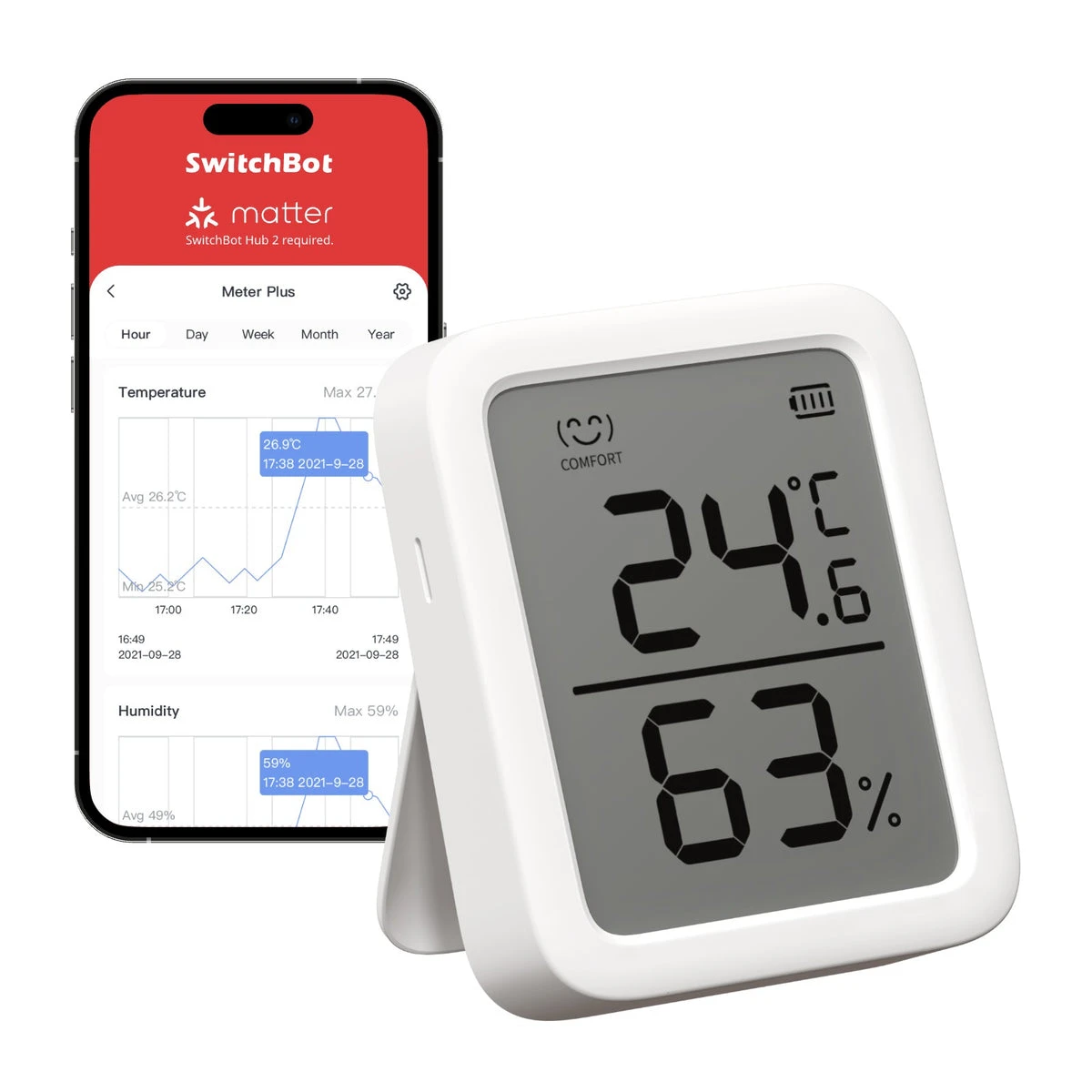
Compare room readings before deciding how to manage sunlight.
Explore setup & shopping list →A temporary nap should not require deleting the everyday schedule.
Explore setup & shopping list →Different window orientations need separate daylight settings.
Explore setup & shopping list →Match the motor type to curtains versus tilting blinds.
Explore setup & shopping list →Label four curtain panels and demonstrate manual override by group.
Explore setup & shopping list →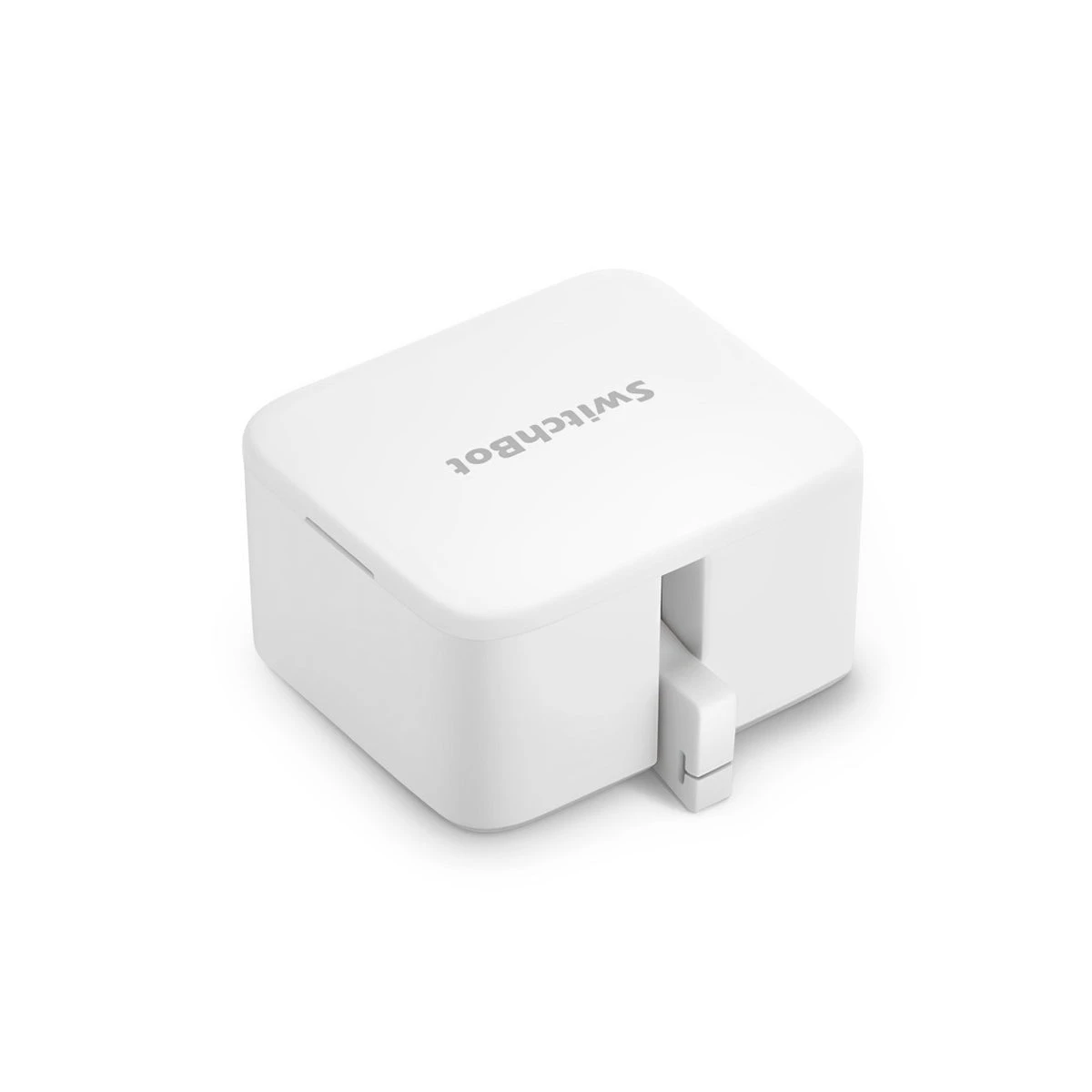
Pilot one low-risk physical button before expanding.
Explore setup & shopping list →Different device buttons need individual fit checks.
Explore setup & shopping list →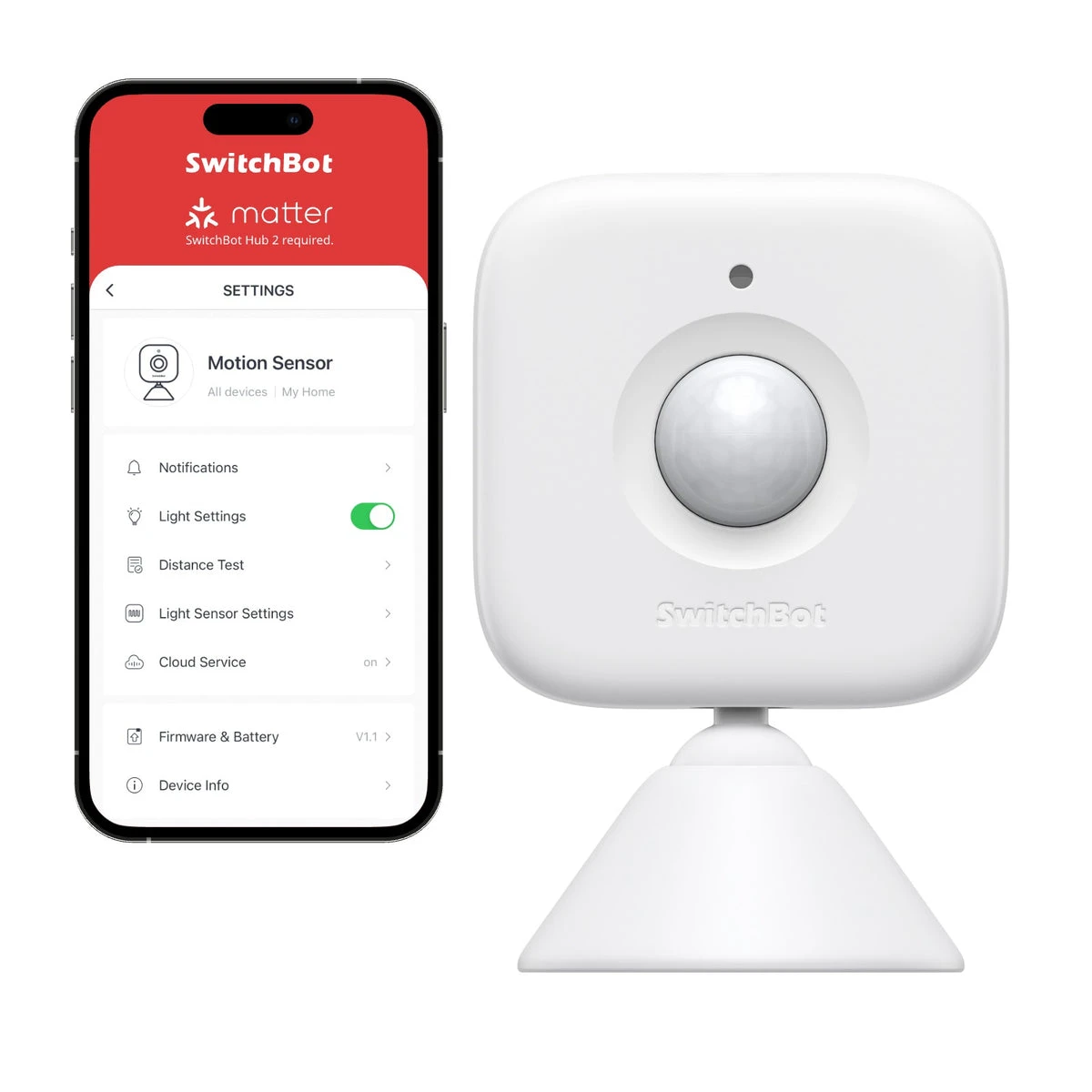
Define who receives a movement cue without promising a security service.
Explore setup & shopping list →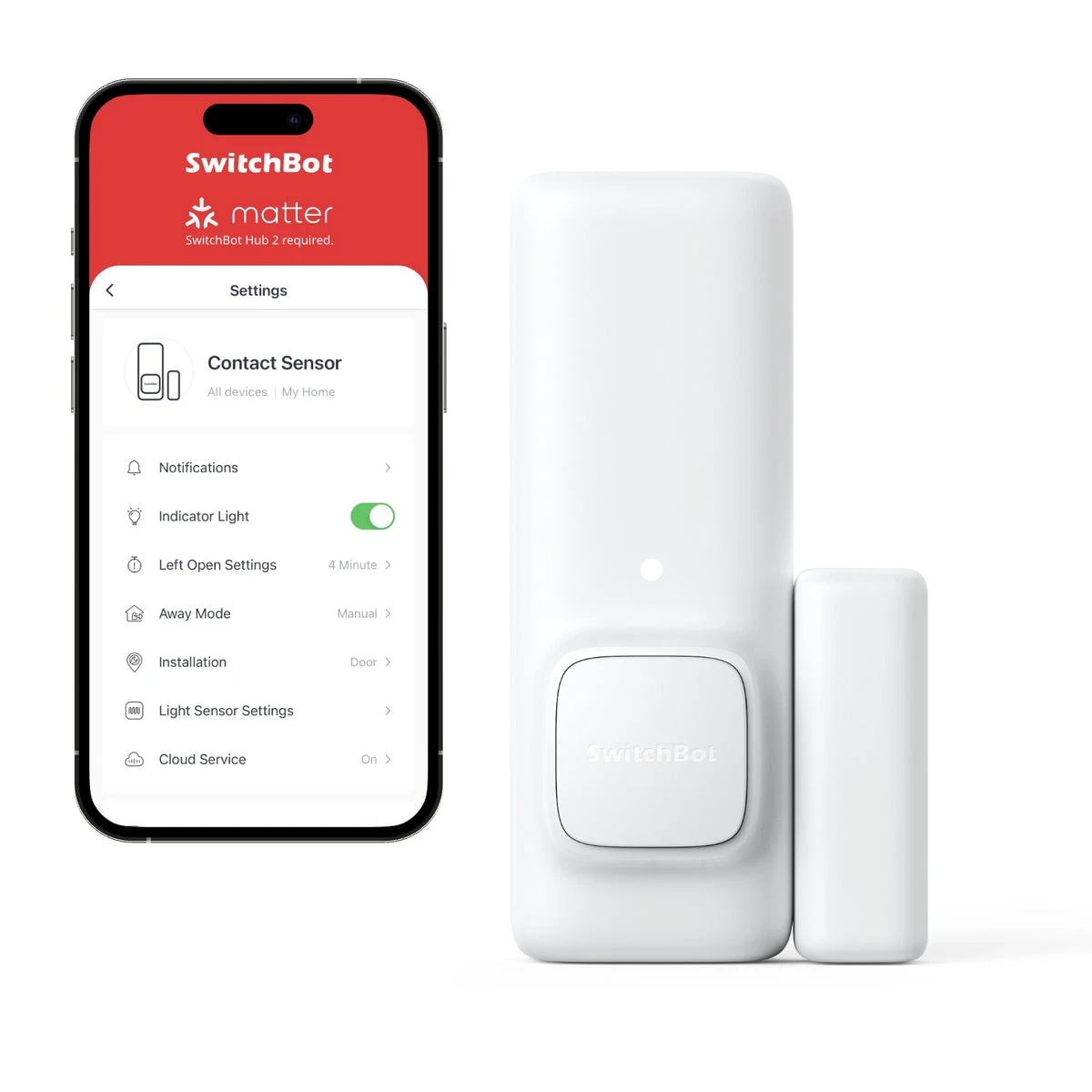
A cupboard-opening reminder is not a theft-prevention system.
Explore setup & shopping list →Compare open-window status and room readings before buying heating controls.
Explore setup & shopping list →Collect separate readings from a stuffy room and a dry room.
Explore setup & shopping list →Make common guest-room controls understandable without extensive app training.
Explore setup & shopping list →Compare upstairs and downstairs before replacing HVAC equipment.
Explore setup & shopping list →Separate storage and study notifications by location.
Explore setup & shopping list →Label each remote and button so family members know what it controls.
Explore setup & shopping list →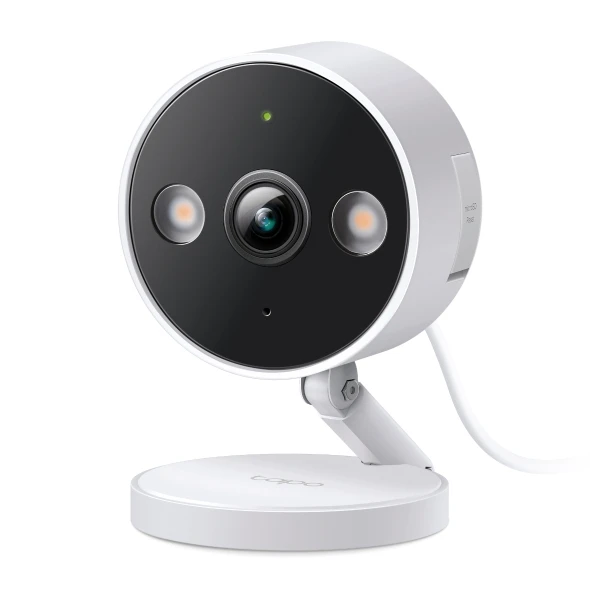

Place a camera only in an appropriate pet area.
Explore setup & shopping list →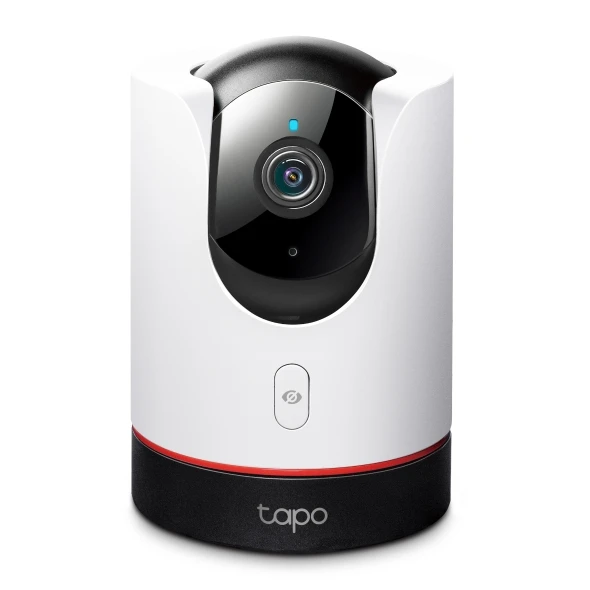
Try a fixed entrance view and a pan-capable living-room view, checking each location’s network and nighttime light.
Explore setup & shopping list →
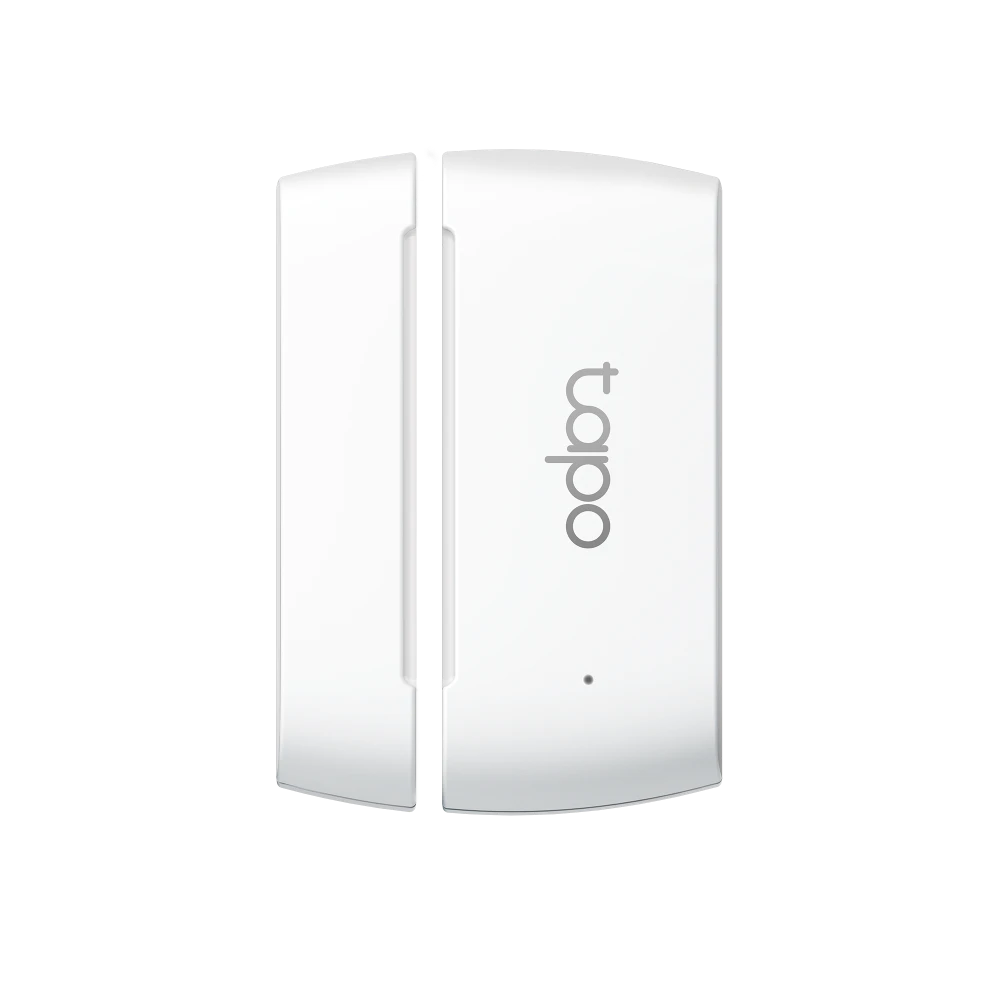
Verify the actual door-to-light automation supported by the app.
Explore setup & shopping list →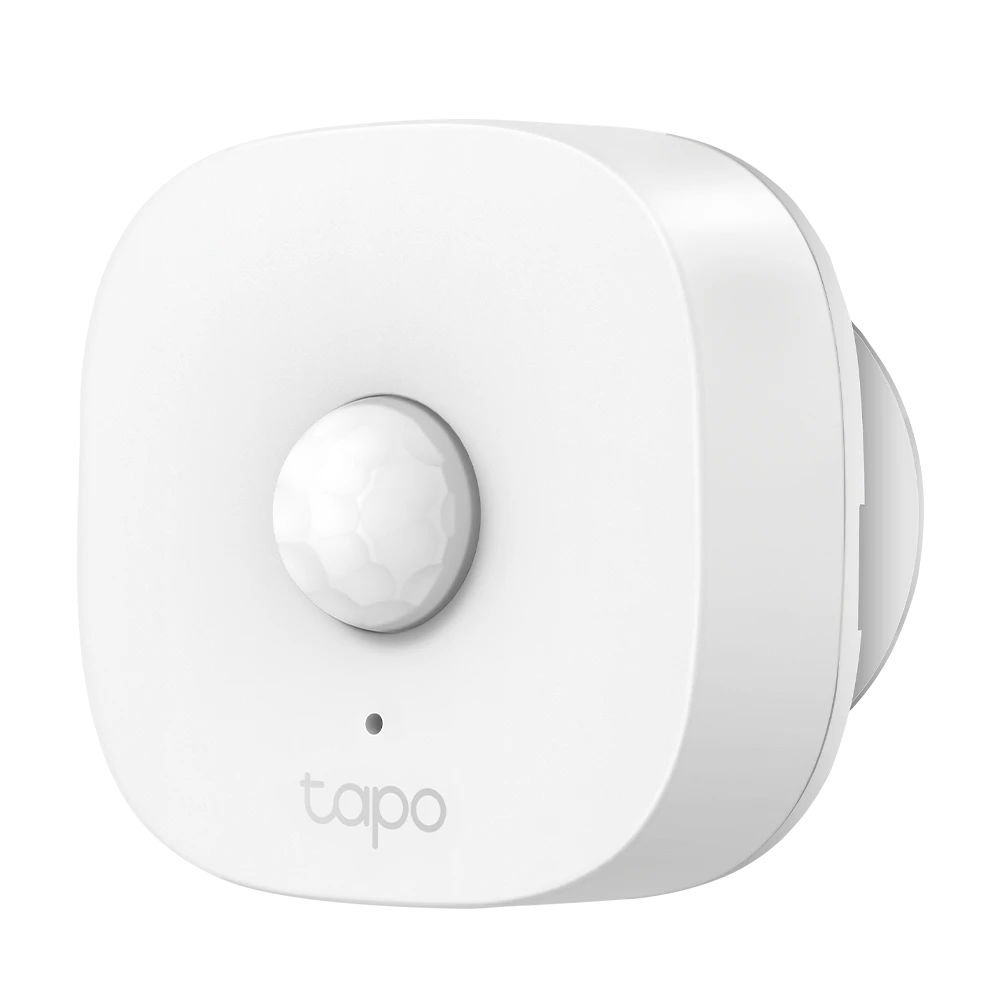
Avoid short delays that repeatedly cycle a busy hallway light.
Explore setup & shopping list →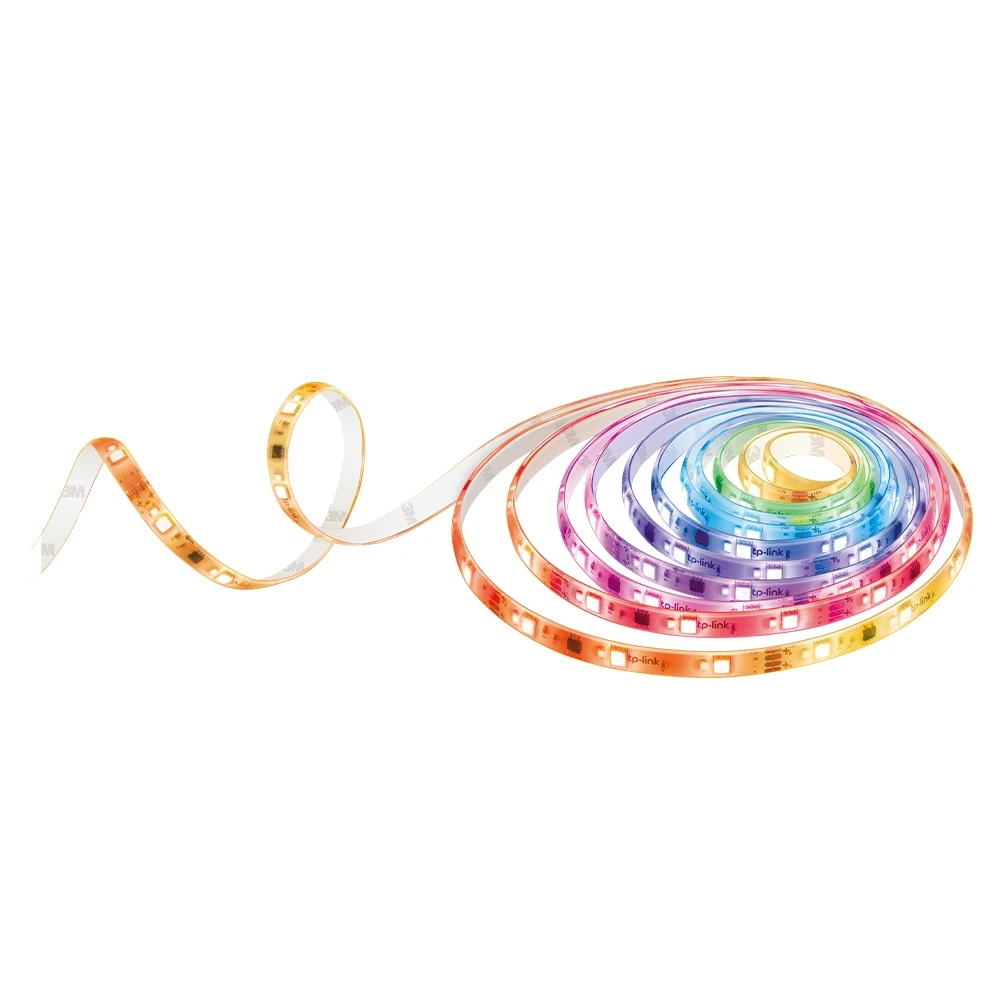
Dim a cabinet light strip and a separate room lamp, checking length and power without claiming screen synchronization.
Explore setup & shopping list →One cupboard closing does not prove that a room is empty.
Explore setup & shopping list →Keep workbench and entrance views separate with clear privacy choices.
Explore setup & shopping list →Lighting and room viewing do not replace medical or infant monitoring.
Explore setup & shopping list →
Demonstrate a small corner before trying a whole-home installation.
Explore setup & shopping list →Walls can split a passage into separate sensor coverage areas.
Explore setup & shopping list →
Keep a familiar lamp while adding a practical control.
Explore setup & shopping list →Give two scattered accent lamps a common action.
Explore setup & shopping list →Name three outlets so the wrong lamp is not switched.
Explore setup & shopping list →Exclude recording, network and other critical devices from standby groups.
Explore setup & shopping list →Test presence timing before controlling a desk lamp.
Explore setup & shopping list →Check whether a cabinet light adapter tolerates outlet switching.
Explore setup & shopping list →Divide living-room corners into useful manual groups.
Explore setup & shopping list →Check adapter and power-strip ratings for indoor seasonal decorations.
Explore setup & shopping list →A still reader needs a tested timeout rather than a sudden blackout.
Explore setup & shopping list →Label six low-risk devices before creating group controls.
Explore setup & shopping list →Validate one entrance before a builder purchases multiple units.
Explore setup & shopping list →Let the owner try three room settings before approving a full renovation order.
Explore setup & shopping list →Different window mechanisms require physical installer samples.
Explore setup & shopping list →A property leak project needs point IDs and a response owner.
Explore setup & shopping list →Demonstrate usable buttons and sensors rather than only packaging.
Explore setup & shopping list →Residents need manual use, battery and permission-handover instructions.
Explore setup & shopping list →Check three entrances and light groups, test movement and physical lighting controls, and retain compliant access and fire systems.
Explore setup & shopping list →Commission two guest rooms separately before repeating the configuration.
Explore setup & shopping list →Record device names, account ownership and repeatable checks for maintenance.
Explore setup & shopping list →Divide a small showroom into practical entry, sensing and lighting demonstrations.
Explore setup & shopping list →Two regular entrances need separate access and a mechanical fallback.
Explore setup & shopping list →Give visiting relatives individual access and a manually controlled guest-room light.
Explore setup & shopping list →Check two frequently opened windows separately from the entry lock.
Explore setup & shopping list →Wet coats occupy both hands at the side entrance; light the shoe-changing area.
Explore setup & shopping list →Separate access and lighting groups at two entrances instead of lighting both together.
Explore setup & shopping list →A leash makes keys awkward; test the indoor path before enabling dim arrival lighting.
Explore setup & shopping list →Review individual permissions and the front and balcony door positions when a roommate changes.
Explore setup & shopping list →Visitors use the workshop side door; check its lighting and room readings separately.
Explore setup & shopping list →Housekeeping and garden workers use different doors with separately recorded access.
Explore setup & shopping list →Light two entrance sections for luggage without treating an opened door as whole-home occupancy.
Explore setup & shopping list →Monitor an accessible pooling point near the ice-maker supply while leaving the fridge powered.
Explore setup & shopping list →Label one sensing point in each of three bathroom cabinets.
Explore setup & shopping list →Number four softener and filter connection points rather than assuming room-wide coverage.
Explore setup & shopping list →Check the washer, laundry sink and nearby cabinet, with readings in two rooms.
Explore setup & shopping list →Observe temperature and leaks near a garage water point without promising freeze prevention.
Explore setup & shopping list →Choose two priority water points per floor and record their room locations.
Explore setup & shopping list →Check two water points after utility-cabinet access; a contact does not prove service completion.
Explore setup & shopping list →Rehearse closure and manual reopening of a compatible valve with one sensing point first.
Explore setup & shopping list →Test sink, dishwasher and filter alerts separately before evaluating a shared valve response.
Explore setup & shopping list →Test and hand over seven water points and readings from two rooms before travelling.
Explore setup & shopping list →Test separate entrance and far-end detection with three lamps in two groups.
Explore setup & shopping list →Separate tool-shelf and entrance lighting, with a button for still working periods.
Explore setup & shopping list →Use two door contacts as lighting cues while keeping a guest-operated light control.
Explore setup & shopping list →Test coverage around walls and group four lights along the route.
Explore setup & shopping list →Sense both wardrobe sides and mount light strips clear of clothing and heat buildup.
Explore setup & shopping list →Configure four basement light sections and keep two physical guest controls.
Explore setup & shopping list →Light the glass cupboard locally and verify contact mounting distance.
Explore setup & shopping list →Dim entry lamps and a low-level strip separately for late arrivals.
Explore setup & shopping list →Test separate presence zones and two strips for different nighttime routes.
Explore setup & shopping list →Keep four practical manual controls along a sensor-lit passage.
Explore setup & shopping list →Start with two replaceable bulbs and a bedside button without altering rental wiring.
Explore setup & shopping list →Assign one bedside button and lamp to each reader.
Explore setup & shopping list →Use different work and rest brightness settings from a desk-side control.
Explore setup & shopping list →Label three curtain panels and count motors by panel rather than room.
Explore setup & shopping list →Check the curtain track and provide a separate manual desk-light scene.
Explore setup & shopping list →Calibrate two tracks separately and offer buttons instead of sharing the owner's account.
Explore setup & shopping list →Calibrate two zones so an empty area does not turn off a reader's light.
Explore setup & shopping list →Combine two room readings with manually controlled gentle light, without health alerts.
Explore setup & shopping list →Separate screen-back, desk and passage light without implying screen synchronization.
Explore setup & shopping list →Provide independent curtain and low-level light controls for changing shift schedules.
Explore setup & shopping list →Give two entry lights both motion and manual control after checking sockets.
Explore setup & shopping list →Control two regular lamps from the door, bedside and desk.
Explore setup & shopping list →Group four lamps for preparation and dining instead of changing each separately.
Explore setup & shopping list →Give three rooms independent light groups and physical controls.
Explore setup & shopping list →Plan indoor positions only and test two detection areas across five lamps.
Explore setup & shopping list →Split six lamps into social and reading groups with controls at the seats.
Explore setup & shopping list →Pilot four lamps and a sensor in each of two separate basement zones.
Explore setup & shopping list →Use two adjustable display lamps and a dimmer without buying a sync box.
Explore setup & shopping list →Try dimming and scenes in one room before expanding the home lighting groups.
Explore setup & shopping list →Group eight lamps by floor and demonstrate four regular control positions.
Explore setup & shopping list →Calibrate two curtain panels and observe room temperature without promising savings.
Explore setup & shopping list →Pair three panels individually and verify supported single-device or group remote actions.
Explore setup & shopping list →Test angles and manual recovery on one compatible study blind.
Explore setup & shopping list →Calibrate four windows individually instead of sharing one daylight schedule.
Explore setup & shopping list →Label three room controls for different wake-up schedules.
Explore setup & shopping list →Choose motors for two curtains and one blind by mechanism, not just window count.
Explore setup & shopping list →Observe shading and readings in two rooms instead of using one point for the whole home.
Explore setup & shopping list →Label six panels by room and side, commissioning one pair before the rest.
Explore setup & shopping list →Verify mounting and controls separately for a curtain and a blind in one room.
Explore setup & shopping list →Test local remote positions for three blinds without assuming through-wall response.
Explore setup & shopping list →Test two low-risk buttons individually and provide separate user controls.
Explore setup & shopping list →Observe four window positions without claiming glass-break detection.
Explore setup & shopping list →Compare readings in three rooms before buying ventilation equipment.
Explore setup & shopping list →Record two window states and two room readings separately.
Explore setup & shopping list →Name both cabinet contacts and inspect belongings manually after a notice.
Explore setup & shopping list →Test two passage sections independently without promising intrusion protection.
Explore setup & shopping list →Configure environment readings and movement notices separately in a workshop.
Explore setup & shopping list →Label two windows and one door, using temperature as context only.
Explore setup & shopping list →Test two ordinary buttons and two curtain panels, then demonstrate remote assignments.
Explore setup & shopping list →Record readings by room and identify battery locations for later maintenance.
Explore setup & shopping list →With two door cues and one lamp, one closed door does not establish vacancy.
Explore setup & shopping list →Pilot one small passage with a tested trigger and delay.
Explore setup & shopping list →Give two rooms separate motion rules instead of lighting both together.
Explore setup & shopping list →Add cupboard lighting after checking strip power and supported contact rules.
Explore setup & shopping list →Set up two appropriate shared-area views and disable unwanted recording.
Explore setup & shopping list →Verify a fixed workbench view and light separately without promising camera-driven automation.
Explore setup & shopping list →Measure two strips and their power positions before mounting on a display wall.
Explore setup & shopping list →Check four plug-in lamp loads and exclude routers or critical devices from switching groups.
Explore setup & shopping list →Name two door and movement areas and group three lamps by route.
Explore setup & shopping list →Test one suitable room view and two light sources independently.
Explore setup & shopping list →Keep two reading lamps independently controlled with physical buttons.
Explore setup & shopping list →Group only devices that tolerate power interruption and verify restart behaviour.
Explore setup & shopping list →Test presence zones and delays so still occupants keep useful lighting.
Explore setup & shopping list →Map each cabinet contact to its compatible light rather than the other cabinet.
Explore setup & shopping list →Check coverage by floor and label three physical group controls.
Explore setup & shopping list →Keep two desk presence areas and lamps independent when one user leaves.
Explore setup & shopping list →Label five low-risk indoor decorative loads and exclude outdoor or high-heat devices.
Explore setup & shopping list →Pair and name each cupboard separately and test its light-adapter restart behaviour.
Explore setup & shopping list →Label eight interruption-tolerant display loads and pilot one group before repeating.
Explore setup & shopping list →Use independent buttons for two light zones and observe readings without controlling heating.
Explore setup & shopping list →Commission one two-door model unit before bulk procurement.
Explore setup & shopping list →Validate two door and layout types independently instead of copying the first result.
Explore setup & shopping list →Number four rooms and check eight lamps and four control positions individually.
Explore setup & shopping list →Map ten water points and assign responders; installation alone is not incident response.
Explore setup & shopping list →Calibrate two compatible blind samples and let customers try the controls.
Explore setup & shopping list →Demonstrate curtain use and battery care room by room without sharing one owner account.
Explore setup & shopping list →Check bore and thickness at four door positions before treating the list as a bulk order.
Explore setup & shopping list →Name light groups and controls for six rooms, then document power, network and user steps.
Explore setup & shopping list →Label twelve door, leak and room-reading points and confirm service records manually.
Explore setup & shopping list →Prepare two independent hub, light and button benches and check account ownership before customer trials.
Explore setup & shopping list →No matches. Try another term or choose all categories.