SMARTACCESS / 10 YEARS
Full HD home inspiration ↗10th Anniversary Home Celebration
Visit our Vancouver or Los Angeles store for a mystery gift package.
SMARTACCESS / CANADA & UNITED STATESFrom one home
From one home
to an entire development.
Choose products, explore project experience and define your next installation with a practical equipment and handover plan.
1,000+ successful projects · Projects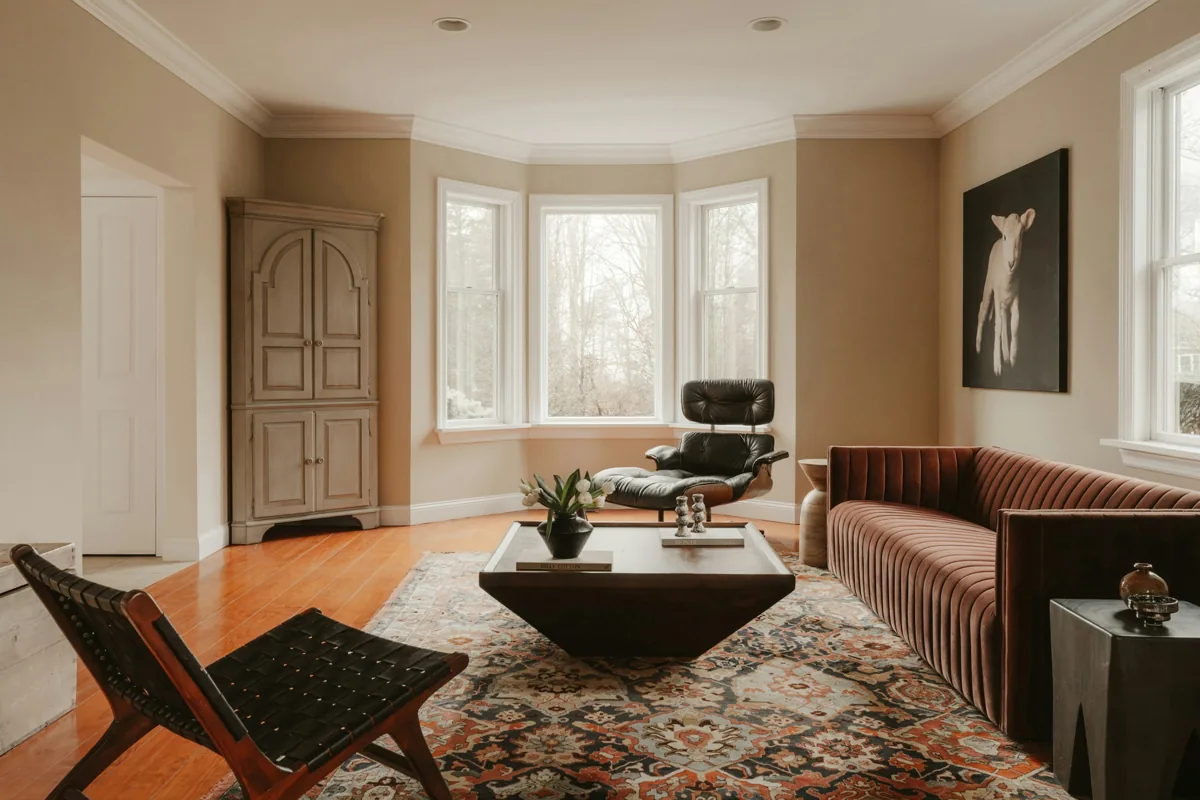
Entry, light and comfort — with manual control and a clear recovery path.
SMARTACCESS / 300 BUYING GUIDES / COLLECTION 03
A practical answer before your next purchase.
Choose a product, compare a setup or explore selling and store cooperation. New buying guides are available in English and Chinese.
1,000+1,000+ successful projects
30Published summaries
CA / USTwo markets
7Languages
Cumulative project figure supplied by SmartAccess. Client names and exact addresses are withheld.
SMARTACCESS / PROJECT PATHS
Start with the project. See what it needs.
Choose your role to explore the planning work, handover documents and equipment worth discussing.
Developers
Set a common standard, validate a pilot, then plan each home.
Planning outputs- Per-home equipment lists
- Pilot validation records
- Resident handover checklists
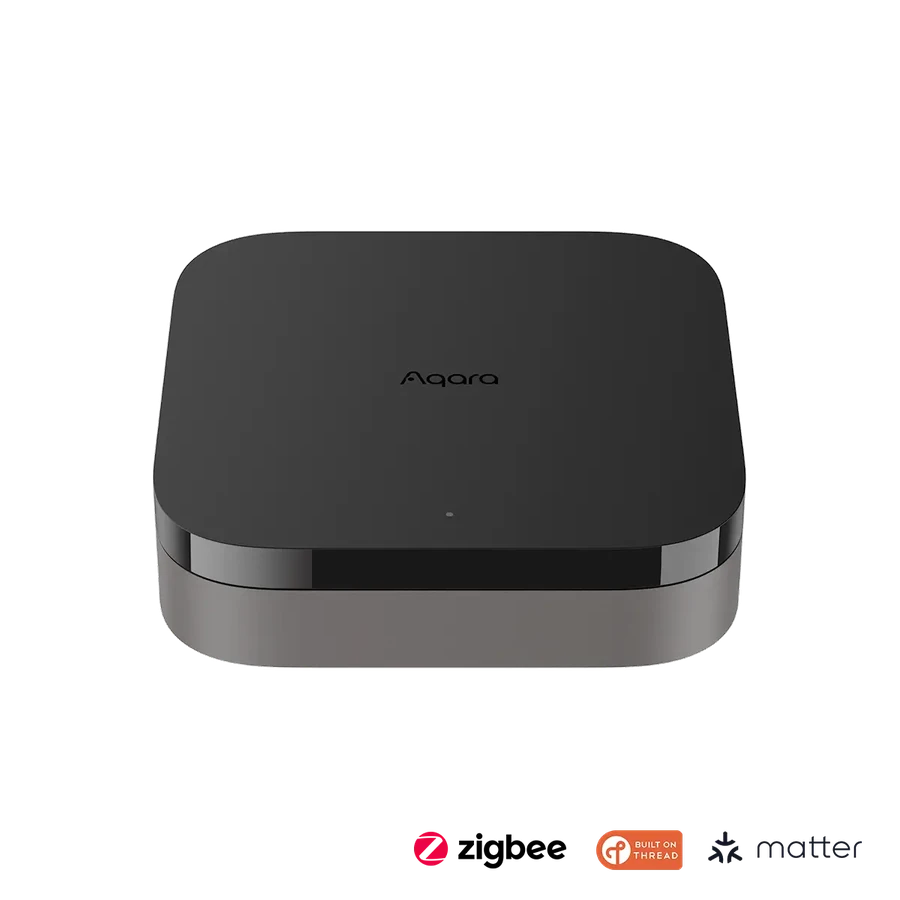
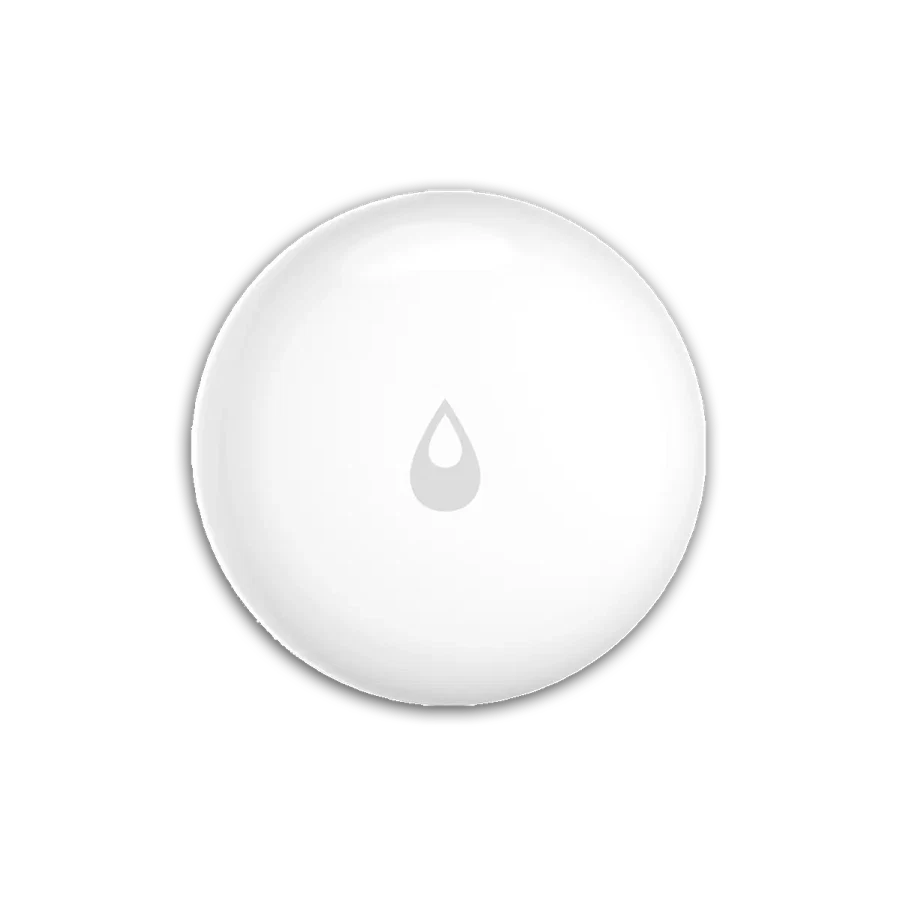
Renovation companies
Match the upgrade to the wiring, installation conditions and work schedule.
Planning outputs- Wiring and installation-condition surveys
- Phased equipment lists
- Manual-operation and acceptance checklists
Installers & security professionals
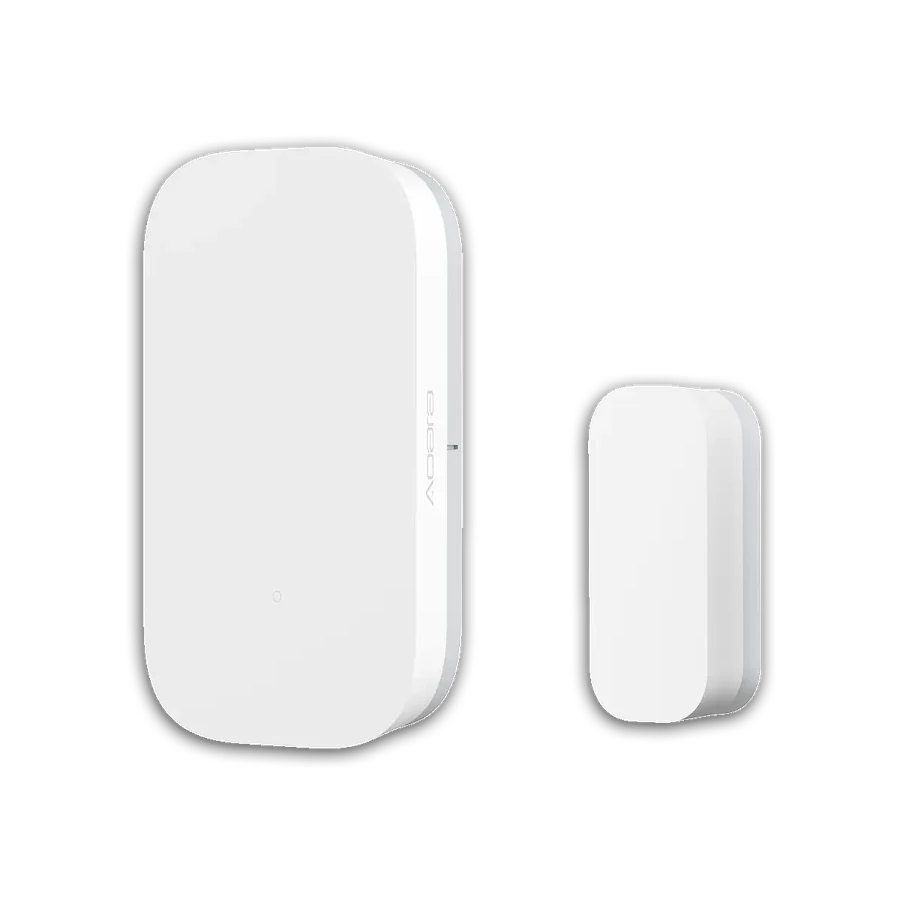
Check the door fit and define installation, commissioning and after-sales responsibilities.
Planning outputs- Door compatibility checks
- Installation and commissioning checklists
- After-sales responsibility outlines
System integrators
Clarify controllers and protocols before coordinating automations and handover.
Planning outputs- Controller and protocol maps
- Automation integration and acceptance tests
- Account and device handover records
Property teams
Plan day-to-day operation around permissions, alarm response and maintenance.
Planning outputs- Permission-role matrices
- Alarm-response workflows
- Maintenance-interval records
Dealers & purchasing teams
Keep regional models, procurement stages and support responsibilities clear.
Planning outputs- Regional model lists
- Phased procurement plans
- Training and after-sales scope
Candidate configurations. Models, installation conditions and service scope must be confirmed for each project.
SMARTACCESS / 1080P FILM COLLECTION
Explore all 12 films ↗Twelve spaces. Different ways to feel at home.
Licensed interior photography edited into short motion films.
SMARTACCESS / Interactive preview
A home, in motion.
Choose a function to see how a requirement becomes a device specification.
Interactive preview01 / 03
Explore the experience, then choose the equipment.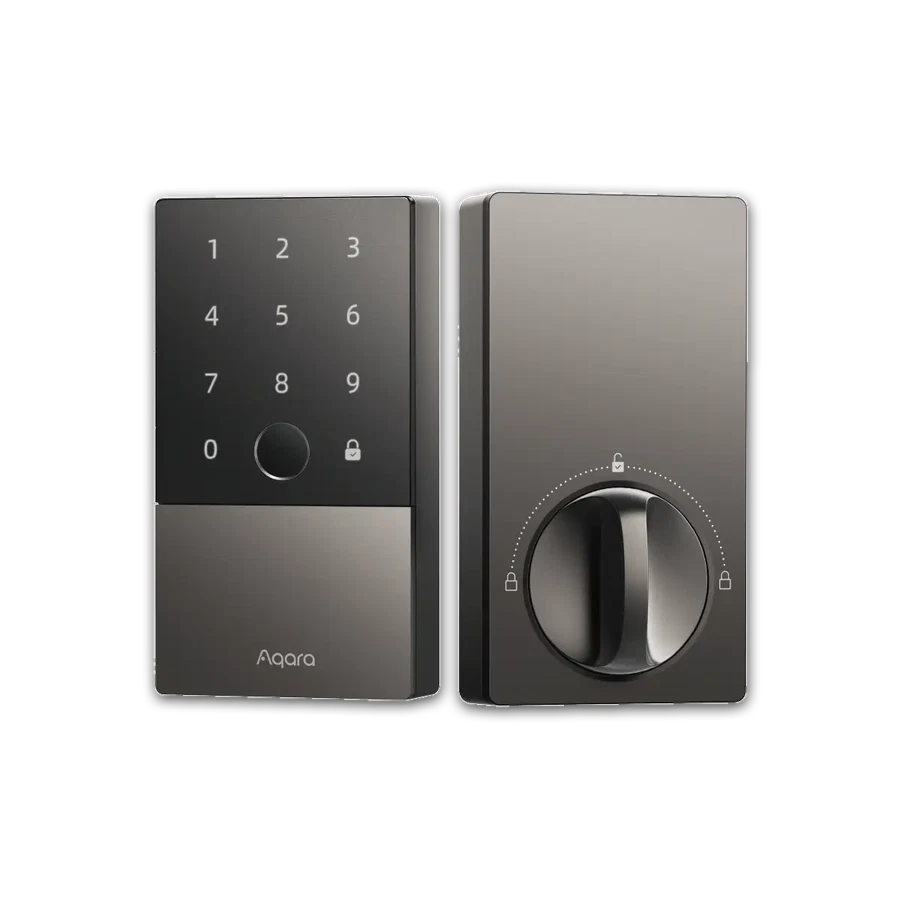
Aqara
Smart Lock U100
Fingerprint and keypad entry with a physical backup.
- 01Input
- 02Rule
- 03Action
- 04Manual control
Measure door, bore and backset. Remote features need a compatible Aqara hub; keep a physical fallback.
Motion study made from licensed interior photographs; not project-site footage. View image credits ↗
Illustrated logic only. Hubs, protocols, wiring and automation conditions must be confirmed for the selected models.
Projects
Explore all 30 projects Selected project experience
 01
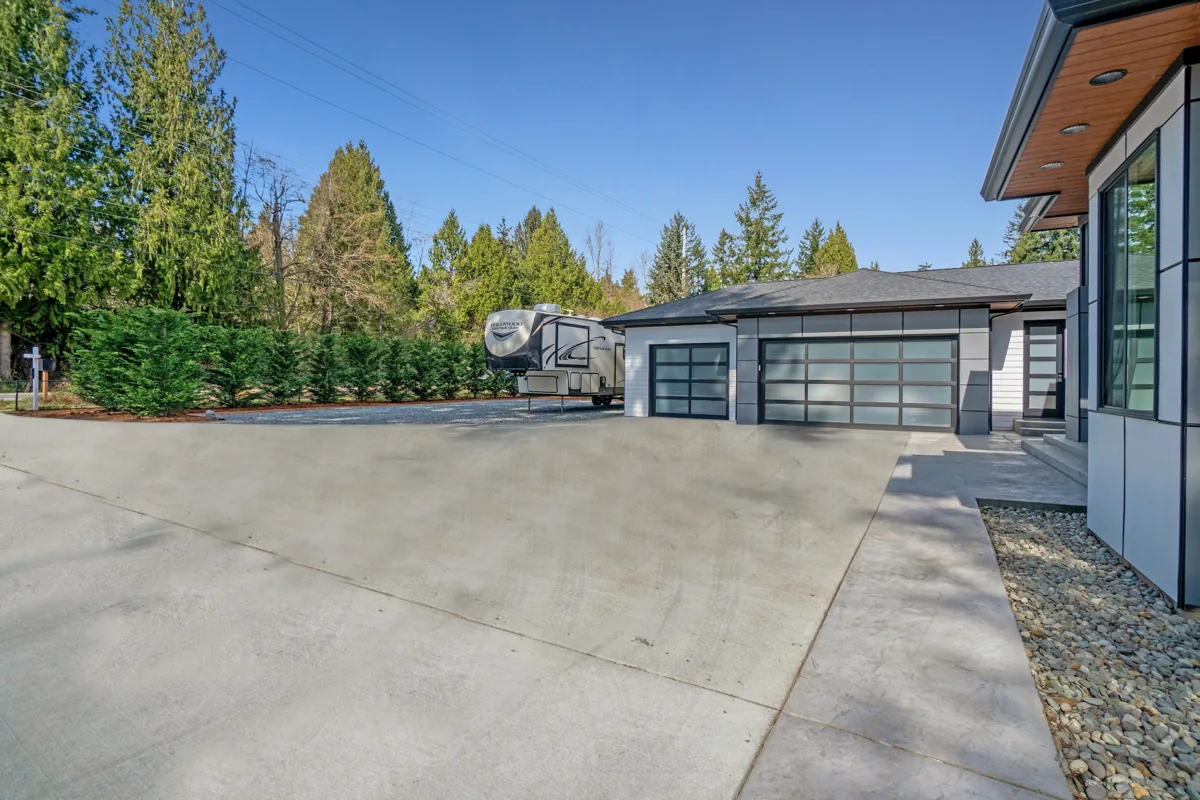
Townhome community handover
New community in Ontario · 24 homes
A consistent smart-entry specification for 24 homes, combining an Aqara U100 lock, door and window sensing, and an entry-lighting scene in each home. Equipment, account ownership and resident instructions were organized by unit.
 07
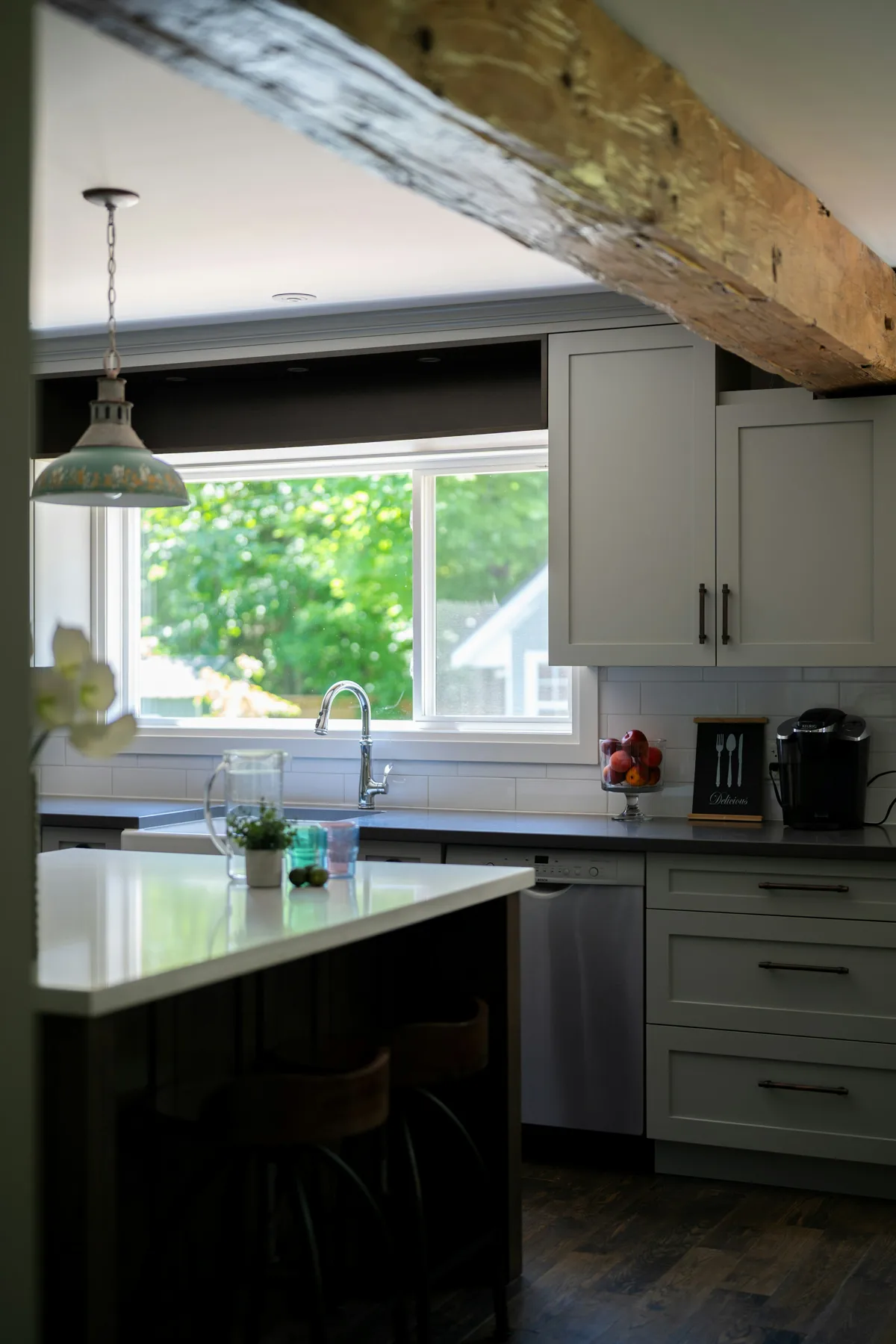
Whole-home renovation upgrade
Vancouver · Detached-home renovation
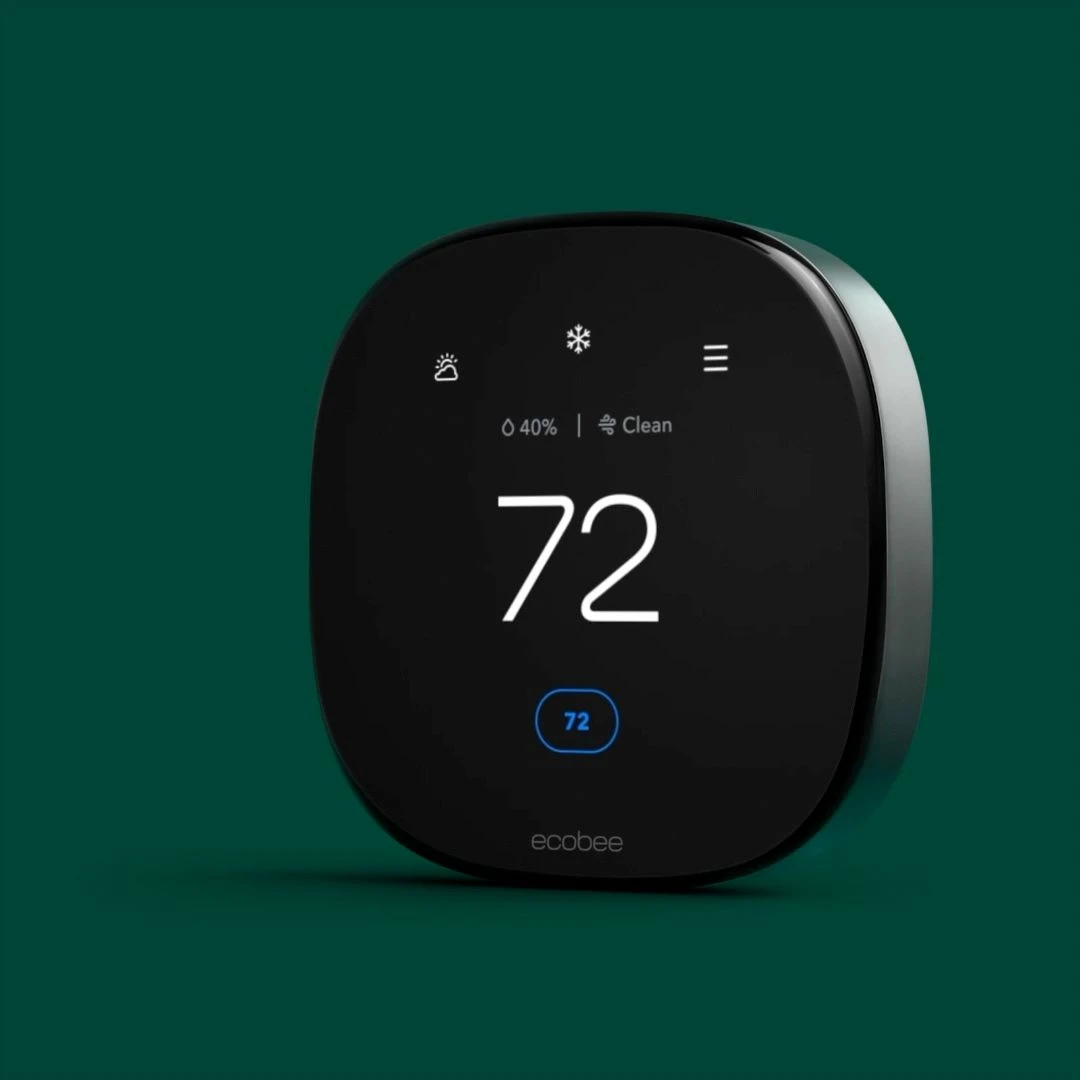
Lutron Caséta whole-home dimming, ecobee climate zoning and FP2 presence sensing in key rooms were planned alongside the renovation schedule, including site-condition checks and equipment installation milestones.
 29
Coordinated Canadian and US homes
Canada and United States · One home in each country
A common equipment register was prepared for one Canadian and one US home, while keeping accounts, regional models and CA / CAD versus US / USD references distinct, with defined alert recipients and remote-maintenance arrangements.
Licensed setting photograph · illustration, not a photograph of this project.
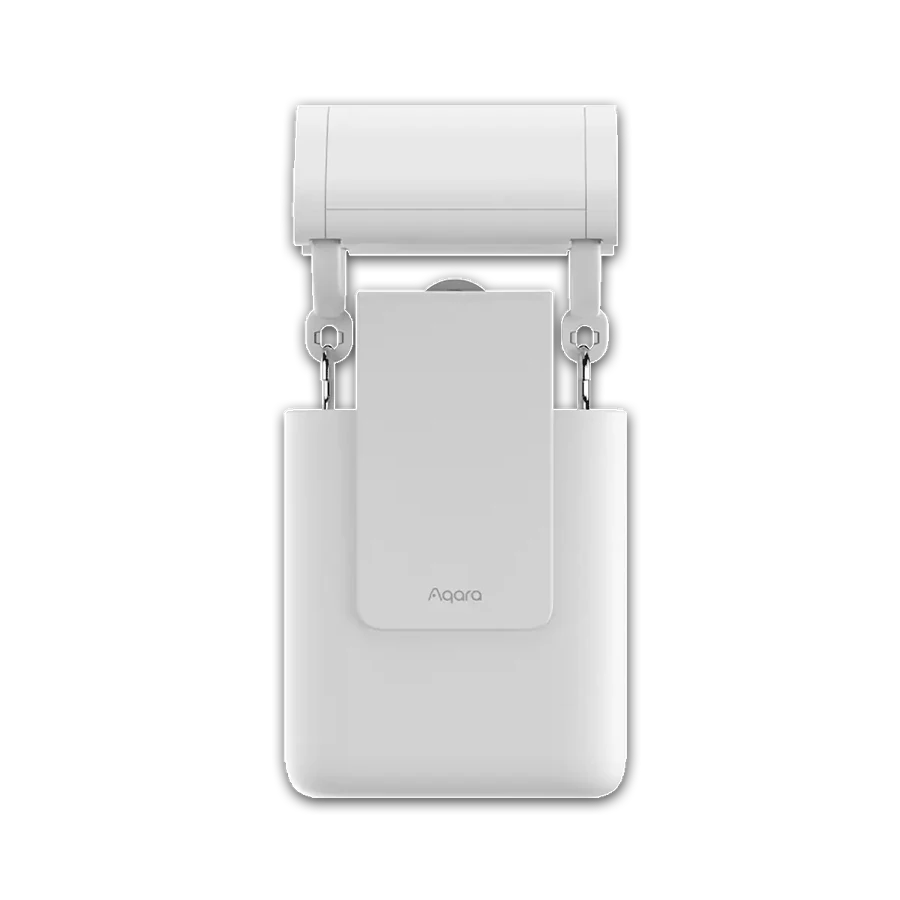
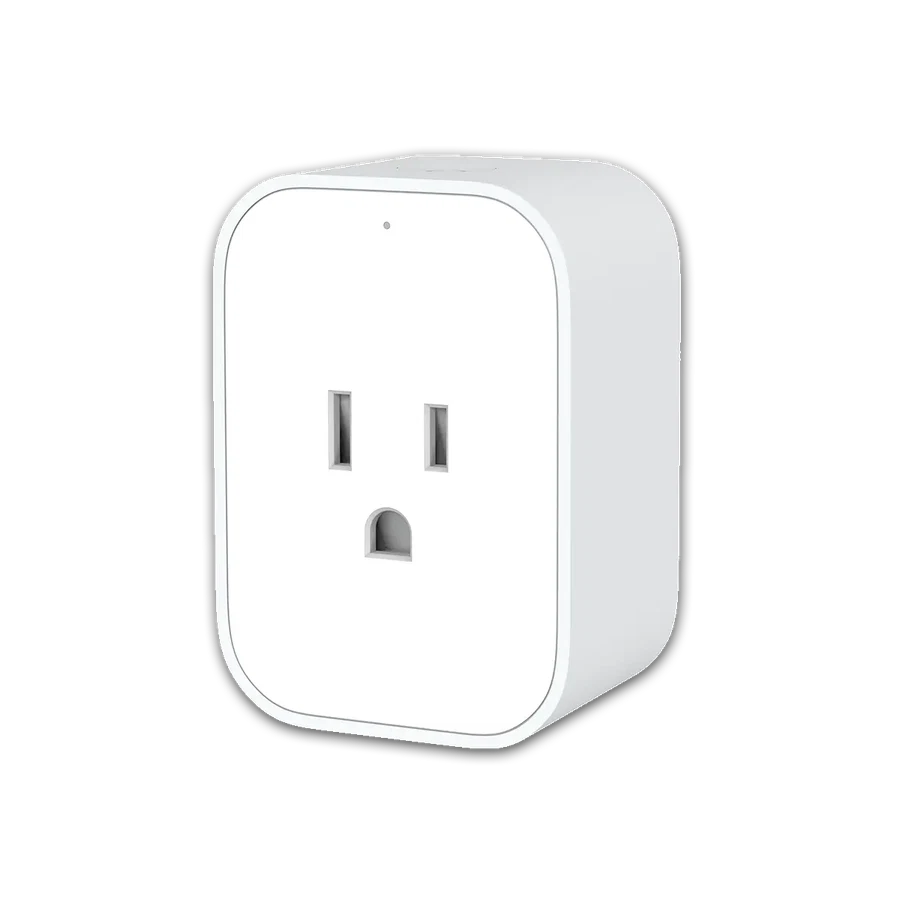
Product highlights
Browse all productsAqara
Smart Lock U100
Fingerprint and keypad entry with a physical backup.
Bluetooth / Zigbee 3.0Price at your selected retailer
Reference price
Product detailsUSD 189.99
Aqara US · Gray · 2026-10-28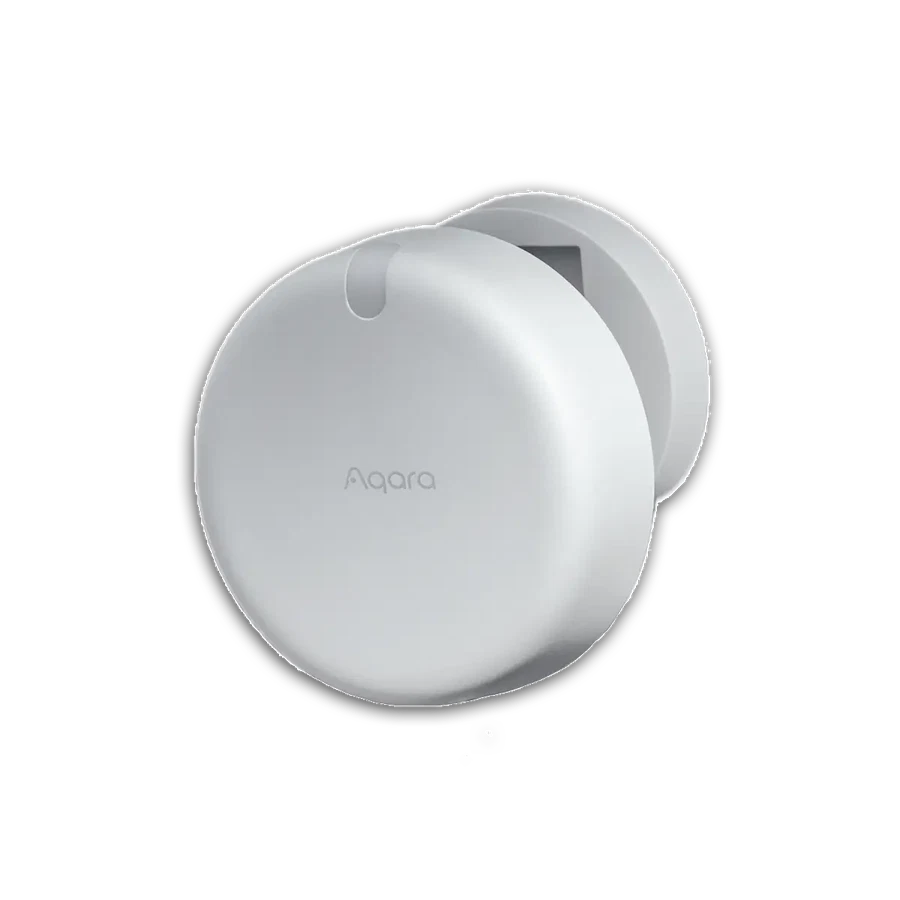
Aqara
Presence Sensor FP2
Plan presence-based routines for defined room zones.
Wi-Fi 2.4 GHzPrice at your selected retailer
Price at your selected retailer
Product details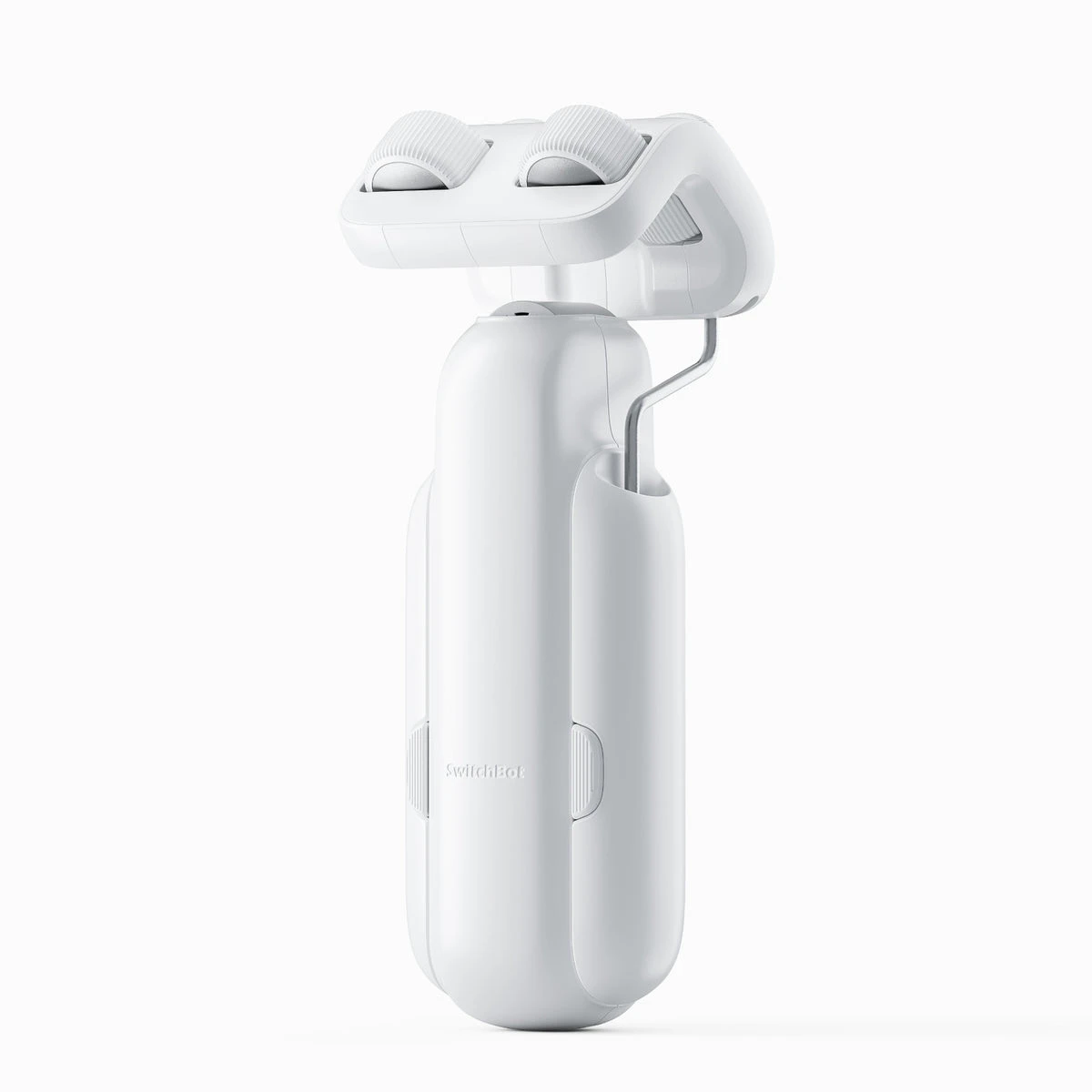
SwitchBot
Curtain 3
Retrofit a suitable curtain with a motorized opener.
Bluetooth / Matter via hubPrice at your selected retailer
Price at your selected retailer
Product details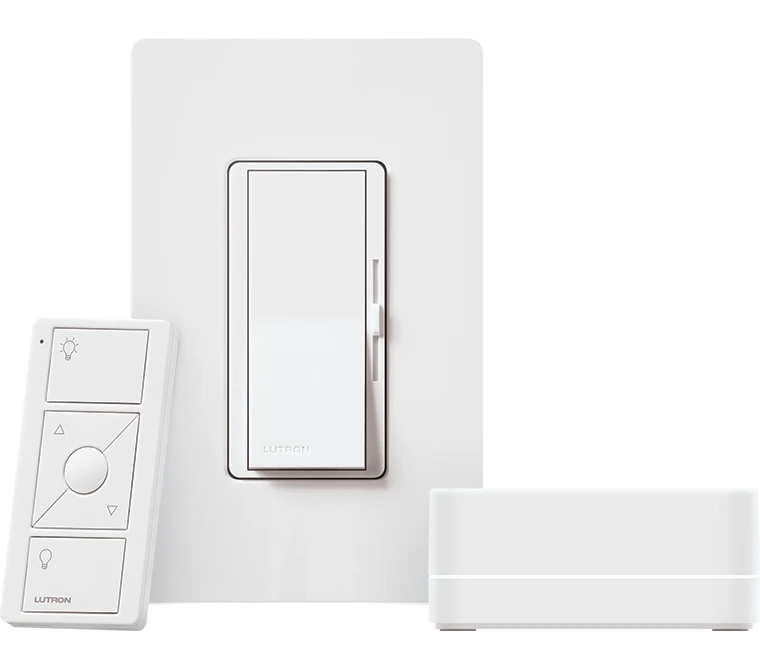
Lutron Caséta
Diva Smart Dimmer Kit
Keep a familiar wall control while adding smart lighting.
Clear ConnectPrice at your selected retailer
Price at your selected retailer
Product details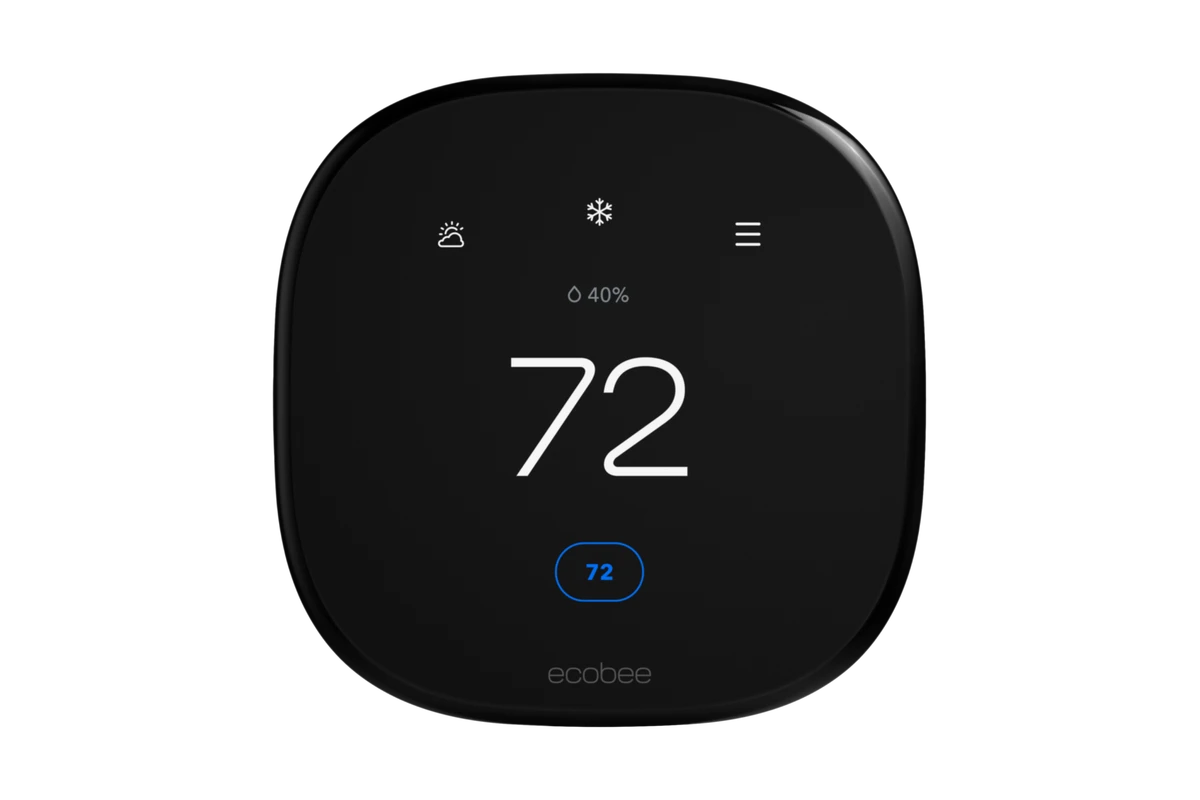
ecobee
Smart Thermostat Enhanced
Plan temperature schedules around a compatible HVAC system.
Wi-FiPrice at your selected retailer
Price at your selected retailer
Product details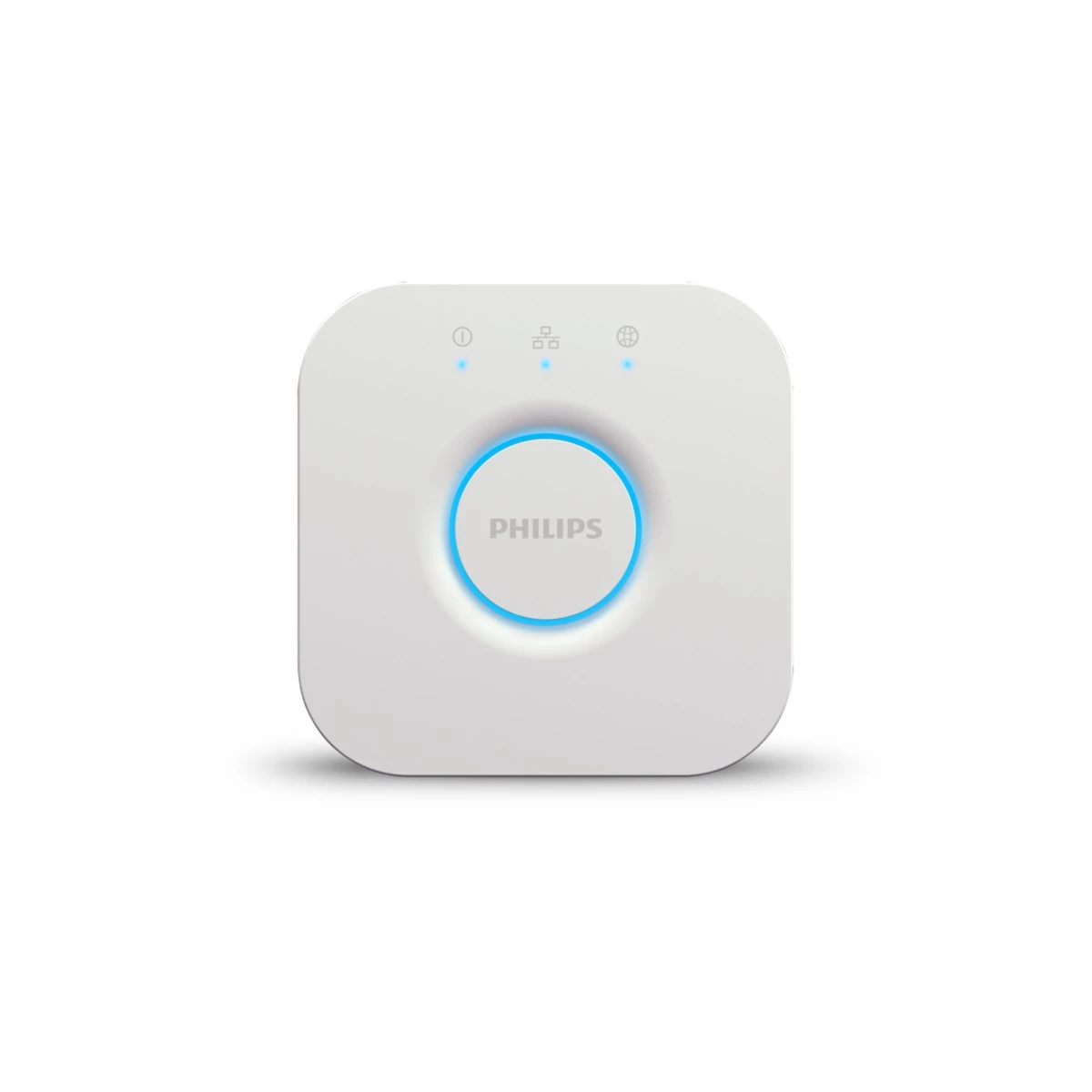
Philips Hue
Hue Bridge
Bring supported Hue lights into one lighting system.
Zigbee / EthernetPrice at your selected retailer
Price at your selected retailer
Product details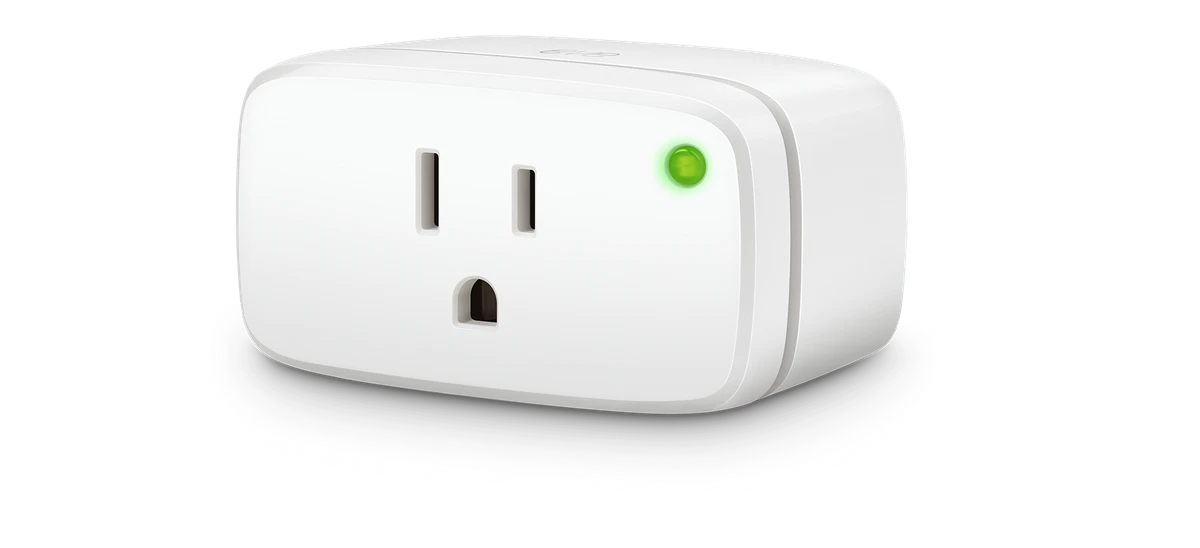
Eve
Energy (Matter, US/Canada)
Switch a plug-in appliance and review its energy use.
Matter over ThreadPrice at your selected retailer
Price at your selected retailer
Product details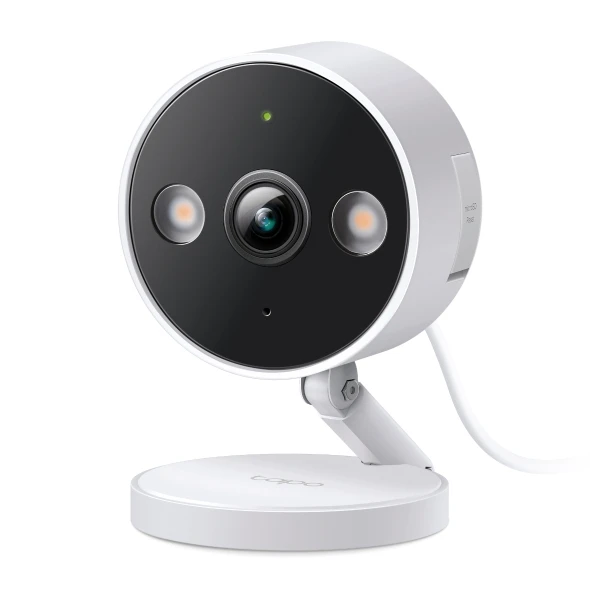
TP-Link Tapo
C120
Watch a porch, side passage or indoor room.
Wi-Fi 2.4 GHzPrice at your selected retailer
Price at your selected retailer
Product detailsProject services
Support for the work around the product.
Choose the support your project needs. The proposal confirms the documents, work items and responsibilities included.
Product & system selection
Match regional models, controllers and accessories to the space and the functions you want.
Explore project servicesSpecification & procurement planning
Turn a room or unit schedule into equipment quantities, prerequisites and a comparable quotation scope.
Explore project servicesIntegration & commissioning plan
Define triggers, actions, manual operation and acceptance checks before repeating a setup.
Explore project servicesHandover & maintenance records
Record device ownership, access roles, operating instructions and the agreed support boundary.
Explore project servicesFor your type of project
Smart-home specification for residential developments
Set the base package, optional upgrades and handover standard before procurement and wall close.
Discuss a development specification ↗Smart upgrades planned around the renovation
Resolve wall-box, lamp and curtain-track conditions before committing to the finished design.
Plan a renovation upgrade ↗Door-fit and access planning for installers
Quote the door preparation, access roles and recovery routine alongside the lock.
Review a door and access scope ↗Function-led integration planning
Specify the actions and recovery behavior the client needs, then verify how each controller and bridge supports them.
Define an integration scope ↗Access and alert workflows for property teams
Build a repeatable process for tenant turnover, identified alerts and maintenance ownership.
Plan a property workflow ↗Product combinations your customers can evaluate
Demonstrate a useful use case with the required accessories, supported functions and agreed support scope.
Discuss a trade proposal ↗Planning guides
Browse planning guidesPractical guides for a better project.
01
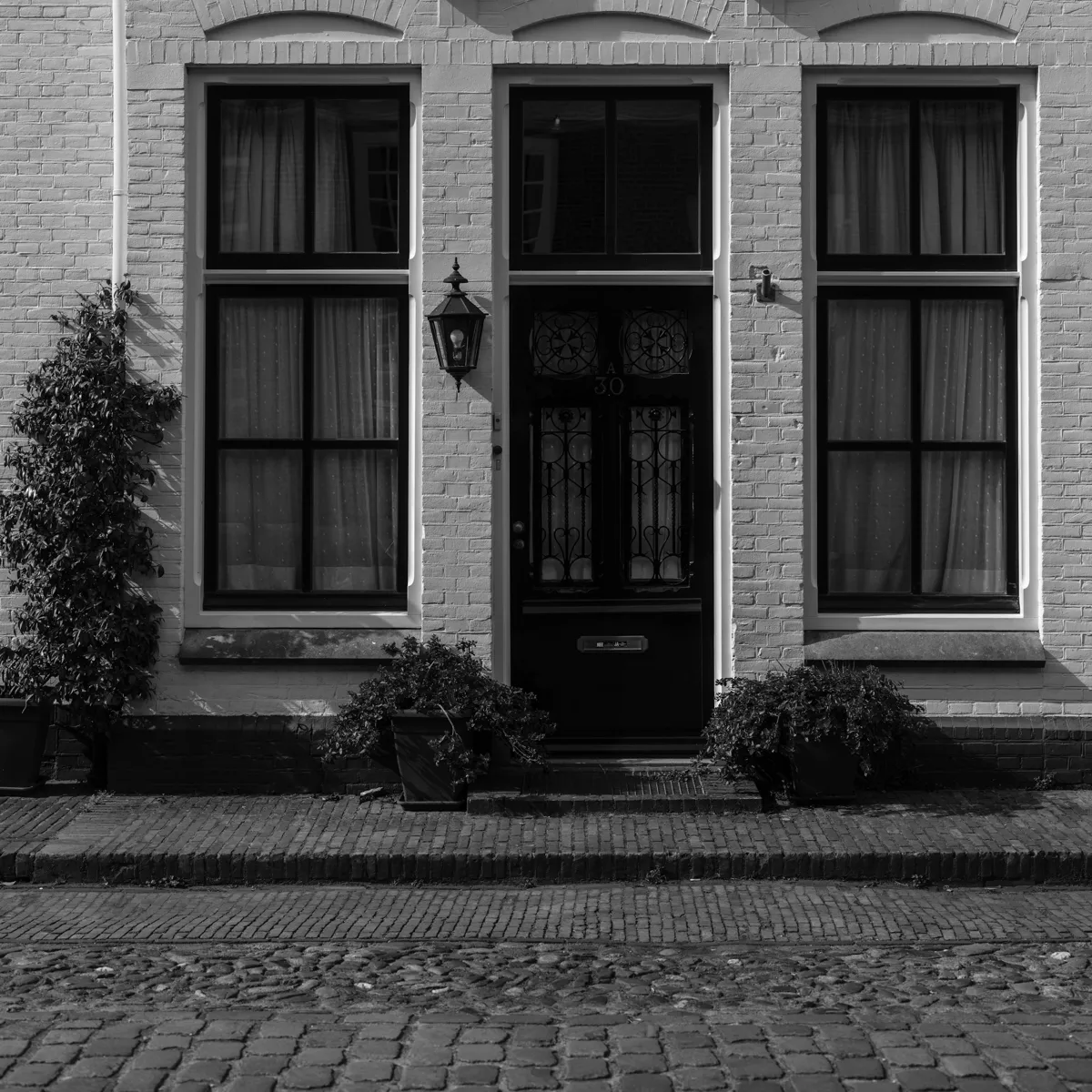
Door-fit survey
Measurements, existing hardware, account ownership and acceptance checks.
Read guide ↗02
Scope a comparable quotation
Separate equipment, site work, configuration and handover.
Read guide ↗
03
Plan access and turnover
Define roles, expiry, revocation and the next operator.
Read guide ↗
04
Prepare the recovery plan
Separate door, power, network and account failures.
Read guide ↗
05
Check the user experience
Test the entrance with the people who use it.
Read guide ↗
06
Build the maintenance record
Record devices, ownership, changes and support responsibilities.
Read guide ↗From a useful brief to an agreed scope.
Describe the project
Choose the country and tell us the property type, project stage, scale and the functions that matter most.
Review the specification
Review model options, dependencies, quantities and work items. Identify what still needs a site check or a product test.
Agree the pilot and handover
Confirm test criteria, installation arrangements, account ownership and the documents needed for handover.
Plan my project
Plan my projectA project brief, built around you.
Select your market, project type and priorities. Get a starting equipment shortlist and a brief you can take into a project discussion.
PARTNERSHIPS / LOCAL BUSINESS
From an equipment list to a lasting partnership.
SmartAccess reports that many of its partners are seeing their local businesses improve.
Our support centres on the work behind every project: choosing suitable products, defining delivery, and keeping clear service records after handover.
Discuss working togetherBusiness update supplied by SmartAccess
Results vary by market and team. Revenue and lead volumes are not guaranteed.
Product selection
Models, installation conditions and procurement planning.
Project delivery
Equipment lists, commissioning checks and client handover.
Ongoing service
Device records, maintenance planning and clear ownership.