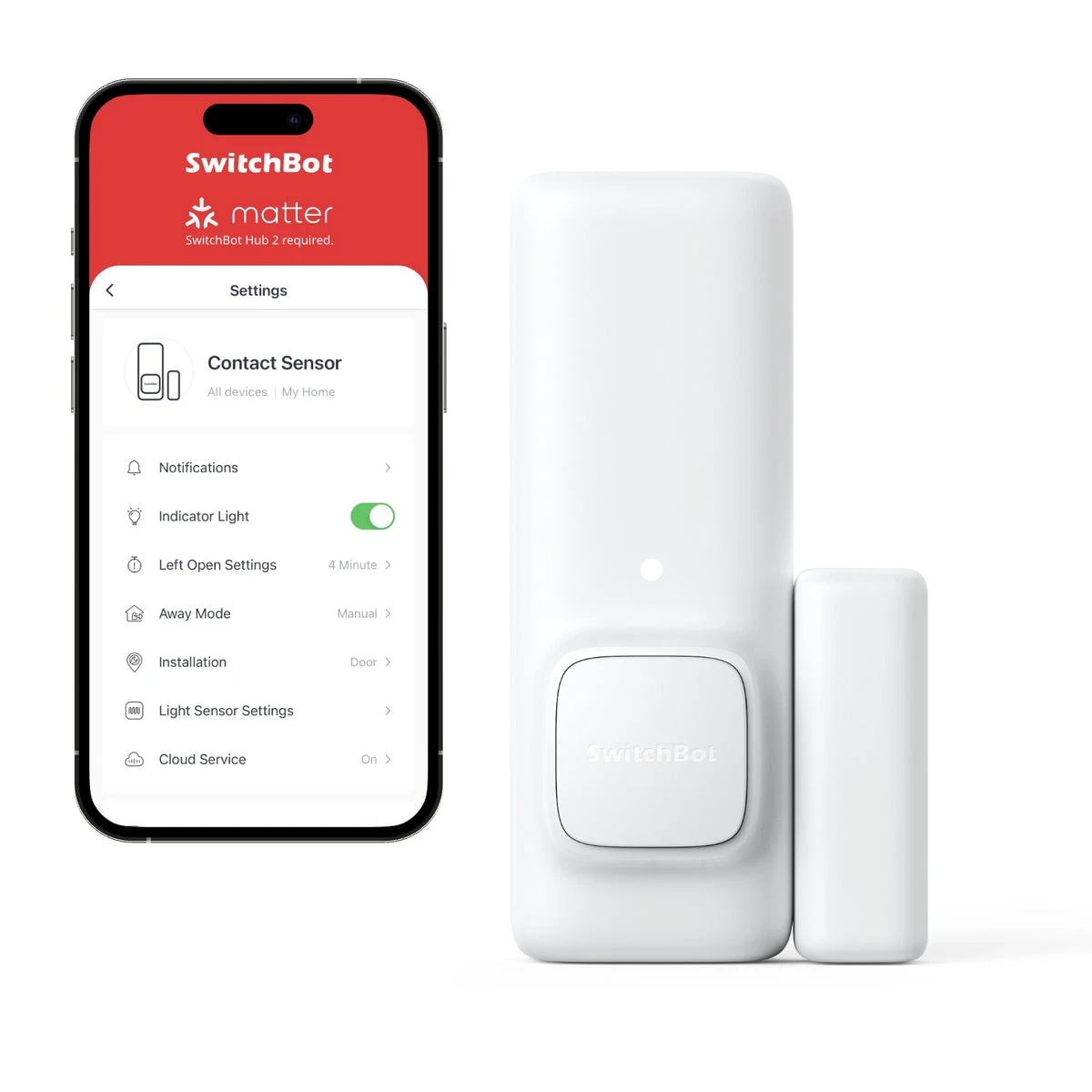
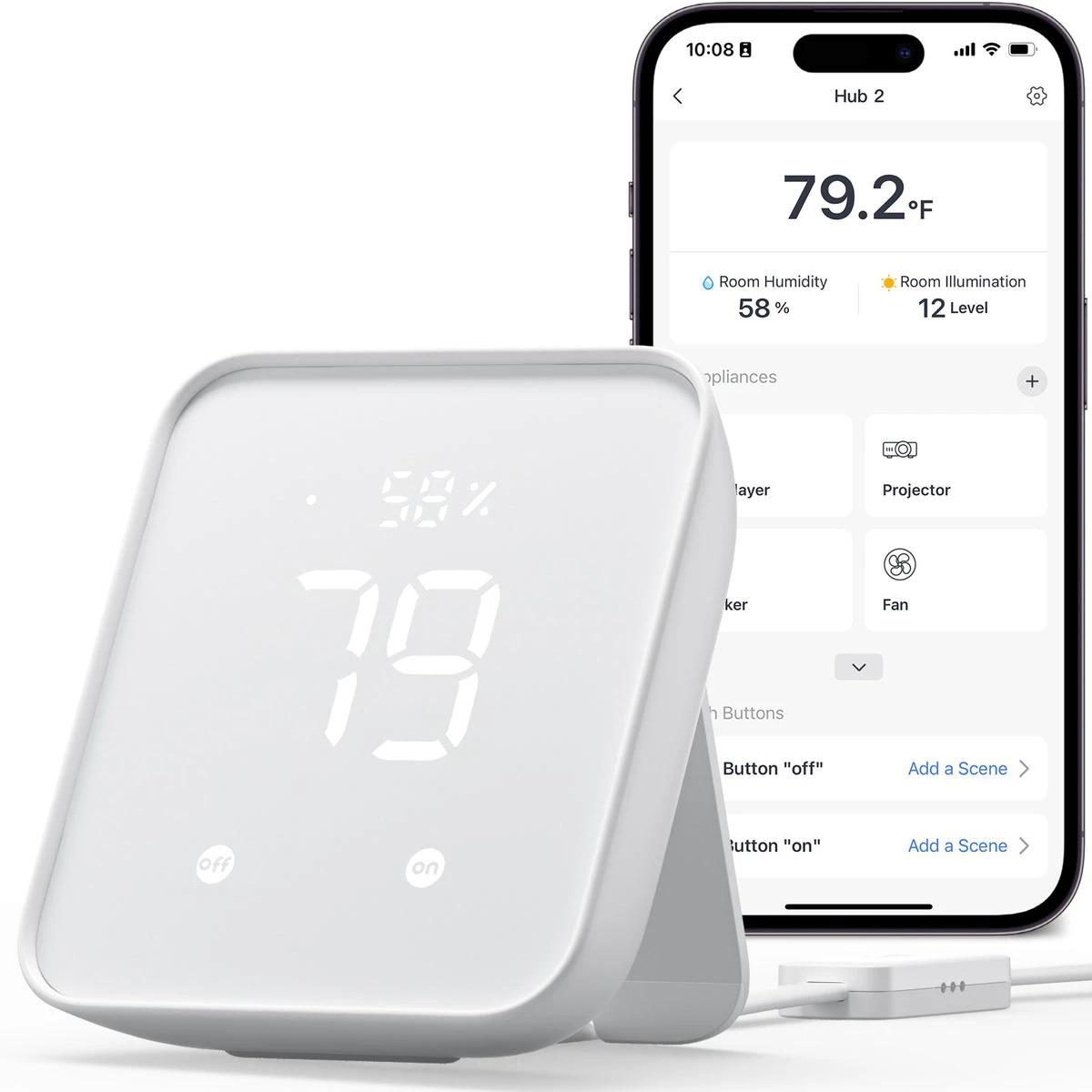
Selected devices from this configuration · verify the seller’s model, version and pack.
01 / The approach
How to put it to work
Start with one reversible, low-risk point. For a button actuator, check travel and manual use; for a sensor, verify its app readings or notices. Name the remaining points and check battery access and remote connections without assuming arbitrary appliance integration.
Bot needs a compatible physical button, surface and operating force. Do not use it for locks, emergency controls or hazardous appliances. Verify sensor triggers and remote functions in the supported app/hub.
02 / Equipment list
Check each model before buying
2 models / 3 planned units. Reuse existing compatible equipment after checking it. Confirm accessories, power supplies and installation separately.
As an Amazon Associate I earn from qualifying purchases. Links open a model search: check the seller, regional version, pack size, shipping and returns. Items are purchased separately; these are not official Amazon kits.
Planned quantity × 1
SwitchBot Hub 2
Connect supported SwitchBot devices and infrared routines.
Before buying: Review supported SwitchBot devices and Matter bridge features. Infrared appliances need line of sight and supported codes.
Check door openings and use them in home routines.
Before buying: Remote alerts and integrations require a compatible SwitchBot hub; Matter uses a supported bridge. Align sensor and magnet within the documented gap; keep access for battery changes.
Bot needs a compatible physical button, surface and operating force. Do not use it for locks, emergency controls or hazardous appliances. Verify sensor triggers and remote functions in the supported app/hub.
Count the actual installation points and check multipacks. Verify sockets, rails, valves, electrical load and regional versions item by item.
A shared app, protocol or brand does not guarantee every automation. Check supported functions and pilot one area first.
Name the device owner and alert recipient, retain manual control, and test network loss, low batteries and power recovery.
 SmartAccess