Selected devices from this configuration · verify the seller’s model, version and pack.
01 / The approach
How to put it to work
Set up power and network first; check privacy and storage if cameras are listed. Verify the listed viewing, lighting or sensor functions separately, then automate only supported devices while retaining manual lighting control.
Match Tapo sensors and H100 to the same regional radio version. Check camera power, network, storage and privacy. Respect electrical load ratings; third-party automations need separate verification.
02 / Equipment list
Check each model before buying
3 models / 4 planned units. Reuse existing compatible equipment after checking it. Confirm accessories, power supplies and installation separately.
As an Amazon Associate I earn from qualifying purchases. Links open a model search: check the seller, regional version, pack size, shipping and returns. Items are purchased separately; these are not official Amazon kits.
Planned quantity × 1
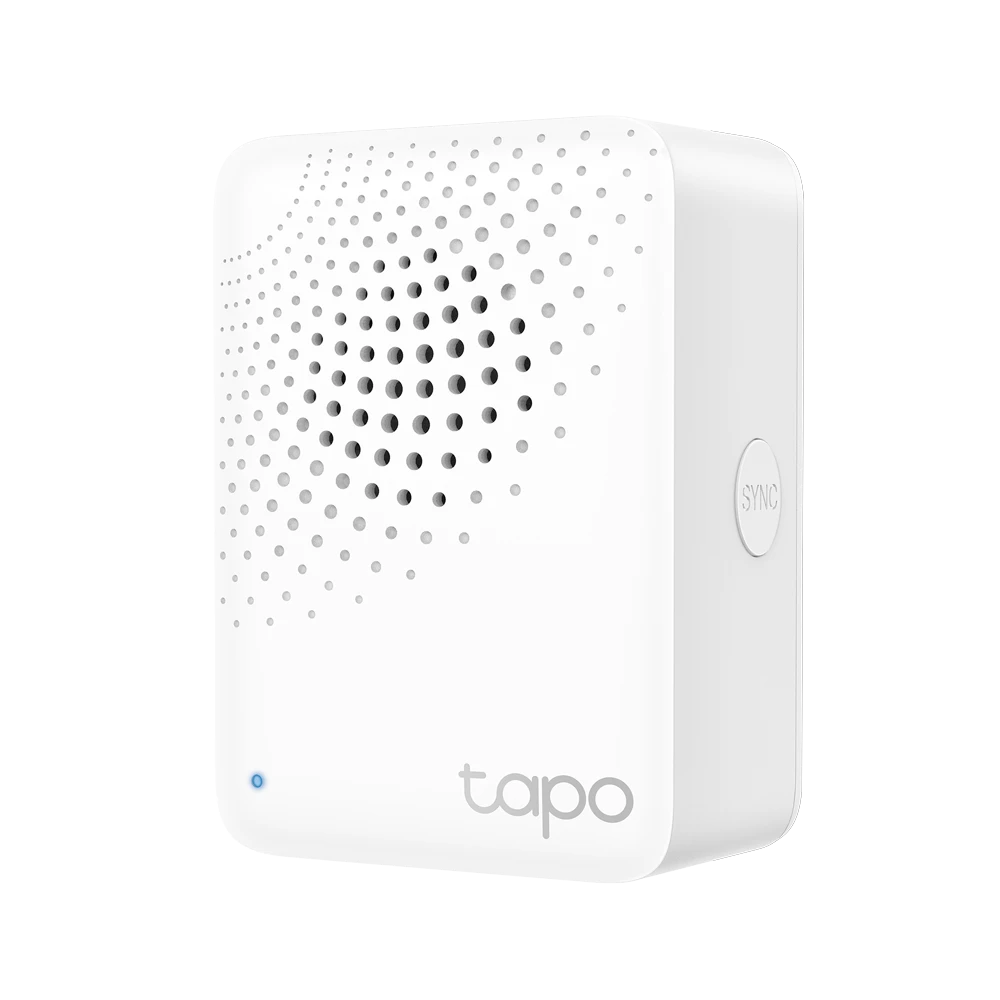
TP-Link Tapo H100 (US)
Connect compatible Tapo sensors with a local chime and alarm.
Before buying: Provide reliable 2.4 GHz Wi-Fi at the device. Select the US/Canada electrical version and check the connected load.
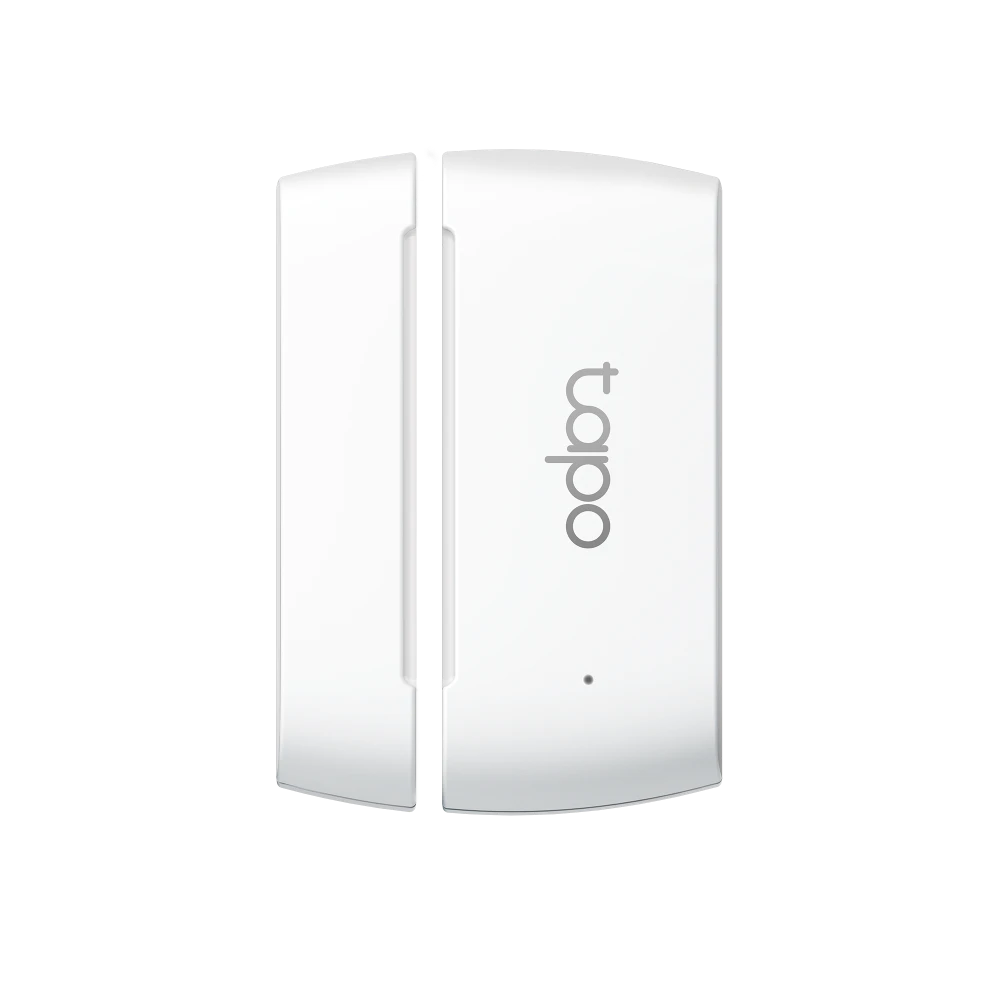
Check doors, windows and cabinets in the Tapo app.
Before buying: Requires a compatible Tapo hub using the same regional Sub-1G radio band. Align sensor and magnet within the documented gap; keep access for battery changes.
Choose colorful scenes or a practical white light for E26 lamps.
Before buying: Provide reliable 2.4 GHz Wi-Fi at the device. Matter setup requires a compatible Matter controller; no Thread router is needed. Keep wall power on; do not place a smart bulb on a conventional dimmer. Select the US/Canada electrical version and check the connected load.
Match Tapo sensors and H100 to the same regional radio version. Check camera power, network, storage and privacy. Respect electrical load ratings; third-party automations need separate verification.
Count the actual installation points and check multipacks. Verify sockets, rails, valves, electrical load and regional versions item by item.
A shared app, protocol or brand does not guarantee every automation. Check supported functions and pilot one area first.
Name the device owner and alert recipient, retain manual control, and test network loss, low batteries and power recovery.
 SmartAccess