 SmartAccess
Planned quantity × 1
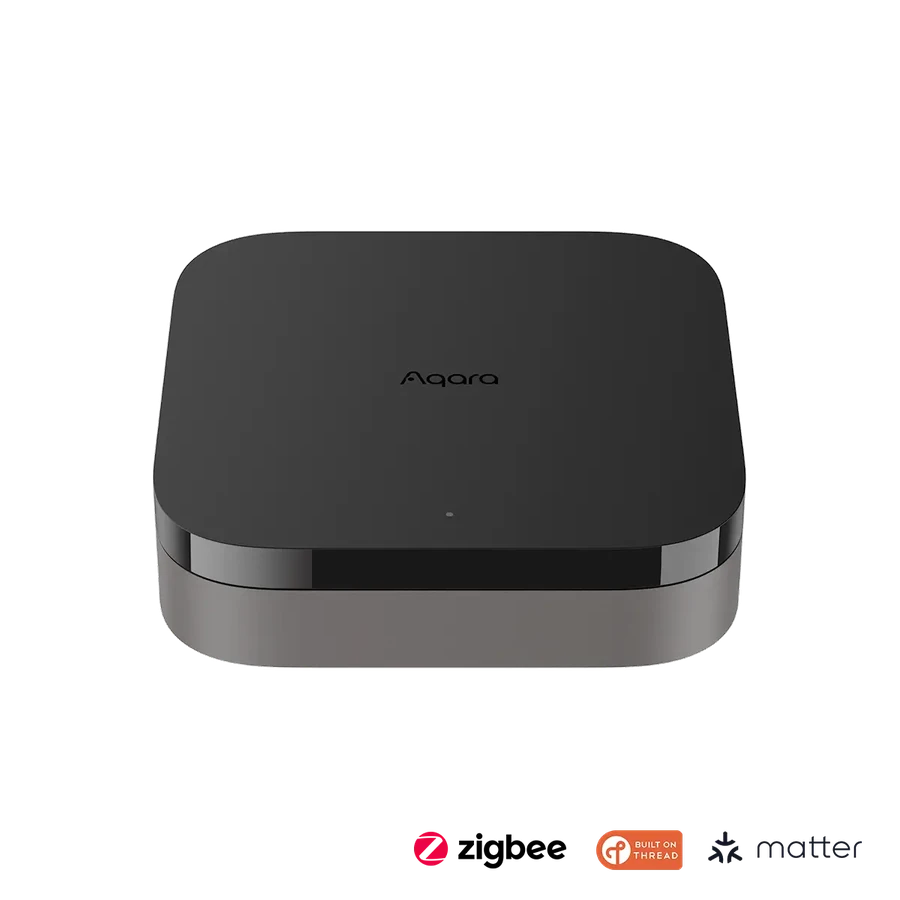
Aqara Hub M3
A control starting point for supported Aqara devices.
Before buying: Review supported child devices, bridge functions, network and power. A shared protocol does not guarantee every feature.
Find model on Amazon CA ↗Test presence zones and delays so still occupants keep useful lighting.
Selected devices from this configuration · verify the seller’s model, version and pack.
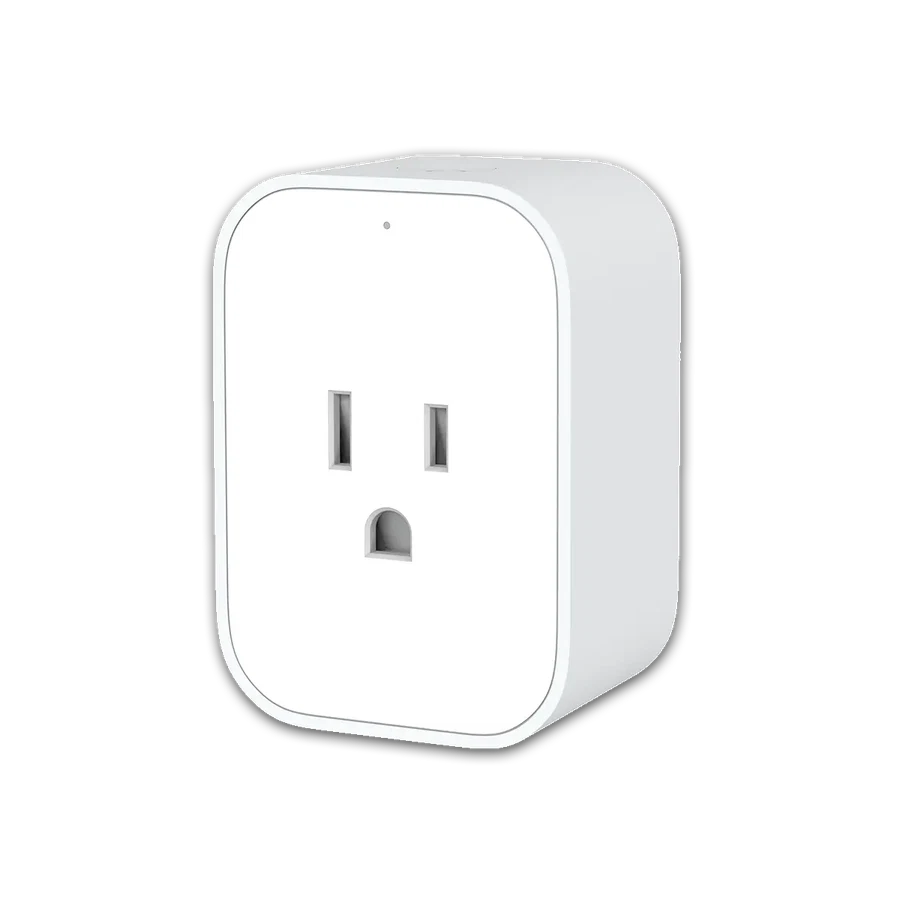
Label each outlet, connected device and permitted load. Test manual control and restart behaviour before adding button or sensor rules.
4 models / 5 planned units. Reuse existing compatible equipment after checking it. Confirm accessories, power supplies and installation separately.
As an Amazon Associate I earn from qualifying purchases. Links open a model search: check the seller, regional version, pack size, shipping and returns. Items are purchased separately; these are not official Amazon kits.
A control starting point for supported Aqara devices.
Before buying: Review supported child devices, bridge functions, network and power. A shared protocol does not guarantee every feature.
Find model on Amazon CA ↗Control a suitable plug-in load within its rating.
Before buying: Needs a compatible Aqara hub. Confirm local certification, voltage and load type; never exceed the stated rating.
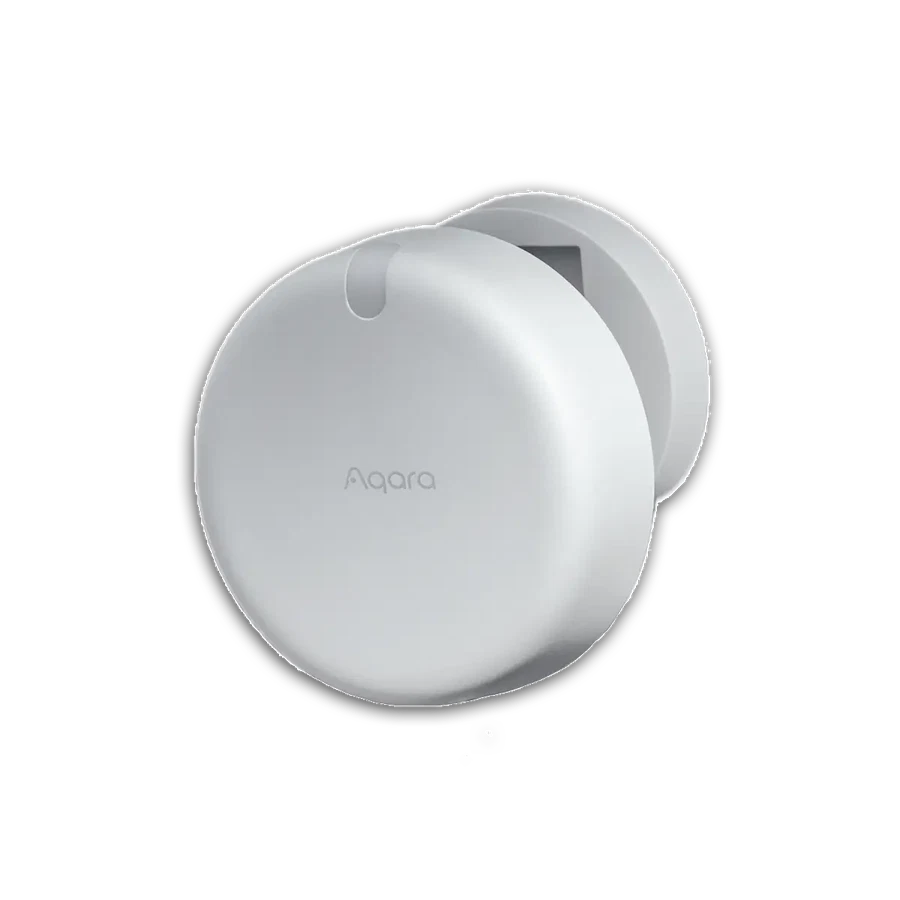
Find model on Amazon CA ↗Plan presence-based routines for defined room zones.
Before buying: Needs continuous USB power and 2.4 GHz Wi-Fi. Calibrate room zones; this is not a medical or life-safety monitor.
Find model on Amazon CA ↗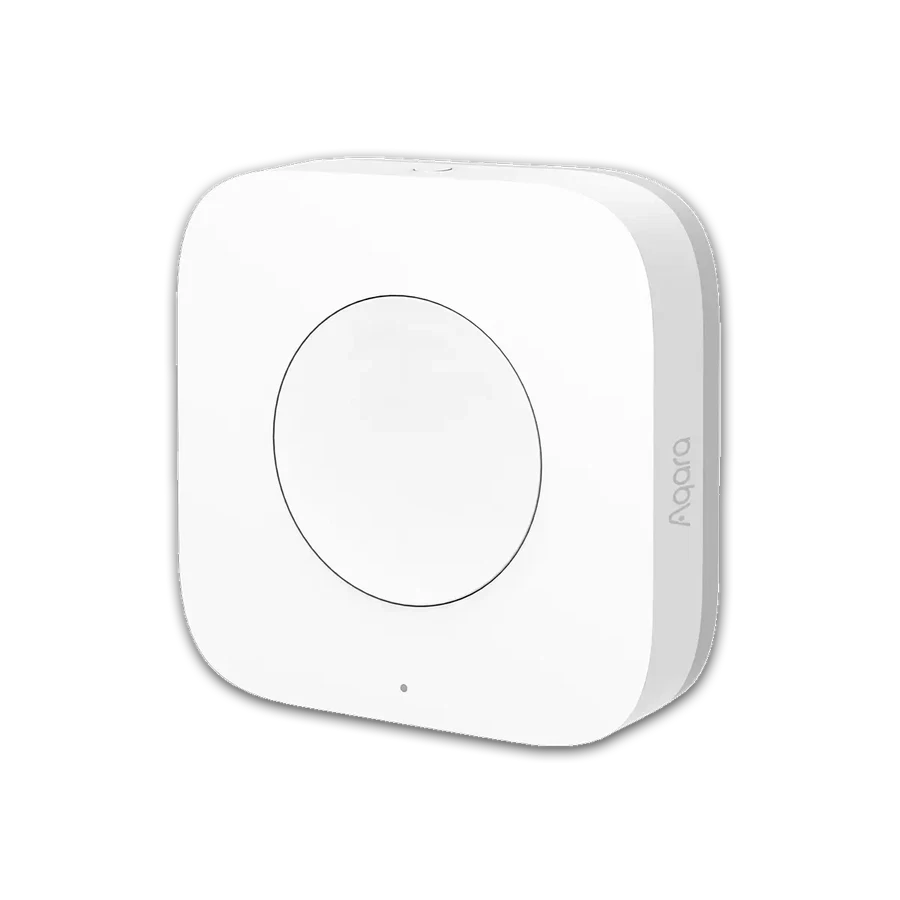
Give a useful scene a familiar physical button.
Before buying: Needs a compatible Aqara hub. Confirm supported features and account region.
Find model on Amazon CA ↗Two lamps and an occupied zone Aqara Hub M3 × 1 Aqara Smart Plug (US Version) × 2 Aqara Presence Sensor FP2 × 1 Aqara Wireless Mini Switch × 1