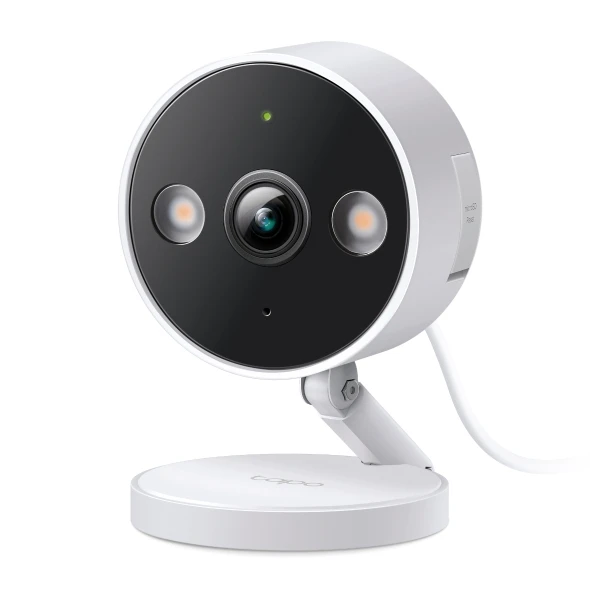
Choose a camera that can show the intended area from a supported position, then compare image features.
A camera pointed too high may show mostly the top of a doorway. One looking through a reflective surface may not give the scene you imagined. More resolution does not correct an unsuitable view.
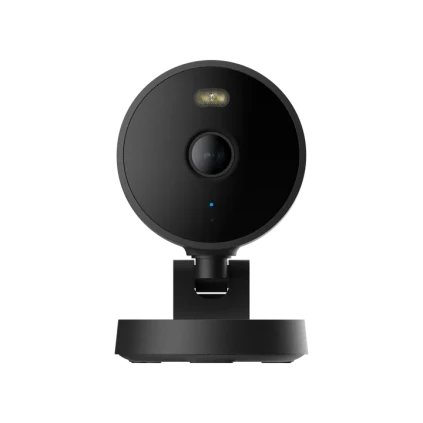
For C120 or G100, review the exact manufacturer's installation guidance, environmental suitability and power route. Draw the important area and anything the camera should avoid viewing before selecting a mounting point.
Once a practical position is established, image features become a useful comparison. A smaller, clearly defined view can be more helpful than a wide dramatic picture with the important action far away. Keep the purchase tied to the question you want the camera to answer.
Before you order
- Mark the area that must be visible.
- Review reflections, obstructions and mounting.
- Confirm power and network at the chosen position.
A useful next step
Compare cameras using the same proposed view.
Related equipment
Selling smart-home products? Planning a store in Canada or the US?
Talk with SmartAccess about product selection, a demonstration range, installation partners and project delivery. Retailers, dealers, installers and local store operators are welcome.
Product supply, training, service area, cooperation terms and any fees are confirmed in discussion. No revenue or lead volume is promised.
Manufacturer references
Product information comes from the linked manufacturer references. Confirm the exact regional model, seller, current price, stock and installation conditions before purchase.