
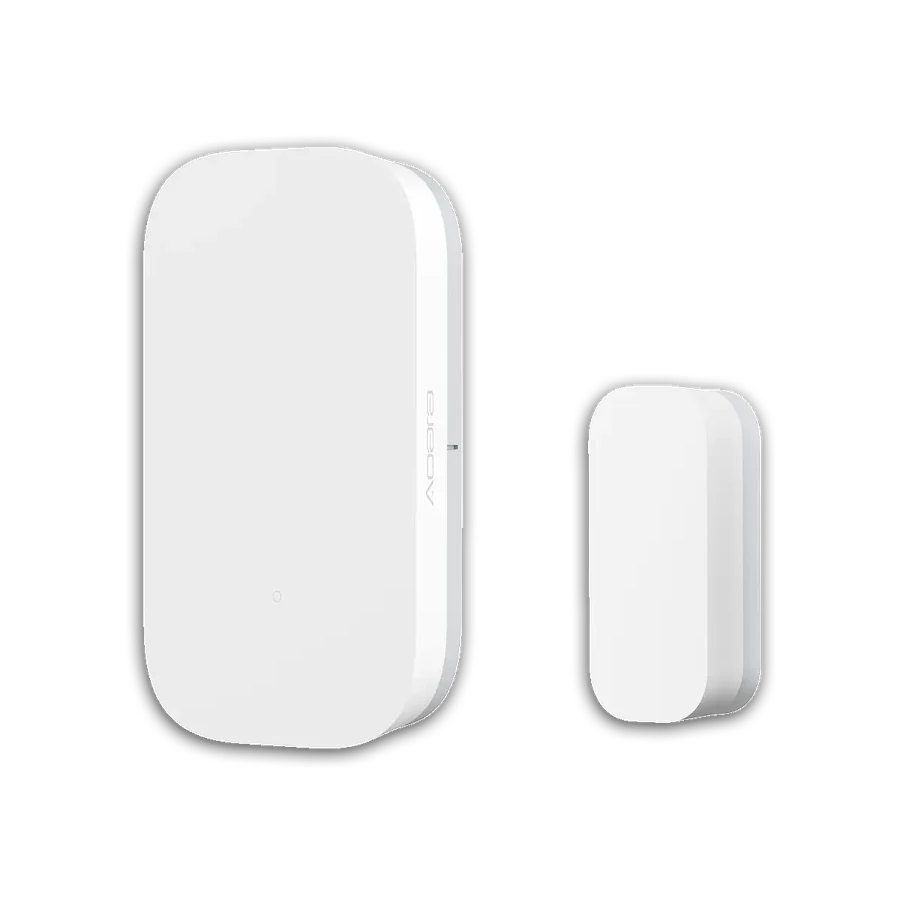
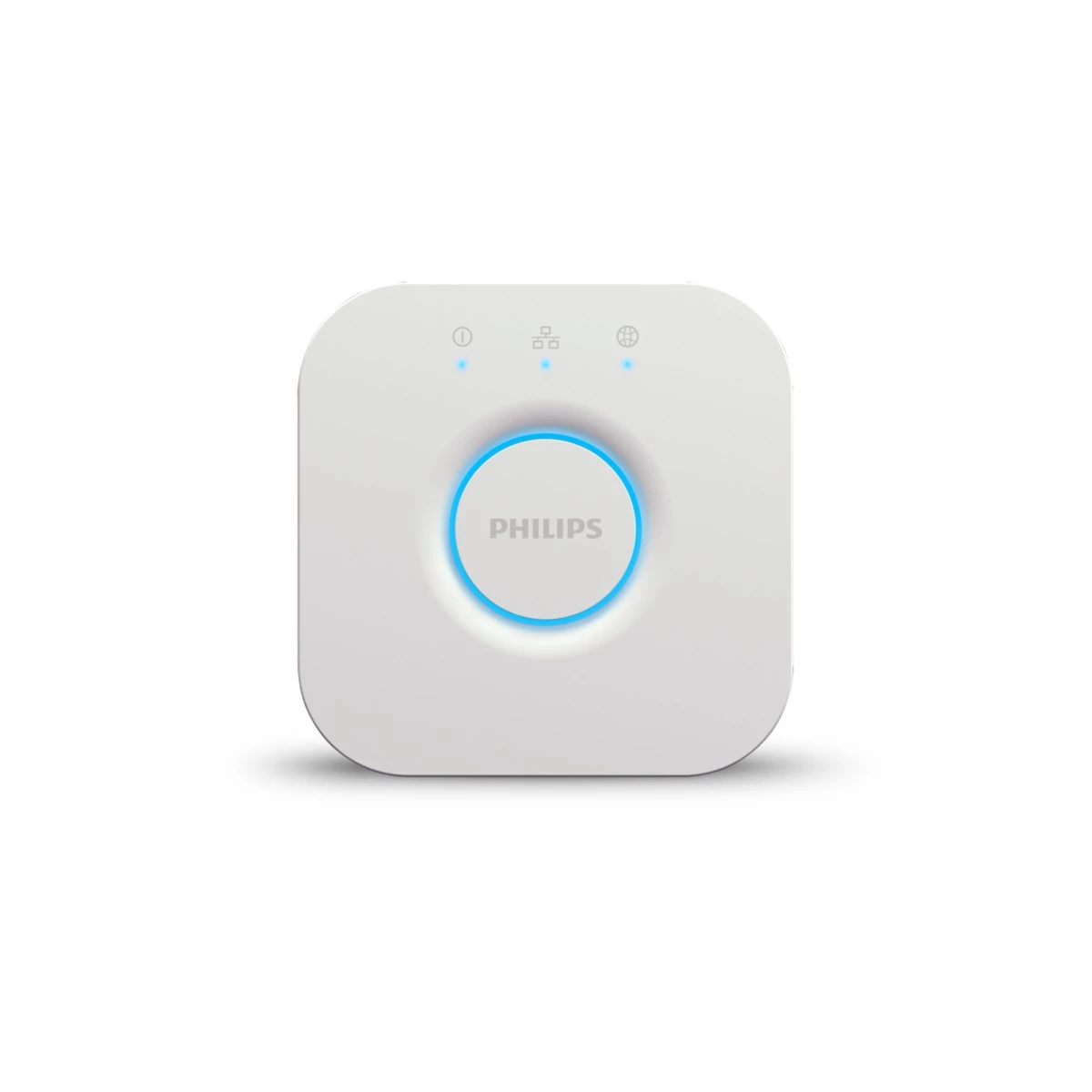
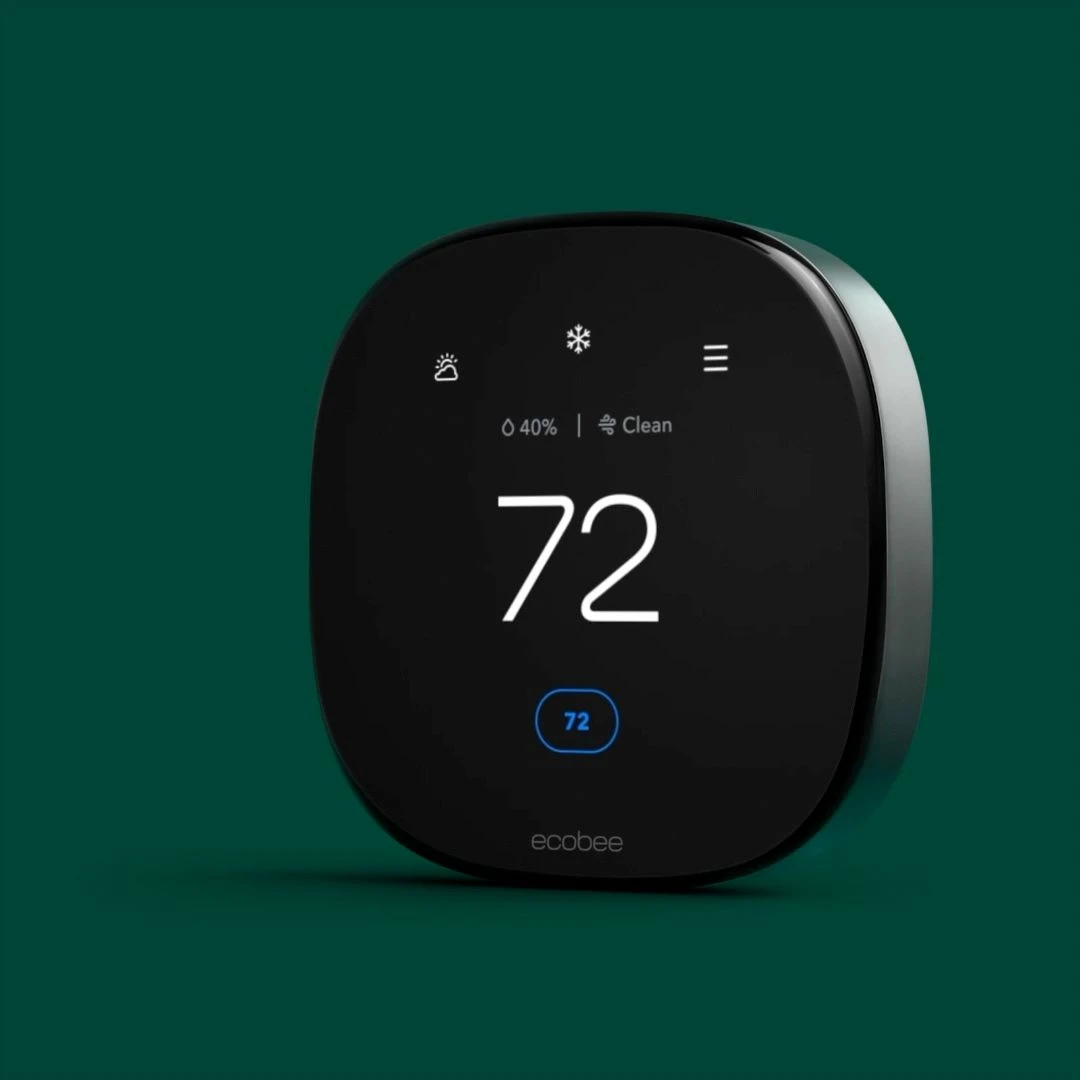
Product & system selection
Match regional models, controllers and accessories to the space and the functions you want.
- Regional model shortlist
- Controller, network and accessory dependencies
- Open compatibility and site-check questions
Explore products for entry, lighting, sensing and everyday control. For a larger project, start with a defined equipment list, installation scope and handover plan.
Choose a product, compare a setup or explore selling and store cooperation. New buying guides are available in English and Chinese.
Choose your role to explore the planning work, handover documents and equipment worth discussing.
Set a common standard, validate a pilot, then plan each home.
Planning outputsMatch the upgrade to the wiring, installation conditions and work schedule.
Planning outputsCheck the door fit and define installation, commissioning and after-sales responsibilities.
Planning outputsClarify controllers and protocols before coordinating automations and handover.
Planning outputsPlan day-to-day operation around permissions, alarm response and maintenance.
Planning outputsKeep regional models, procurement stages and support responsibilities clear.
Planning outputsCandidate configurations. Models, installation conditions and service scope must be confirmed for each project.
Choose a function to see how a requirement becomes a device specification.

Fingerprint and keypad entry with a physical backup.
Measure door, bore and backset. Remote features need a compatible Aqara hub; keep a physical fallback.
Motion study made from licensed interior photographs; not project-site footage. View image credits ↗
Illustrated logic only. Hubs, protocols, wiring and automation conditions must be confirmed for the selected models.
Choose the support your project needs. The proposal confirms the documents, work items and responsibilities included.
Match regional models, controllers and accessories to the space and the functions you want.
Turn a room or unit schedule into equipment quantities, prerequisites and a comparable quotation scope.
Define triggers, actions, manual operation and acceptance checks before repeating a setup.
Record device ownership, access roles, operating instructions and the agreed support boundary.
Service scope, installation arrangements and included deliverables are confirmed in the project proposal.
Choose the country and tell us the property type, project stage, scale and the functions that matter most.
Review model options, dependencies, quantities and work items. Identify what still needs a site check or a product test.
Confirm test criteria, installation arrangements, account ownership and the documents needed for handover.
Manufacturer references, defined equipment quantities and an agreed test plan make a proposal easier to compare. Use a representative pilot before repeating a setup across a property.
Set the base package, optional upgrades and handover standard before procurement and wall close.
Discuss a development specification ↗Resolve wall-box, lamp and curtain-track conditions before committing to the finished design.
Plan a renovation upgrade ↗Quote the door preparation, access roles and recovery routine alongside the lock.
Review a door and access scope ↗Specify the actions and recovery behavior the client needs, then verify how each controller and bridge supports them.
Define an integration scope ↗Build a repeatable process for tenant turnover, identified alerts and maintenance ownership.
Plan a property workflow ↗Demonstrate a useful use case with the required accessories, supported functions and agreed support scope.
Discuss a trade proposal ↗Request a scope for model selection, equipment schedules, integration planning, commissioning criteria and handover documentation. The proposal identifies the work and documents included.
Start with country, city, property type, scale, stage and the functions you want. Add exact models or survey measurements where available. The existing enquiry form can hold a project summary and links.
A representative pilot can be used to settle model choices, behavior, recovery and handover requirements before a wider procurement.
Product pages link to manufacturer information and retailer options for Canada or the United States. Each retailer manages its own sale, delivery and returns. Use a project list when you need a combined equipment proposal.
 01
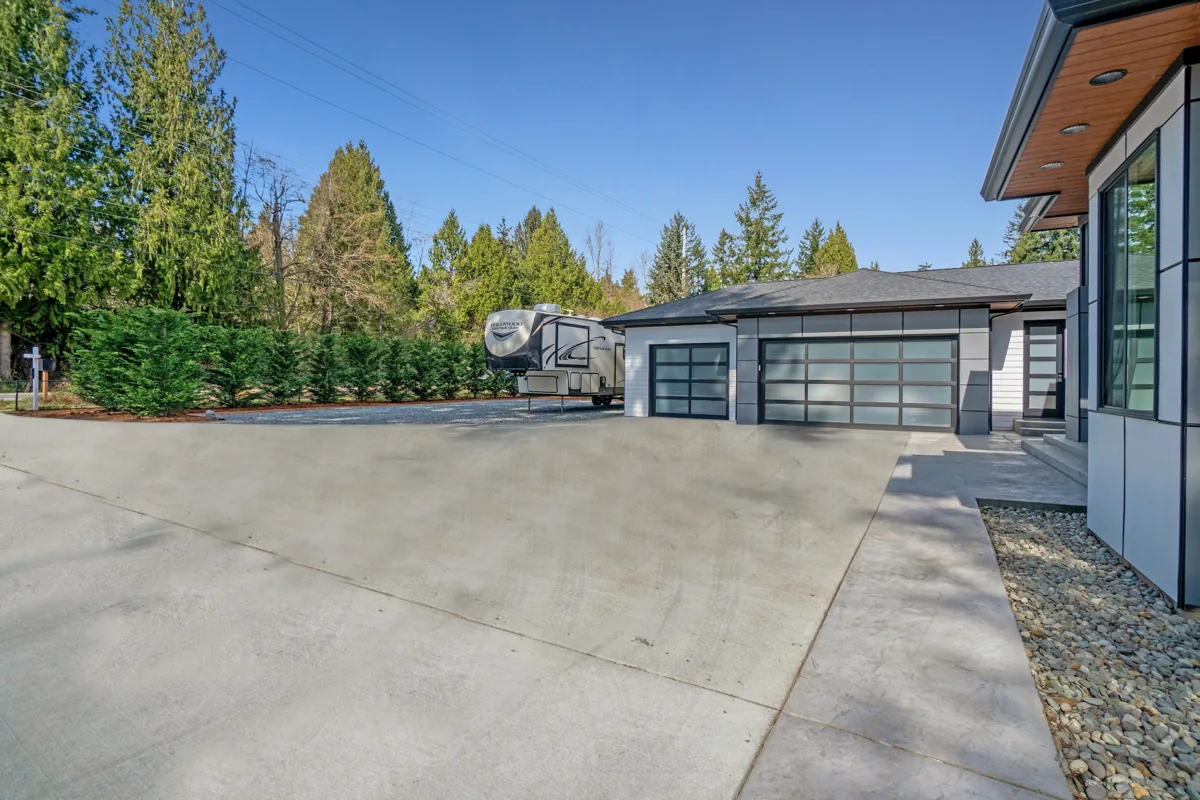
New community in Ontario · 24 homes
A consistent smart-entry specification for 24 homes, combining an Aqara U100 lock, door and window sensing, and an entry-lighting scene in each home. Equipment, account ownership and resident instructions were organized by unit.
 28
Cross-brand commissioning · Aqara / Lutron / Hue / ecobee
Naming rules, scene layers and acceptance use cases were organized into a consistent cross-brand commissioning workflow, supported by checks, handover documents and customer training materials.
 30
Delivered projects · Long-term maintenance documentation
Equipment registers, firmware and battery cycles, account-ownership changes and annual inspection documents were maintained for delivered projects, with record summaries for ongoing maintenance and client review.
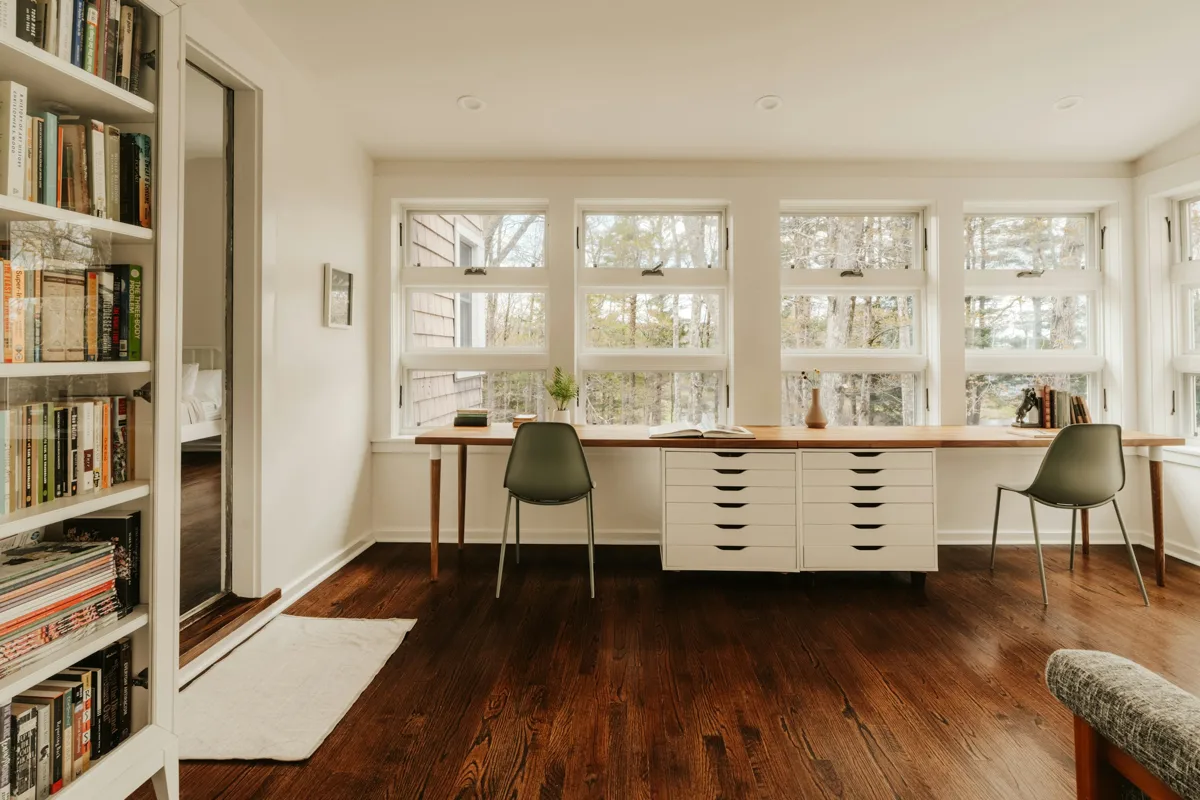
Licensed setting photograph · illustration, not a photograph of this project.
Select your market, project type and priorities. Get a starting equipment shortlist and a brief you can take into a project discussion.
Choose the support your project needs. The proposal confirms the documents, work items and responsibilities included.
Canada-led operations. Enquiries are handled by project country: Canada / CAD and United States / USD.
+86 13162319758