Use a clearly marked physical scene control for a limited cleaning routine.
A cleaner arriving in an unfamiliar property needs enough light to work and a simple way to leave the room in its agreed state. Sharing an administrator account just to achieve that is a large step for a small task. Define the lighting action first.
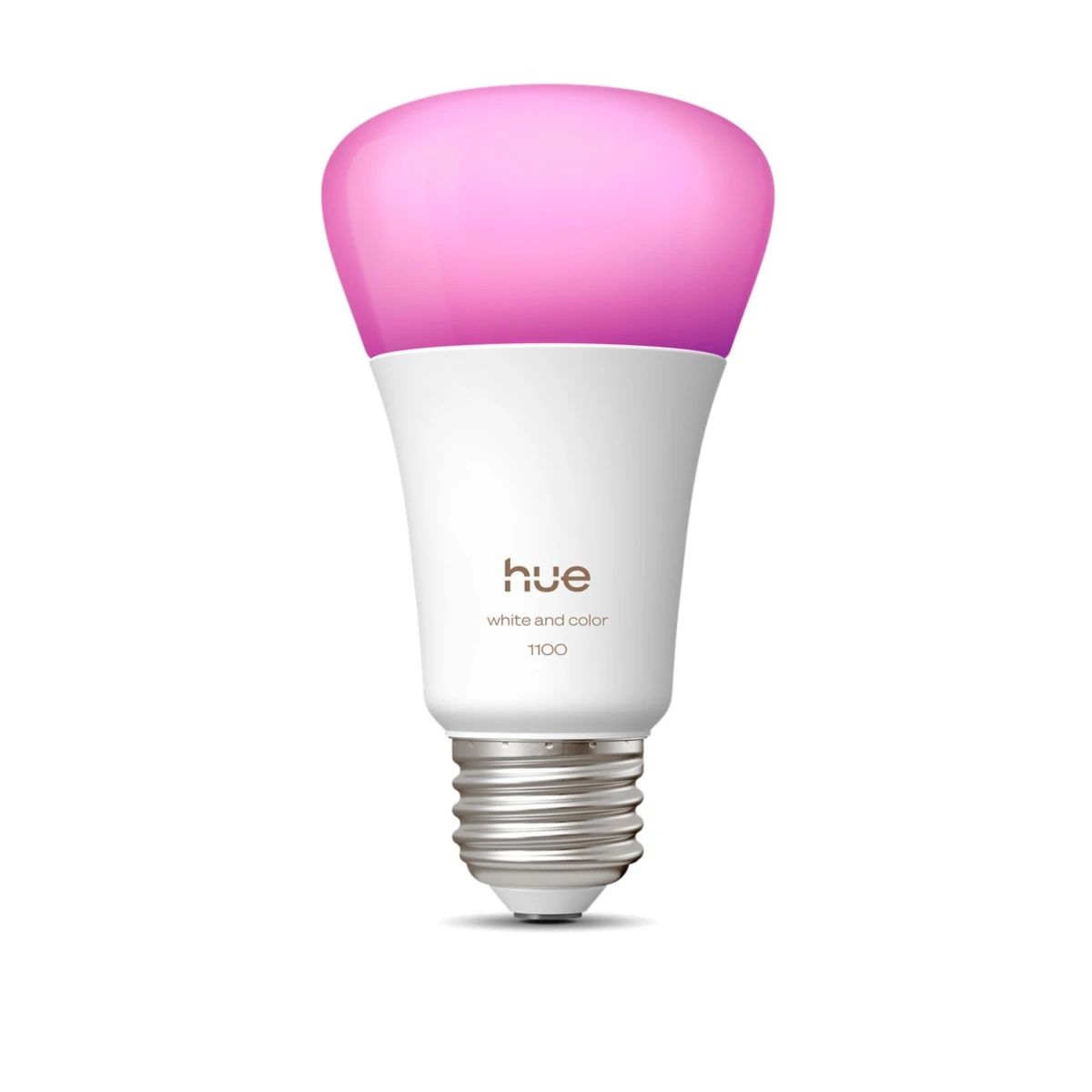
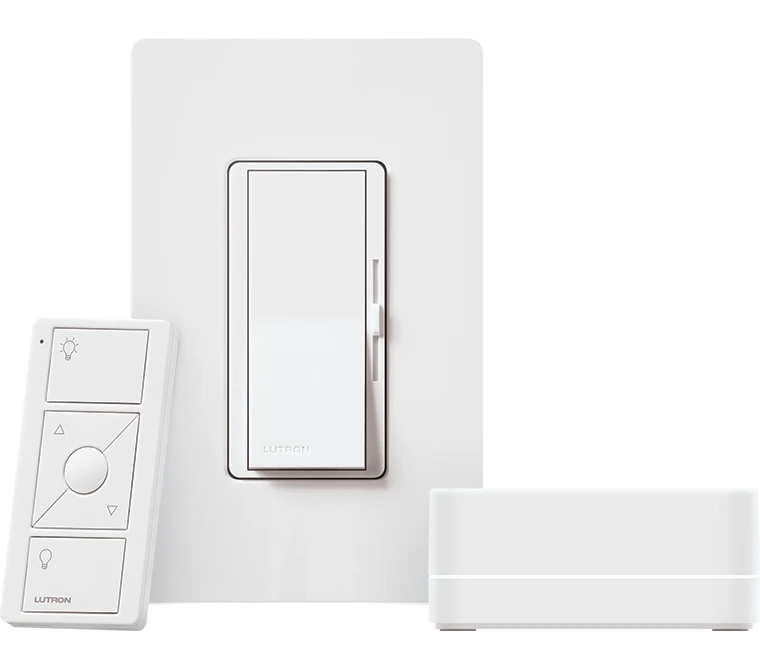
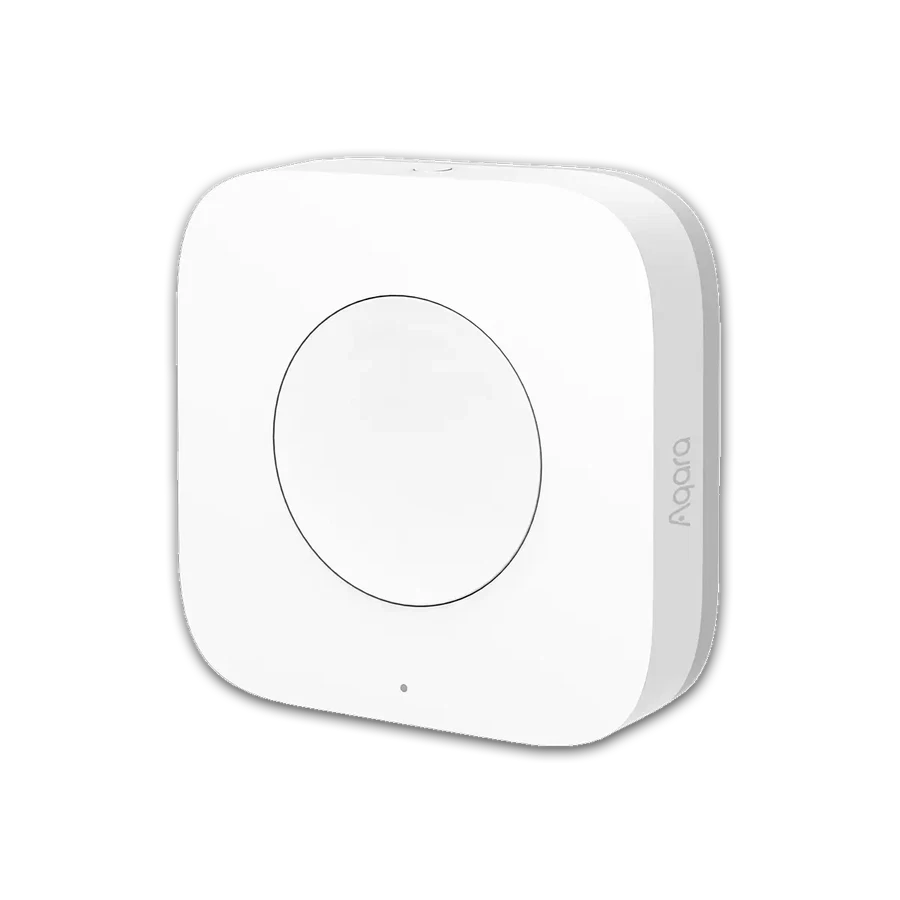
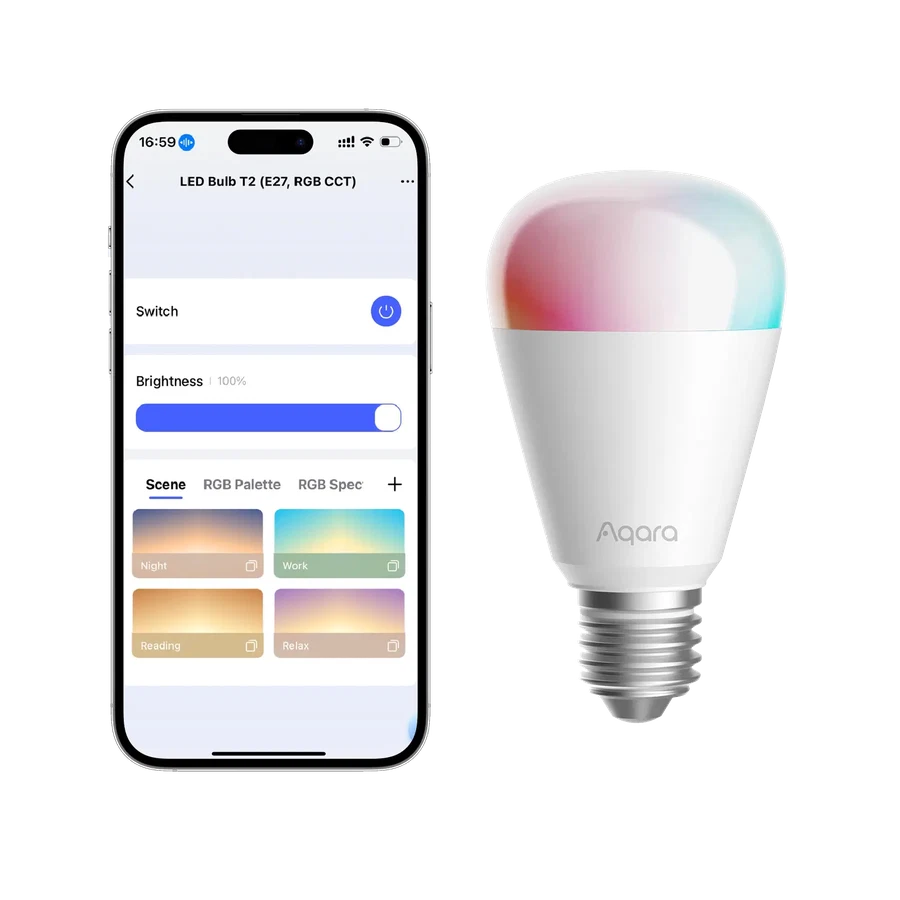
A compatible Aqara hub, supported Mini Switch and appropriately configured lighting can form a candidate service control. Label the intended action in ordinary words. The exact scene path must be checked for the selected bulb protocol and hub; a list of matching brands is not the commissioning record.
Keep the control limited to the task. Avoid placing unrelated security, heating or personal-room actions on an unexplained button. Walk through the departure sequence with the person doing the work. A modest, understandable service scene can make a property feel professionally organized without turning every visit into an app-training session.
Before you order
- Define the cleaning lights and departure state.
- Confirm supported switch actions.
- Label the physical control clearly.
A useful next step
List the rooms to be lit and request a small service-scene configuration.
Related equipment

Selling smart-home products? Planning a store in Canada or the US?
Talk with SmartAccess about product selection, a demonstration range, installation partners and project delivery. Retailers, dealers, installers and local store operators are welcome.
Product supply, training, service area, cooperation terms and any fees are confirmed in discussion. No revenue or lead volume is promised.
Manufacturer references
Product information comes from the linked manufacturer references. Confirm the exact regional model, seller, current price, stock and installation conditions before purchase.