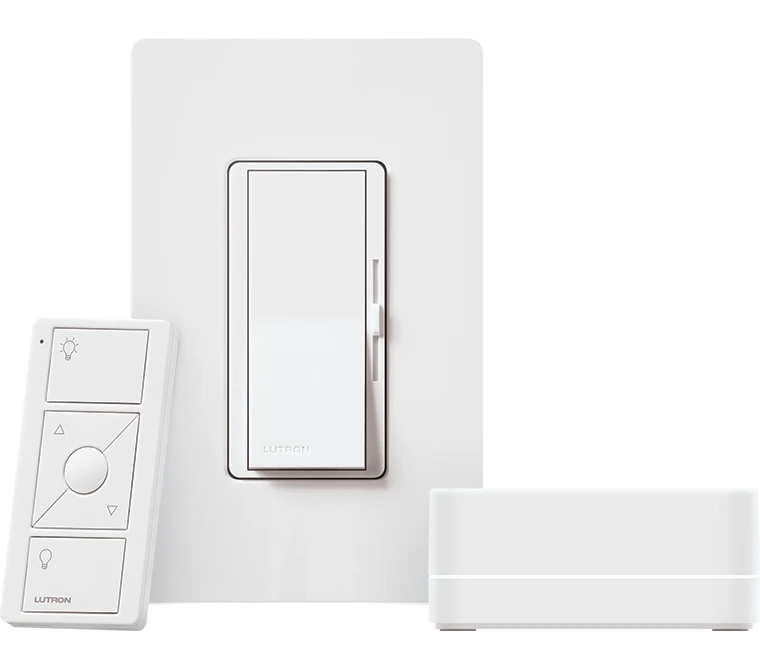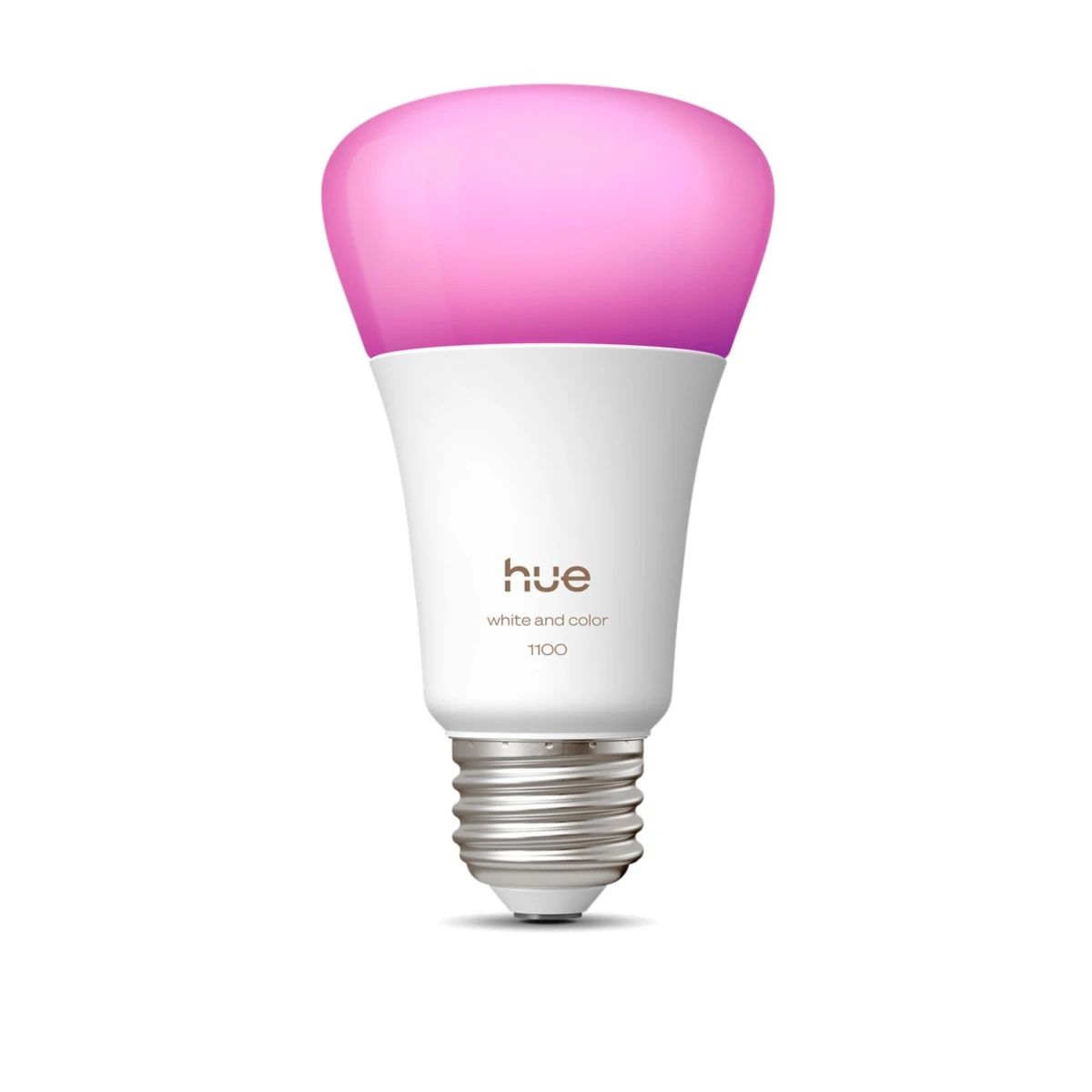
Use suitable smart bulbs or strips for repeatable background scenes, while specifying working light separately.
A video workspace can benefit from a recognizable background that returns to the same look. That does not make decorative smart lighting a replacement for every recording-light requirement. Decide which surface or object the accent will illuminate and what the camera actually sees.
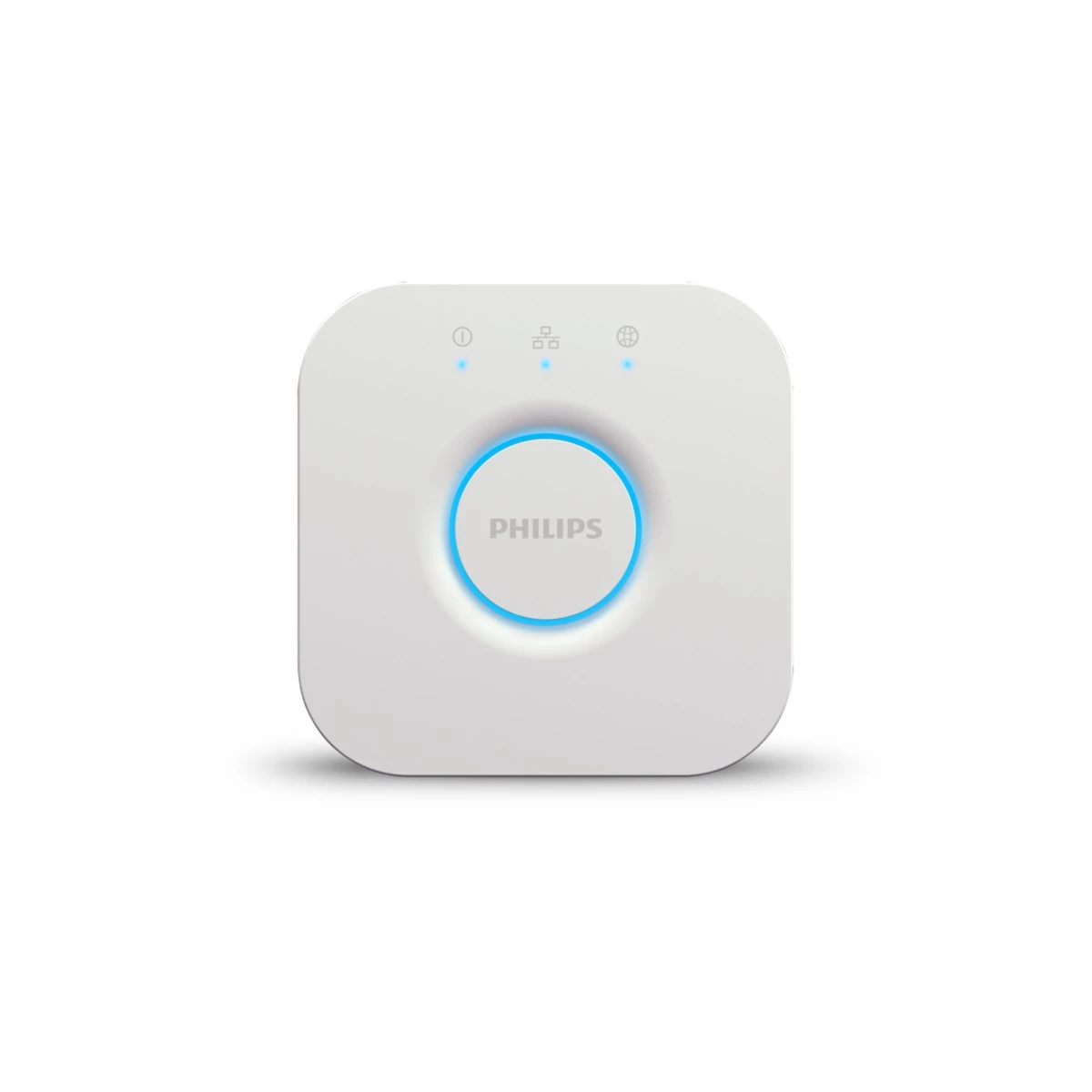
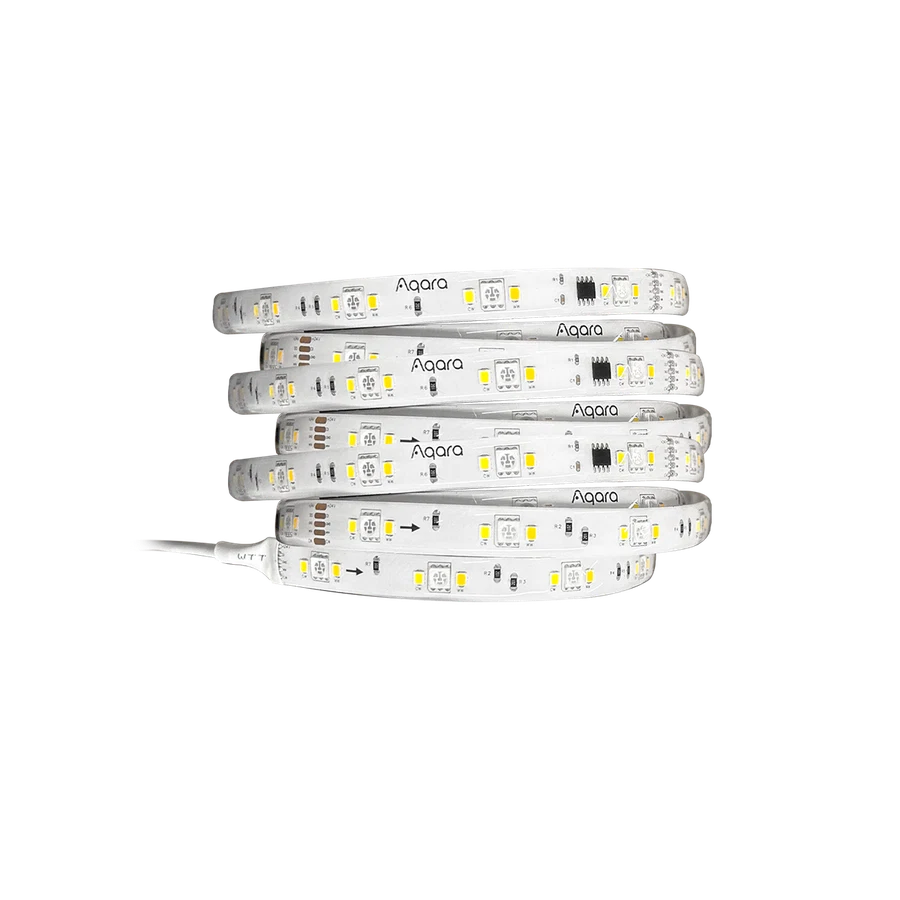
Hue bulbs with their appropriate control arrangement or an Aqara T1 strip with its compatible hub can be candidates for background accents. Check the actual camera result, placement and power. Do not assume a particular dimming setting is free of visible camera artifacts without testing the selected equipment together.
Keep a repeatable scene and a plain working-light state. Manage reflections from screens and glossy objects before adding more colour. A restrained background purchase often does more for consistency than filling the room with competing effects, especially when the main recording light remains a separately chosen tool.
Before you order
- Separate background and face-lighting tasks.
- Test the actual camera and settings.
- Check reflections and power placement.
A useful next step
Choose the background area and request a small repeatable accent-lighting list.
Related equipment
Selling smart-home products? Planning a store in Canada or the US?
Talk with SmartAccess about product selection, a demonstration range, installation partners and project delivery. Retailers, dealers, installers and local store operators are welcome.
Product supply, training, service area, cooperation terms and any fees are confirmed in discussion. No revenue or lead volume is promised.
Manufacturer references
- philips-hue.com · 046677591168 ↗
- philips-hue.com · product-page.hue_bridge ↗
- aqara.com · led-strip-t1 ↗
Product information comes from the linked manufacturer references. Confirm the exact regional model, seller, current price, stock and installation conditions before purchase.