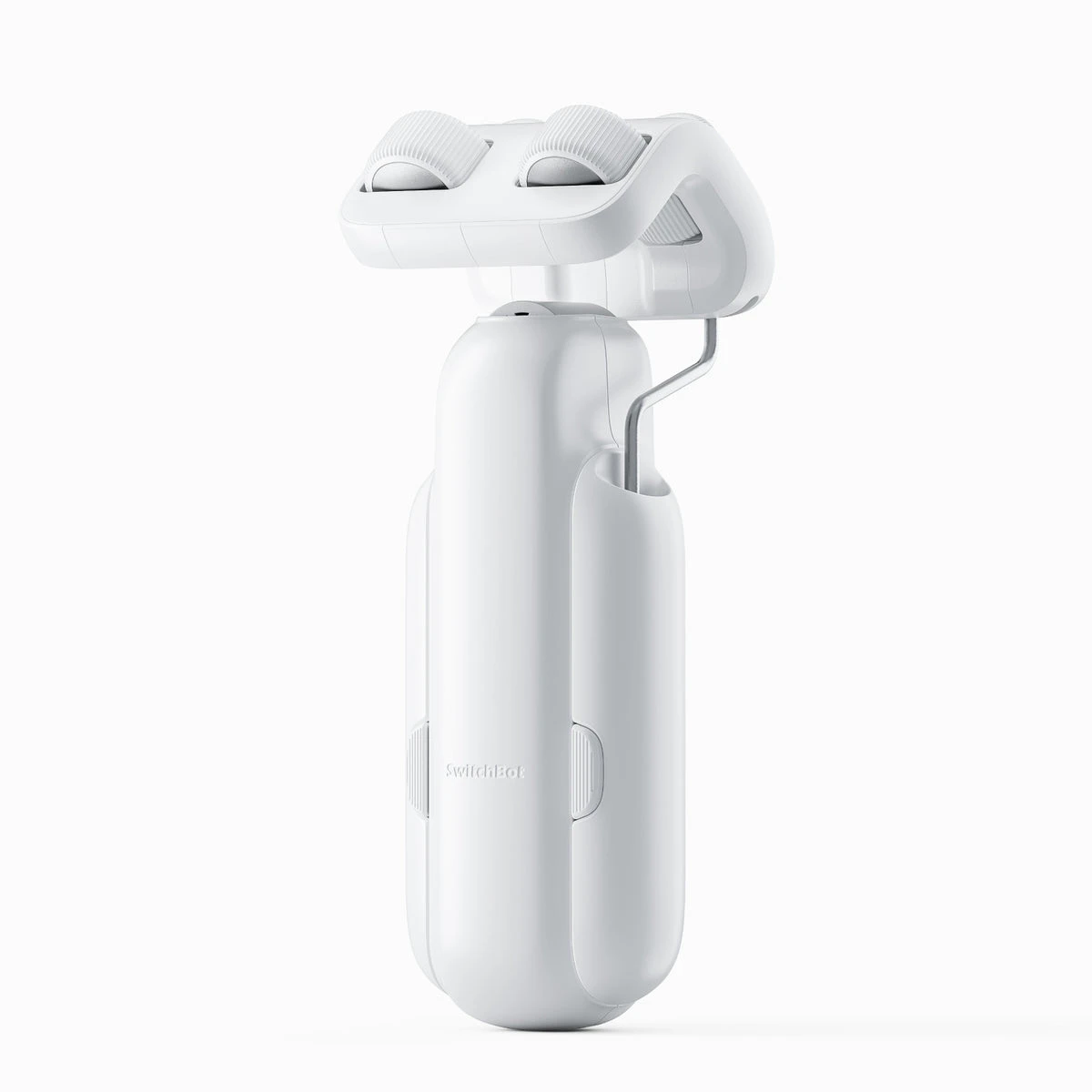
Choose the motor version for the actual curtain hardware, then compare the connected features.
A motor can be a pleasing upgrade when the curtains you already like are worth keeping. The first photograph to take is of the hardware above them: rod, track profile, rings and the way the curtain moves.
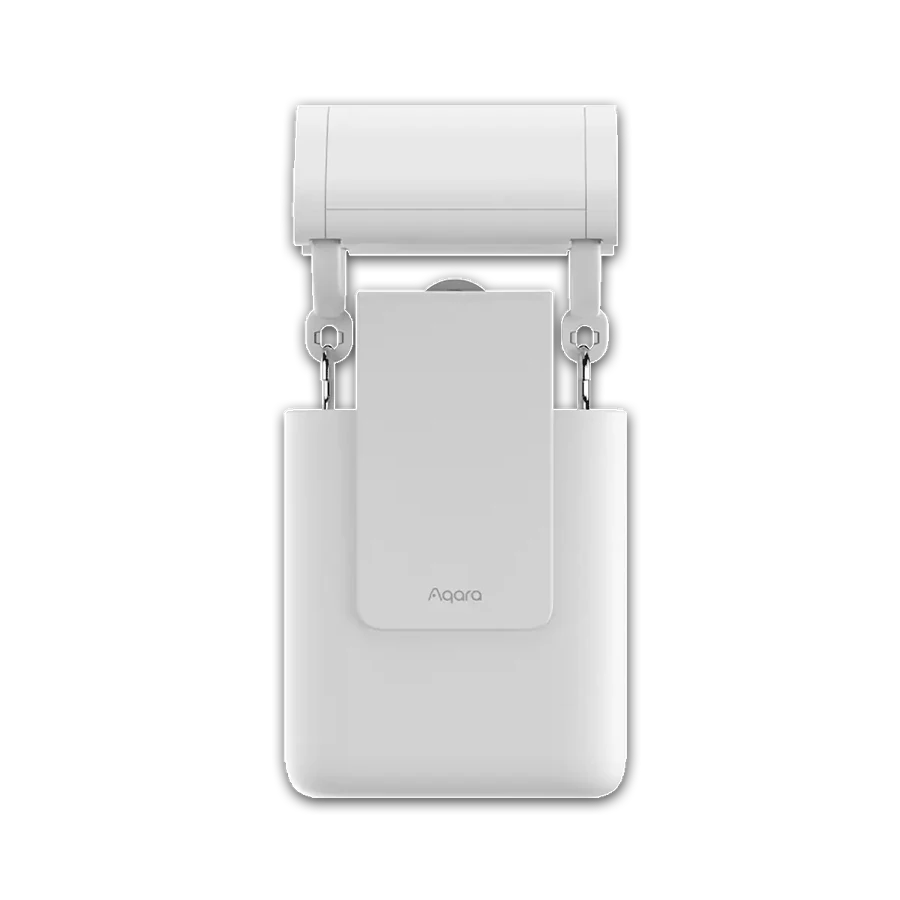
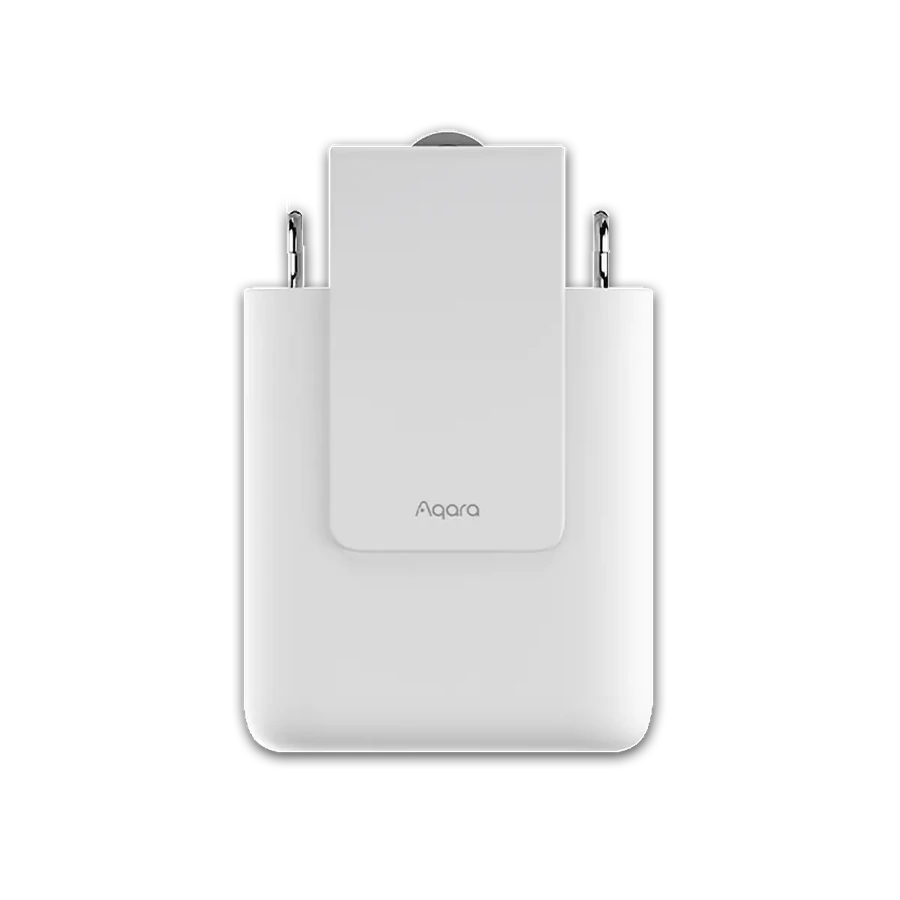
SwitchBot Curtain 3 and Aqara E1 have installation-specific variants. A product-family listing does not establish that the selected package fits your rail. Use the exact manufacturer's dimensions and supported hardware guidance.
Pull the curtain manually and note any sticking. Automation should not be bought to disguise a damaged track. Once the travel is smooth and the variant is right, schedules and a supported physical control can make the existing curtains feel much more convenient.
Before you order
- Identify rod or exact track profile.
- Check the selected motor variant.
- Make sure existing travel is smooth.
A useful next step
Send close-up hardware photographs before ordering.
Related equipment
Selling smart-home products? Planning a store in Canada or the US?
Talk with SmartAccess about product selection, a demonstration range, installation partners and project delivery. Retailers, dealers, installers and local store operators are welcome.
Product supply, training, service area, cooperation terms and any fees are confirmed in discussion. No revenue or lead volume is promised.
Manufacturer references
- switch-bot.com · switchbot-curtain-3 ↗
- aqara.com · curtain-driver-e1-rod-version ↗
- aqara.com · curtain-driver-e1-track-version ↗
Product information comes from the linked manufacturer references. Confirm the exact regional model, seller, current price, stock and installation conditions before purchase.