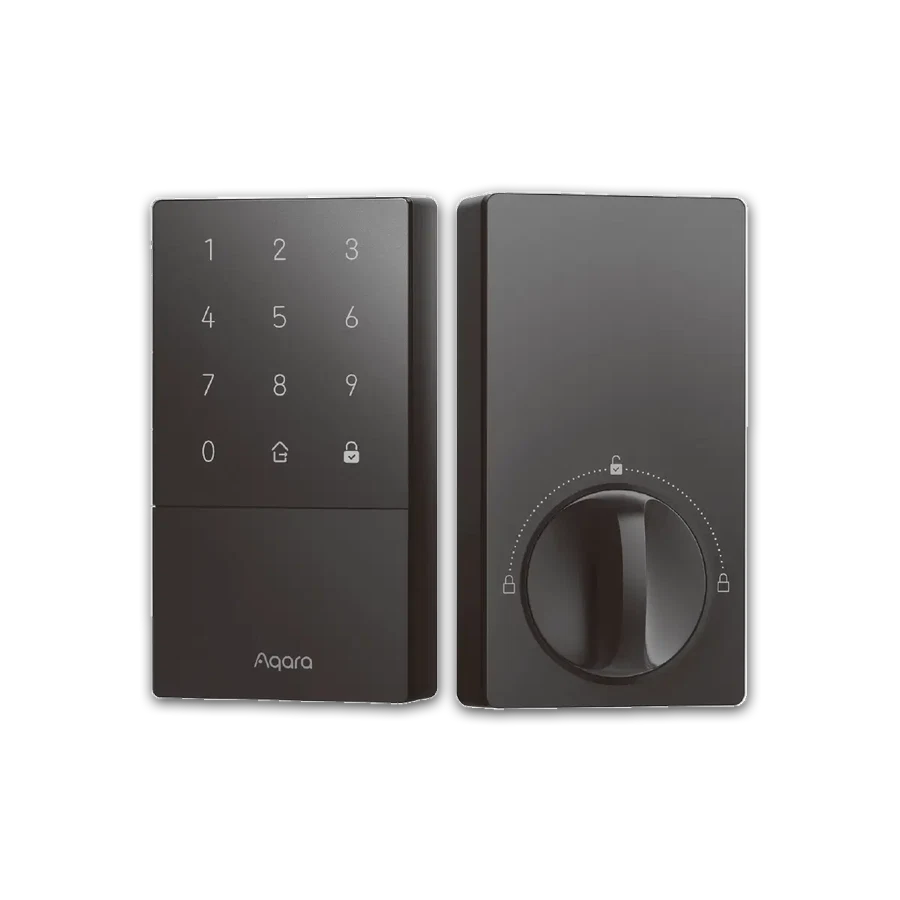
Product photos usually show the lock straight on. At home, you may approach along a narrow porch, with a bag on the arm nearest the door. A keypad that looks easy in the photograph can require an awkward sideways reach in that position.
Before choosing an access method, walk up to your door as you normally would. Stop where you can comfortably stand. Which hand is free? Can you see the place where the keypad would sit without leaning across the handle? Ask the other regular users to do the same. Their answer may be different from yours.
For a shortlist, the Aqara U50 has a keypad, while the U100 offers a fingerprint reader as well as a keypad. Those are useful differences to try on a display lock. Approach it from your usual side instead of facing it head-on; a conveniently placed display is not a copy of your entrance.
If entering a code feels natural, the U50 remains worth considering. The U100 deserves a closer look when you want fingerprint entry and can comfortably place your finger on its reader. The feature list alone cannot tell you which action will feel easier at your door.
This reach check comes alongside the normal door-fit check, not in place of it. For a useful enquiry, send the door measurements requested by the installer and a photo showing the approach from the side you use. Mention which hand is normally occupied. That gives the next conversation a specific job: find a suitable lock that you can actually use comfortably.