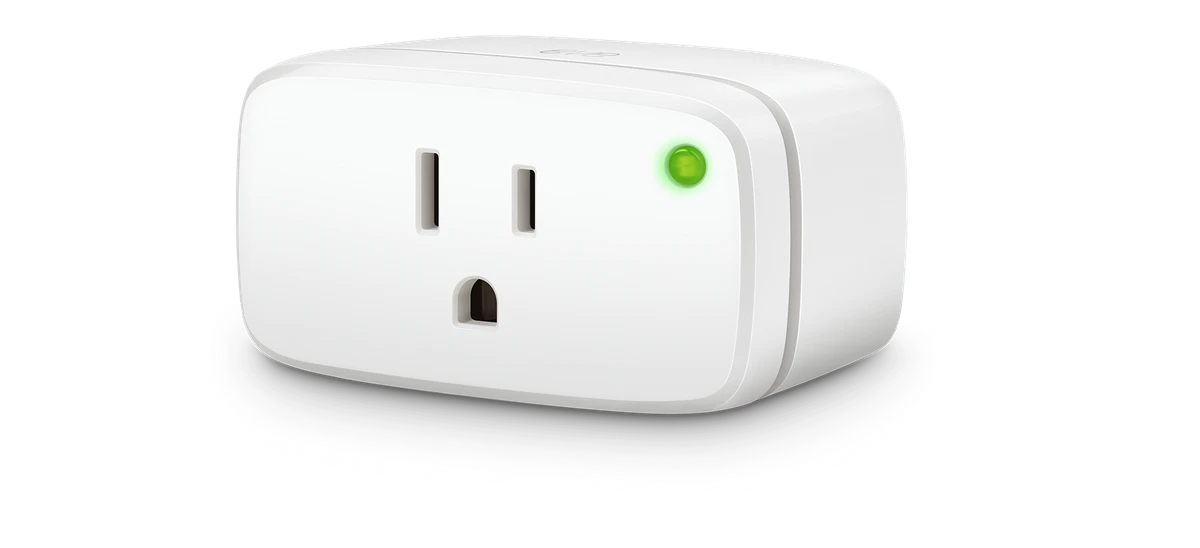
Consider suitable plug-level observation only after confirming electrical ratings and the printer's shutdown guidance.
A printer left powered overnight can look like an obvious smart-plug opportunity. Some equipment has its own sleep, maintenance or shutdown sequence, however. Read the actual manufacturer's guidance before replacing that behavior with a hard power cut.
Eve Energy or the energy-monitoring P110M can be considered only where the selected regional model, load type and rating fit. The control and metering information available through the chosen platform also needs review. A plug's energy feature is not permission to interrupt any appliance.
First answer the useful question: is the printer behaving as expected when idle? If its built-in settings solve the issue, another device may not be needed. If a supported external control remains useful, define a manual shutdown and restart test before including it in the office's routine.
Before you order
- Review printer shutdown and maintenance instructions.
- Check load type and electrical demand.
- Confirm the platform's metering functions.
A useful next step
Provide the printer model and desired observation task before choosing a plug.
Related equipment
Selling smart-home products? Planning a store in Canada or the US?
Talk with SmartAccess about product selection, a demonstration range, installation partners and project delivery. Retailers, dealers, installers and local store operators are welcome.
Product supply, training, service area, cooperation terms and any fees are confirmed in discussion. No revenue or lead volume is promised.
Manufacturer references
Product information comes from the linked manufacturer references. Confirm the exact regional model, seller, current price, stock and installation conditions before purchase.