Choose the hub format after checking power, network and access at the intended location.
A plug-in device can make installation look simple, especially when you want fewer boxes and cables. But a spare socket hidden behind furniture may be inconvenient for service or poorly positioned for the intended devices.
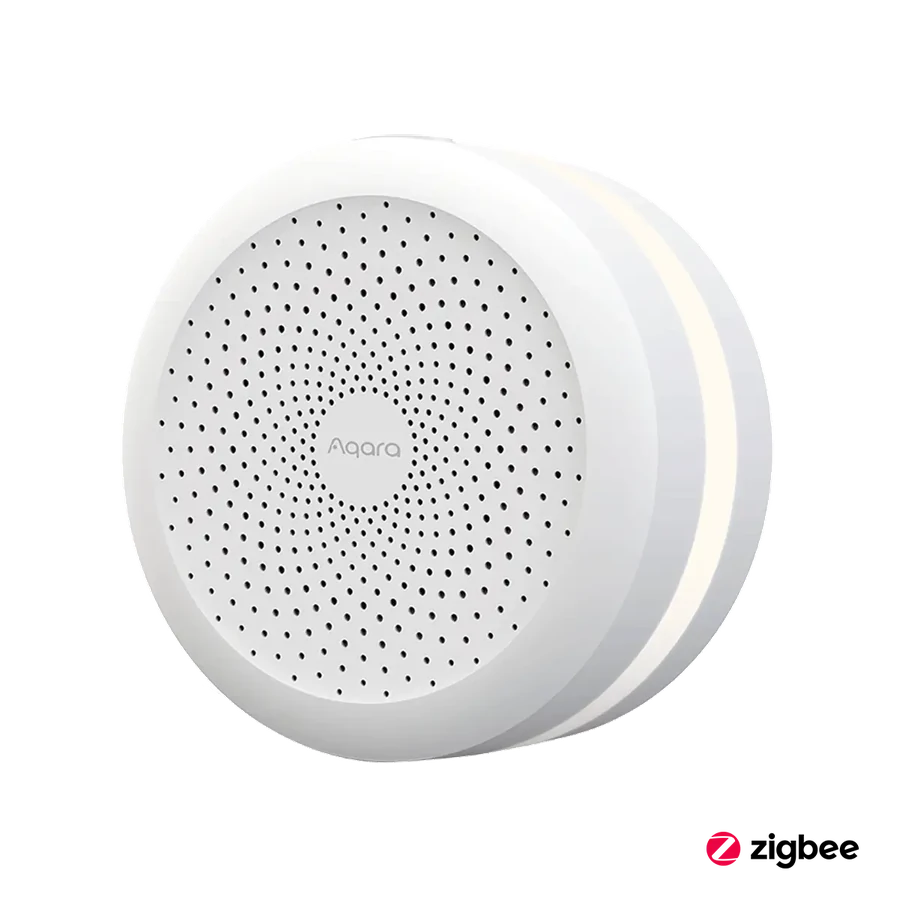
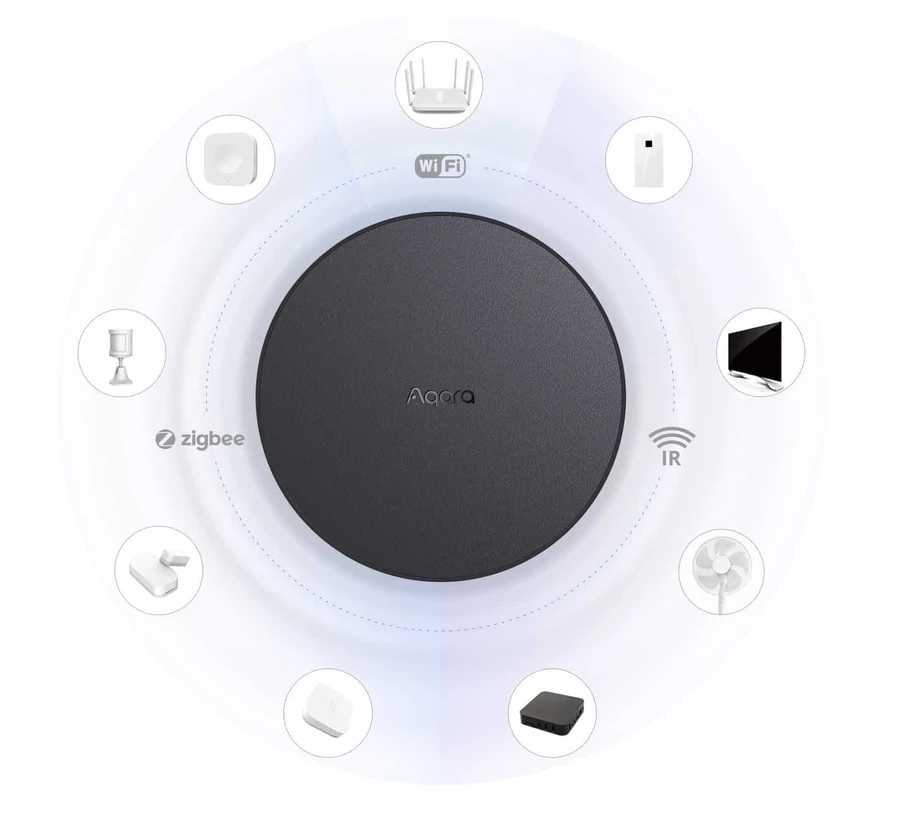
Aqara M1S Gen 2 offers a plug-in hub form with a light ring and speaker. M2 has its own powered network arrangement, including supported Ethernet or Wi-Fi options. Match the exact regional product to the available location.
Draw the hub and the devices it will serve on one simple plan. This turns the choice from an aesthetic preference into a practical purchase, without assuming that a room full of unrelated routers and controllers is necessary.
Before you order
- Mark the intended hub position.
- Check power and supported network connection.
- Keep the device reachable for service.
A useful next step
Compare hub placement options alongside the sensor plan.
Related equipment
Selling smart-home products? Planning a store in Canada or the US?
Talk with SmartAccess about product selection, a demonstration range, installation partners and project delivery. Retailers, dealers, installers and local store operators are welcome.
Product supply, training, service area, cooperation terms and any fees are confirmed in discussion. No revenue or lead volume is promised.
Manufacturer references
Product information comes from the linked manufacturer references. Confirm the exact regional model, seller, current price, stock and installation conditions before purchase.