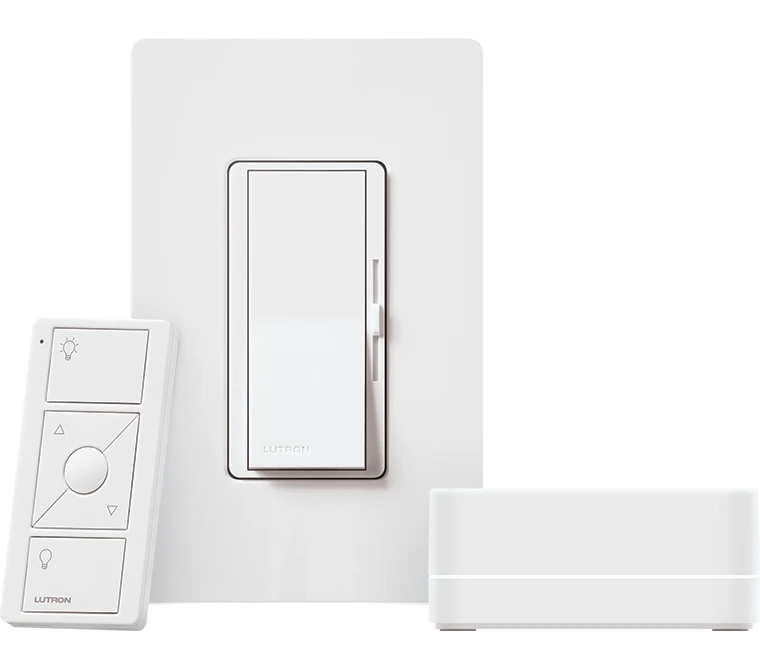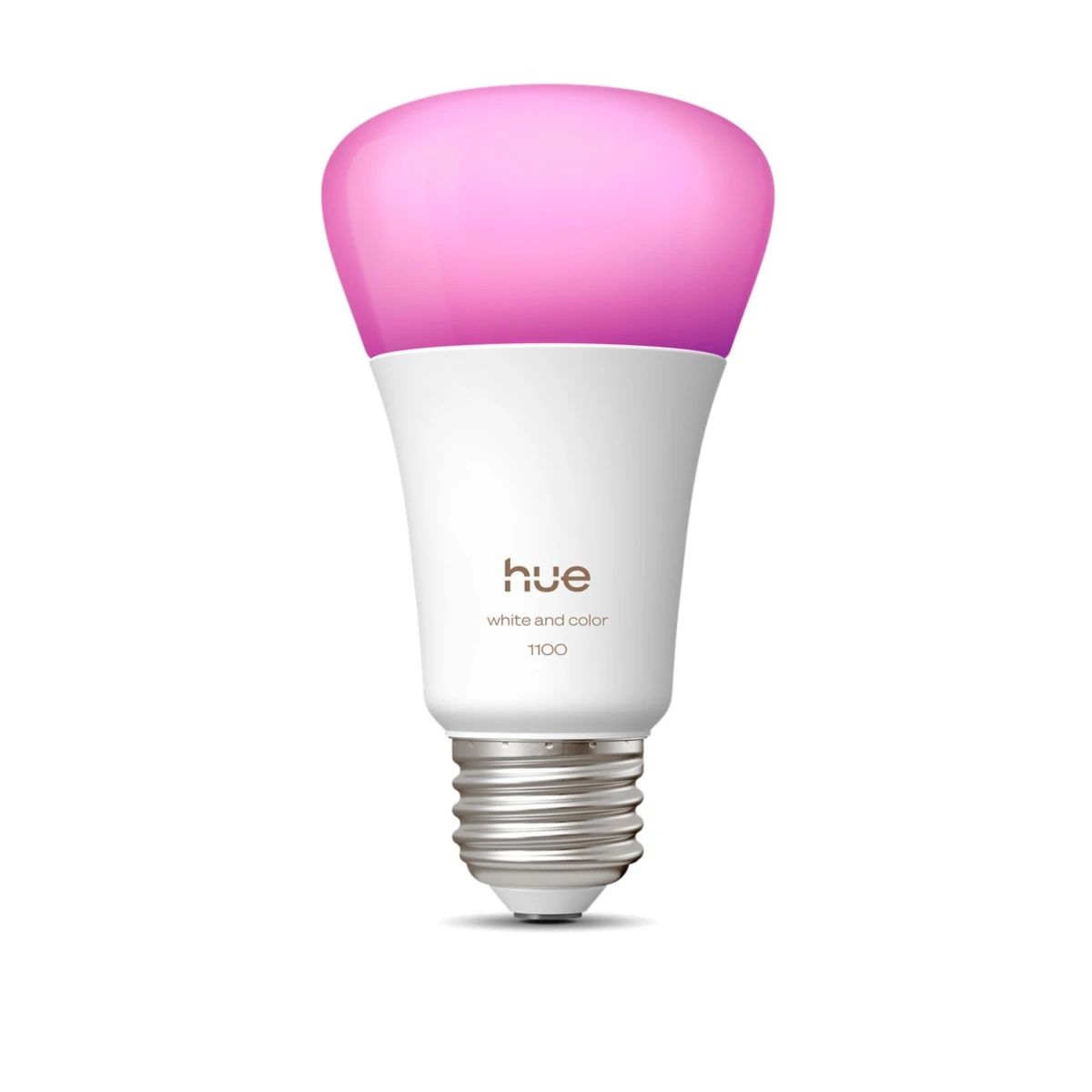
Keep a small set of Hue scenes with a clearly identified reset control.
A show home may be visited by several groups and operated by different staff throughout the day. The valuable purchase is not the most elaborate one-time effect. It is a setup that returns to a known state before the next tour and is easy to explain.
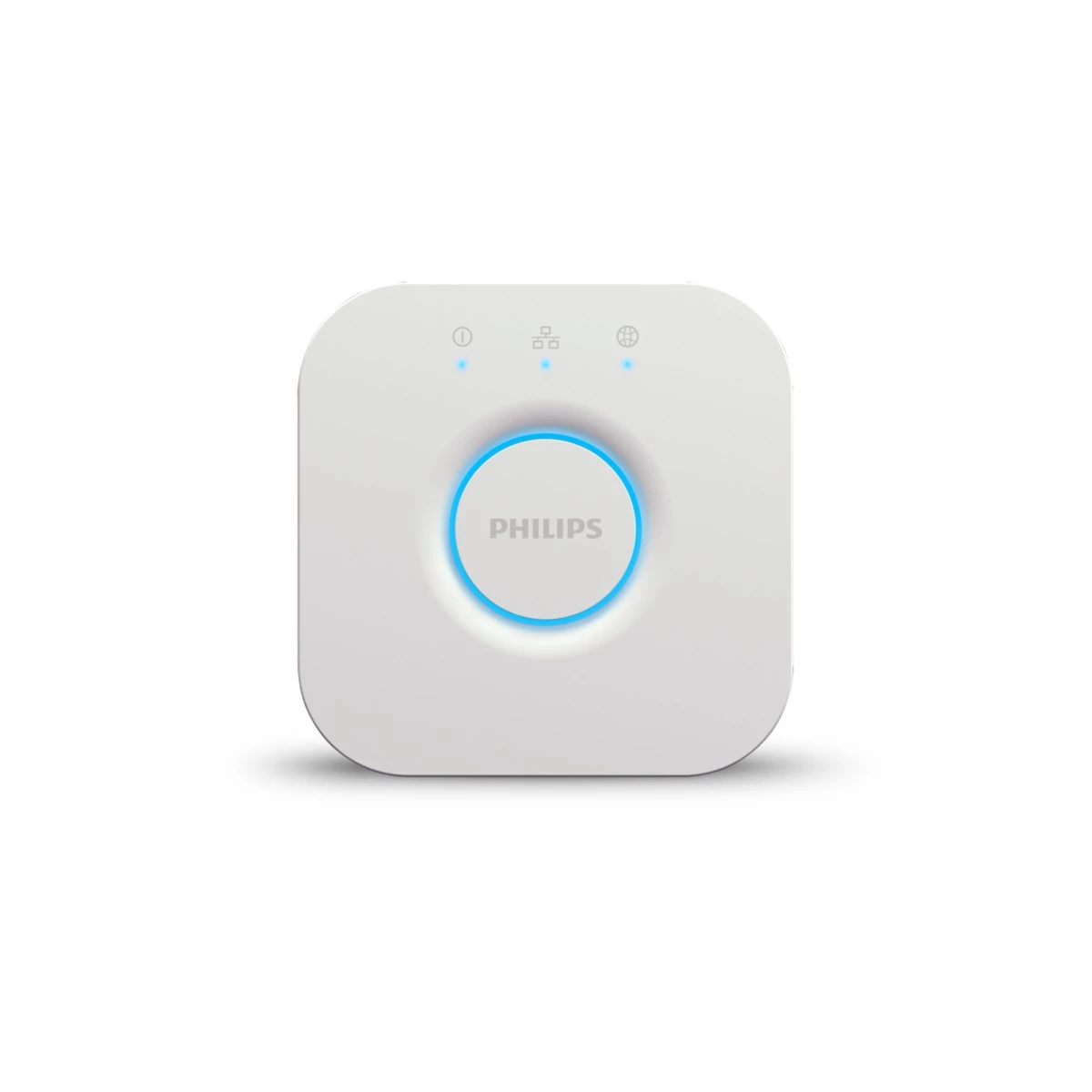
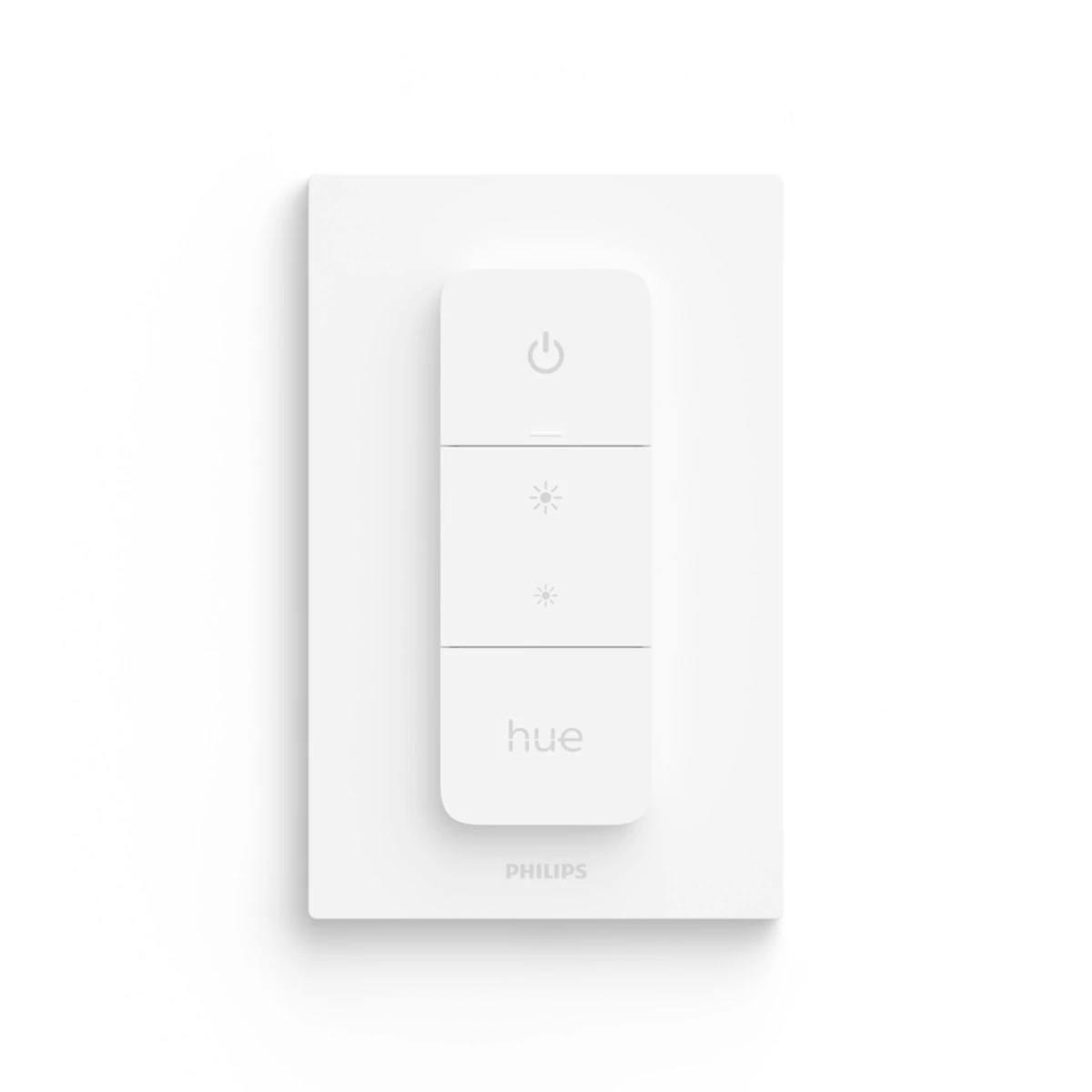
Choose the lamps and Bridge around a few visible differences: an everyday room, a relaxed evening and the showroom's normal reset. A supported physical Dimmer Switch can give staff a practical control, subject to the exact supported configuration and operating plan.
Keep the demonstration account separate from any future resident's personal data. Write a short staff card explaining the scene, the product behind it and the optional purchase scope. When a visitor asks what is included, the team should be able to point to a real list rather than guessing which part of the effect comes with the house.
Before you order
- Define the reset state and responsible staff.
- Keep demo and resident accounts separate.
- Match every demonstration to a product list.
A useful next step
Request a compact demonstration kit with a staff operating card and clear upgrade options.
Related equipment
Selling smart-home products? Planning a store in Canada or the US?
Talk with SmartAccess about product selection, a demonstration range, installation partners and project delivery. Retailers, dealers, installers and local store operators are welcome.
Product supply, training, service area, cooperation terms and any fees are confirmed in discussion. No revenue or lead volume is promised.
Manufacturer references
- philips-hue.com · 046677591168 ↗
- philips-hue.com · product-page.hue_bridge ↗
- philips-hue.com · 046677562779 ↗
Product information comes from the linked manufacturer references. Confirm the exact regional model, seller, current price, stock and installation conditions before purchase.