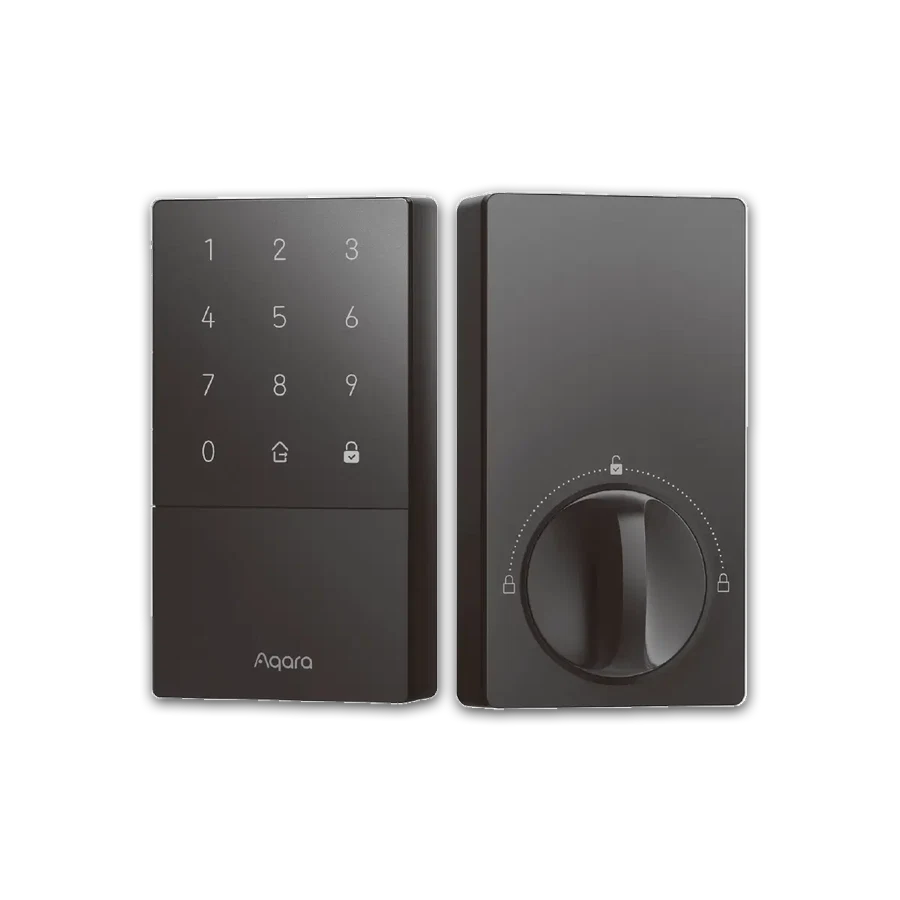
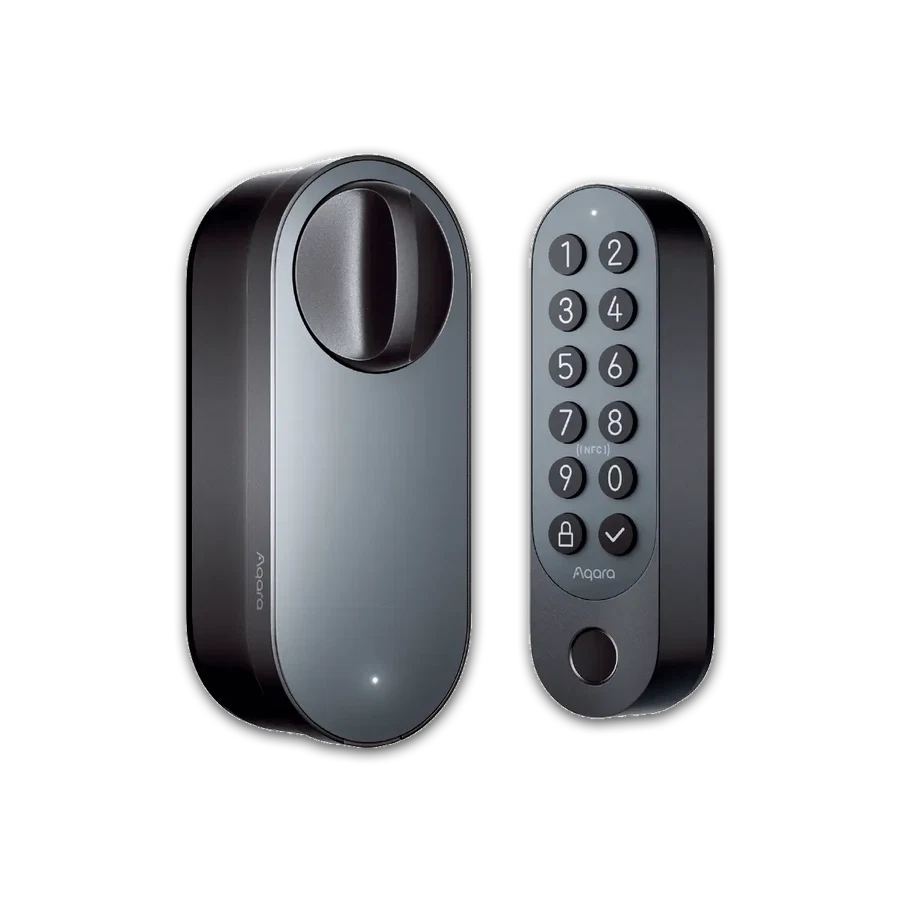
Choose a lock whose supported code workflow matches your handover process; treat booking automation as a separate verification.
A houseguest, cleaner and contractor do not need the same access. Write down who needs a code, when it should work and who will remove it. Those three questions produce a clearer shortlist than asking for a lock that does everything.
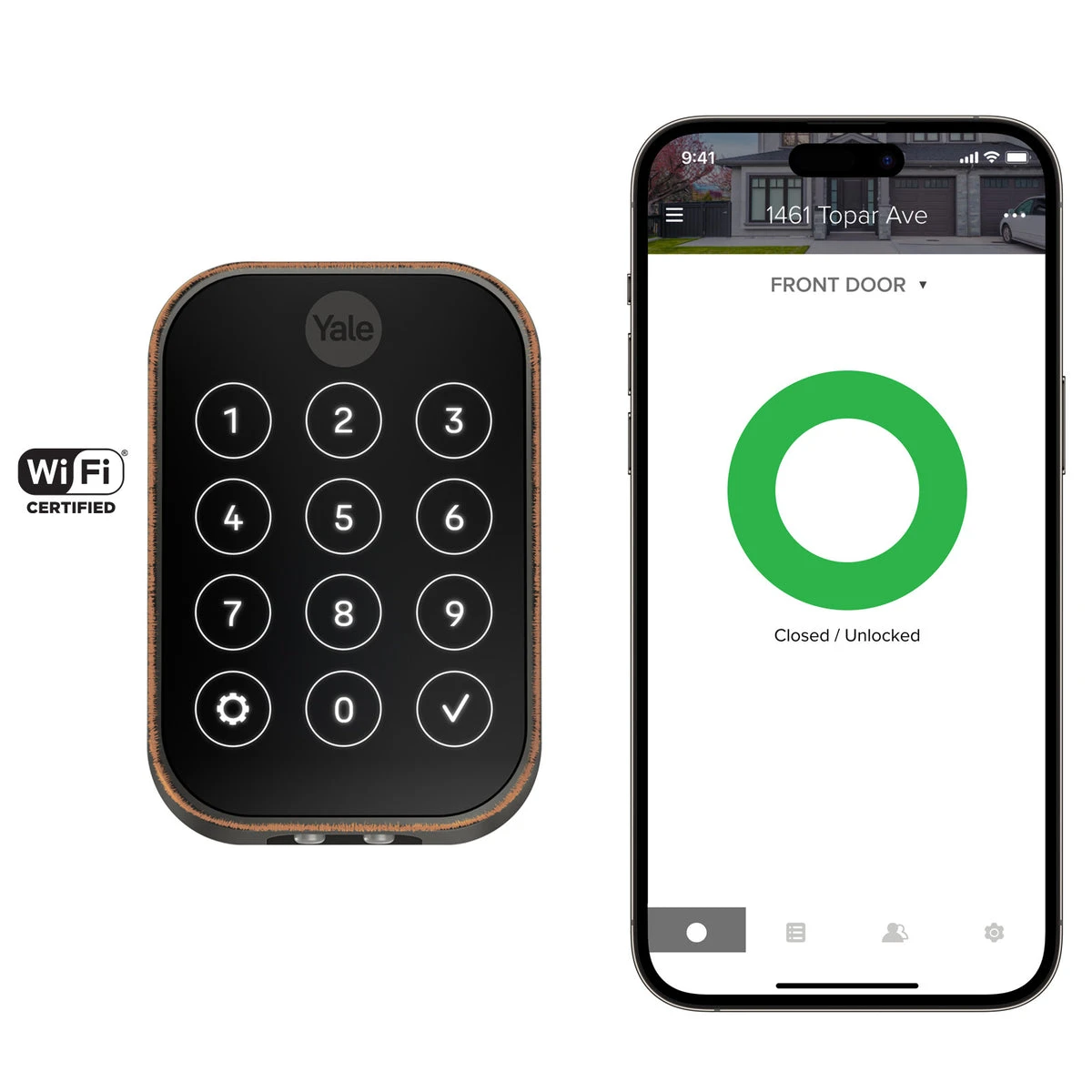
For U100 or the listed Yale Wi-Fi configuration, review the exact official account and code-management instructions. Remote changes depend on the chosen model's connected setup. Do not assume a code can be issued from anywhere without the required network equipment.
If a booking calendar or property platform is part of the plan, ask for the exact integration and test it separately. A lock supporting guest access is not proof that every reservation will automatically create and remove a code.
Before you order
- Define code roles and validity needs.
- Check the remote-management requirements.
- Verify any booking-platform integration separately.
A useful next step
Describe the access workflow when asking for a lock recommendation.
Related equipment
Selling smart-home products? Planning a store in Canada or the US?
Talk with SmartAccess about product selection, a demonstration range, installation partners and project delivery. Retailers, dealers, installers and local store operators are welcome.
Product supply, training, service area, cooperation terms and any fees are confirmed in discussion. No revenue or lead volume is promised.
Manufacturer references
- aqara.com · smart-lock-u100 ↗
- shopyalehome.com · yale-assure-lock-2-key-free-touchscreen-with-wi-fi ↗
Product information comes from the linked manufacturer references. Confirm the exact regional model, seller, current price, stock and installation conditions before purchase.