Use the documented Zigbee or Thread route that fits your existing controllers and intended functions.
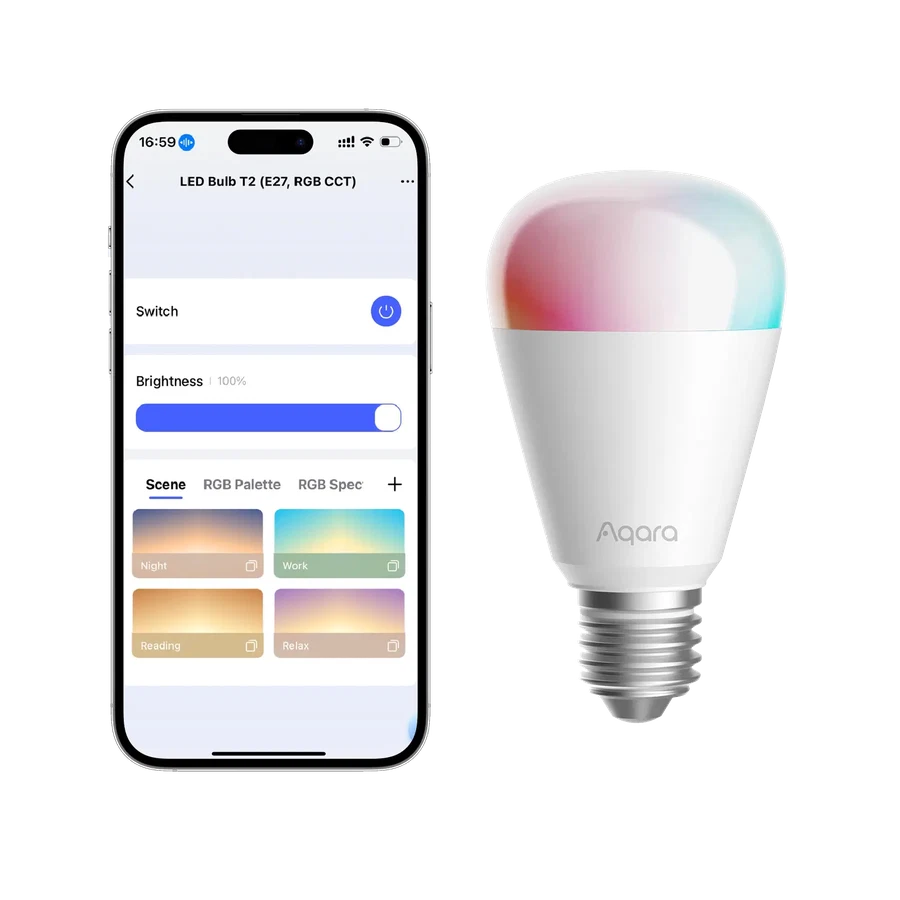
A dual-route bulb can be appealing because it offers a choice. It does not mean you can ignore the rest of the system. Aqara T2 can follow a supported Zigbee route with an Aqara hub or a Thread route with suitable Matter and Thread infrastructure.
If the home already runs compatible Aqara devices, the hub route may keep management familiar. If a supported Matter controller and Thread border router are already established, assess that route against the functions you want.
Make the choice before configuring many lamps. Check the manufacturer's switching and reset instructions so a later platform change does not become an unexpected evening of re-pairing.
Before you order
- List the controllers already owned.
- Choose functions before choosing the protocol.
- Read the route-change and reset instructions.
A useful next step
Request a T2 configuration matched to the existing home platform.
Related equipment

Selling smart-home products? Planning a store in Canada or the US?
Talk with SmartAccess about product selection, a demonstration range, installation partners and project delivery. Retailers, dealers, installers and local store operators are welcome.
Product supply, training, service area, cooperation terms and any fees are confirmed in discussion. No revenue or lead volume is promised.
Manufacturer references
Product information comes from the linked manufacturer references. Confirm the exact regional model, seller, current price, stock and installation conditions before purchase.