
For each proposed connection, record the actual action, controller route and test status.
A buyer may want a switch to control a light, a sensor to trigger a scene or an app to show an open-door state. These are different requests. Write each one as a row rather than treating cross-brand connectivity as one yes-or-no property.
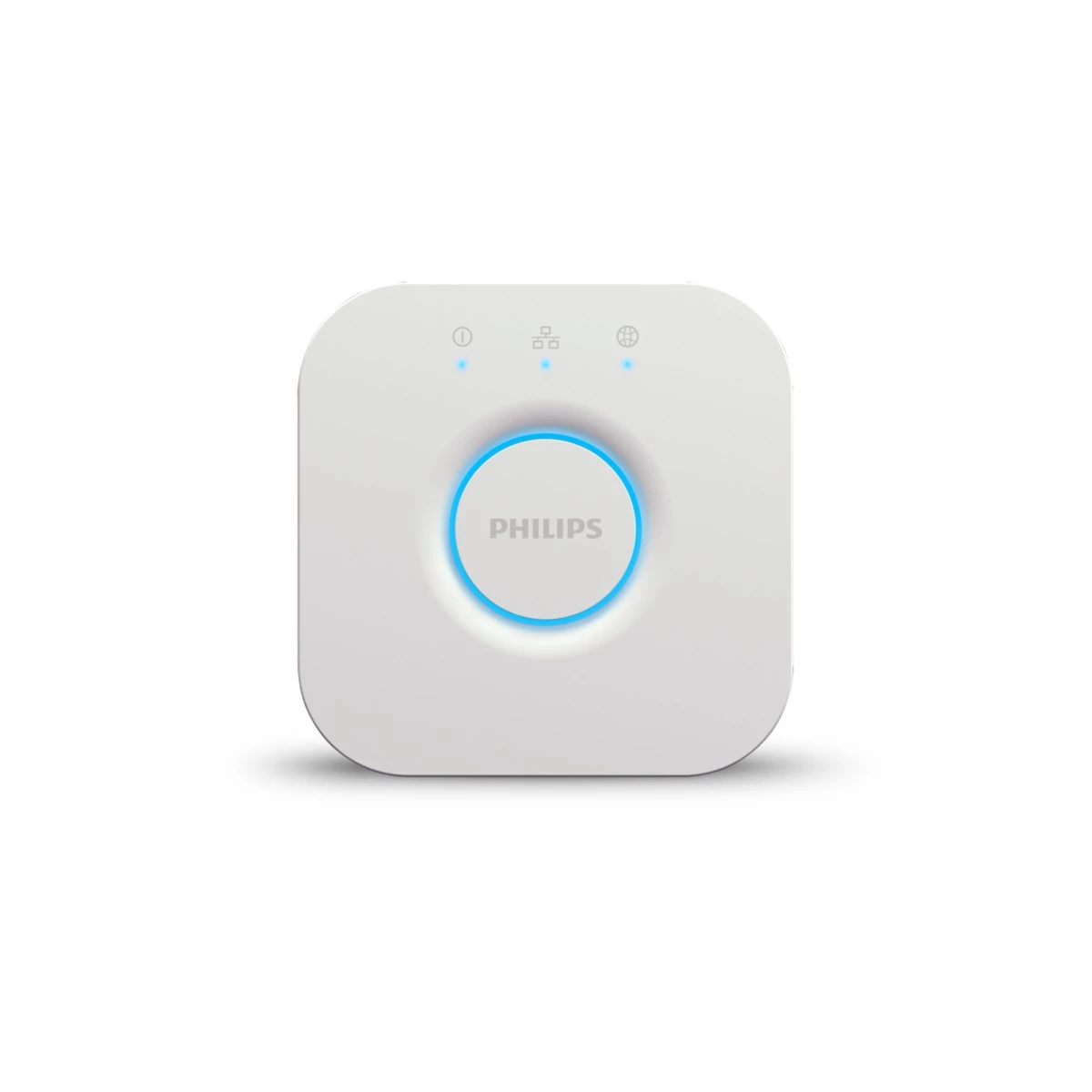
Identify the exact bridge or controller involved and note which functions remain in the vendor app. A platform may expose basic control without all settings or advanced features. A showroom demonstration should mark what was actually observed on the tested versions.
Use the grid to compare alternatives and to explain a pilot when a required action is uncertain. This is not a demand that every salesperson become a developer; it is a disciplined way to avoid selling a logo where the customer needs a particular behaviour.
Before you order
- Write one requested action per row.
- Name the controller and vendor-app boundary.
- Distinguish documented, tested and unverified functions.
A useful next step
Discuss a function-based compatibility shortlist with SmartAccess.
Related equipment
Selling smart-home products? Planning a store in Canada or the US?
Talk with SmartAccess about product selection, a demonstration range, installation partners and project delivery. Retailers, dealers, installers and local store operators are welcome.
Product supply, training, service area, cooperation terms and any fees are confirmed in discussion. No revenue or lead volume is promised.
Manufacturer references
Product information comes from the linked manufacturer references. Confirm the exact regional model, seller, current price, stock and installation conditions before purchase.
