Plan separate household systems and verify isolation before copying a sensor package to both units.
Buying the same devices for both sides of a duplex can simplify maintenance, but that does not mean both households should live inside one account. Start by separating resident devices, owner-managed equipment and any genuinely common areas. Each category needs an agreed administrator and alert recipient.
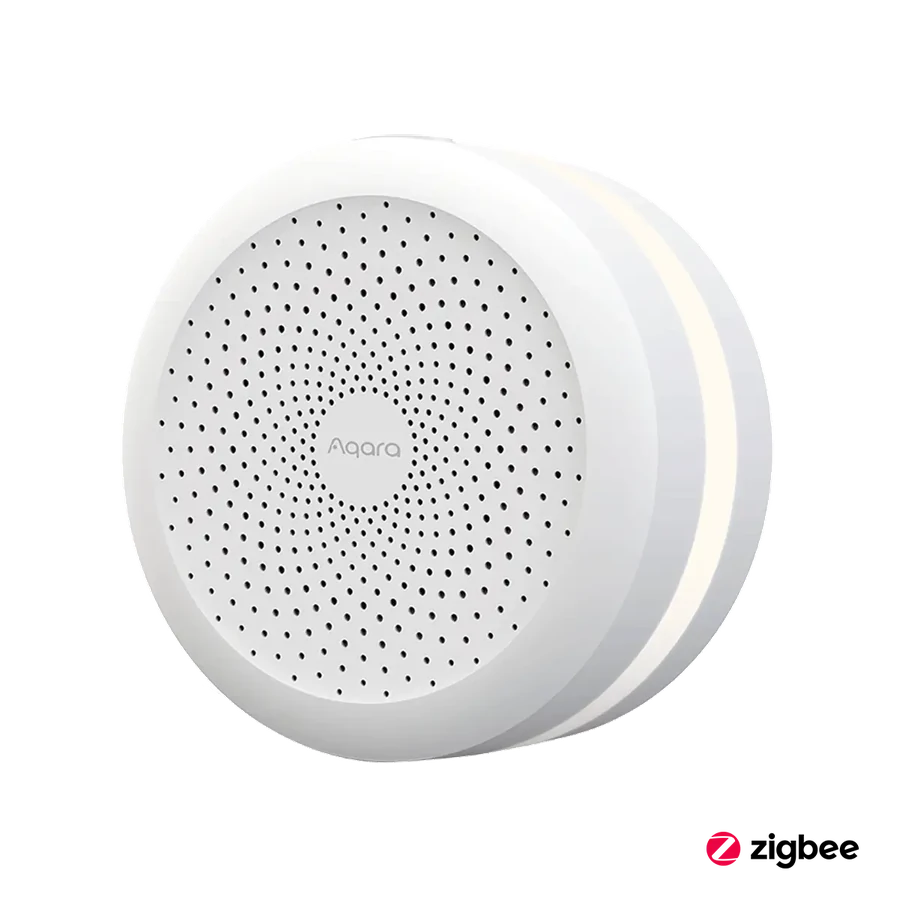
Aqara hubs and supported sensors can form candidate unit packages. Specify which sensor belongs to which home, how it is named and which hub serves it. Check the supported account-sharing arrangements rather than assuming that a family-sharing feature provides the property-management roles you want.
Demonstrate the boundary before rollout. A resident in one unit should not unexpectedly see or operate the other unit's devices. Hand over the resulting account map with the equipment list. Standardized hardware is valuable when it reduces service confusion while keeping the two households' daily use separate.
Before you order
- Separate unit and common-area equipment lists.
- Assign a hub and account to each scope.
- Test visibility from each resident account.
A useful next step
Request two clearly separated unit lists and a distinct common-area scope if needed.
Related equipment
Selling smart-home products? Planning a store in Canada or the US?
Talk with SmartAccess about product selection, a demonstration range, installation partners and project delivery. Retailers, dealers, installers and local store operators are welcome.
Product supply, training, service area, cooperation terms and any fees are confirmed in discussion. No revenue or lead volume is promised.
Manufacturer references
Product information comes from the linked manufacturer references. Confirm the exact regional model, seller, current price, stock and installation conditions before purchase.