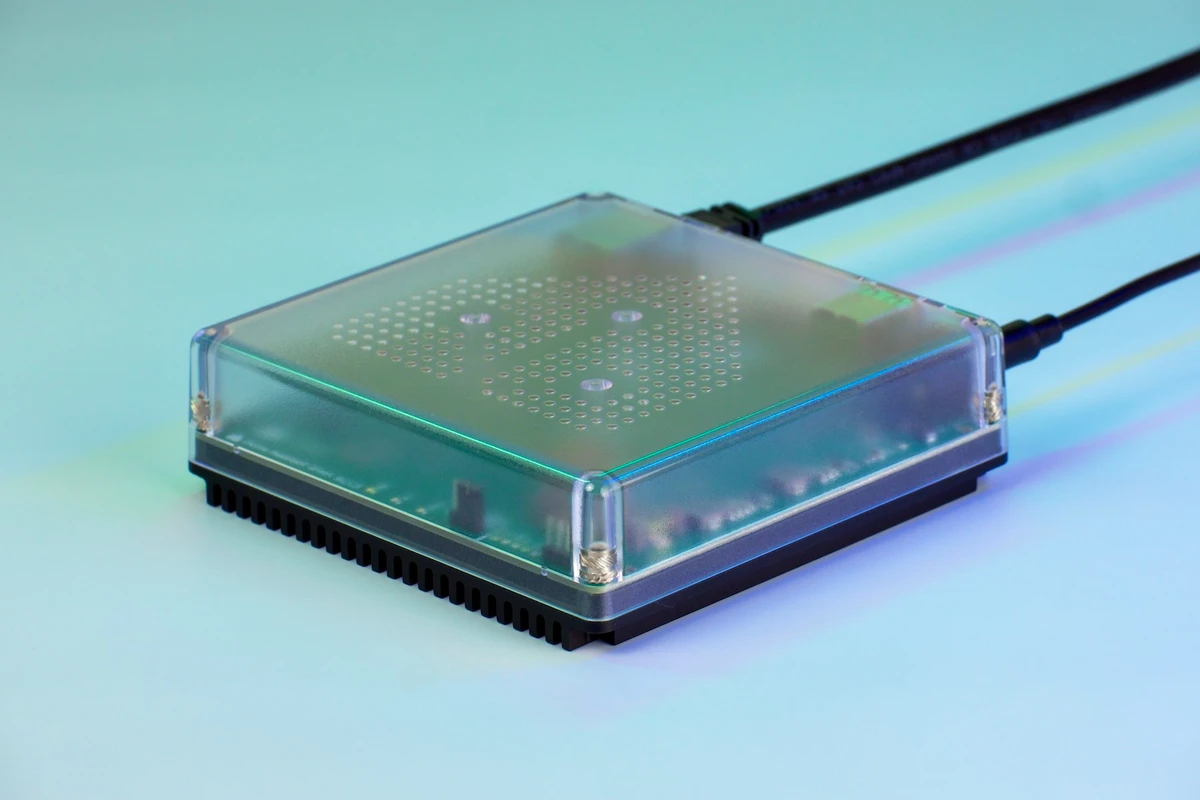
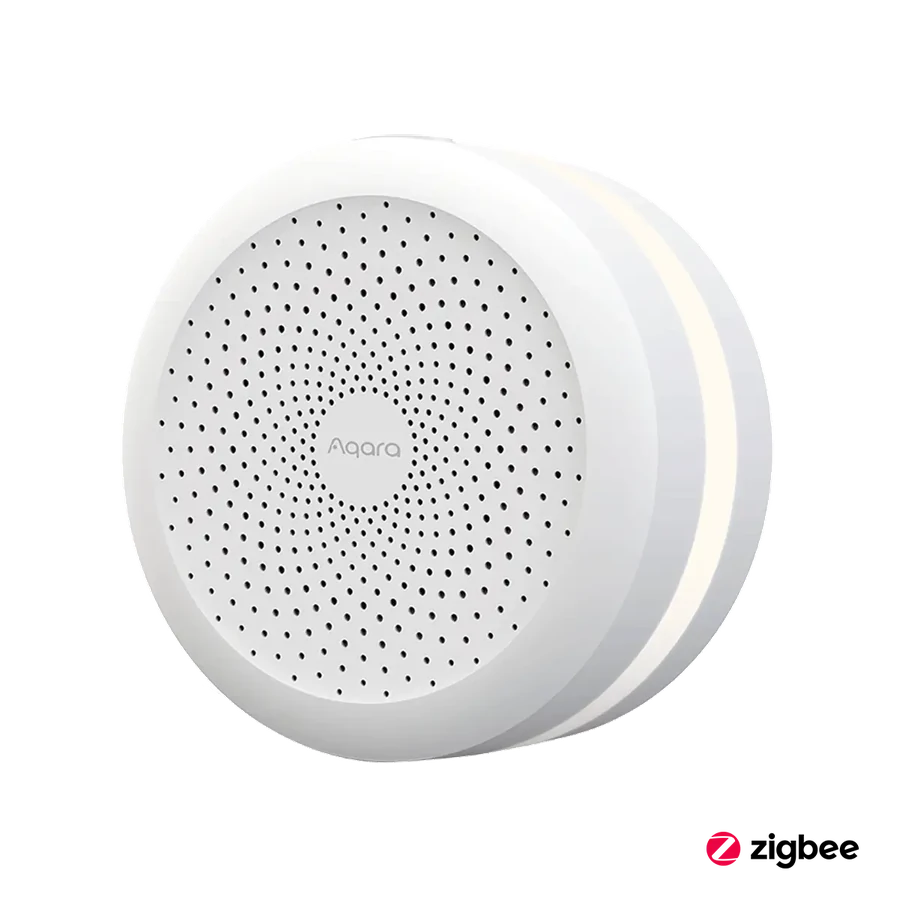
Choose a hub position that fits the selected lock path, power and network arrangement, then test it.
A router tucked in a utility cabinet is convenient for networking but may be an awkward place for a hub serving the front door. Conversely, a hub placed near the entrance still needs reliable power and a suitable network connection. Treat the position as part of the installation scope.
U100's intended remote features require a compatible Aqara hub. M3 has documented network and child-device requirements that should be reviewed for the exact setup. A protocol logo or a line on a floor plan cannot prove dependable coverage through the real walls and cabinets.
Test the completed entrance arrangement from the user's ordinary locations before releasing a wider order. Record the hub position so it is not casually moved during tidying or a router replacement. A correctly placed small component can protect the value of the more visible door hardware.
Before you order
- Review hub power and network options.
- Test the actual door-to-hub arrangement.
- Record the final location for future service.
A useful next step
Send router and door positions with the entrance hardware enquiry.
Related equipment

Selling smart-home products? Planning a store in Canada or the US?
Talk with SmartAccess about product selection, a demonstration range, installation partners and project delivery. Retailers, dealers, installers and local store operators are welcome.
Product supply, training, service area, cooperation terms and any fees are confirmed in discussion. No revenue or lead volume is promised.
Manufacturer references
Product information comes from the linked manufacturer references. Confirm the exact regional model, seller, current price, stock and installation conditions before purchase.