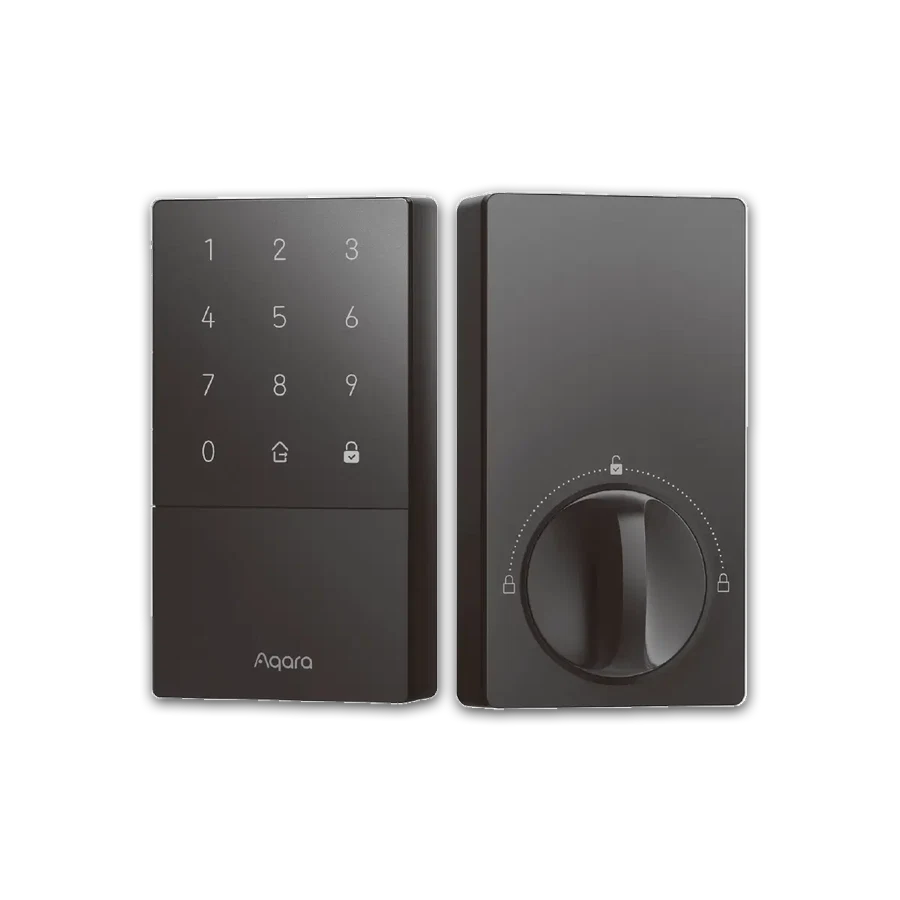
Map the complete opening before buying a motor for one part of it.
A front door can have a deadbolt, a locking handle and another latch. Upgrading the deadbolt does not automatically make the entire opening keyless. Someone may still lock the second mechanism out of habit.
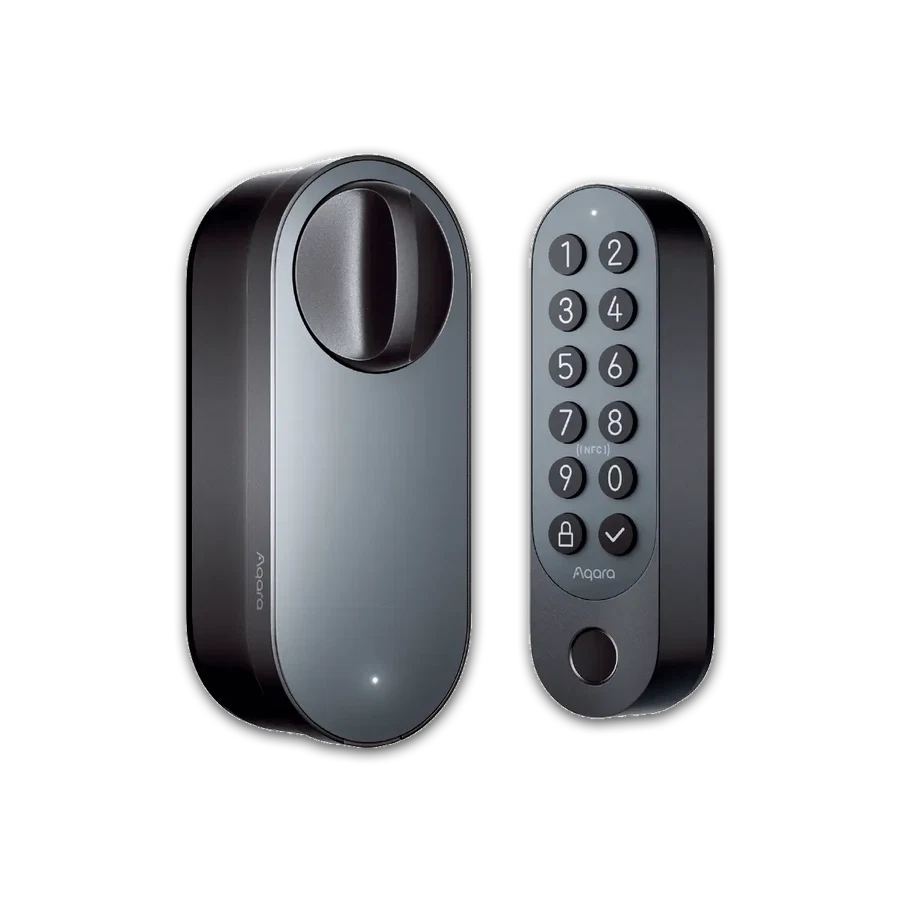
U100 and a compatible U200 retrofit address different hardware routes. Compare them only after deciding which mechanism will provide everyday access and how the remaining hardware will be used. Property rules and door requirements should be reviewed by the responsible installer.
Try the proposed routine with the existing hardware first. Leave and return as each household member normally would. If the plan depends on everyone remembering a new exception, simplify it before adding electronics.
Before you order
- Record every locking mechanism on the opening.
- Choose the intended everyday locking routine.
- Review requirements before changing other hardware.
A useful next step
Send a full-door photograph rather than a close-up of only the lock you want to replace.
Related equipment
Selling smart-home products? Planning a store in Canada or the US?
Talk with SmartAccess about product selection, a demonstration range, installation partners and project delivery. Retailers, dealers, installers and local store operators are welcome.
Product supply, training, service area, cooperation terms and any fees are confirmed in discussion. No revenue or lead volume is promised.
Manufacturer references
Product information comes from the linked manufacturer references. Confirm the exact regional model, seller, current price, stock and installation conditions before purchase.