Start with familiar keypad access and a practical backup, then add remote management only if someone will maintain it.
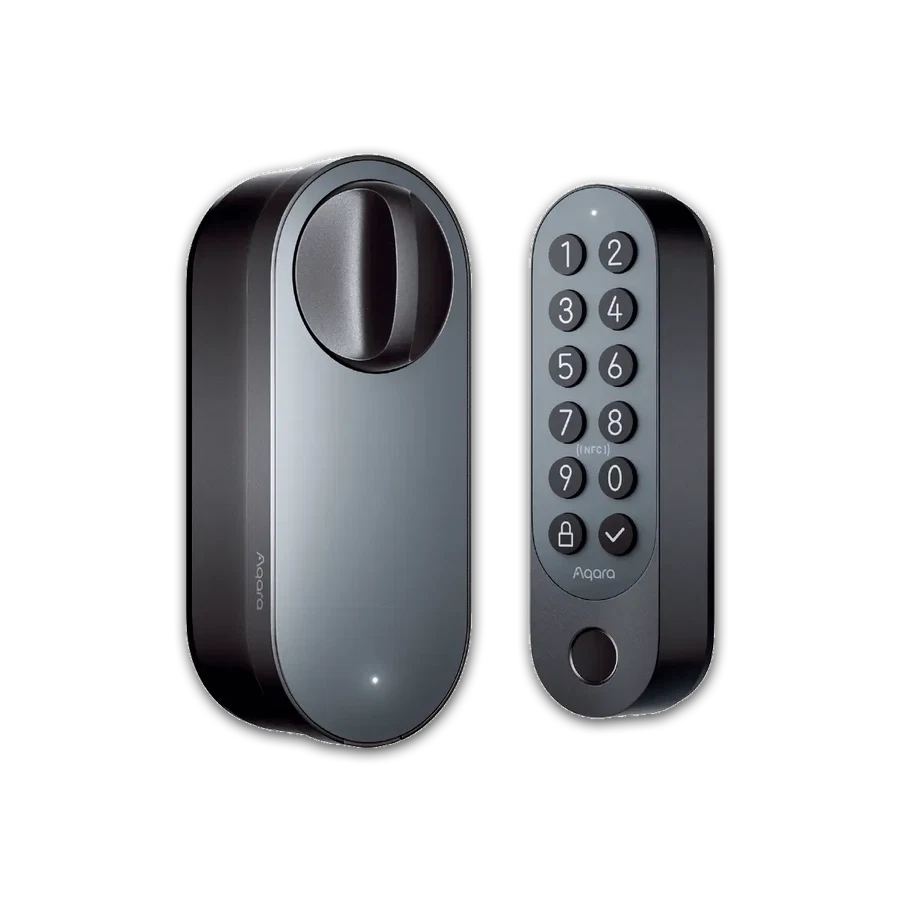
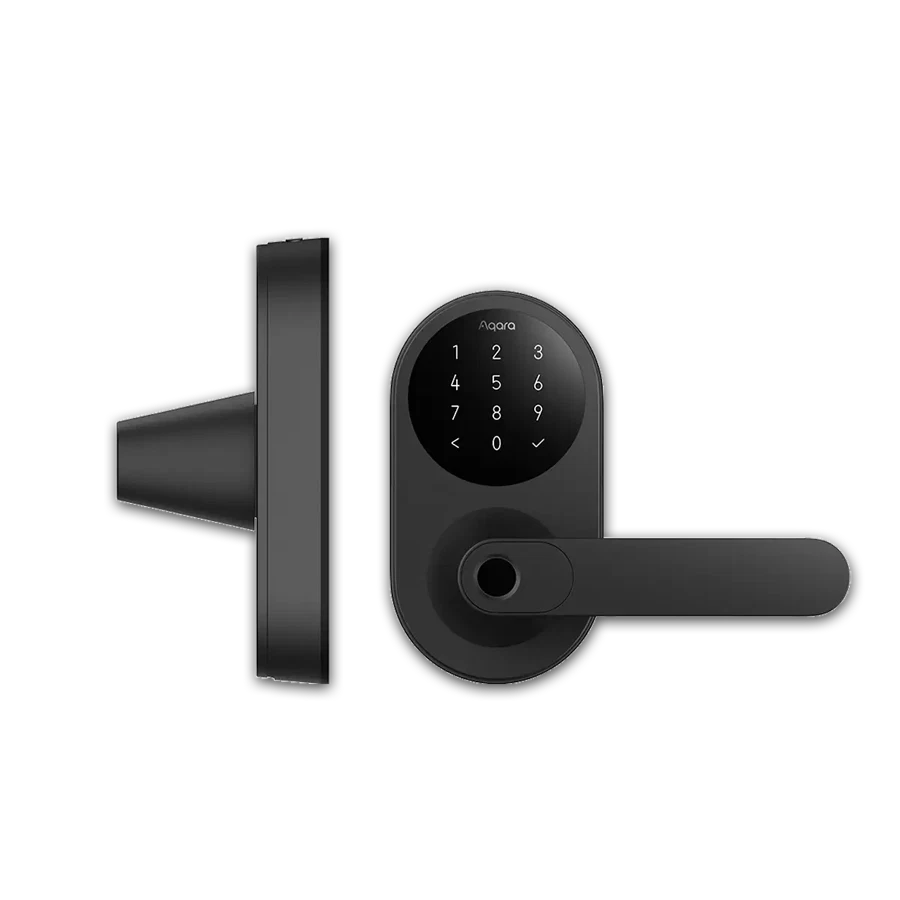
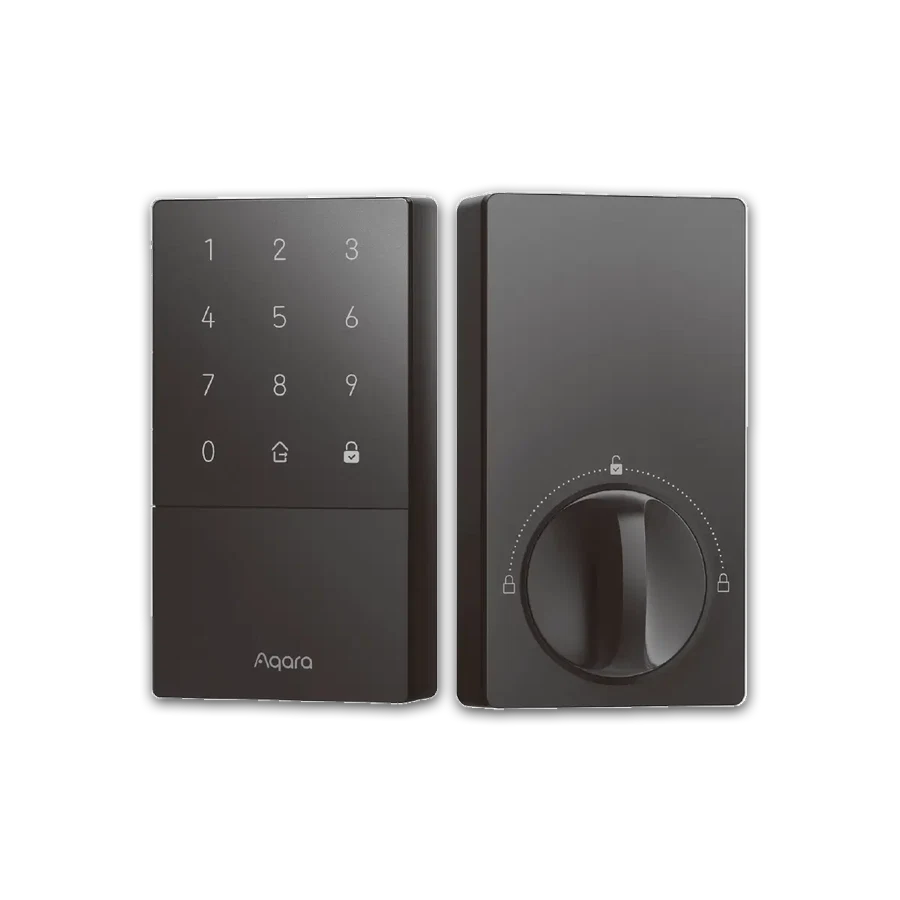
A family member can want easier entry without wanting a new phone routine. Show them the actual keypad layout before choosing a lock. Ask whether they can read the buttons, remember their code and operate the door comfortably.
Aqara U50 and U100 offer different everyday access options, but the buying decision should begin with the user rather than the administrator. Fingerprint entry may be useful on U100; it should not become the only method someone is taught.
Remote features introduce a second responsibility: the account, compatible hub and person handling alerts. Keep that arrangement understandable and write down what to do if the phone or network is unavailable.
Before you order
- Try the intended physical controls.
- Agree a simple backup routine.
- Name the account and battery owner.
A useful next step
Choose the access method first and request a matching equipment list.
Related equipment

Selling smart-home products? Planning a store in Canada or the US?
Talk with SmartAccess about product selection, a demonstration range, installation partners and project delivery. Retailers, dealers, installers and local store operators are welcome.
Product supply, training, service area, cooperation terms and any fees are confirmed in discussion. No revenue or lead volume is promised.
Manufacturer references
Product information comes from the linked manufacturer references. Confirm the exact regional model, seller, current price, stock and installation conditions before purchase.