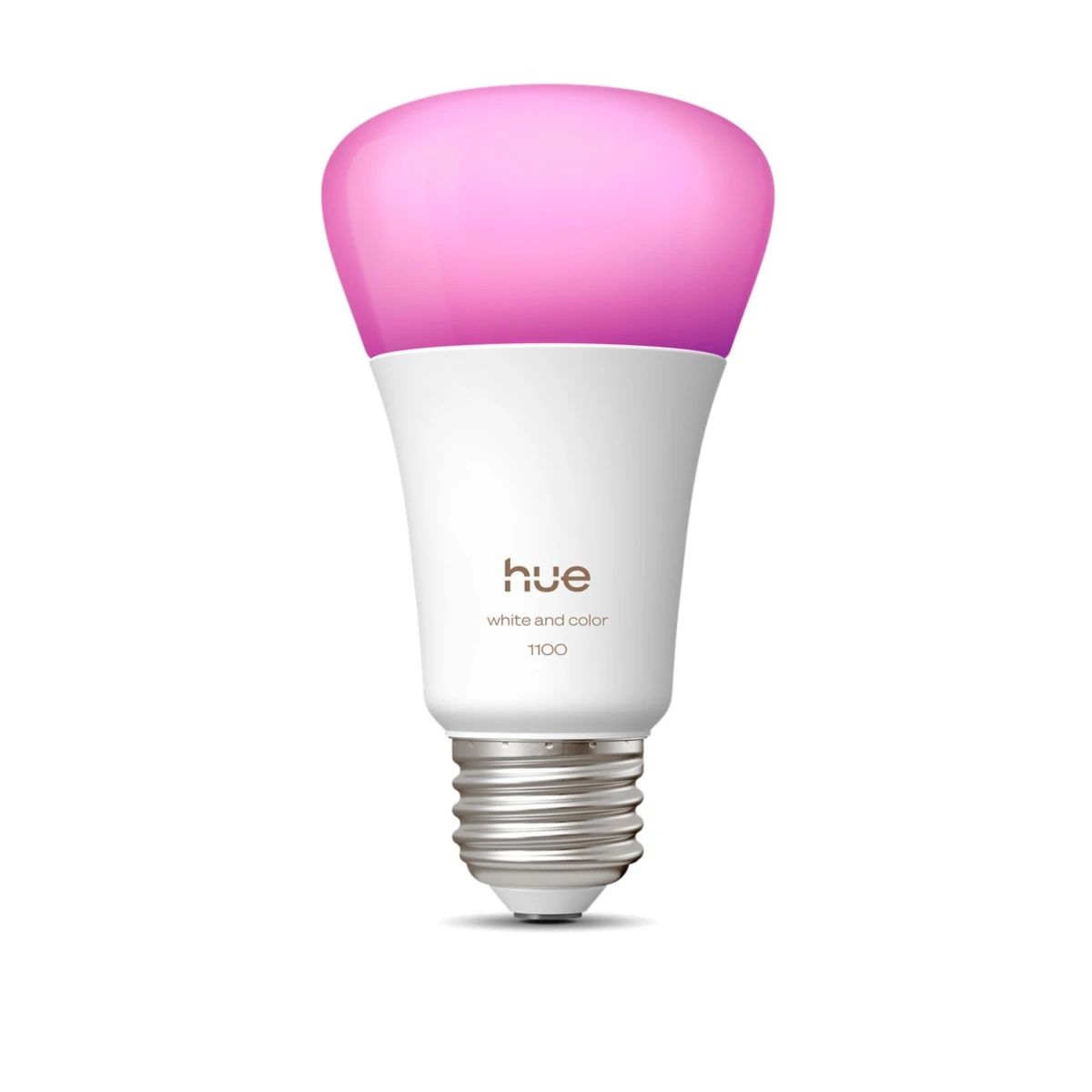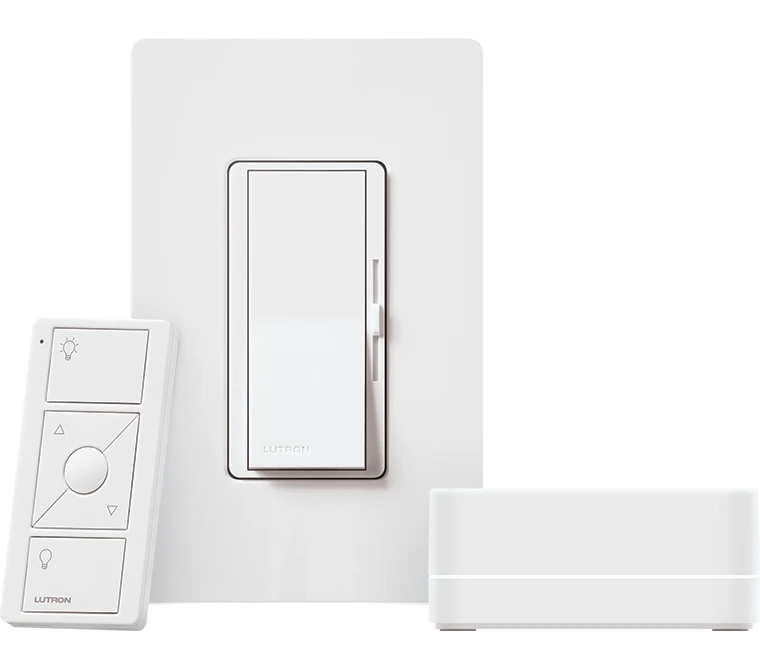
Choose a suitable strip installation for the work surface, then add a simple physical control.
A colourful kitchen photograph does not show whether your hands cast a shadow over the chopping board. Stand where food is prepared and inspect the light from that position. The useful purchase may be a shorter, carefully placed strip rather than a long run around the entire room.
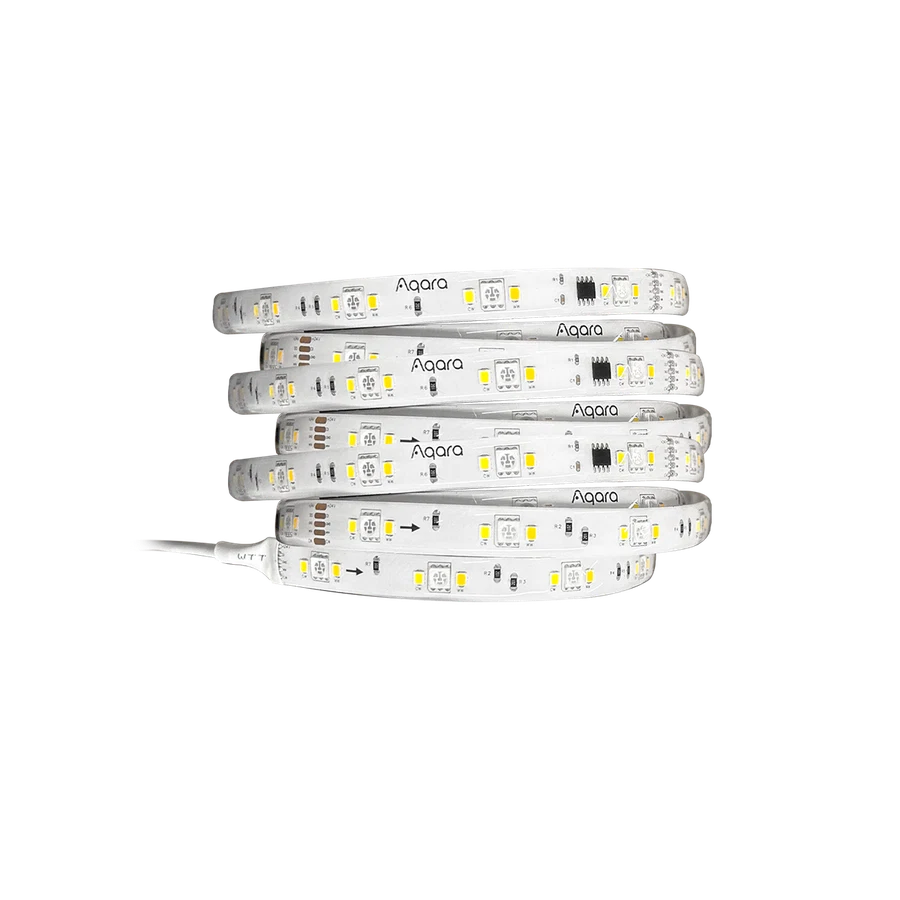
Aqara LED Strip T1 is a candidate within a supported Aqara hub setup. Plan the power supply location, cable route and installation method before ordering. Keep the installation away from unsuitable heat or moisture exposure and check whether a profile, diffuser or mounting accessories must be sourced separately.
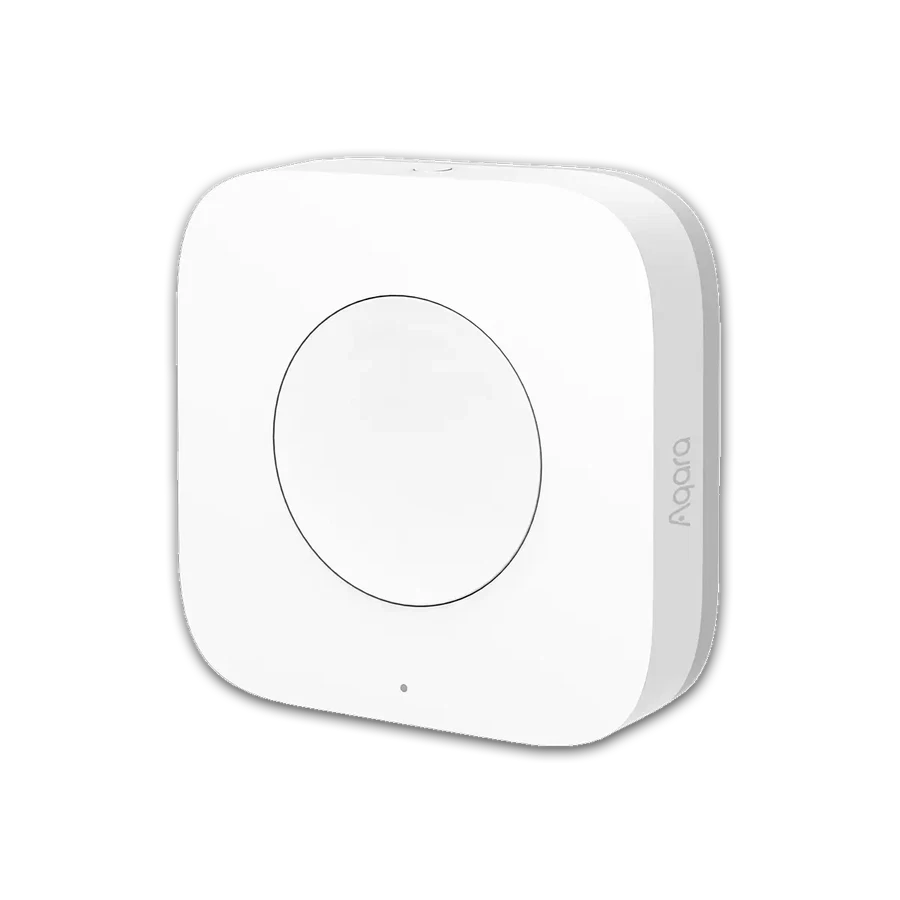
The Wireless Mini Switch can provide a convenient task-light control when its hub and supported actions are confirmed. Discuss cleaning access and how the light is operated by someone unfamiliar with the app. Decorative scenes can be added after the main working area is lit comfortably and evenly.
Before you order
- Measure usable cabinet length and cable route.
- Check strip and supply installation conditions.
- List profiles and accessories separately.
A useful next step
Send a cabinet sketch and photographs to define the strip, power and control parts.
Related equipment

Selling smart-home products? Planning a store in Canada or the US?
Talk with SmartAccess about product selection, a demonstration range, installation partners and project delivery. Retailers, dealers, installers and local store operators are welcome.
Product supply, training, service area, cooperation terms and any fees are confirmed in discussion. No revenue or lead volume is promised.
Manufacturer references
Product information comes from the linked manufacturer references. Confirm the exact regional model, seller, current price, stock and installation conditions before purchase.