When selecting a smart lock, consider the frequency of arrival alerts you want to receive. If you have a large household or frequently receive visitors, you may want a lock that can send notifications to multiple users.
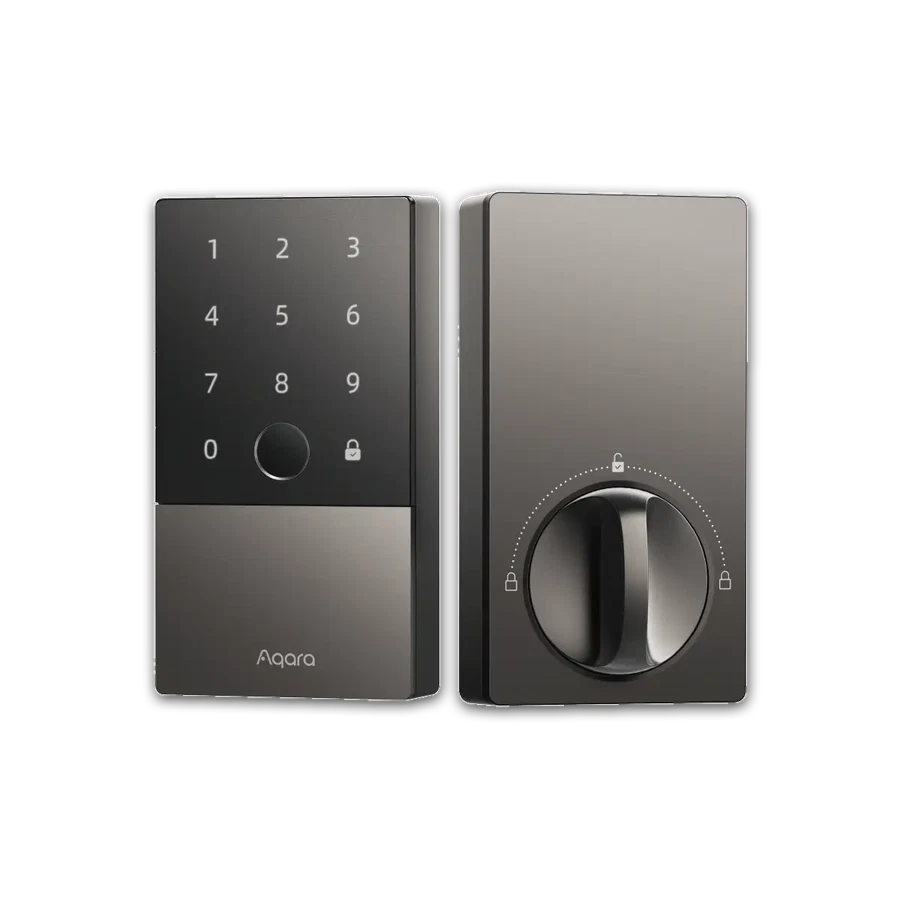
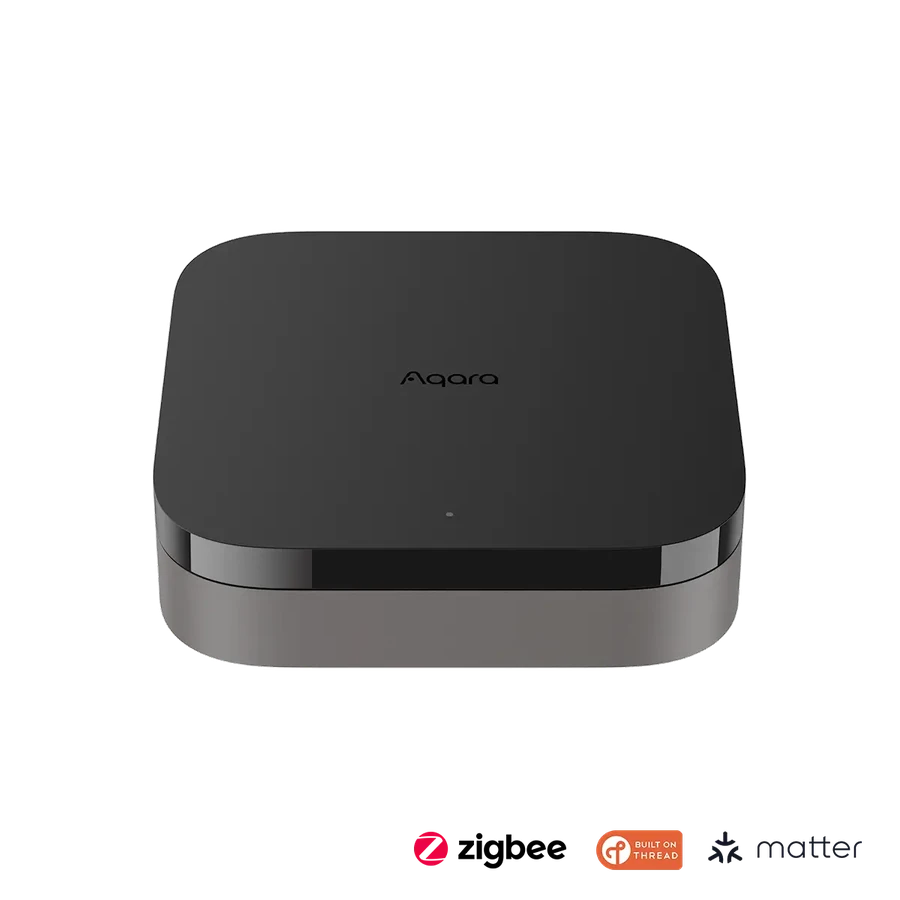
The Aqara Smart Lock U100 allows you to store up to 50 fingerprints and can be integrated with various smart home systems. However, to use remote features and home automations, an Aqara 3.0 hub is required.
Before buying, think about how you want to manage access to your home. If you want to grant access to guests or service providers remotely, look for a lock that supports remote configurable passwords and smart home automations, such as the Aqara Smart Lock U100.
It's also important to consider the lock's compatibility with your existing smart home setup and whether it requires a hub or other additional devices to function. The Aqara Smart Lock U100 is compatible with Apple Home, Google Home, Alexa, and more.
Ultimately, the right smart lock for you will depend on your specific needs and preferences. Take the time to research and compare different models before making a decision.