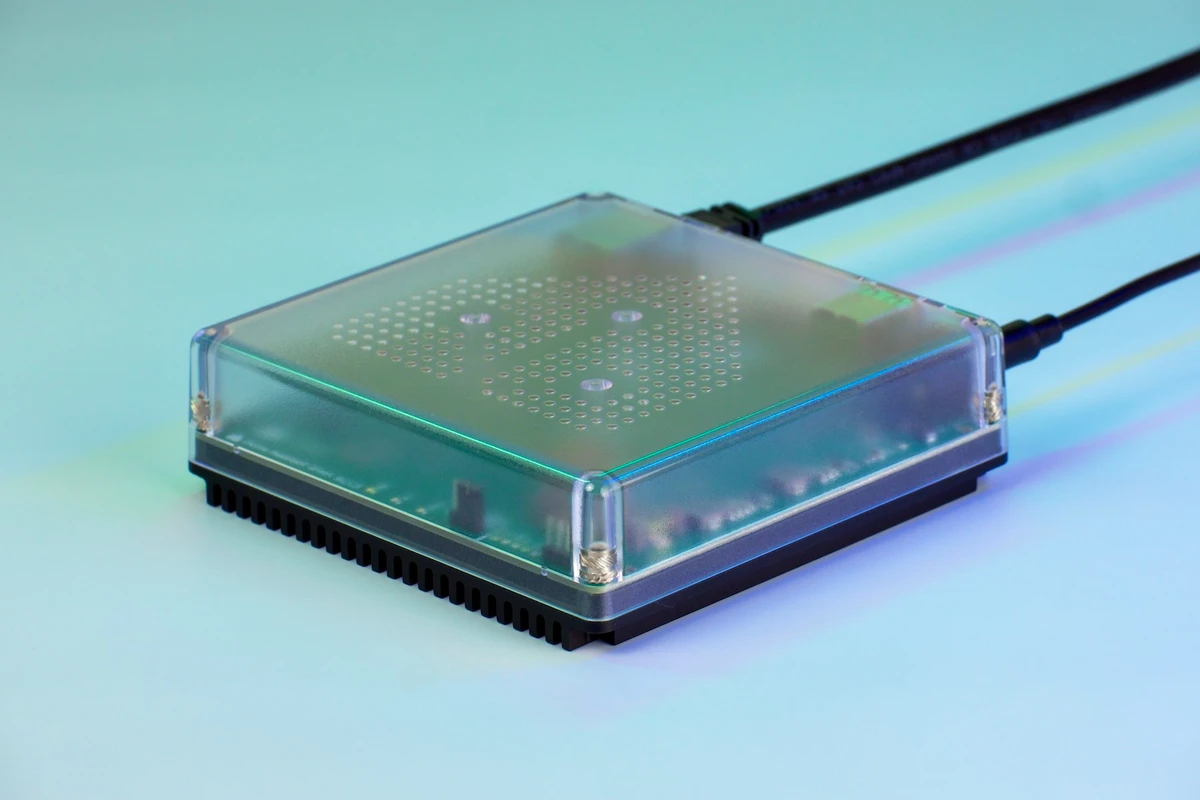
Buy a bridge when its documented exposed functions cover the routines you want.
One platform for daily controls can make a mixed-brand home easier to live with. That does not mean the shared interface will reproduce every setting available in each manufacturer's app.
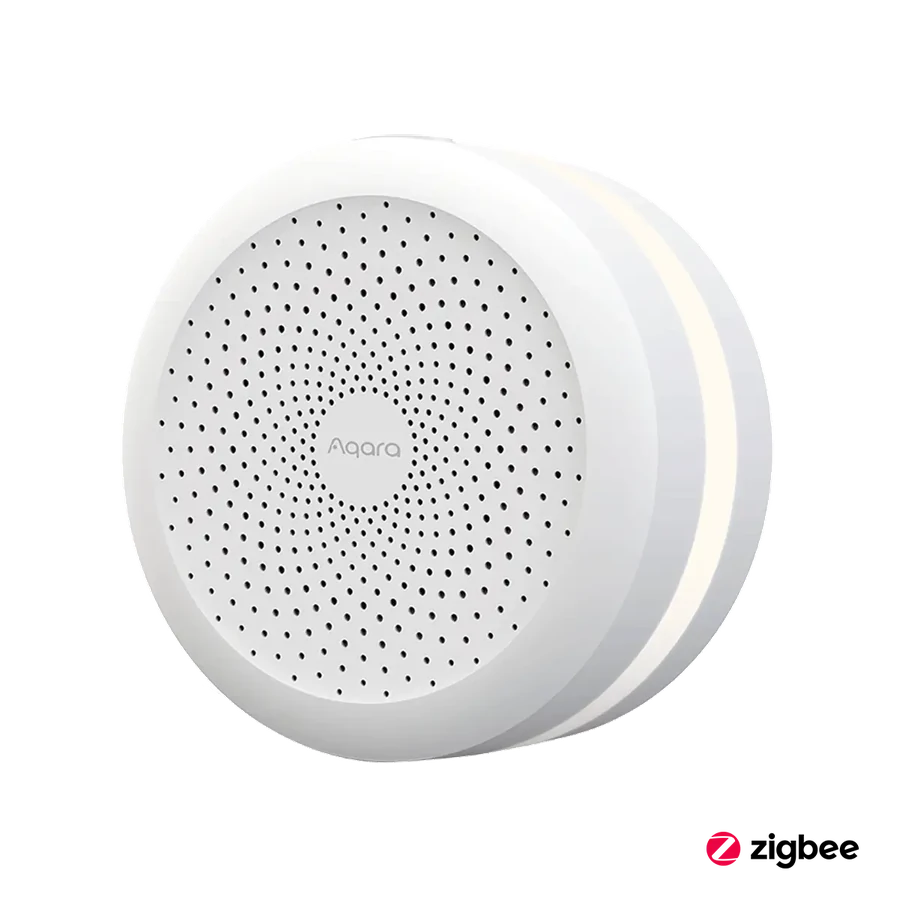
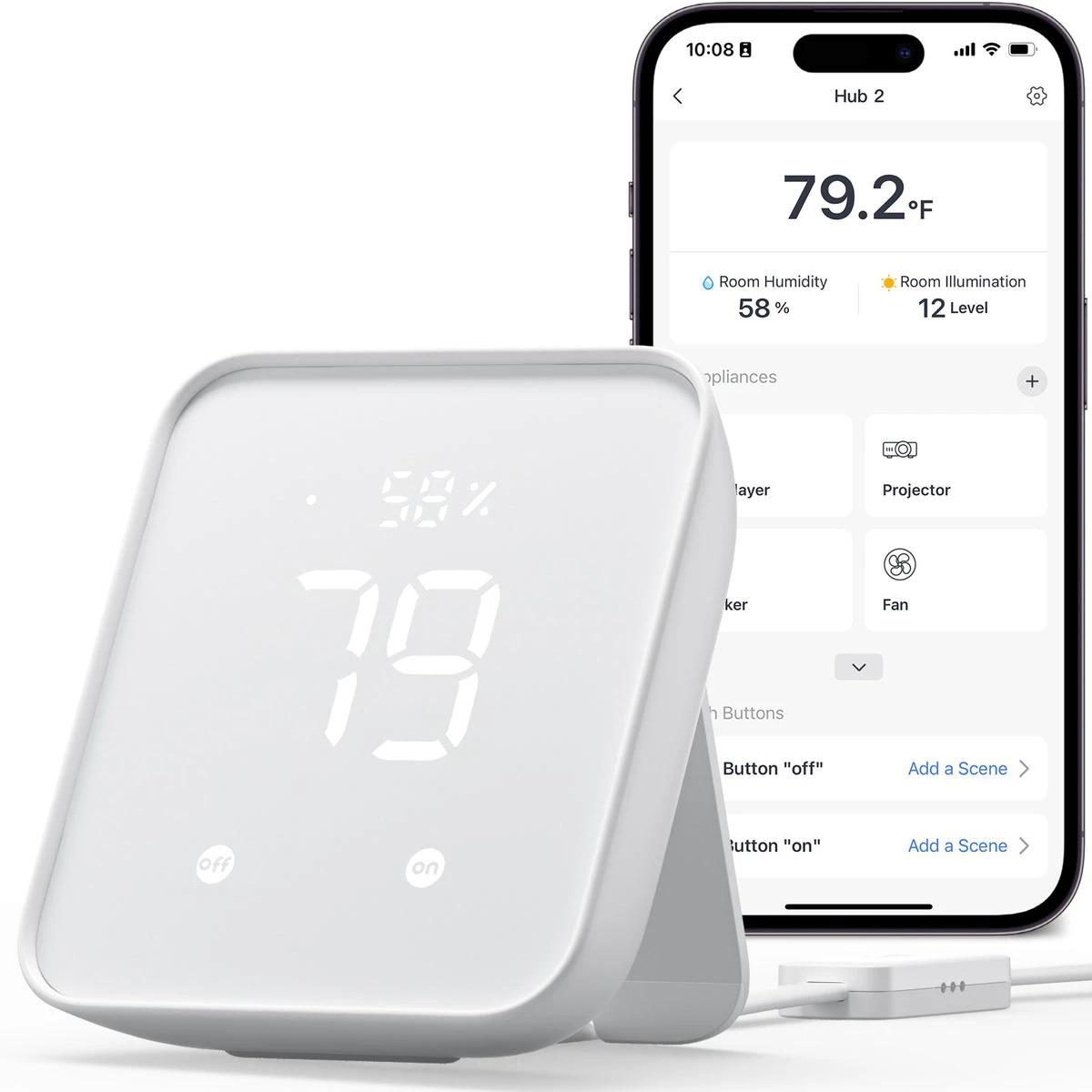
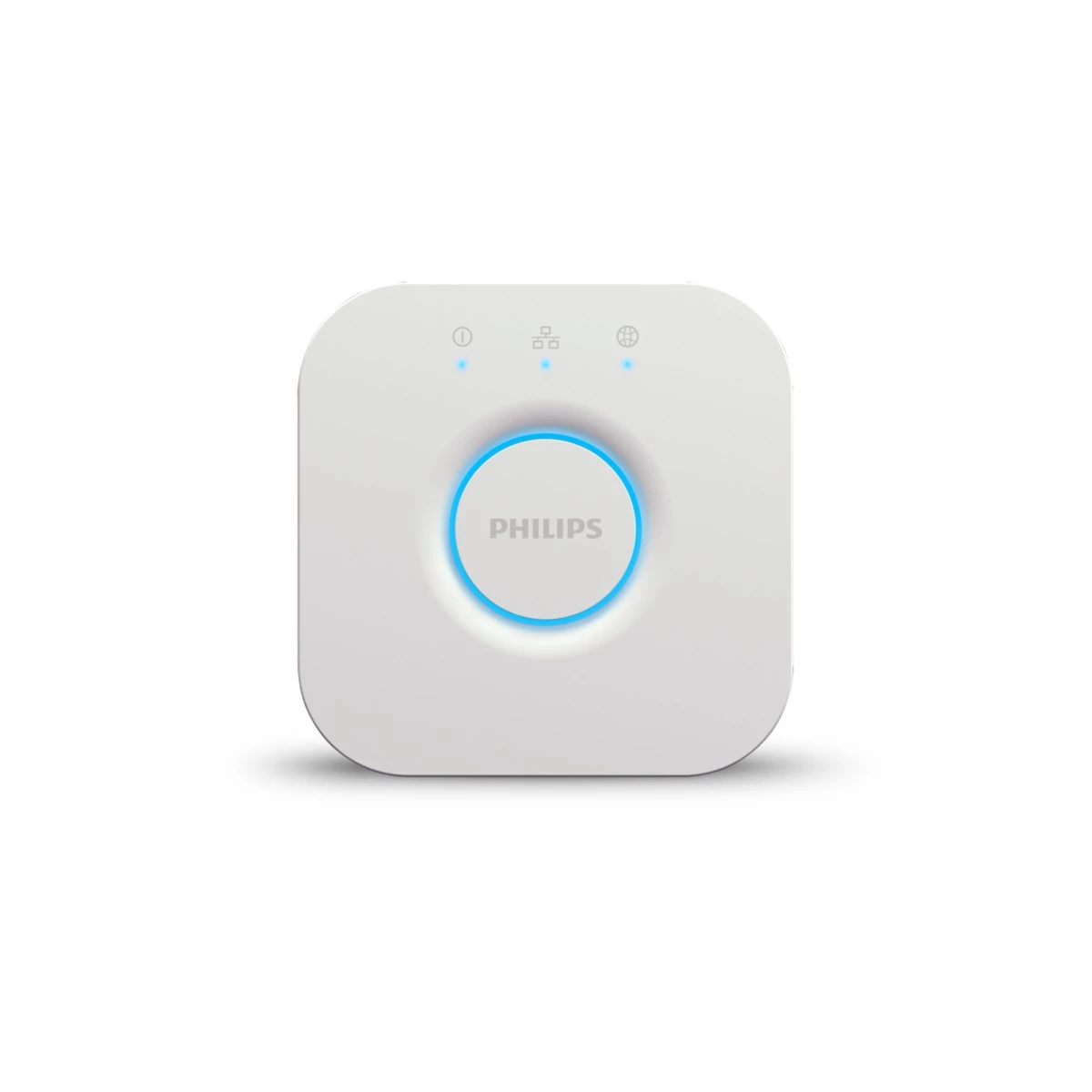
For M3, Hub 2 or Hue Bridge, check the supported child devices and exposed functions separately. Setup, updates or advanced options may still involve the native app. A protocol badge is not an all-features guarantee.
Write a short list of the actions you want in the shared platform, such as opening a curtain or switching a light. If those are supported, a bridge can be a sensible purchase even when occasional specialist settings remain elsewhere.
Before you order
- List essential shared-platform actions.
- Check supported devices and exposed functions.
- Keep access to required native-app tasks.
A useful next step
Request a function-by-function bridge shortlist.
Related equipment
Selling smart-home products? Planning a store in Canada or the US?
Talk with SmartAccess about product selection, a demonstration range, installation partners and project delivery. Retailers, dealers, installers and local store operators are welcome.
Product supply, training, service area, cooperation terms and any fees are confirmed in discussion. No revenue or lead volume is promised.
Manufacturer references
- aqara.com · hub-m3 ↗
- us.switch-bot.com · switchbot-hub-2 ↗
- philips-hue.com · product-page.hue_bridge ↗
Product information comes from the linked manufacturer references. Confirm the exact regional model, seller, current price, stock and installation conditions before purchase.