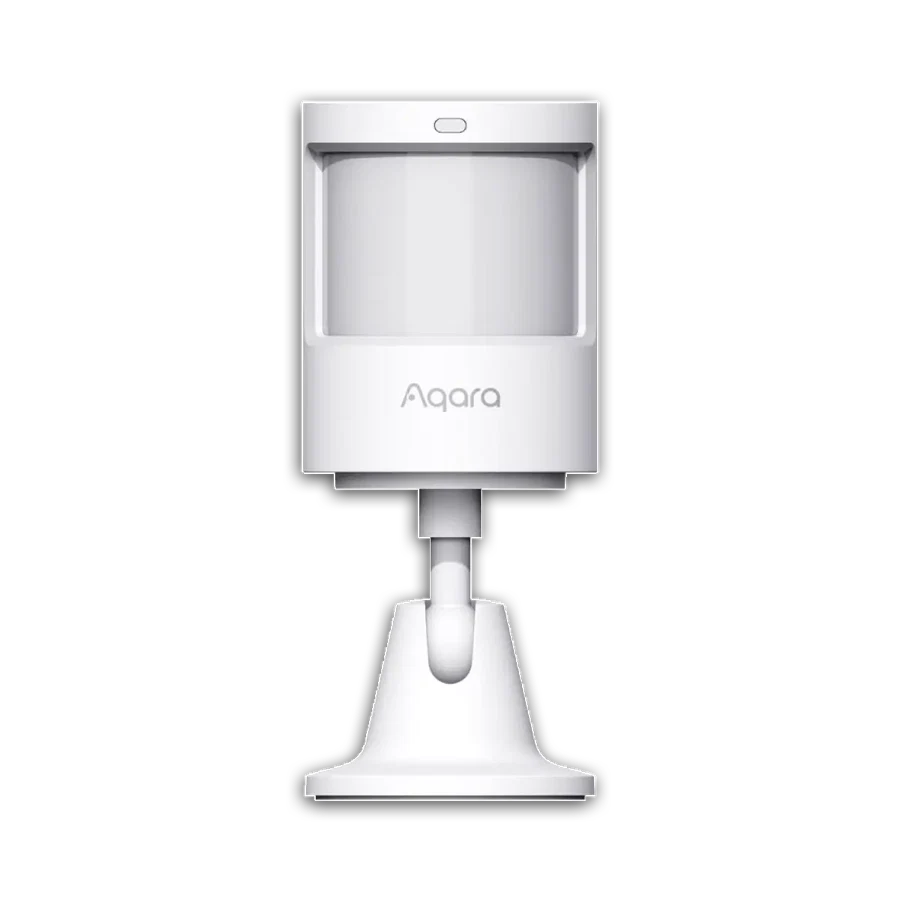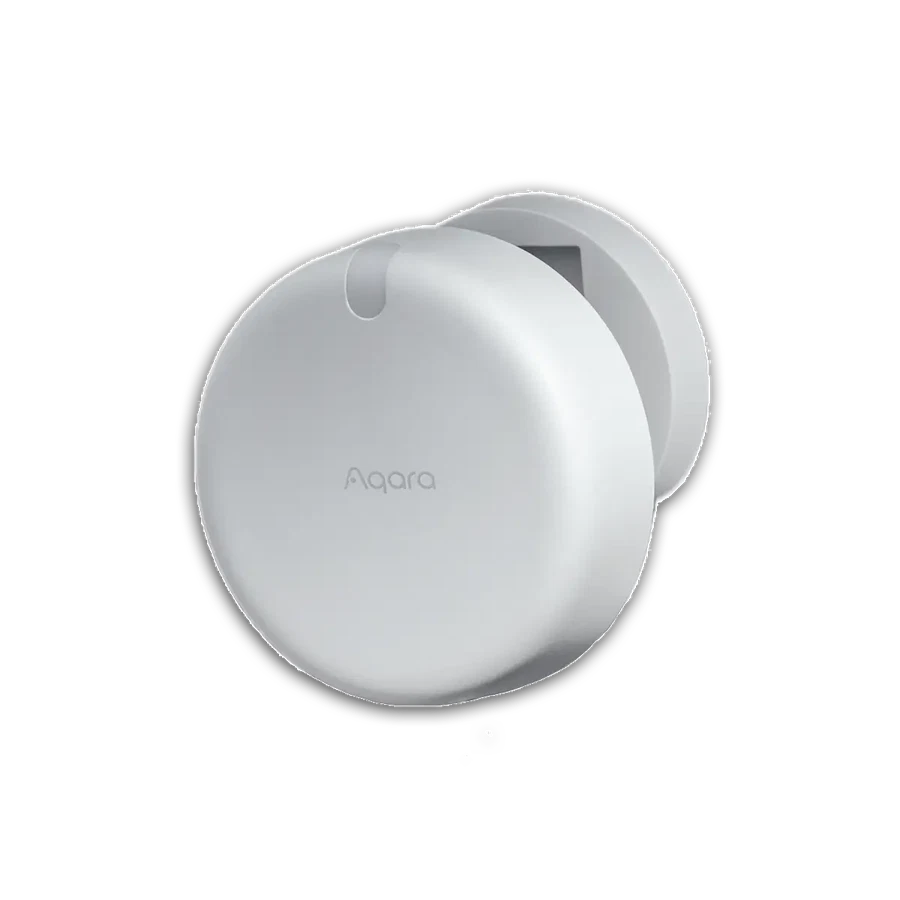
Consider a defined FP2 reception zone only when placement and the lighting integration can be tested.
A reception chair can be occupied by someone quietly reading or waiting for an appointment. A motion-only rule that turns the lights off can make the space feel poorly managed. Observe the seated area, staff counter and entrance as separate parts of the task.
FP2 is a candidate for supported room-zone presence functions with continuous USB power and 2.4 GHz Wi-Fi. Check whether the actual lighting system exposes the required control. Buying the sensor alone does not establish a working cross-brand reception scene.
Test a seated visitor and an empty room, with staff moving behind the counter. Keep a manual lighting control available so a receptionist can override the routine immediately. If the room is open throughout staffed hours, a simple operating schedule may be the better purchase decision than increasingly sensitive occupancy automation.
Before you order
- Map chairs, counter and entrance separately.
- Review power and integration requirements.
- Test still seated use and staff movement.
A useful next step
Share the reception layout and current lighting controls for a focused comparison.
Selling smart-home products? Planning a store in Canada or the US?
Talk with SmartAccess about product selection, a demonstration range, installation partners and project delivery. Retailers, dealers, installers and local store operators are welcome.
Product supply, training, service area, cooperation terms and any fees are confirmed in discussion. No revenue or lead volume is promised.
Manufacturer references
Product information comes from the linked manufacturer references. Confirm the exact regional model, seller, current price, stock and installation conditions before purchase.