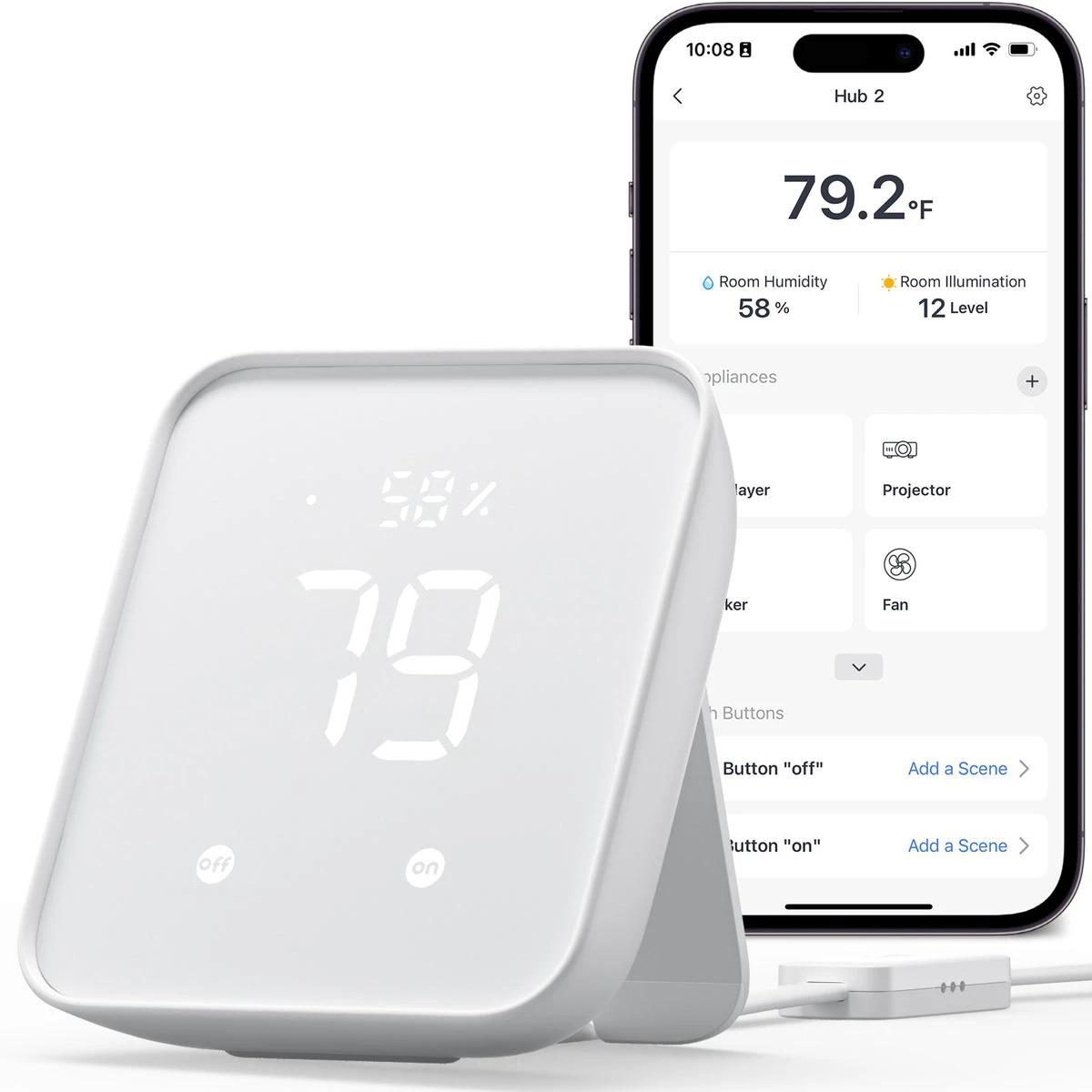
Use Hub 2 for a documented, tested IR task rather than a promise to control every television function.
A one-button evening routine sounds appealing when several remotes are scattered around the sofa. Start by listing the actual equipment and commands: power, input selection or a supported appliance setting. A voice or app demonstration for another television does not establish your model's behavior.
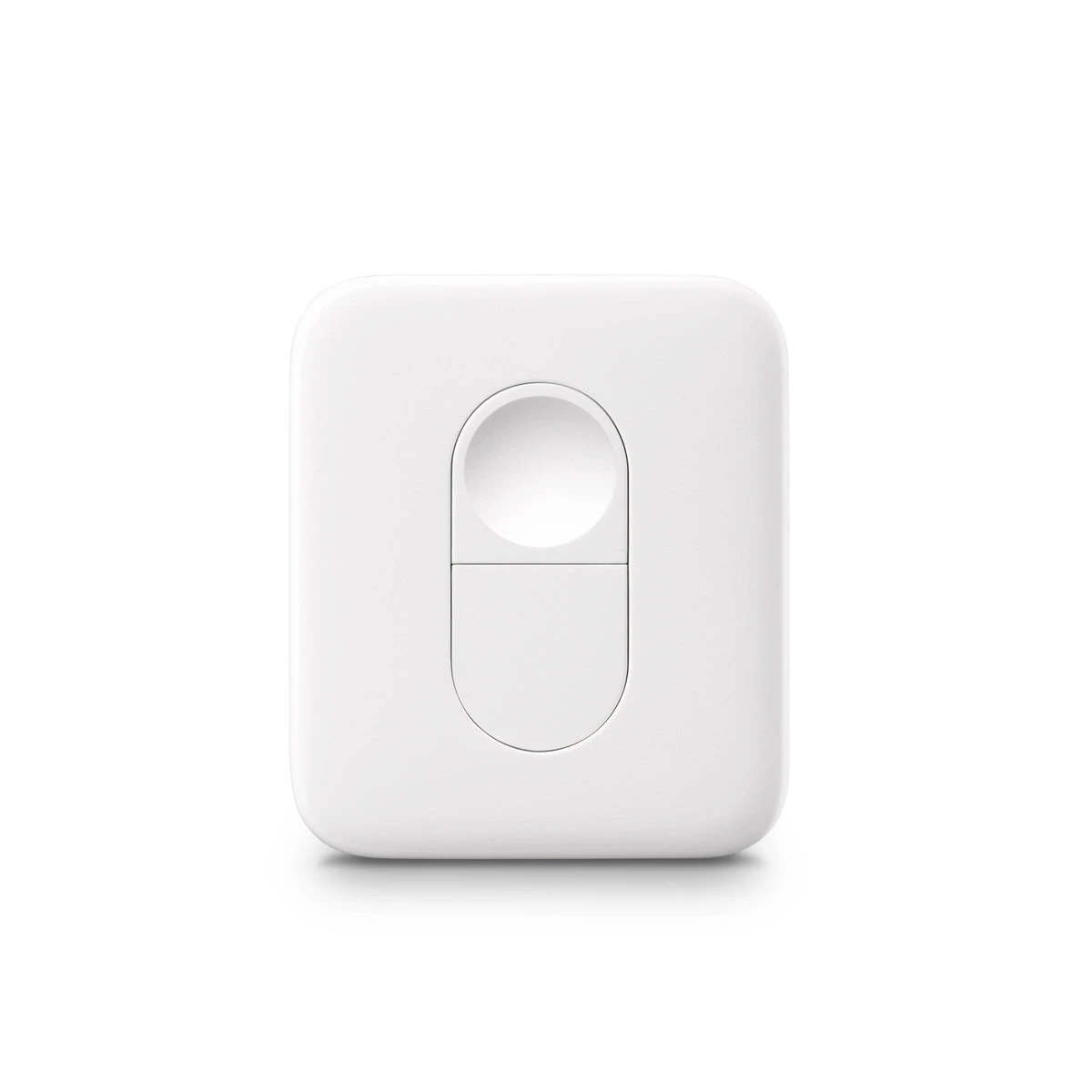
Hub 2 uses supported infrared codes and needs suitable line of sight. Check each appliance model and the available command behavior, including whether a command sets a state or merely toggles it. Any physical Remote or hub-scene use must follow its supported setup.
Test the routine from a known starting state and after someone has used the original remote. Keep the original controls accessible. A small scene that behaves predictably can be a satisfying purchase; a long macro that frequently leaves one device in the wrong state is a source of daily troubleshooting.
Before you order
- List exact appliance models and commands.
- Check IR line of sight.
- Test after ordinary original-remote use.
A useful next step
Send appliance model details and the desired short sequence for an integration review.
Related equipment
Selling smart-home products? Planning a store in Canada or the US?
Talk with SmartAccess about product selection, a demonstration range, installation partners and project delivery. Retailers, dealers, installers and local store operators are welcome.
Product supply, training, service area, cooperation terms and any fees are confirmed in discussion. No revenue or lead volume is promised.
Manufacturer references
Product information comes from the linked manufacturer references. Confirm the exact regional model, seller, current price, stock and installation conditions before purchase.