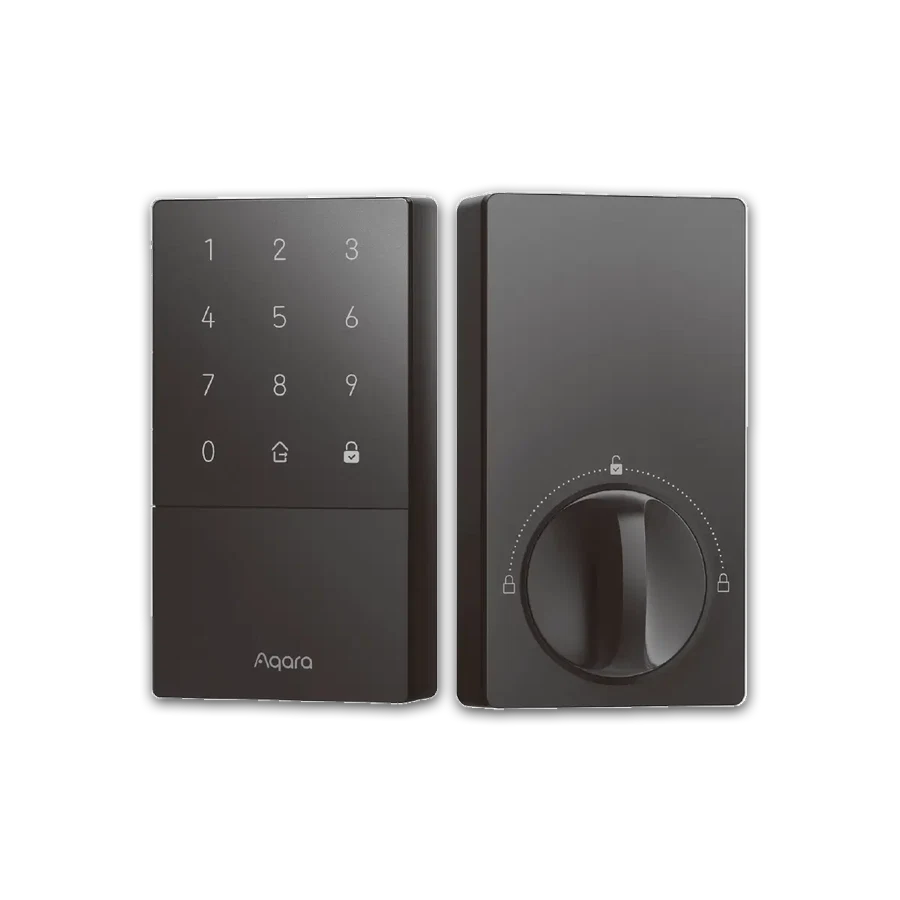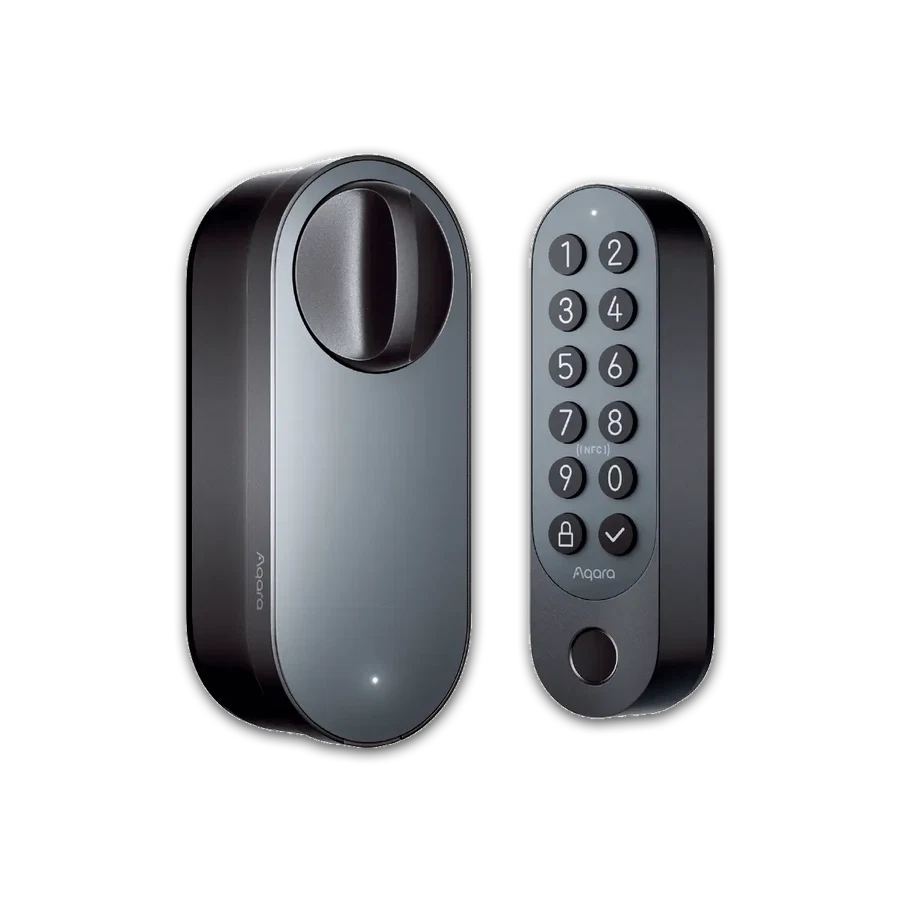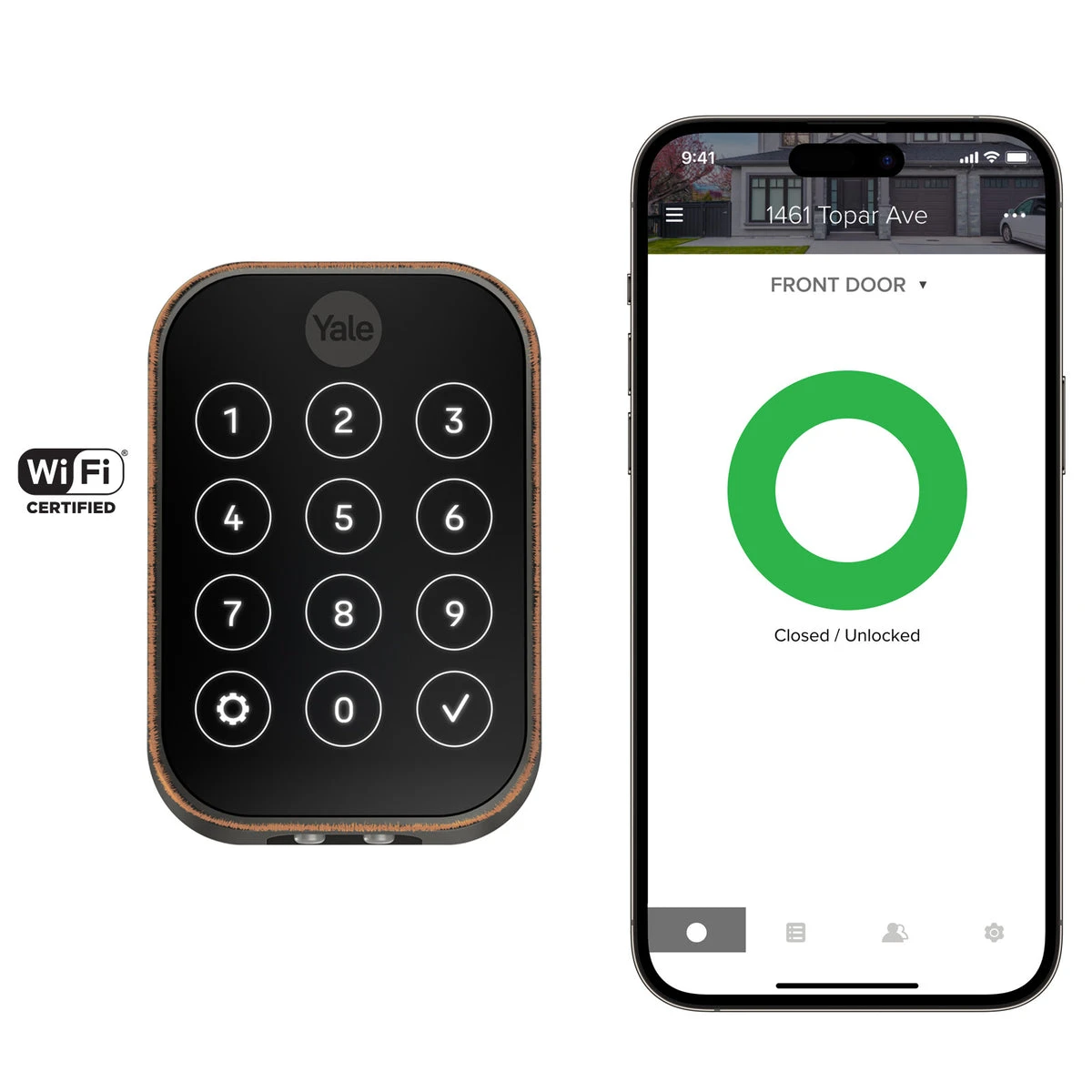
Choose direct Wi-Fi or a hub-based route after checking signal and the other devices you want nearby.
A lock with Wi-Fi built into the selected configuration may suit a single-door project. A hub-connected lock can make more sense when the same entrance will also have compatible sensors and coordinated routines. Neither approach removes the need to check the actual installation.
Compare the listed Yale Wi-Fi variant with U100 plus its appropriate Aqara hub. Include power, placement and the network at the door. A router that works well in the living room is not evidence of reliable coverage through the front wall.
Avoid treating a hub as wasted spending or an automatic upgrade. Its value comes from the devices and functions you plan to use. Price the complete regional configuration and ask which remote functions are supported.
Before you order
- Check connectivity at the installed lock position.
- Include all required hubs and power supplies.
- List the remote functions you actually need.
A useful next step
Compare two complete equipment lists rather than lock-only prices.
Related equipment


Selling smart-home products? Planning a store in Canada or the US?
Talk with SmartAccess about product selection, a demonstration range, installation partners and project delivery. Retailers, dealers, installers and local store operators are welcome.
Product supply, training, service area, cooperation terms and any fees are confirmed in discussion. No revenue or lead volume is promised.
Manufacturer references
- shopyalehome.com · yale-assure-lock-2-key-free-touchscreen-with-wi-fi ↗
- aqara.com · smart-lock-u100 ↗
- aqara.com · hub-m3 ↗
Product information comes from the linked manufacturer references. Confirm the exact regional model, seller, current price, stock and installation conditions before purchase.