The everyday problem
A high switch or a full hand makes arriving awkward.
Keep lock access separate from a reachable button for an entry lamp.
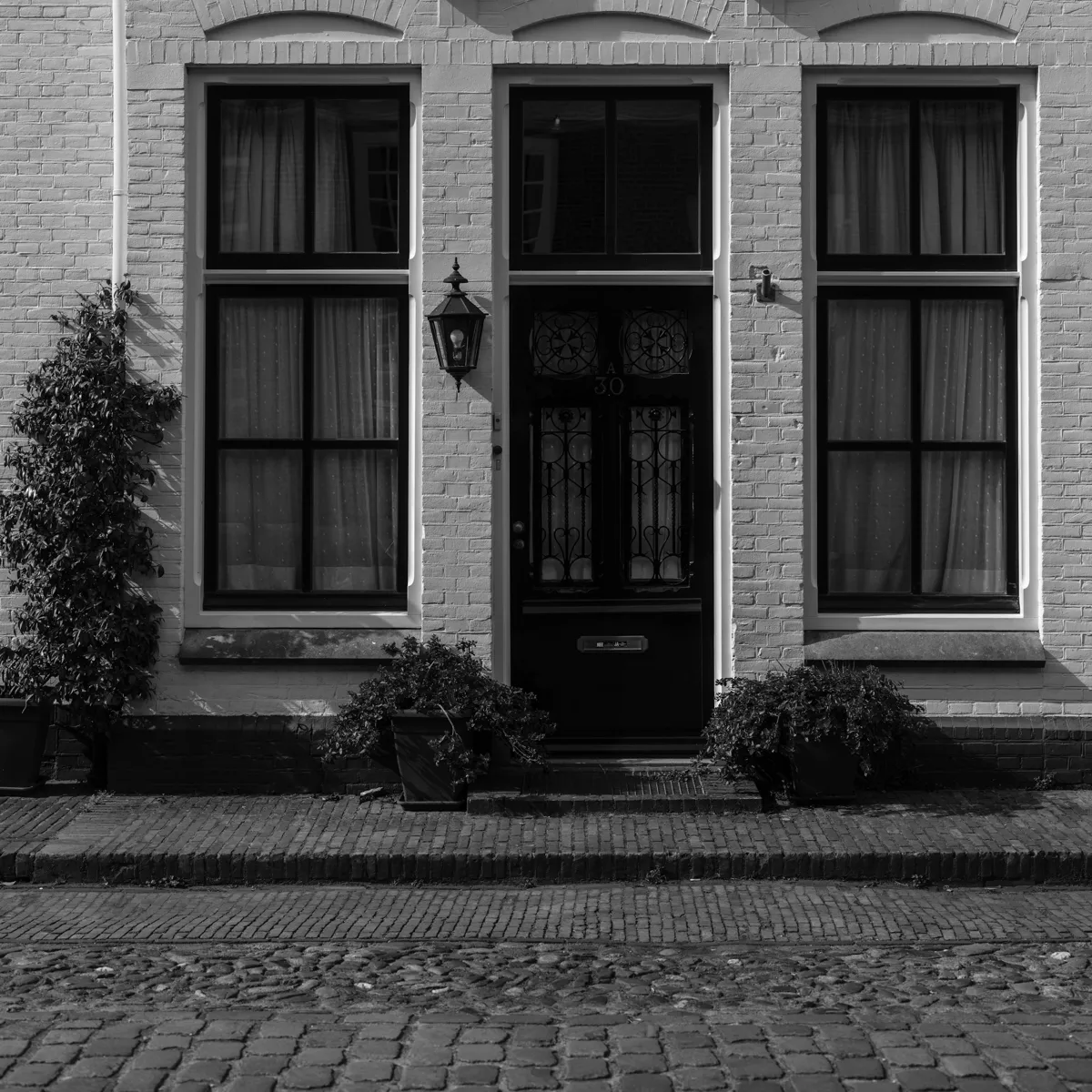
A high switch or a full hand makes arriving awkward.
Place the button at an agreed reach height and use it only for the lamp; practice the lock’s supported entry methods.
Check grip, reach and door force with the user. This does not open the door or provide medical protection.

Measure door, bore and backset. Remote features need a compatible Aqara hub; keep a physical fallback.
Buying options ↗
Review supported child devices, bridge functions, network and power. A shared protocol does not guarantee every feature.
Buying options ↗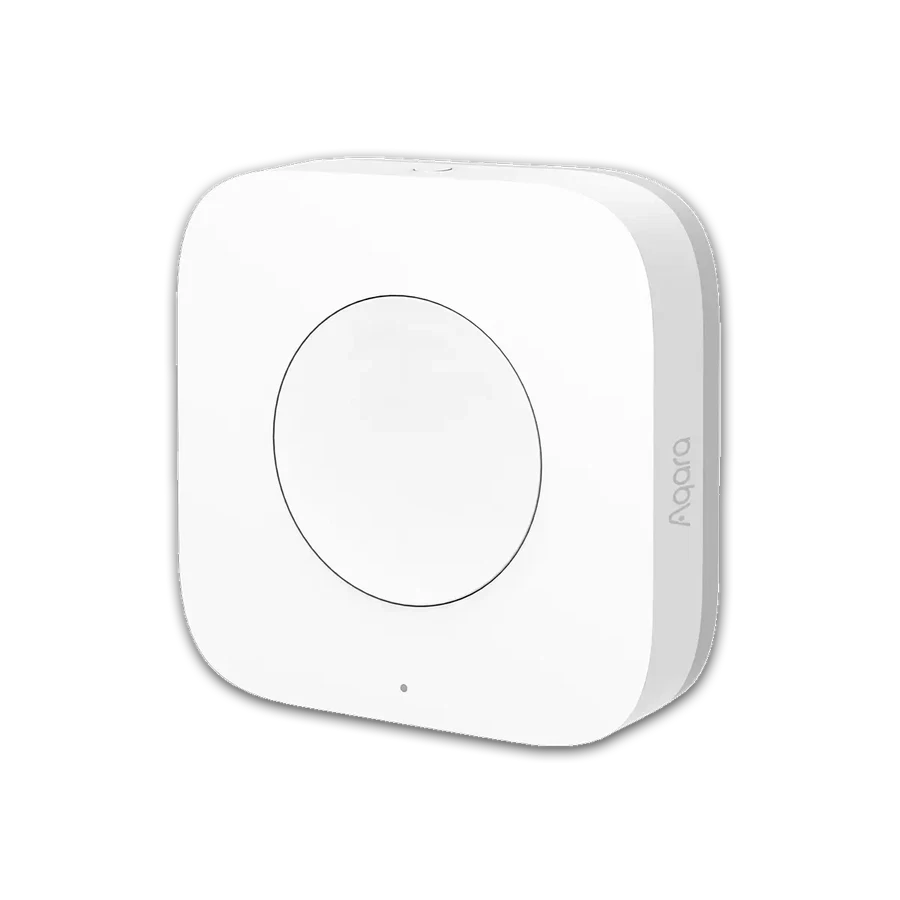
Needs a compatible Aqara hub. Confirm supported features and account region.
Buying options ↗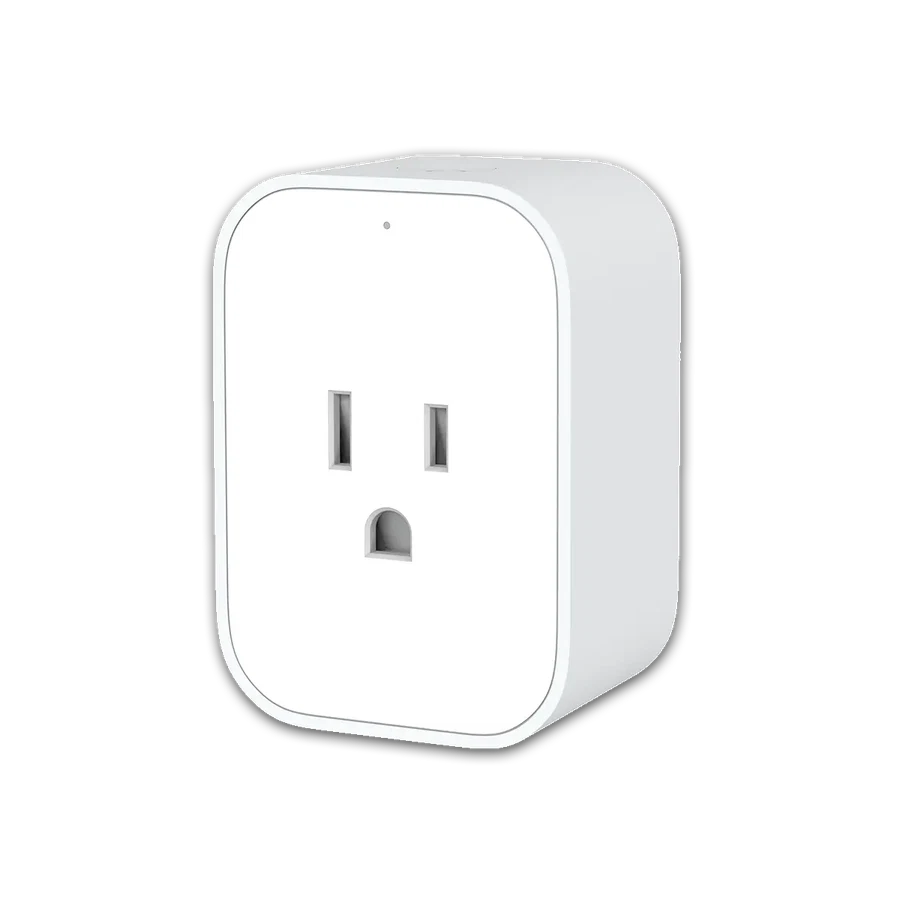
Needs a compatible Aqara hub. Confirm local certification, voltage and load type; never exceed the stated rating.
Buying options ↗Choose the support your project needs. The proposal confirms the documents, work items and responsibilities included.
Explore project servicesSaved on this browser. This is a planning list; each retailer manages its own cart, payment and delivery.
+86 13162319758