The everyday problem
“Everything off” can accidentally include devices that should stay on.
A deliberately limited all-off group for three nonessential plug-in lights.

“Everything off” can accidentally include devices that should stay on.
List the three lamps by name, create an off-only button action and test each outlet’s load label.
Exclude the hub, router, refrigerator, heating and essential equipment. This is not whole-building isolation.

Review supported child devices, bridge functions, network and power. A shared protocol does not guarantee every feature.
Buying options ↗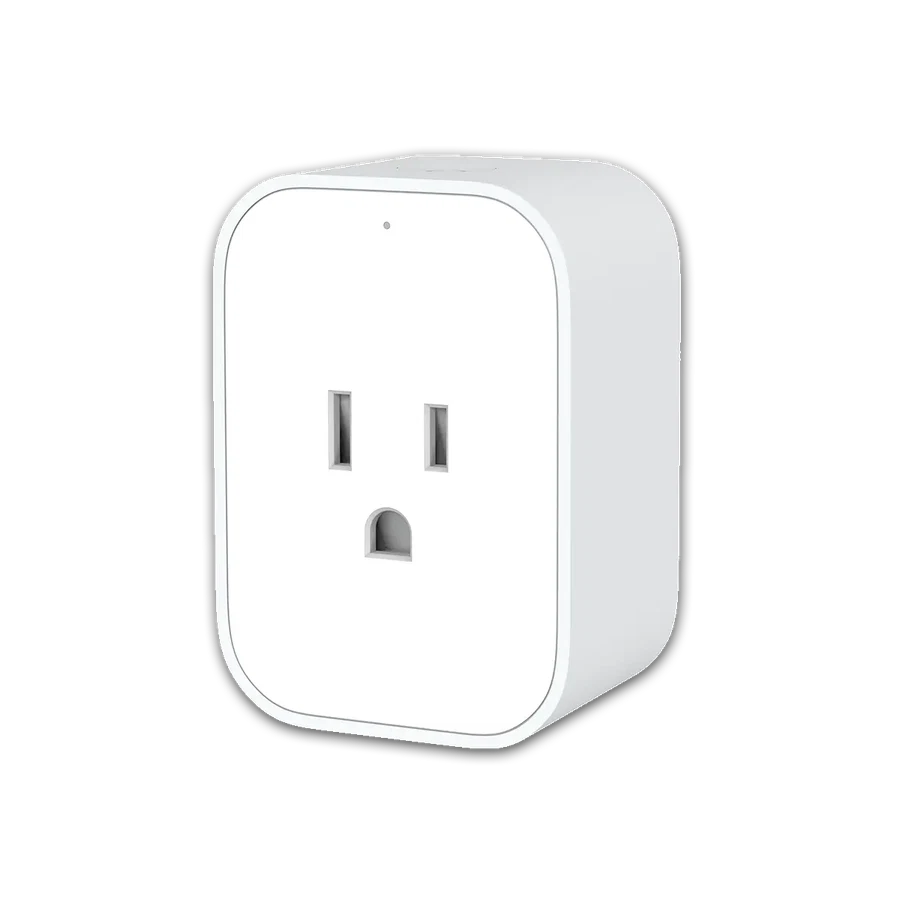
Needs a compatible Aqara hub. Confirm local certification, voltage and load type; never exceed the stated rating.
Buying options ↗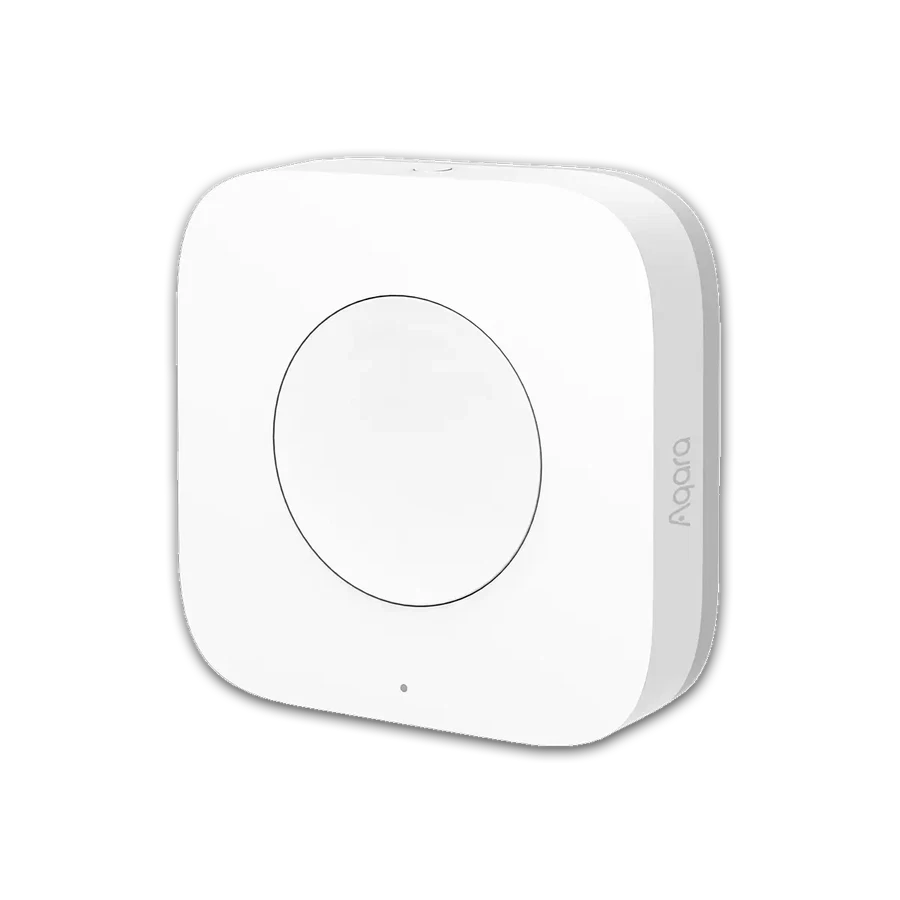
Needs a compatible Aqara hub. Confirm supported features and account region.
Buying options ↗Choose the support your project needs. The proposal confirms the documents, work items and responsibilities included.
Explore project servicesSaved on this browser. This is a planning list; each retailer manages its own cart, payment and delivery.
+86 13162319758