The everyday problem
Buying a full-home box before mapping the rooms can create unused or mismatched devices.
One hub, two lights, one entrance state and one shared room control.
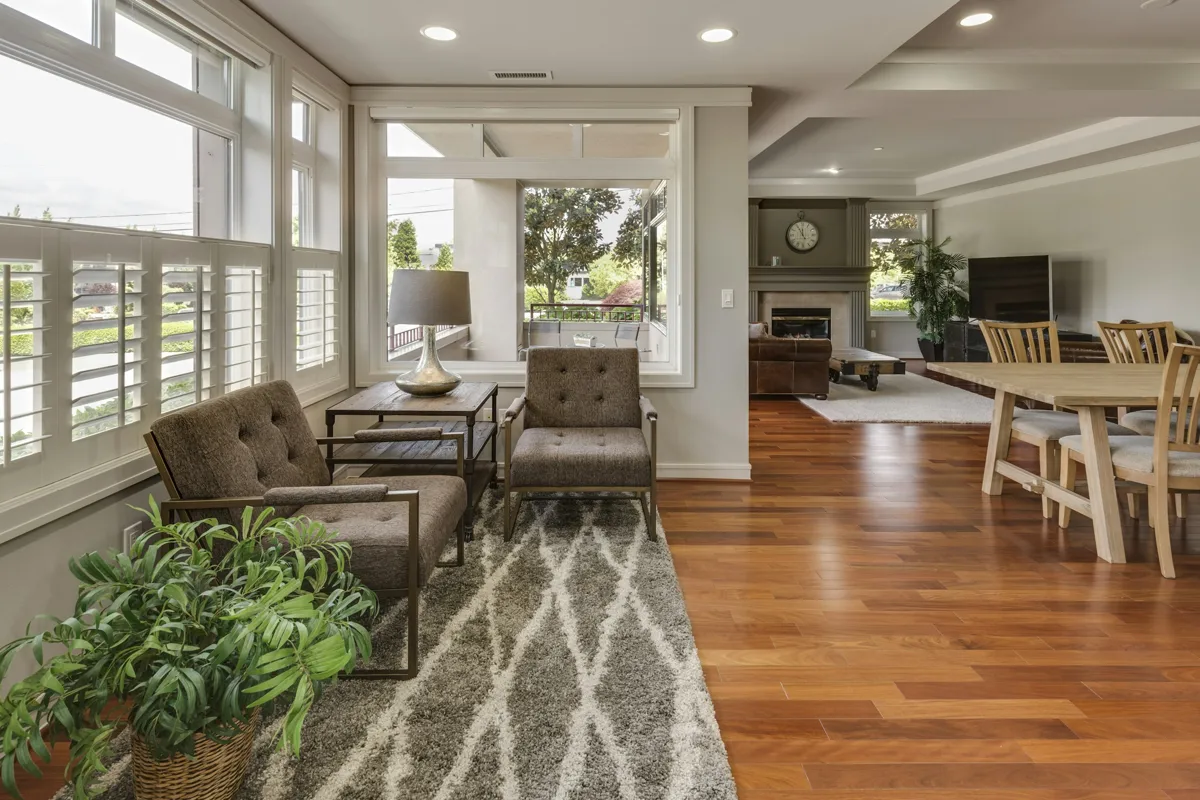
Buying a full-home box before mapping the rooms can create unused or mismatched devices.
Finish one room and one entrance first, write down device names and owners, then decide what to expand.
One hub is not a coverage guarantee. Keep this ecosystem separate from unverified third-party automations.

Review supported child devices, bridge functions, network and power. A shared protocol does not guarantee every feature.
Buying options ↗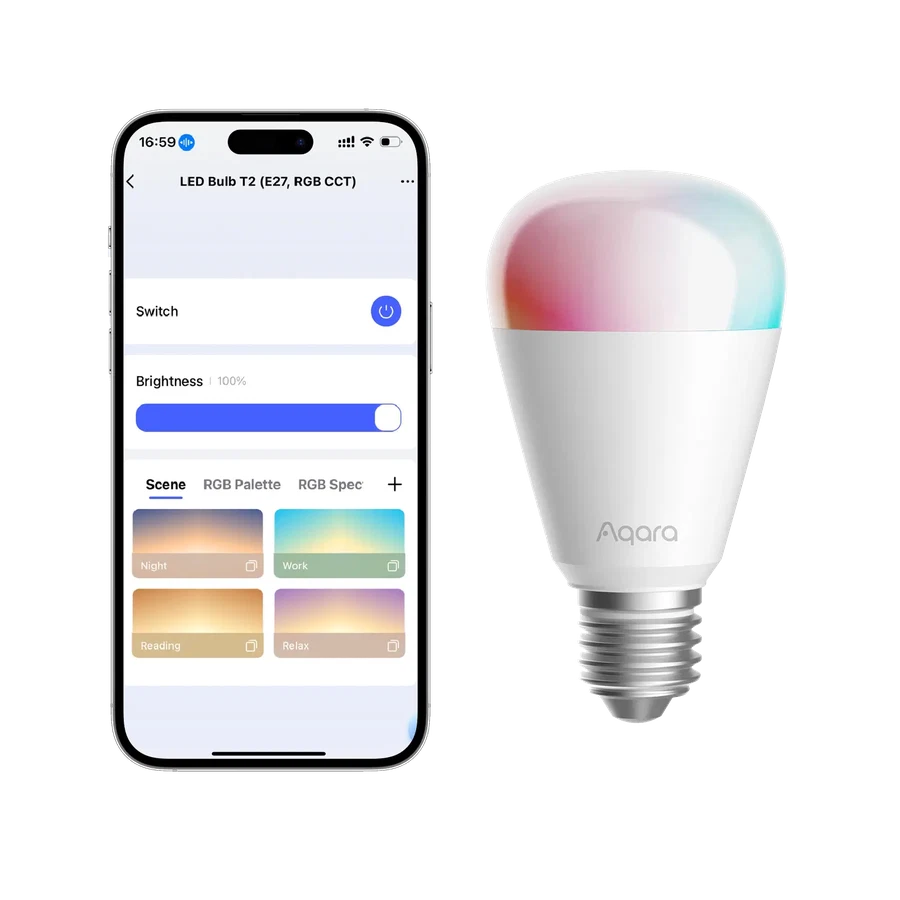
Choose Zigbee with an Aqara hub, or Thread with a Matter controller and border router. Keep wall power on; do not place a smart bulb on a conventional dimmer.
Buying options ↗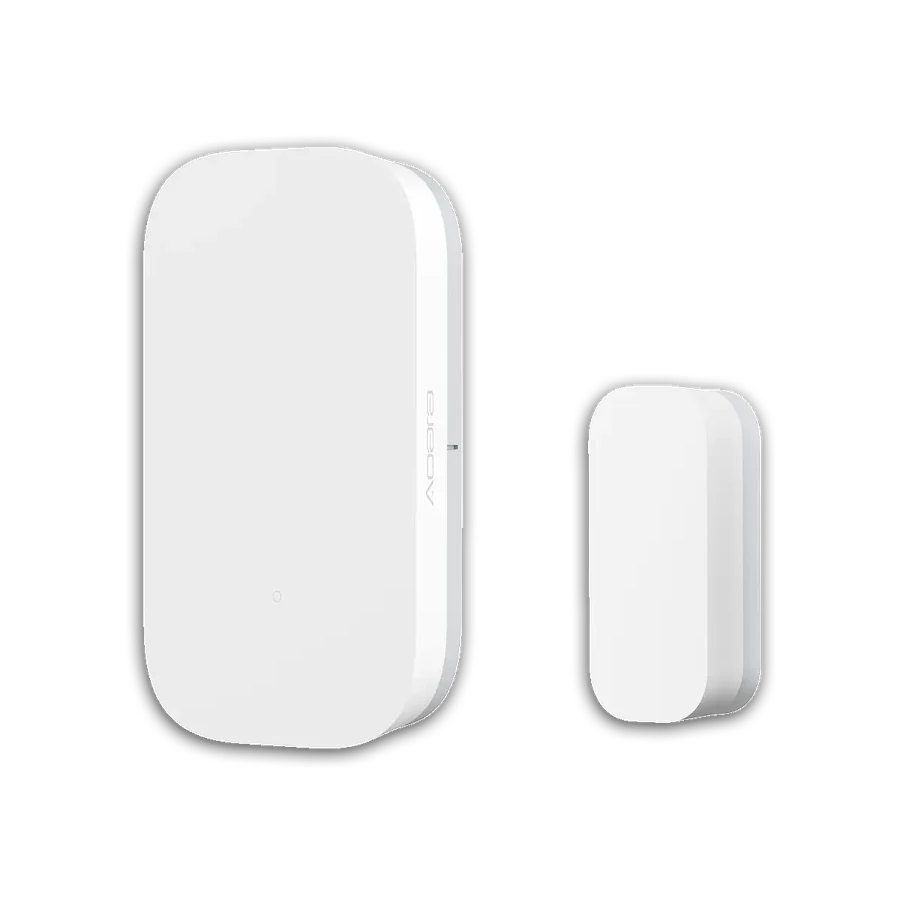
Needs a compatible Aqara hub. Confirm supported features and account region.
Buying options ↗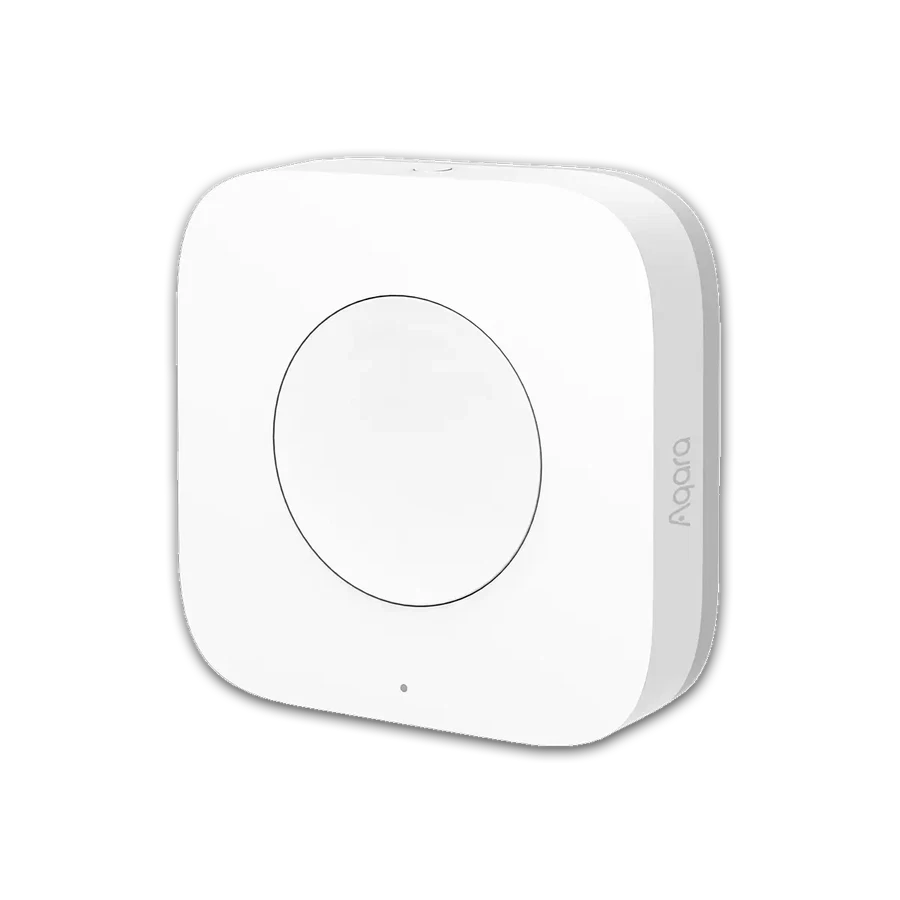
Needs a compatible Aqara hub. Confirm supported features and account region.
Buying options ↗Choose the support your project needs. The proposal confirms the documents, work items and responsibilities included.
Explore project servicesSaved on this browser. This is a planning list; each retailer manages its own cart, payment and delivery.
+86 13162319758