The everyday problem
One person’s reading light should not require the other to reach for a phone.
A lamp and a button on each side, with an agreed shared lights-off action.
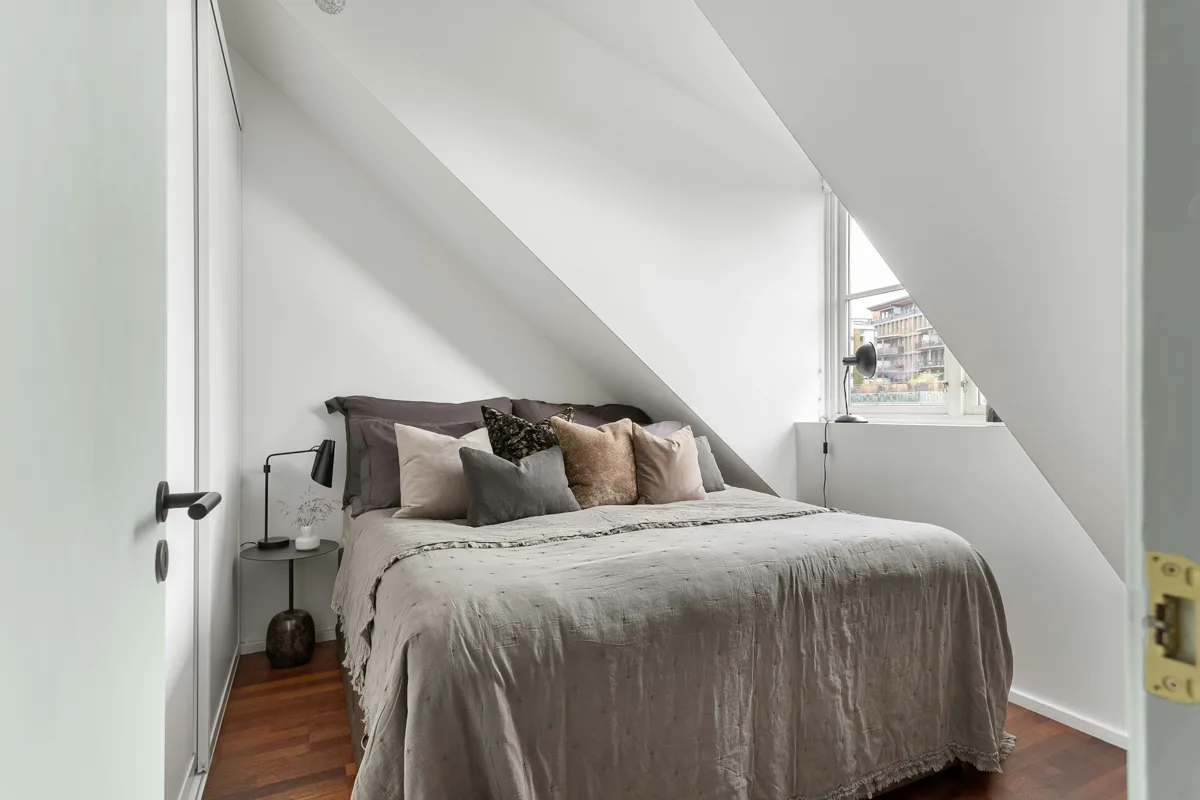
One person’s reading light should not require the other to reach for a phone.
Name left and right from the bed user’s view; test separate controls before adding a shared off gesture.
Check shades, bulb heat limits and glare across the bed; choose a reachable removable button position.

Review supported child devices, bridge functions, network and power. A shared protocol does not guarantee every feature.
Buying options ↗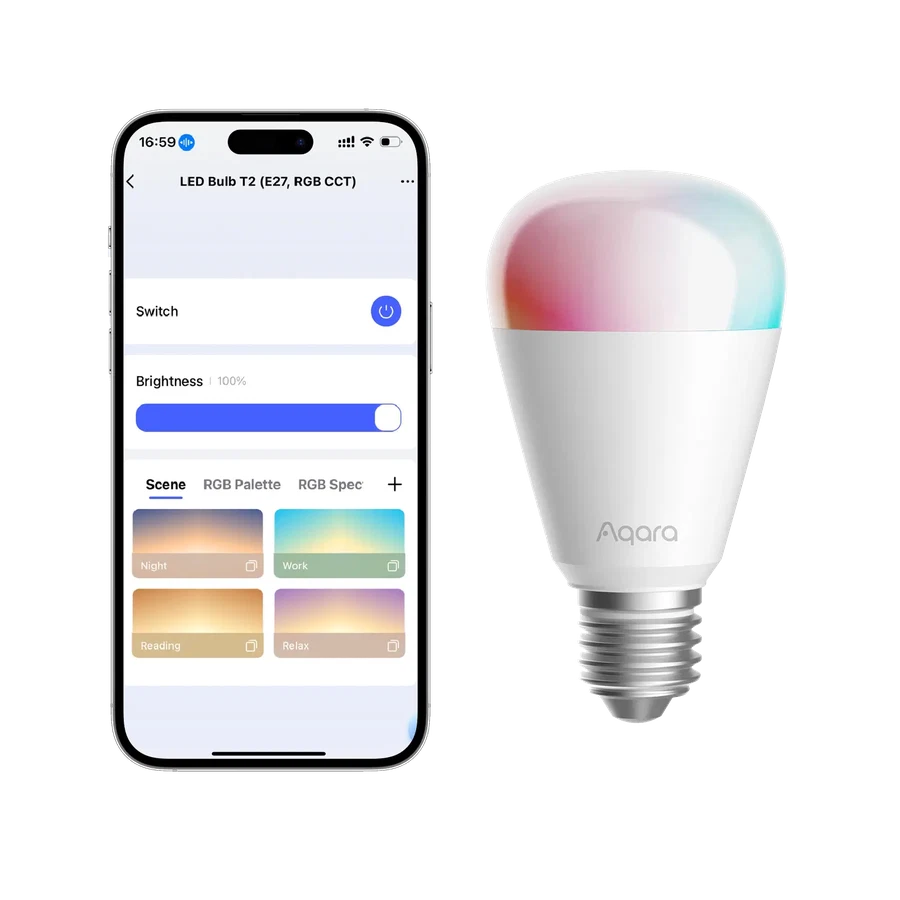
Choose Zigbee with an Aqara hub, or Thread with a Matter controller and border router. Keep wall power on; do not place a smart bulb on a conventional dimmer.
Buying options ↗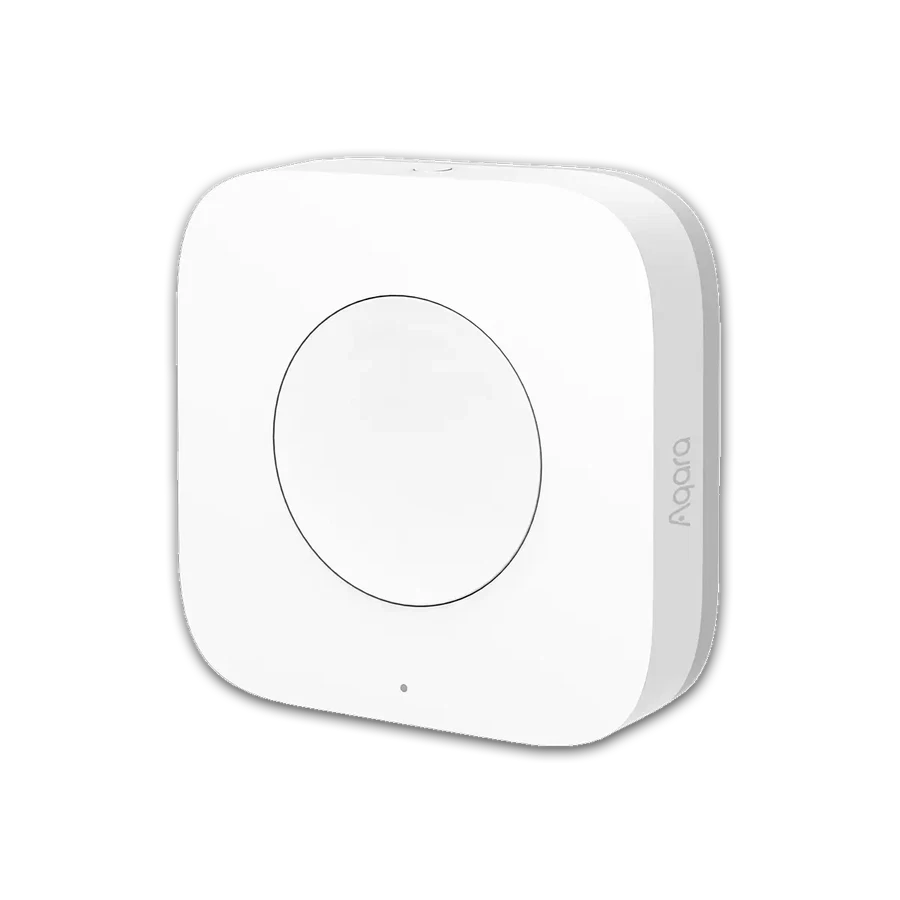
Needs a compatible Aqara hub. Confirm supported features and account region.
Buying options ↗Choose the support your project needs. The proposal confirms the documents, work items and responsibilities included.
Explore project servicesSaved on this browser. This is a planning list; each retailer manages its own cart, payment and delivery.
+86 13162319758