Leak sensors
Quantity, exact model and supported function are selected for your project.
Regional product & source review →Agree a consent-based alert route with a named resident or property responder.
Canada-led operations. Your project stays with its country team.

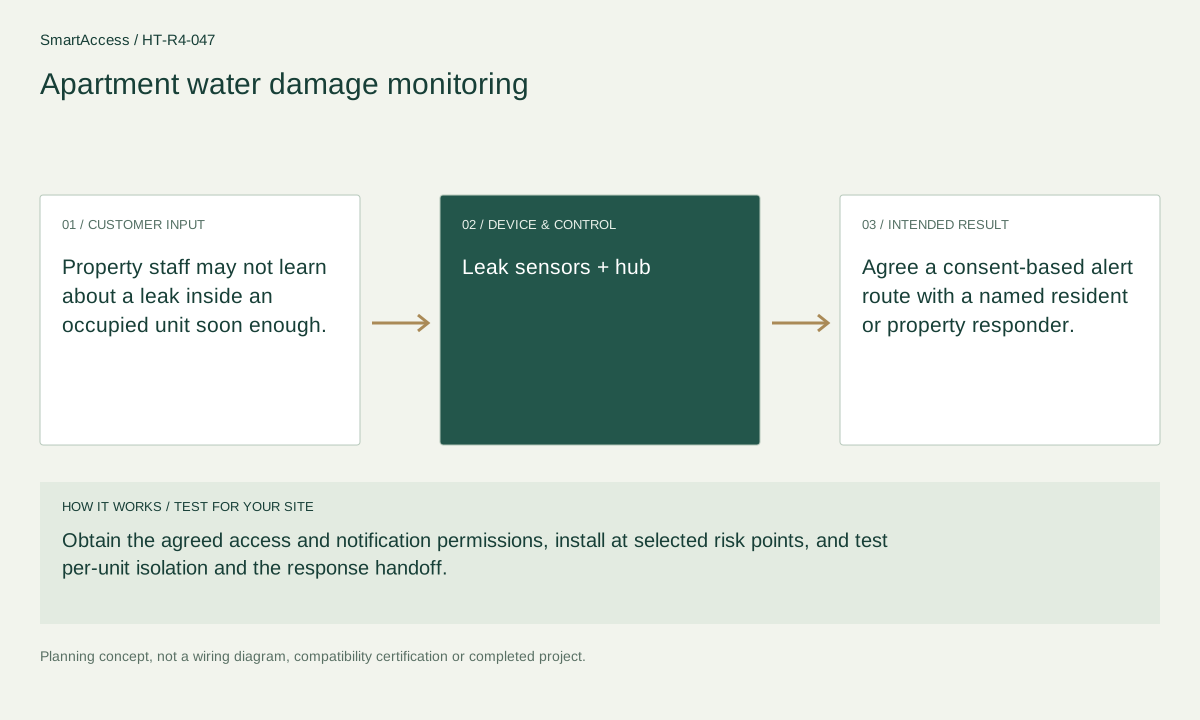
Property staff may not learn about a leak inside an occupied unit soon enough.
Obtain the agreed access and notification permissions, install at selected risk points, and test per-unit isolation and the response handoff.
Agree a consent-based alert route with a named resident or property responder.
These are candidate devices and work items, not a pre-tested fixed kit or a stock promise.
Quantity, exact model and supported function are selected for your project.
Regional product & source review →Quantity, exact model and supported function are selected for your project.
Regional product & source review →Quantity, exact model and supported function are selected for your project.
Regional product & source review →| Equipment / work item | Quantity logic | Before ordering |
|---|---|---|
| Sensing points | Sensors by agreed per-unit water-risk map | Validate the measured function, placement, environmental rating and alert path. |
| Hubs & control domains | controllers by independent unit domain and coverage | Verify device support, radio coverage, capacity and account isolation. |
| Project scope / optional items | common-area sensors and permissions listed separately | Confirm the actual regional model, installation conditions and agreed project scope. |
Sensors by agreed per-unit water-risk map; controllers by independent unit domain and coverage; common-area sensors and permissions listed separately.
Per-unit location and permission register, named response responsibilities, turnover or maintenance checklist and project-specific candidate BOM.
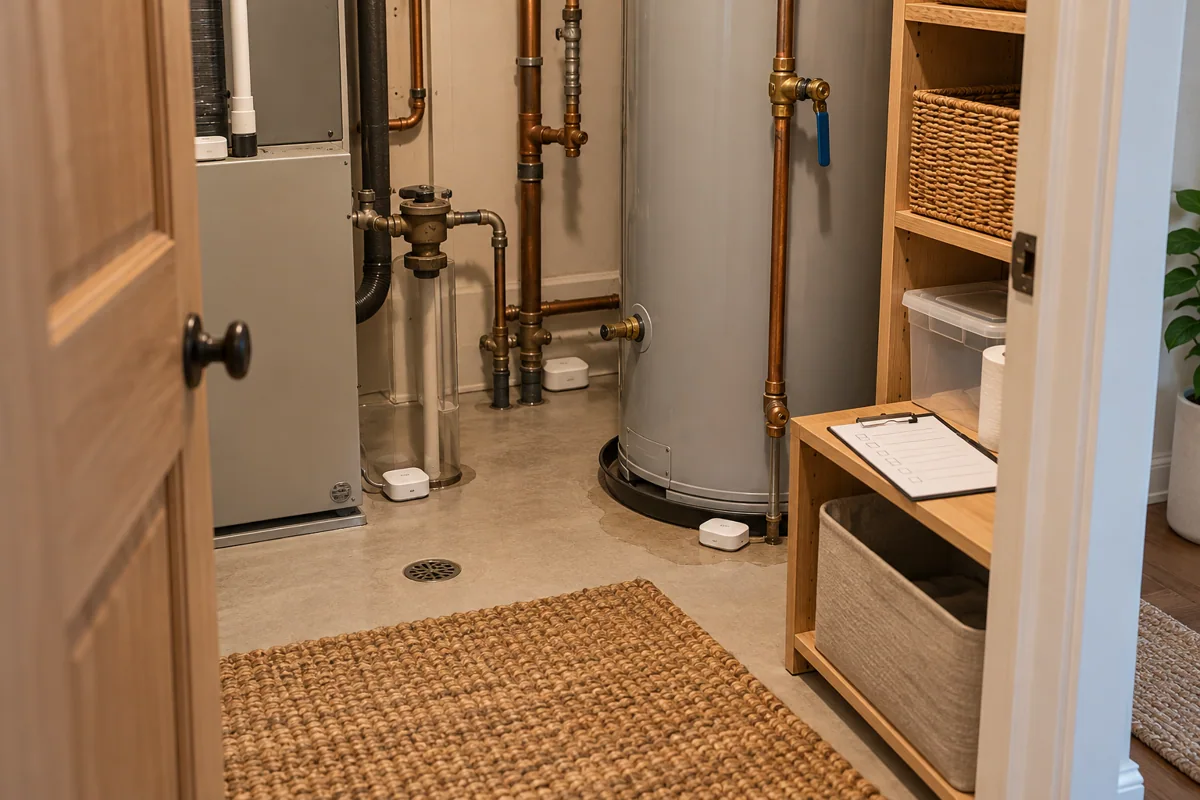
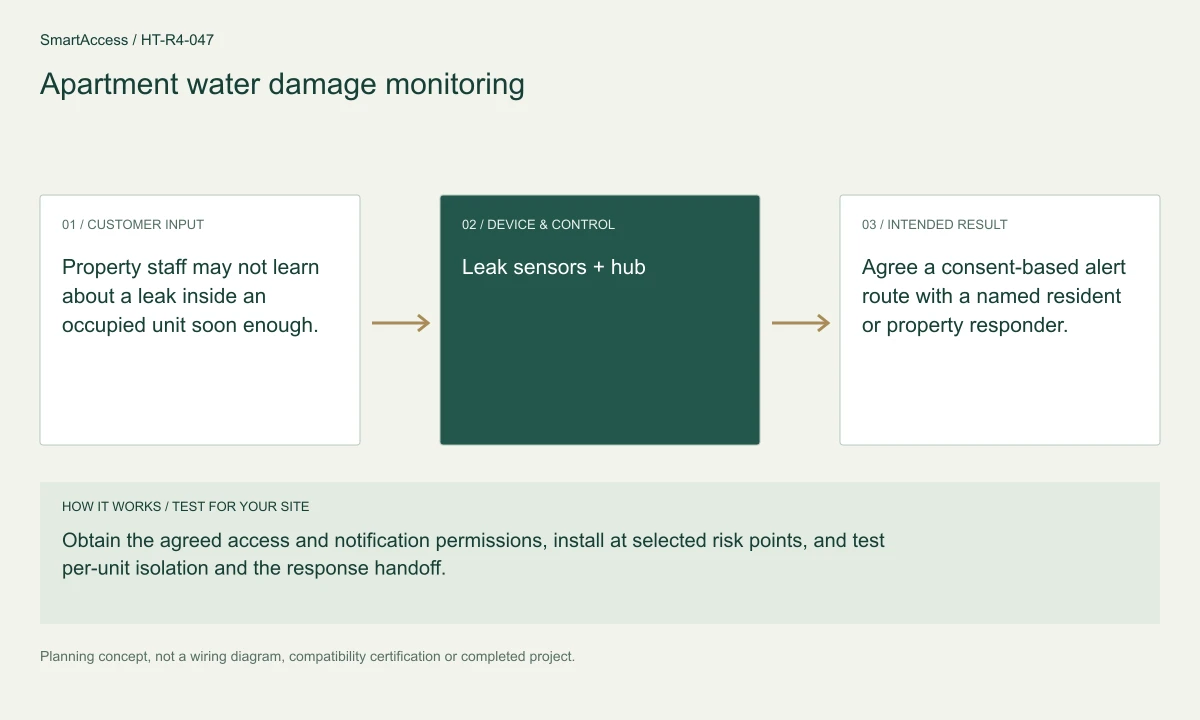
Planning illustration based on this scenario. The final model selection, function testing and site drawing are agreed for your project.
Confirm regional SKU and supplier, wiring/voltage and local requirements, firmware and protocol roles, supported bridge functions, manual operation, privacy and install permissions. The diagram is a planning aid; the final project documents take precedence.
Canada is quoted in CAD; United States projects in USD. Supplier, exact SKU, stock, lead time, warranty and installation coverage remain to be confirmed. No regional availability is inferred from an international manufacturer page.
US manufacturer catalog ↗ · Canada catalog reference ↗ Licensed setting · illustrative
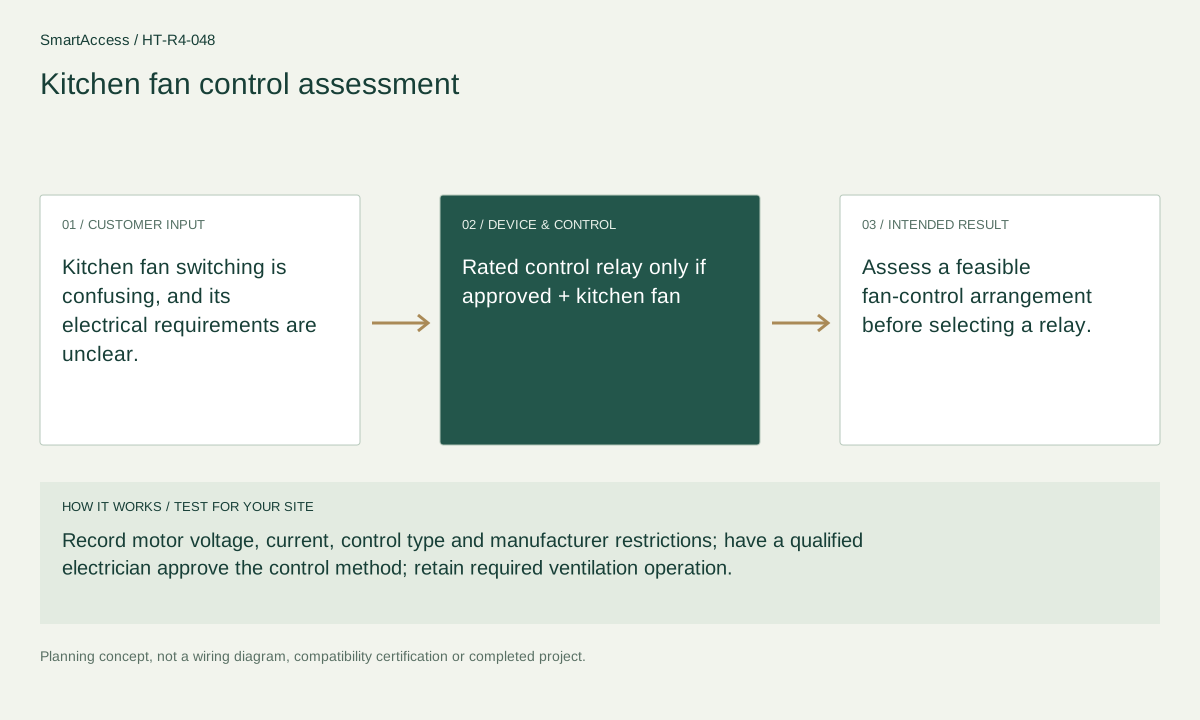
Kitchen fan switching is confusing, and its electrical requirements are unclear.
 Licensed setting · illustrative
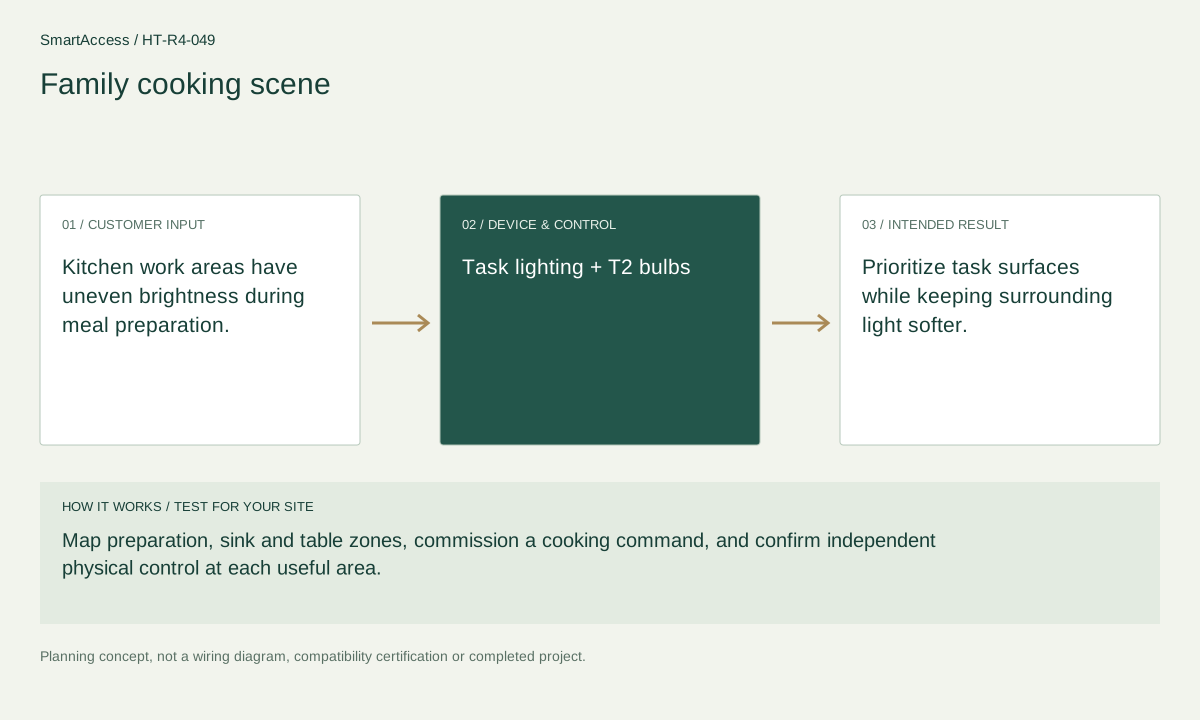
Kitchen work areas have uneven brightness during meal preparation.
 Licensed setting · illustrative
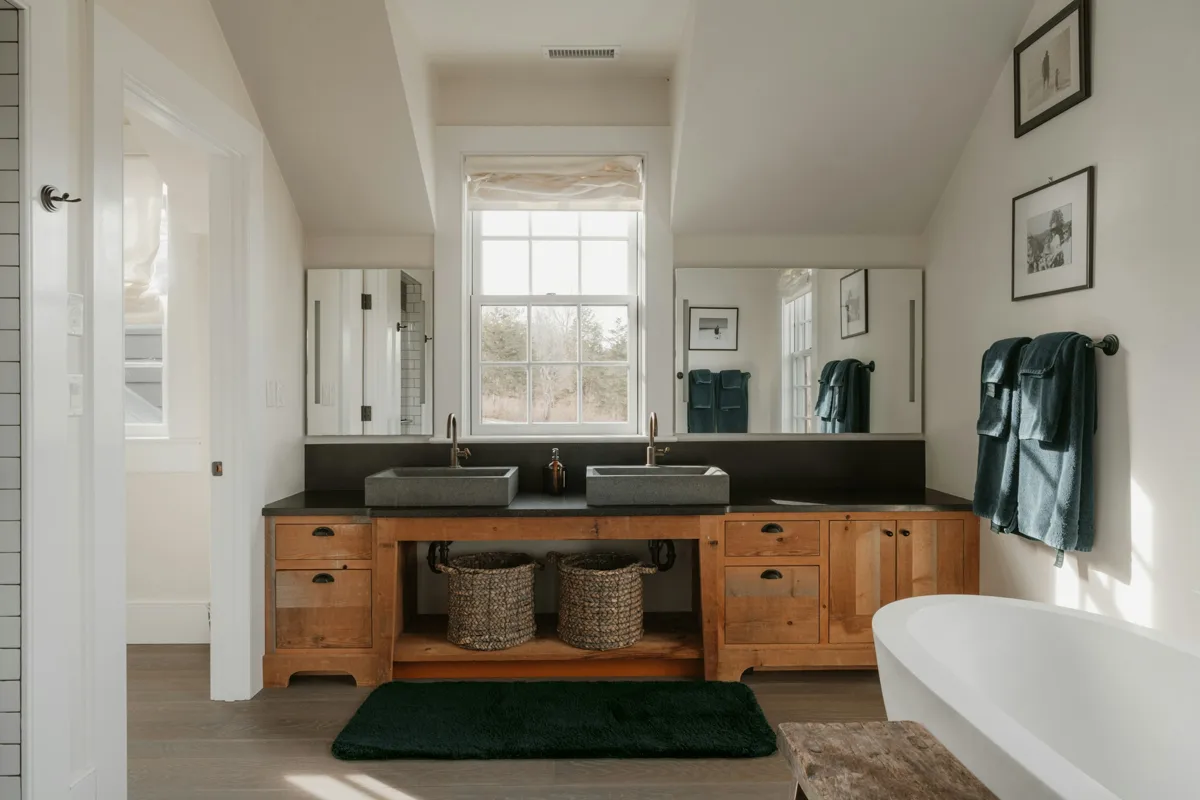
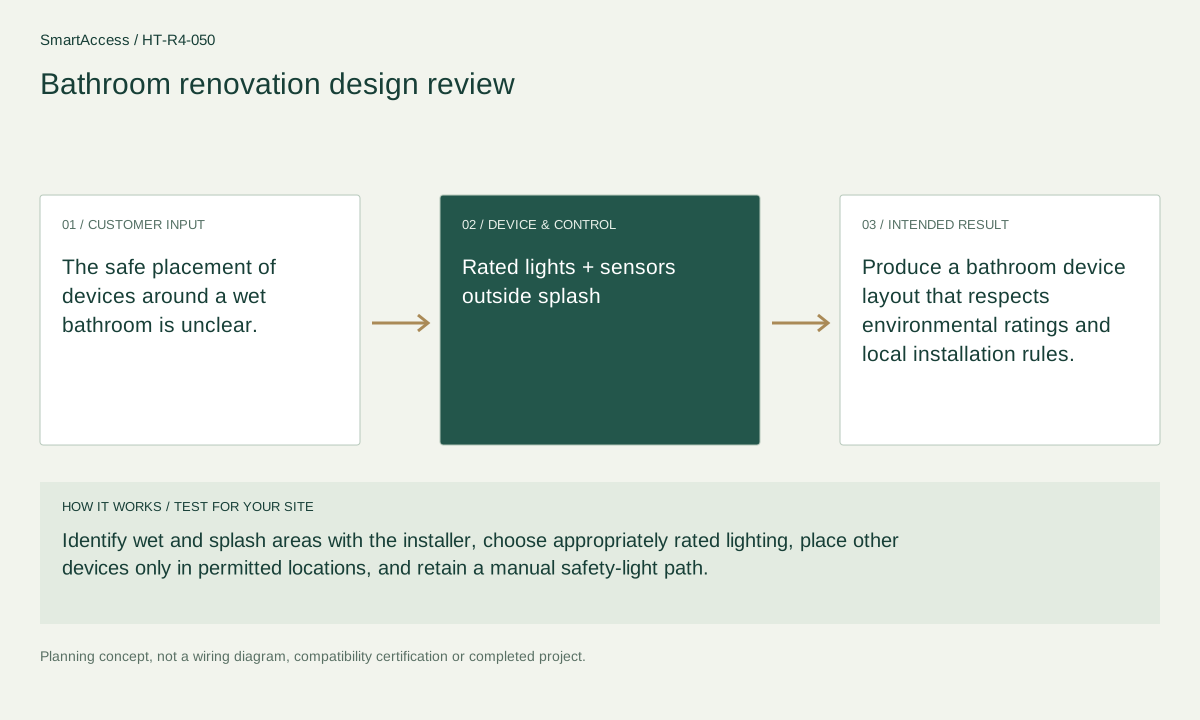
The safe placement of devices around a wet bathroom is unclear.
Get a conversation about the right equipment, a defined system scope and the support your team needs.
Canada-led operations. Your project stays with its country team.
Canada-led operations · Canadian inquiries → Canada team · US inquiries → US team.
+86 13162319758