Starter hub
Quantity, exact model and supported function are selected for your project.
Regional product & source review →Build a phased plan that starts with useful lighting and entry functions.
Canada-led operations. Your project stays with its country team.
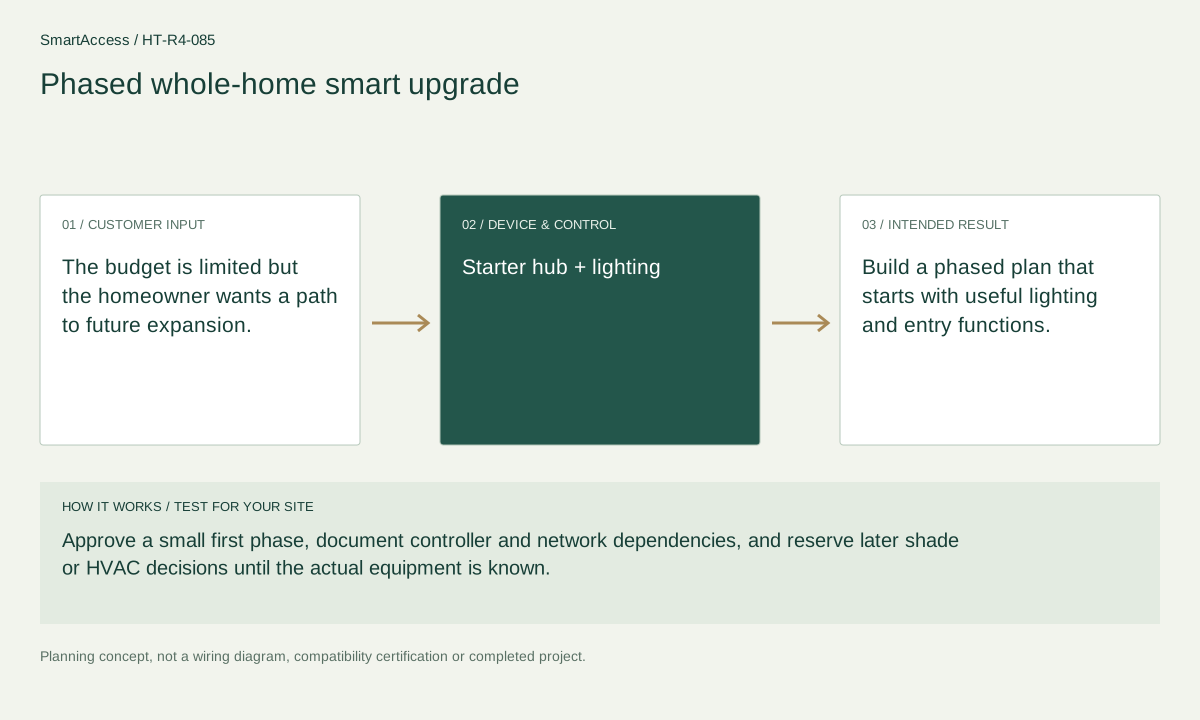
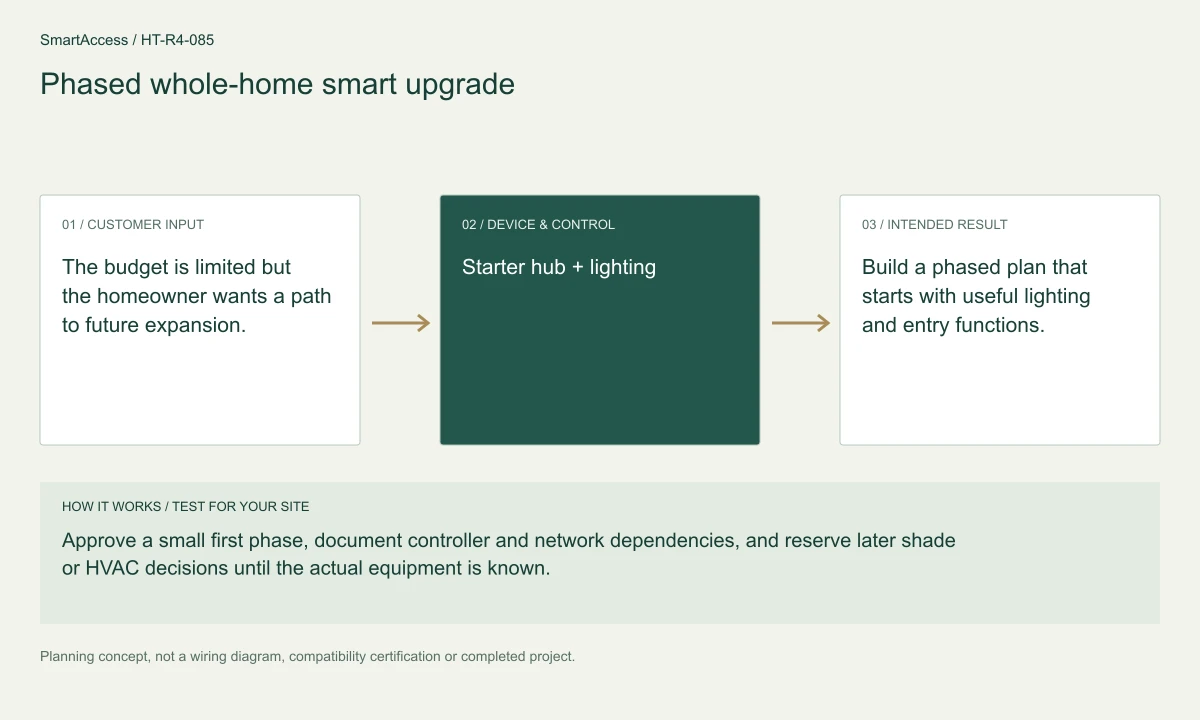
The budget is limited but the homeowner wants a path to future expansion.
Approve a small first phase, document controller and network dependencies, and reserve later shade or HVAC decisions until the actual equipment is known.
Build a phased plan that starts with useful lighting and entry functions.
These are candidate devices and work items, not a pre-tested fixed kit or a stock promise.
Quantity, exact model and supported function are selected for your project.
Regional product & source review →Quantity, exact model and supported function are selected for your project.
Regional product & source review →Quantity, exact model and supported function are selected for your project.
Regional product & source review →Quantity, exact model and supported function are selected for your project.
Regional product & source review →| Equipment / work item | Quantity logic | Before ordering |
|---|---|---|
| Phased / dwelling schedule | Phase-one counts by selected circuits and doors | Approve the relevant floor-plan or phase; avoid double-counting shared equipment. |
| Project scope / optional items | shared infrastructure counted once | Confirm the actual regional model, installation conditions and agreed project scope. |
| Project scope / optional items | later equipment listed as optional and not included in the initial order | Confirm the actual regional model, installation conditions and agreed project scope. |
Phase-one counts by selected circuits and doors; shared infrastructure counted once; later equipment listed as optional and not included in the initial order.
Existing-condition survey, room device-position plan, reversible-work or wiring scope, commissioning checklist and itemized candidate BOM.
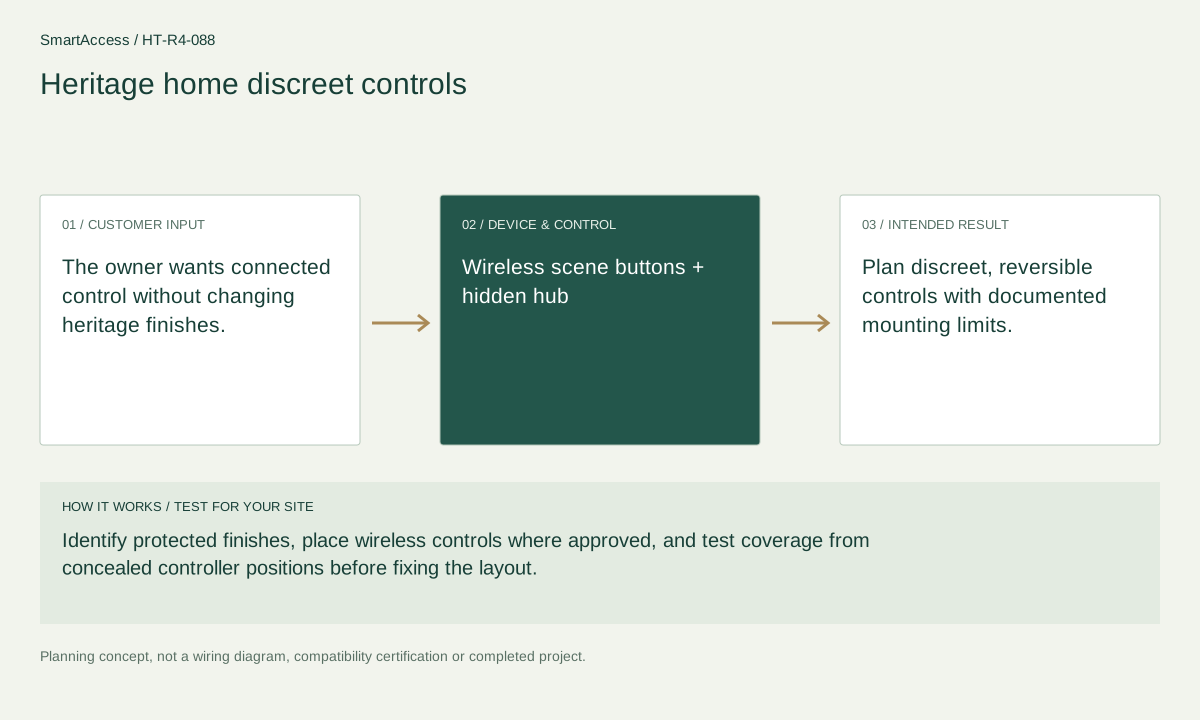
Planning illustration based on this scenario. The final model selection, function testing and site drawing are agreed for your project.
Confirm regional SKU and supplier, wiring/voltage and local requirements, firmware and protocol roles, supported bridge functions, manual operation, privacy and install permissions. The diagram is a planning aid; the final project documents take precedence.
Canada is quoted in CAD; United States projects in USD. Supplier, exact SKU, stock, lead time, warranty and installation coverage remain to be confirmed. No regional availability is inferred from an international manufacturer page.
US manufacturer catalog ↗ · Canada catalog reference ↗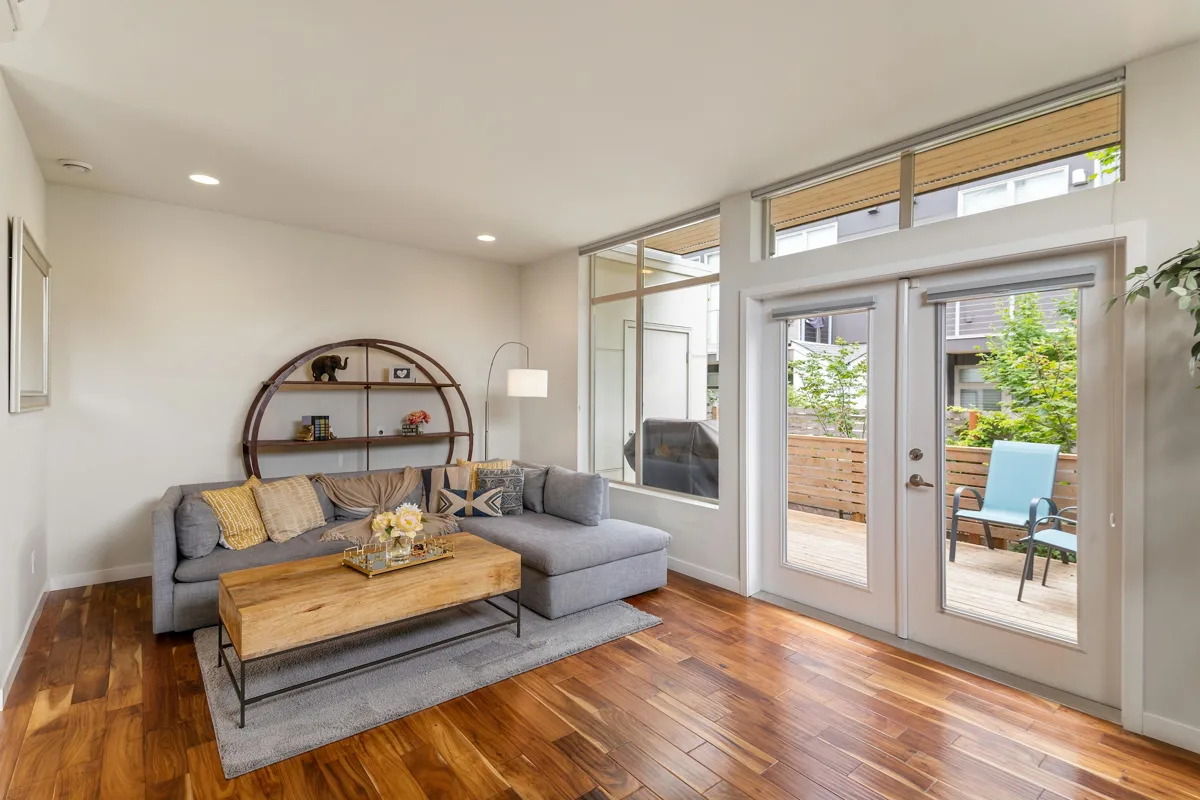 Licensed setting · illustrative
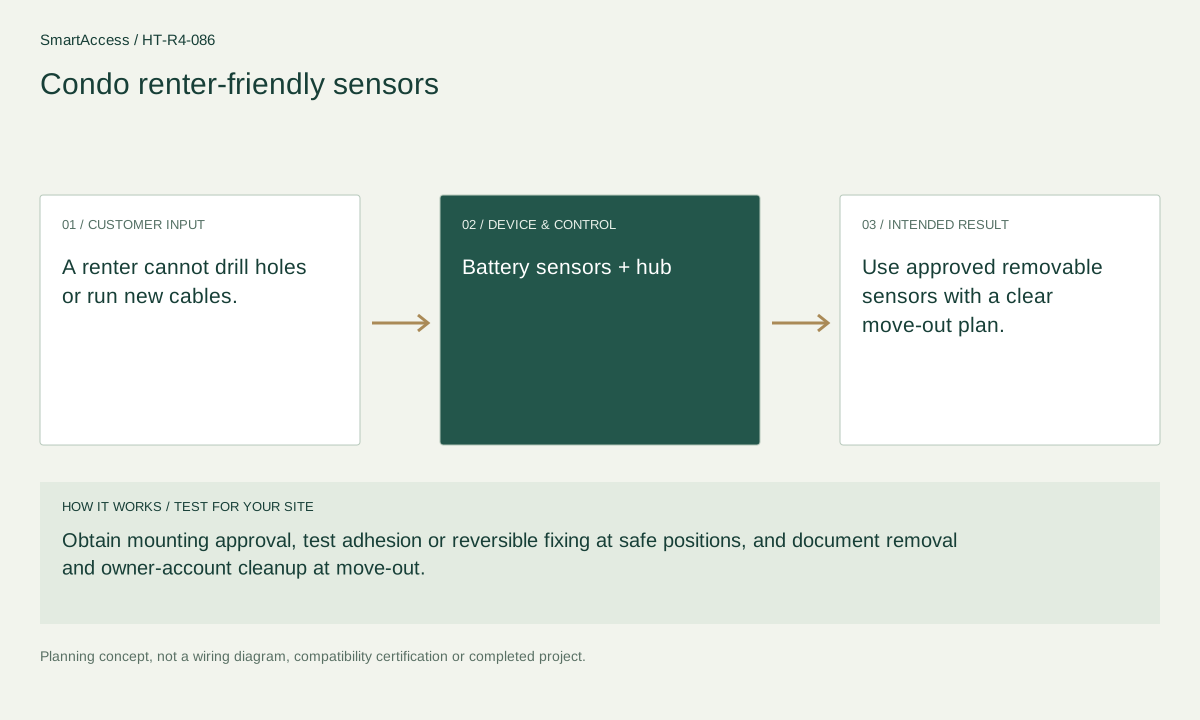
A renter cannot drill holes or run new cables.
 Licensed setting · illustrative
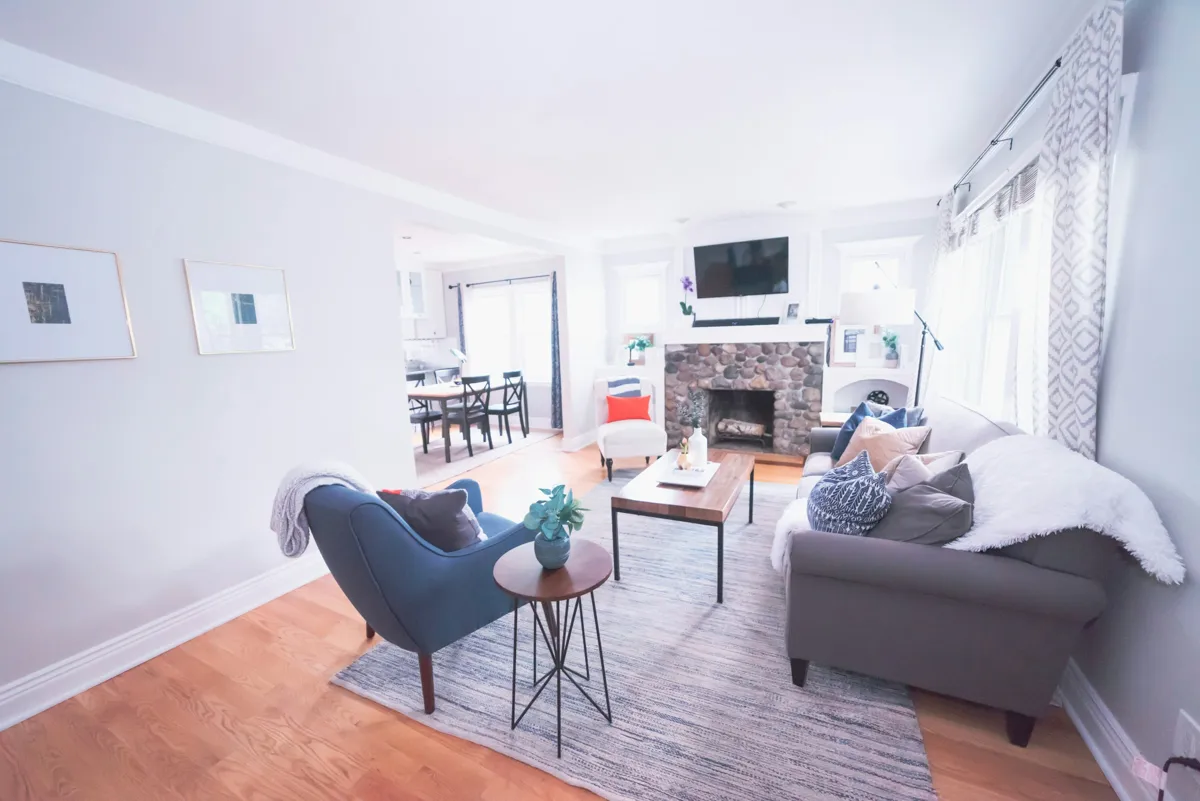
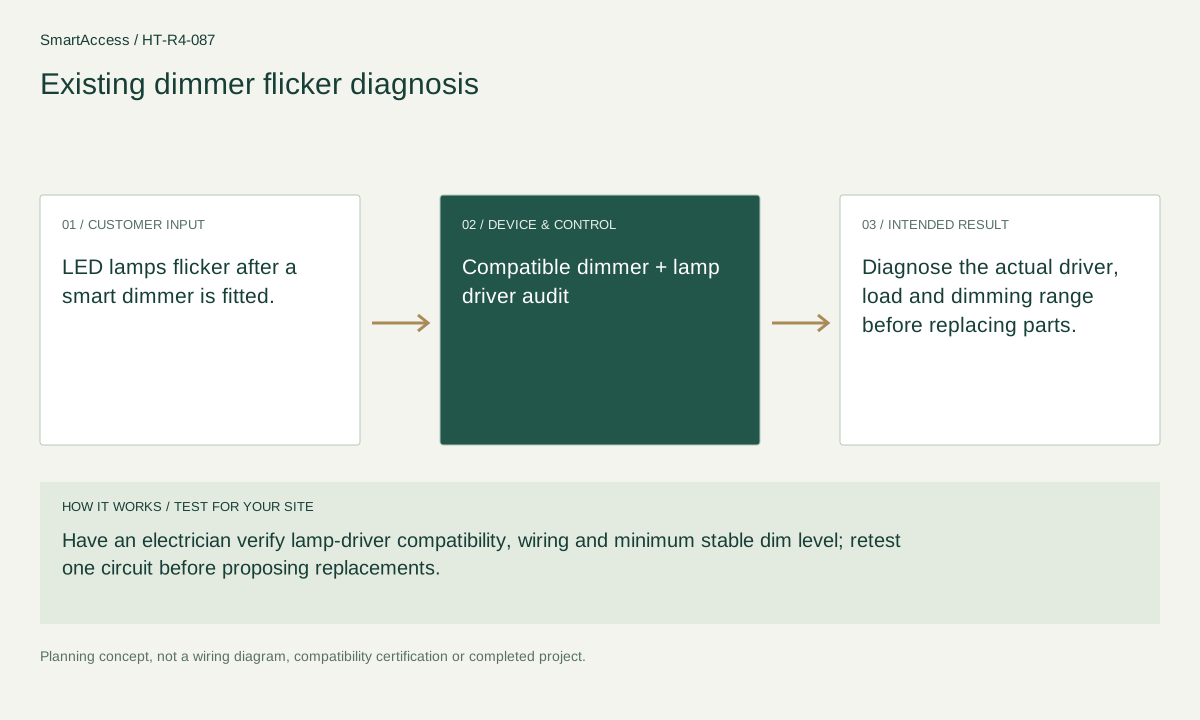
LED lamps flicker after a smart dimmer is fitted.
 Licensed setting · illustrative
The owner wants connected control without changing heritage finishes.
Get a conversation about the right equipment, a defined system scope and the support your team needs.
Canada-led operations. Your project stays with its country team.
Canada-led operations · Canadian inquiries → Canada team · US inquiries → US team.
+86 13162319758