Equipment register
Quantity, exact model and supported function are selected for your project.
Regional product & source review →Give authorized staff a clear equipment card through a managed label.
Canada-led operations. Your project stays with its country team.
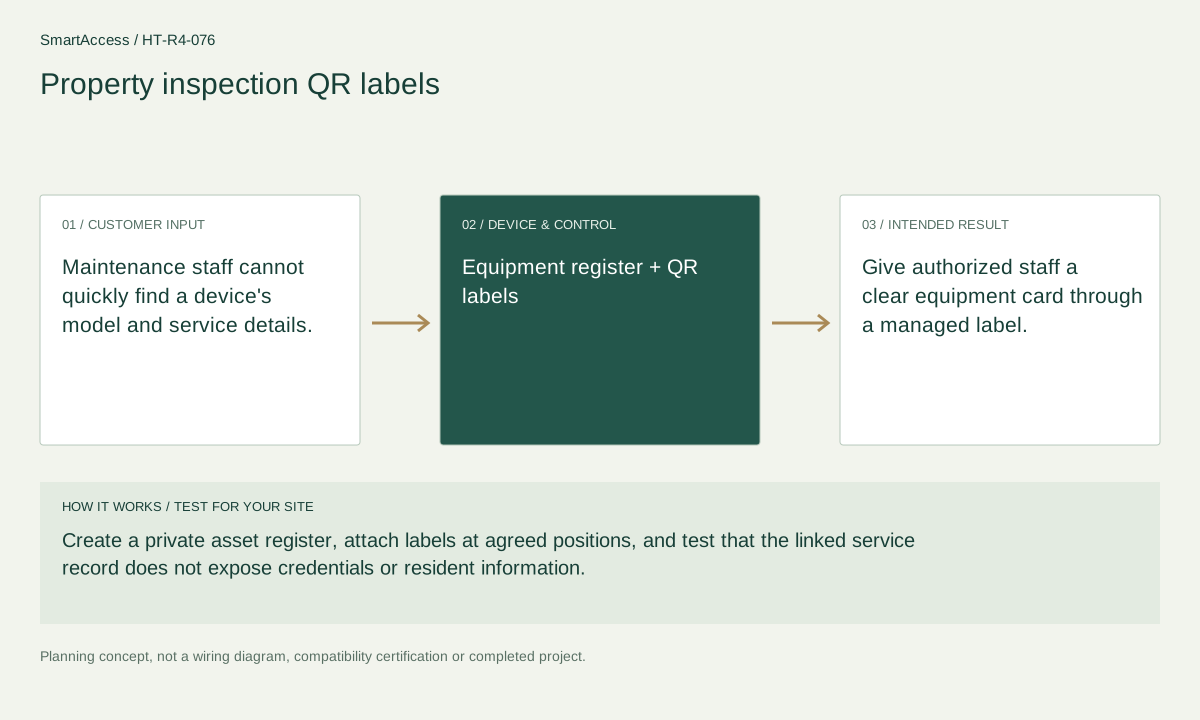
Maintenance staff cannot quickly find a device's model and service details.
Create a private asset register, attach labels at agreed positions, and test that the linked service record does not expose credentials or resident information.
Give authorized staff a clear equipment card through a managed label.
These are candidate devices and work items, not a pre-tested fixed kit or a stock promise.
Quantity, exact model and supported function are selected for your project.
Regional product & source review →Quantity, exact model and supported function are selected for your project.
Regional product & source review →Quantity, exact model and supported function are selected for your project.
Regional product & source review →| Equipment / work item | Quantity logic | Before ordering |
|---|---|---|
| Records, handover & service scope | One asset record per maintained device | Agree responsible users and keep credentials and resident data private. |
| Project scope / optional items | labels per serviceable item or agreed group | Confirm the actual regional model, installation conditions and agreed project scope. |
| Scope exclusions | no new smart-home controller required for an asset register | Excluded or separately assessed; do not order it from this concept. |
One asset record per maintained device; labels per serviceable item or agreed group; no new smart-home controller required for an asset register.
Private asset-register template, label placement plan, permission check and maintenance-record fields; no credential data in public labels.
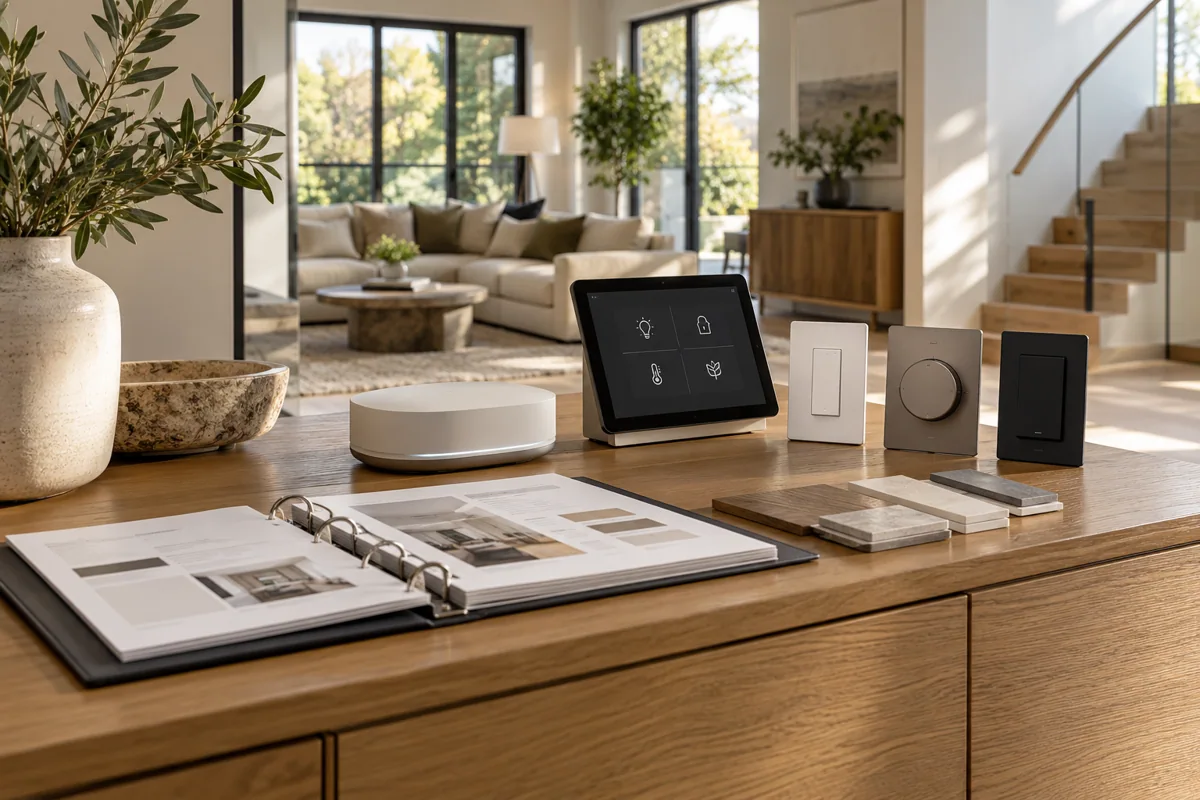
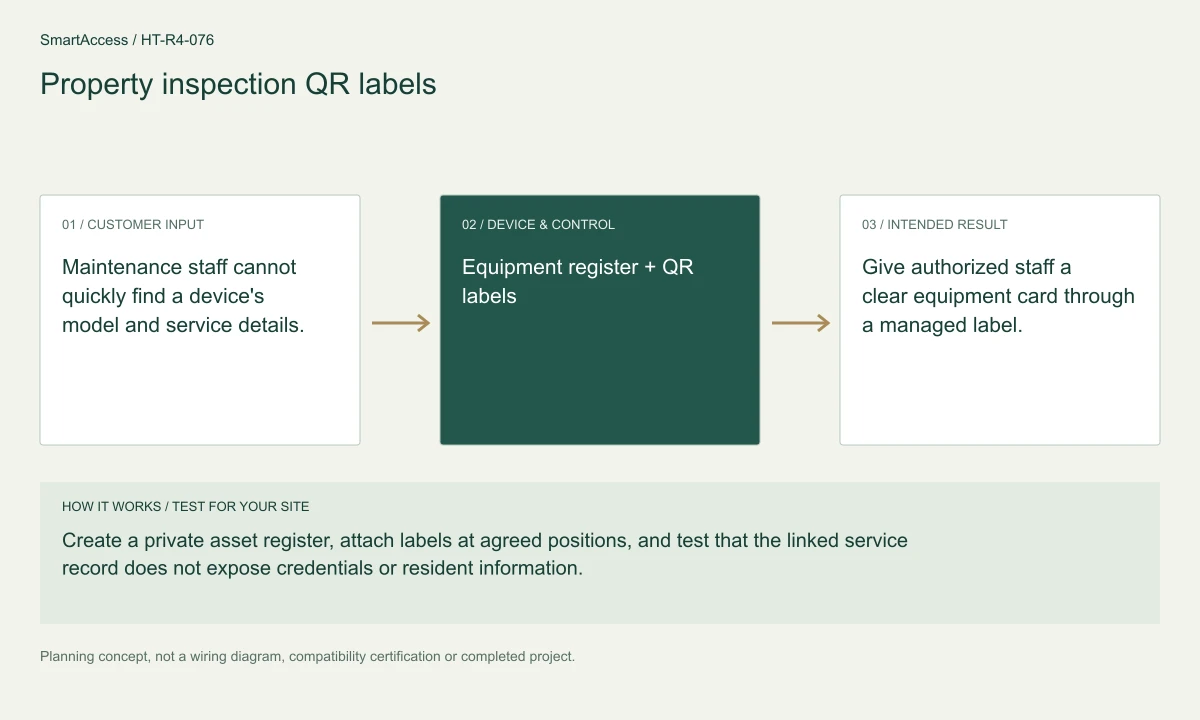
Planning illustration based on this scenario. The final model selection, function testing and site drawing are agreed for your project.
Confirm regional SKU and supplier, wiring/voltage and local requirements, firmware and protocol roles, supported bridge functions, manual operation, privacy and install permissions. The diagram is a planning aid; the final project documents take precedence.
Canada is quoted in CAD; United States projects in USD. Supplier, exact SKU, stock, lead time, warranty and installation coverage remain to be confirmed. No regional availability is inferred from an international manufacturer page.
US manufacturer catalog ↗ · Canada catalog reference ↗ Licensed setting · illustrative
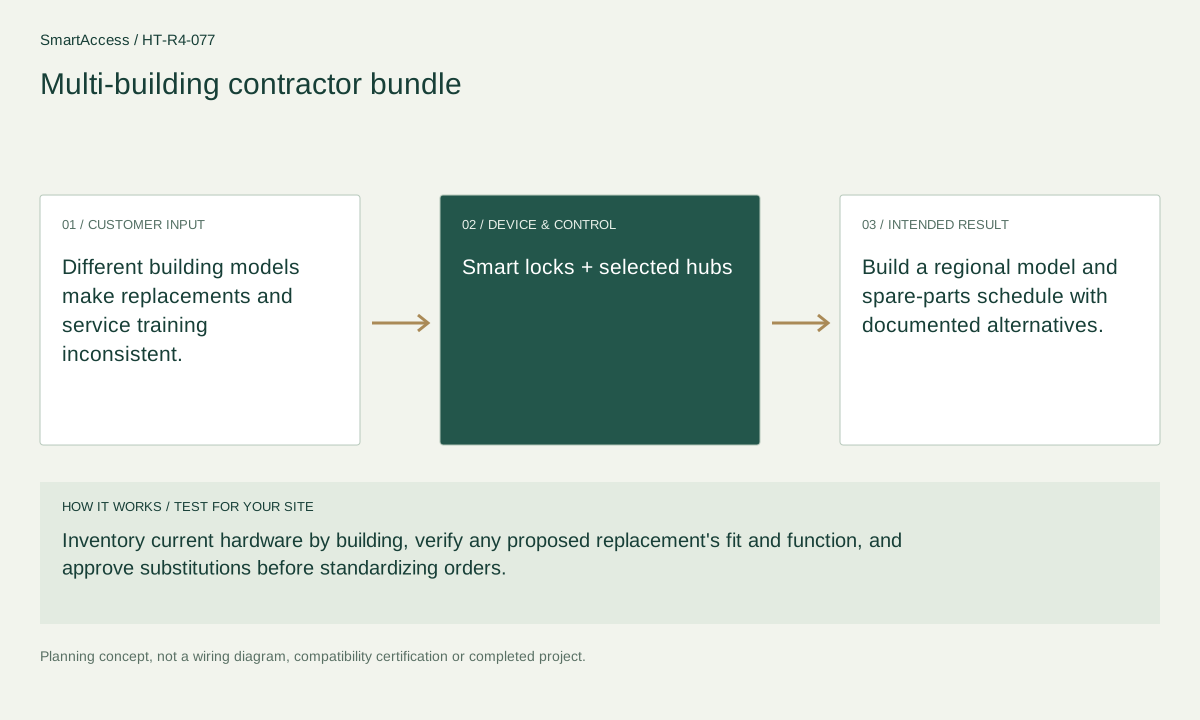
Different building models make replacements and service training inconsistent.
 Licensed setting · illustrative
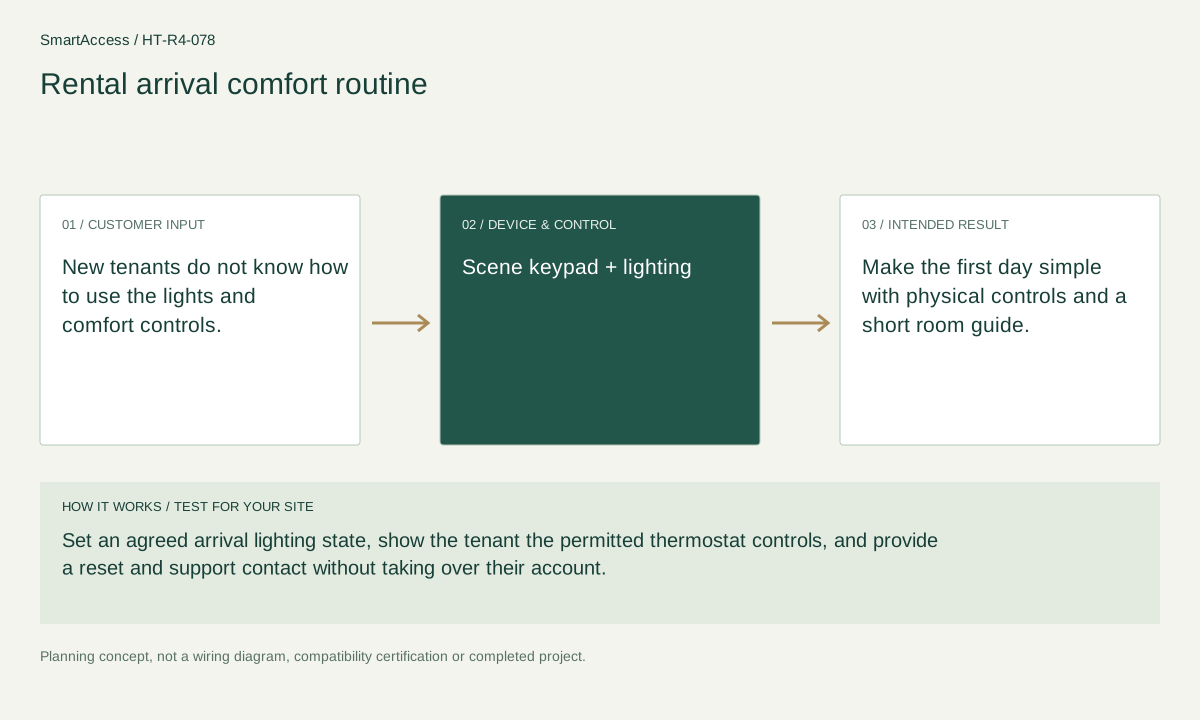
New tenants do not know how to use the lights and comfort controls.
 Licensed setting · illustrative
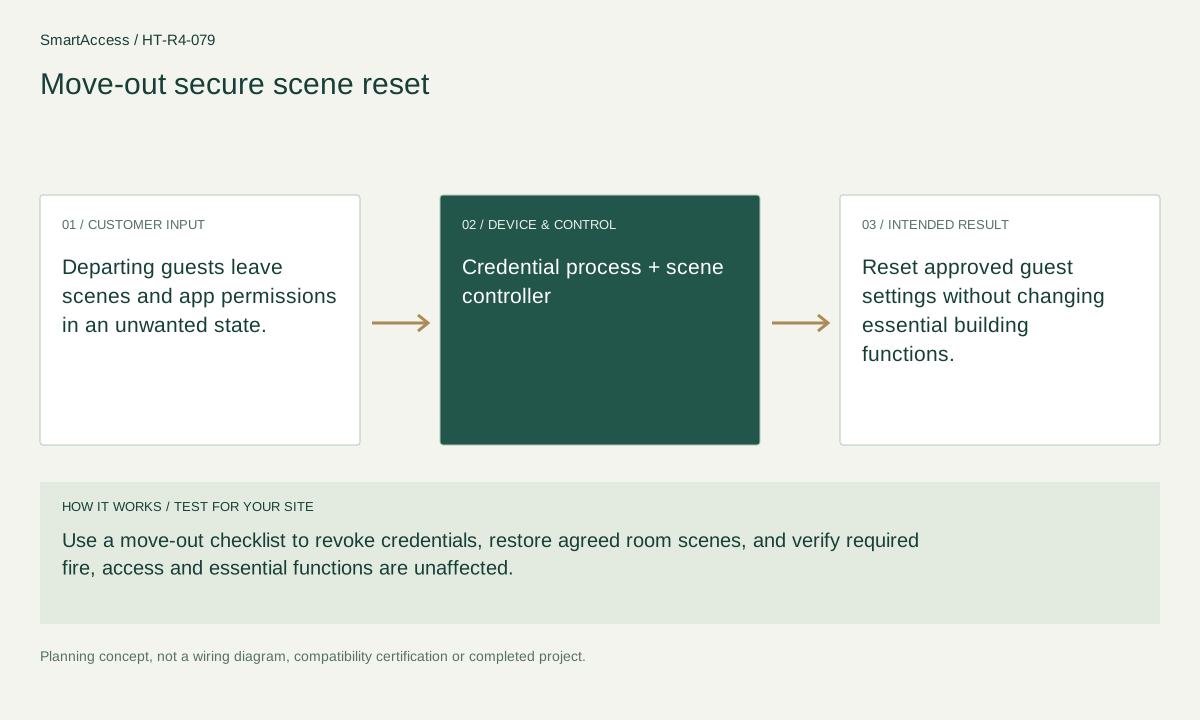
Departing guests leave scenes and app permissions in an unwanted state.
Get a conversation about the right equipment, a defined system scope and the support your team needs.
Canada-led operations. Your project stays with its country team.
Canada-led operations · Canadian inquiries → Canada team · US inquiries → US team.
+86 13162319758