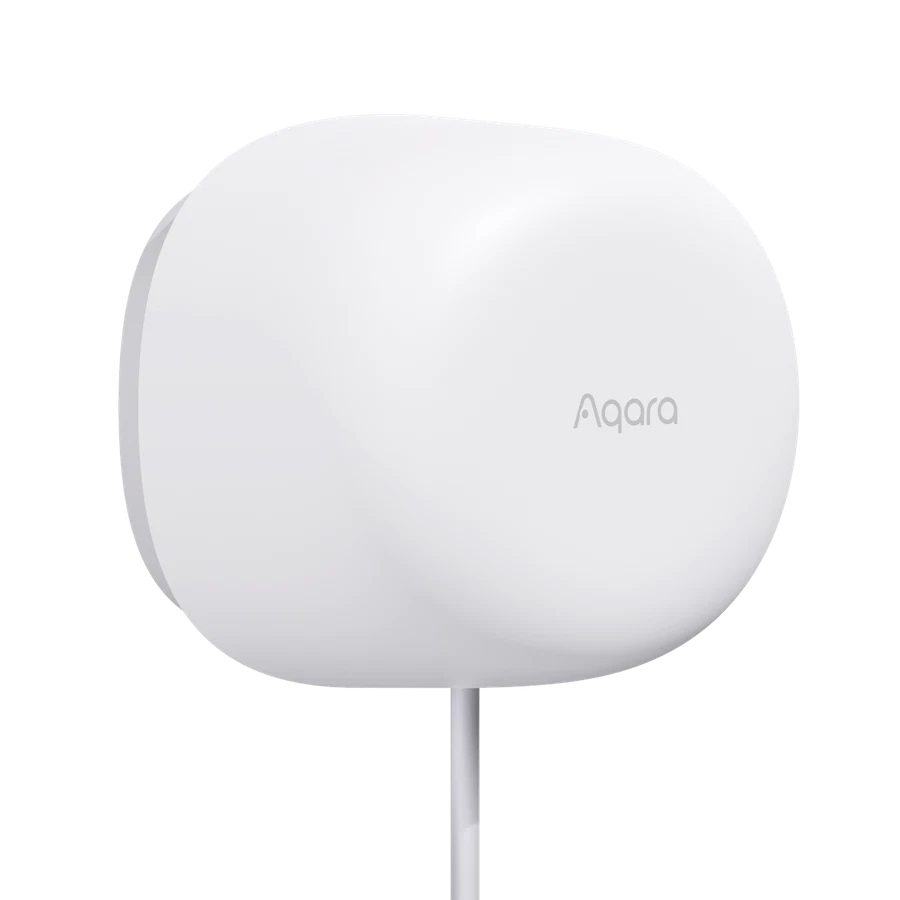
Test the exact product against a small set of customer tasks before making it part of a repeatable package.
Choose a real task such as keeping an occupied office lit, and define the expected manual override and recovery behaviour. Then record installation time, setup steps and the questions a customer is likely to ask. Feature counts alone do not reveal that workload.
Compare the result with the product already in your range. A simpler presence sensor may suit one room, while another needs zone-level planning. Do not transfer a familiar model’s feature list or hub assumptions to the newcomer.
Approve a standard package only when the team can explain its limits and reproduce the result. Keep a path for firmware changes and unusual sites. That is a more useful expansion rule than stocking every new release simply because it attracts attention online.
Before you order
- Define one customer task and acceptance result.
- Record setup and support work during the pilot.
- Approve features for the exact model only.
A useful next step
Discuss a small product-validation pilot with SmartAccess.
Related equipment
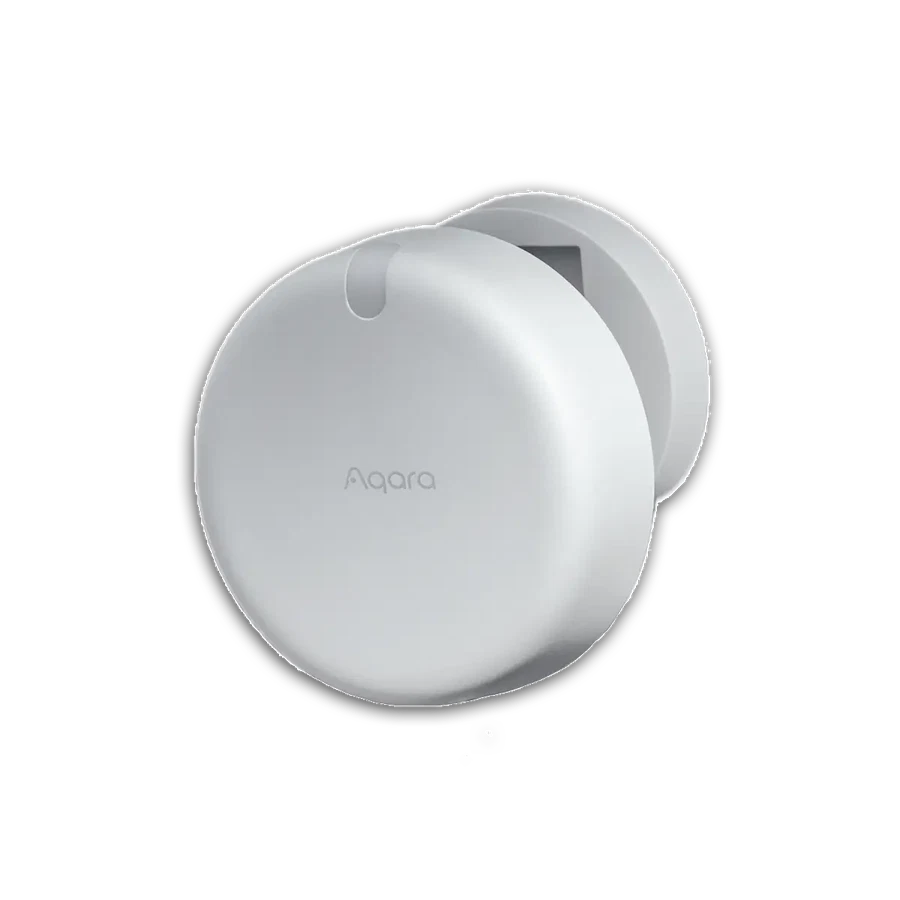
Selling smart-home products? Planning a store in Canada or the US?
Talk with SmartAccess about product selection, a demonstration range, installation partners and project delivery. Retailers, dealers, installers and local store operators are welcome.
Product supply, training, service area, cooperation terms and any fees are confirmed in discussion. No revenue or lead volume is promised.
Manufacturer references
Product information comes from the linked manufacturer references. Confirm the exact regional model, seller, current price, stock and installation conditions before purchase.
