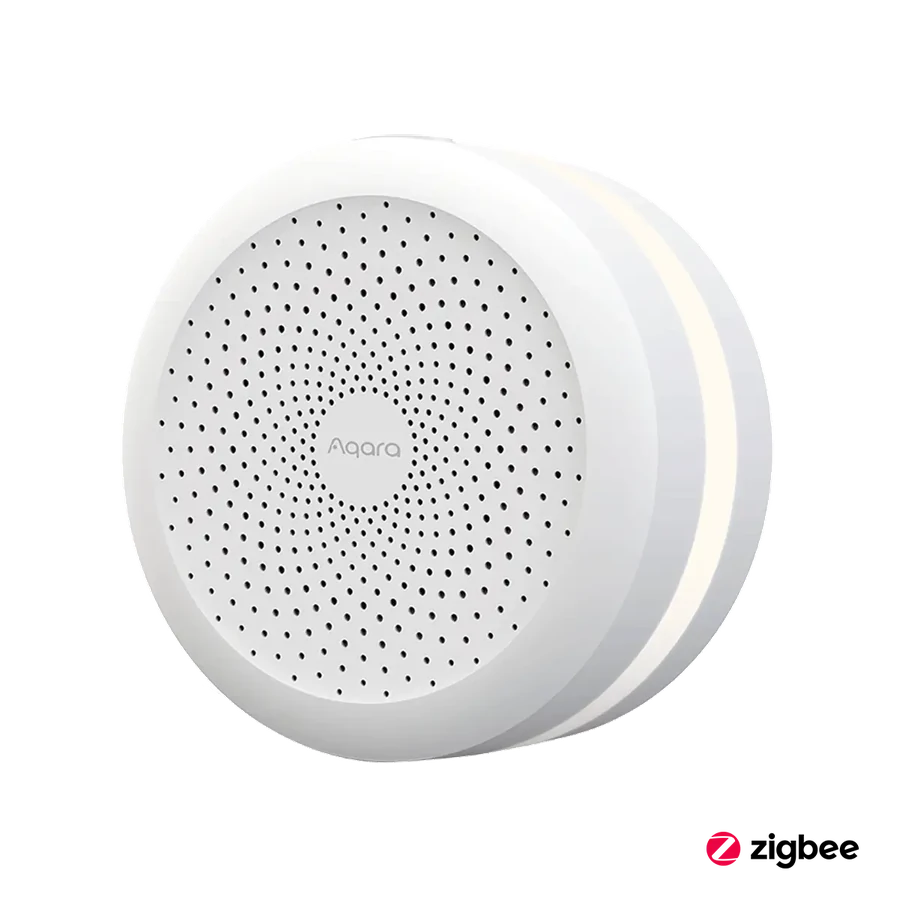
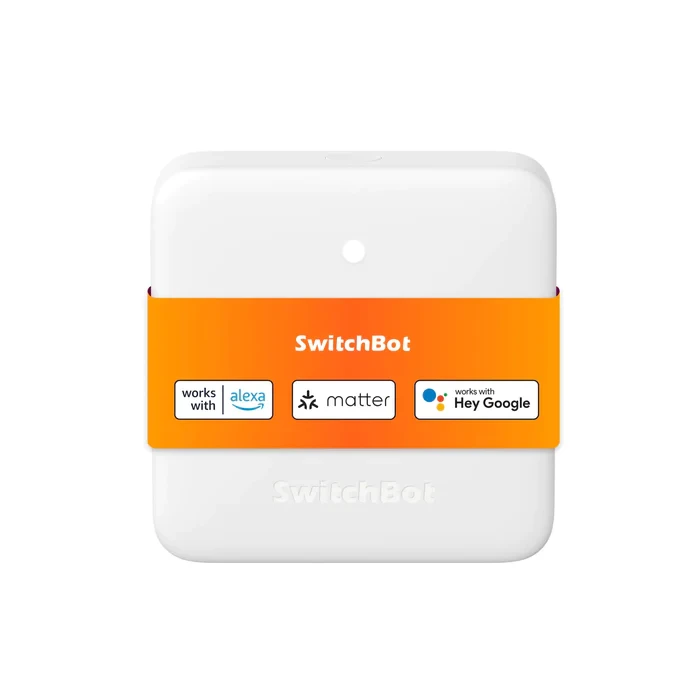
Choose the hub that supports the actual devices, bridge functions and network arrangement in the plan.
It is tempting to begin a smart-home basket with the newest hub and decide the devices later. A clearer purchase starts with the lock, sensors and routines you want, then asks which hub supports them.
M3 and M2 have different roles and supported function lists. Check exact child devices and integration requirements rather than assuming that a shared brand makes every feature transferable.
If a working hub already supports the intended expansion, replacing it may add little. If a required role is missing, an upgrade can be worthwhile. Include migration and account work in that decision so the first evening is spent enjoying the result rather than rebuilding an unplanned system.
Before you order
- List exact devices and required functions.
- Check the hub's current support documentation.
- Plan any pairing or migration work.
A useful next step
Request a hub choice against your equipment list.
Related equipment
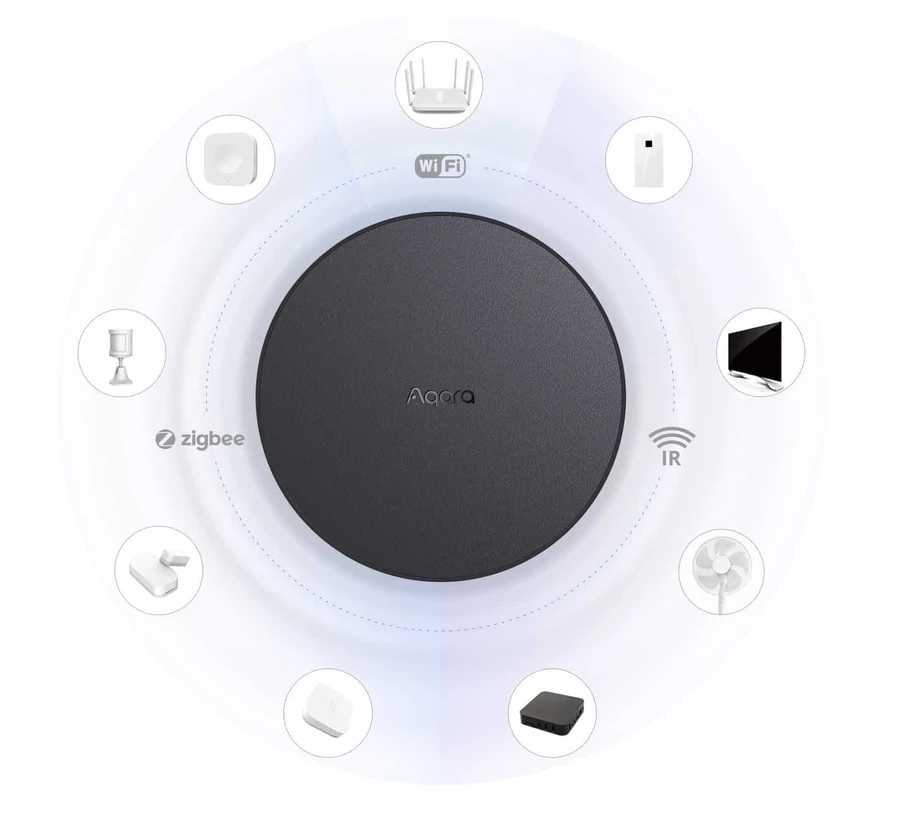
Selling smart-home products? Planning a store in Canada or the US?
Talk with SmartAccess about product selection, a demonstration range, installation partners and project delivery. Retailers, dealers, installers and local store operators are welcome.
Product supply, training, service area, cooperation terms and any fees are confirmed in discussion. No revenue or lead volume is promised.
Manufacturer references
Product information comes from the linked manufacturer references. Confirm the exact regional model, seller, current price, stock and installation conditions before purchase.