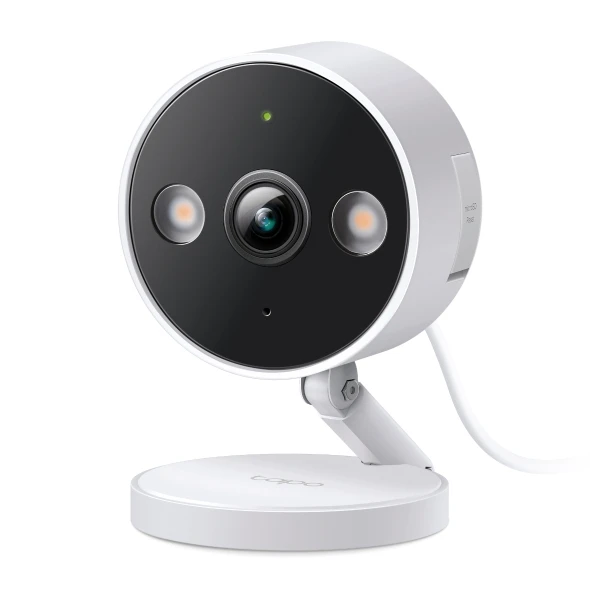
Aim the display at a controlled sample scene, then explain power, recording and viewing separately.
Point the camera at a small demonstration area rather than passing customers. Show the buyer what a practical field of view looks like and how an activity zone changes the alerting task. Avoid treating every available detection label as a reason to record more space.
The C120 needs a power arrangement and wireless coverage; it is not a battery-powered sample you can place anywhere indefinitely. Explain local card recording separately from an optional cloud service. Package versions and storage support should be checked on the exact regional model.
For a project, ask who may view recordings, how long material is kept and who will respond to an alert. Those decisions belong beside the equipment list. A camera demonstration should lead to a defined location and operating plan, not an unlimited surveillance promise.
Before you order
- Use a controlled scene without bystanders.
- Separate power, storage and viewing requirements.
- Record access and retention decisions in the brief.
A useful next step
Discuss a camera demonstration or project location list with SmartAccess.
Selling smart-home products? Planning a store in Canada or the US?
Talk with SmartAccess about product selection, a demonstration range, installation partners and project delivery. Retailers, dealers, installers and local store operators are welcome.
Product supply, training, service area, cooperation terms and any fees are confirmed in discussion. No revenue or lead volume is promised.
Manufacturer references
Product information comes from the linked manufacturer references. Confirm the exact regional model, seller, current price, stock and installation conditions before purchase.
