
Use one register format while keeping each property’s actual regional models and setup distinct.
Start with property reference, device model, account owner and maintenance contact. Add the tasks the equipment supports, such as guest access or a temperature setting. Avoid putting private credentials into a document circulated to cleaners and contractors.
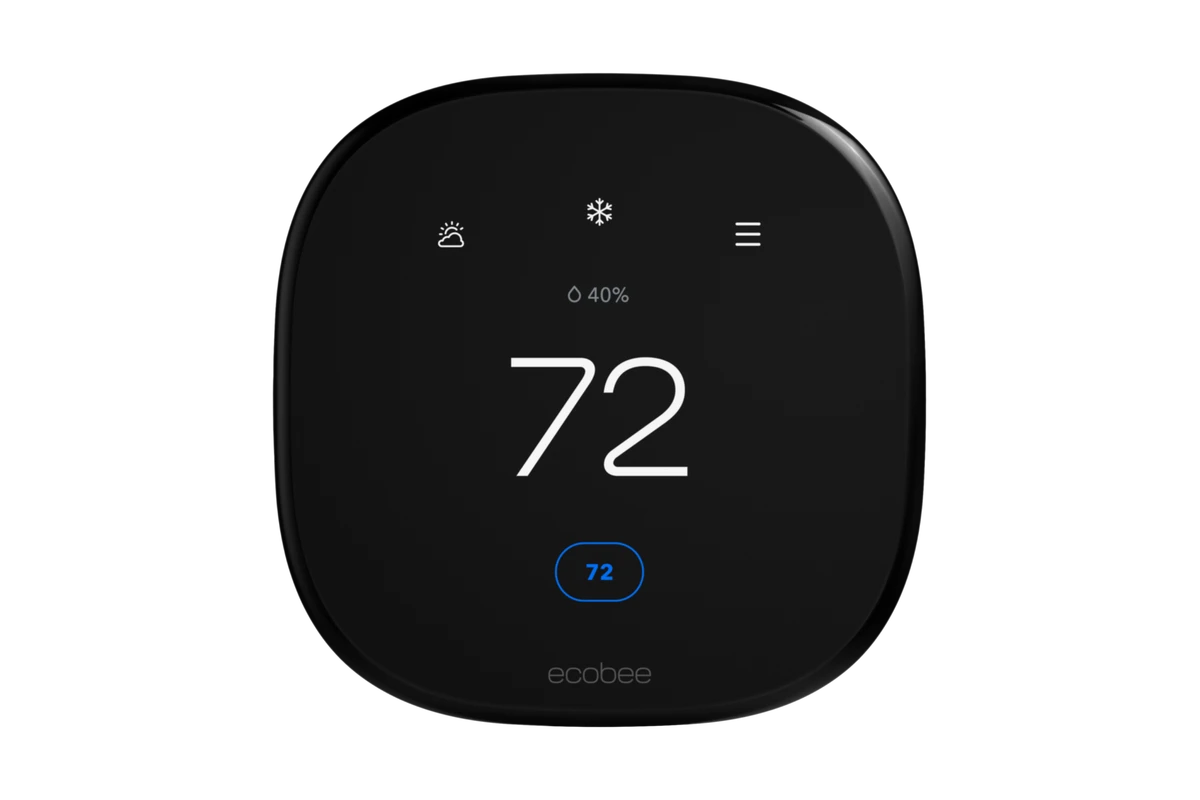
Choose common products only where the physical conditions and operating needs justify them. A familiar door lock may not fit another opening, and a thermostat decision still depends on that property’s HVAC system. Standardisation should simplify verified work rather than override site differences.
Review the register after each change of occupant, supplier or installed device. When a fault occurs, the local helper should be able to identify the right product and responsible party. That is a more practical starting point for remote management than buying a large package first.
Before you order
- Use a common register with site-specific details.
- Keep credentials outside contractor-facing records.
- Update ownership and equipment changes promptly.
A useful next step
Discuss a multi-property equipment and records approach with SmartAccess.
Related equipment
Selling smart-home products? Planning a store in Canada or the US?
Talk with SmartAccess about product selection, a demonstration range, installation partners and project delivery. Retailers, dealers, installers and local store operators are welcome.
Product supply, training, service area, cooperation terms and any fees are confirmed in discussion. No revenue or lead volume is promised.
Manufacturer references
Product information comes from the linked manufacturer references. Confirm the exact regional model, seller, current price, stock and installation conditions before purchase.