
Record the intended network and power arrangement for the actual installation points.
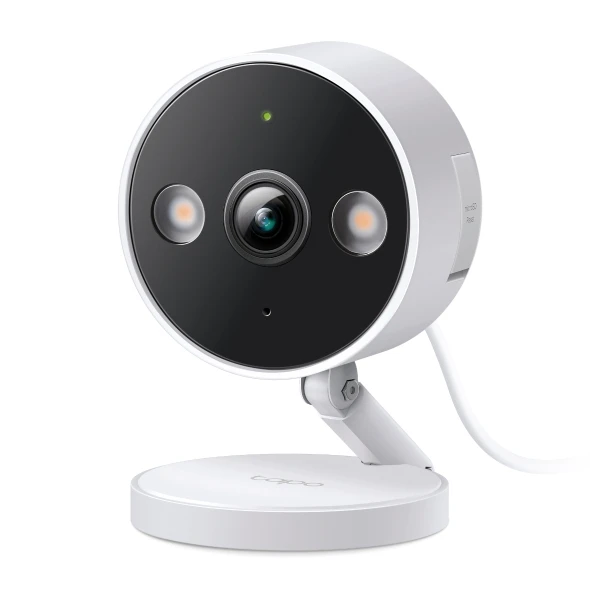
Test where the equipment will live, not only beside the router or at the sales counter. A camera location may need both stable wireless coverage and a practical power route. The C120 is not a battery or PoE device that can be specified without those details.
Identify the hubs, account setup and internet-dependent functions in the proposal. Distinguish the local control path from remote access. A device joining successfully once does not establish reliable service throughout a building or after the network changes.
Keep a small baseline record for the pilot: location, connection route and observed behaviour during agreed tests. If conditions are unsuitable, address them before repeating the configuration. This prevents the equipment list from being used as a substitute for basic site readiness.
Before you order
- Test at the actual device positions.
- Plan power as well as network coverage.
- Record local and remote control dependencies.
A useful next step
Discuss network-dependent equipment selection and a site pilot with SmartAccess.
Related equipment
Selling smart-home products? Planning a store in Canada or the US?
Talk with SmartAccess about product selection, a demonstration range, installation partners and project delivery. Retailers, dealers, installers and local store operators are welcome.
Product supply, training, service area, cooperation terms and any fees are confirmed in discussion. No revenue or lead volume is promised.
Manufacturer references
Product information comes from the linked manufacturer references. Confirm the exact regional model, seller, current price, stock and installation conditions before purchase.
