
Keep remote demonstrations in a separate environment with fictional room labels and controlled permissions.
Prepare a small set of repeatable actions and explain the hardware behind them. A screen share should show the intended device state and manual fallback, not an installer’s entire account list. Avoid opening notification histories that may contain information from unrelated projects.
Use a dedicated demonstration setup and review who can access it. Remove temporary visitor permissions when the demonstration ends. If a feature cannot be shown reliably, explain the proposed test rather than switching to a real customer’s environment to prove a point.
Afterwards, send an equipment shortlist and the questions needed to reproduce the task at the prospect’s site. A remote demo can establish interest, but it does not replace physical fit, network checks or acceptance testing. Keep that distinction clear before a purchasing decision.
Before you order
- Use a separate, controlled demonstration account.
- Review shared screens for unrelated information.
- Remove any temporary visitor access afterwards.
A useful next step
Discuss a controlled remote demonstration and project intake with SmartAccess.
Related equipment
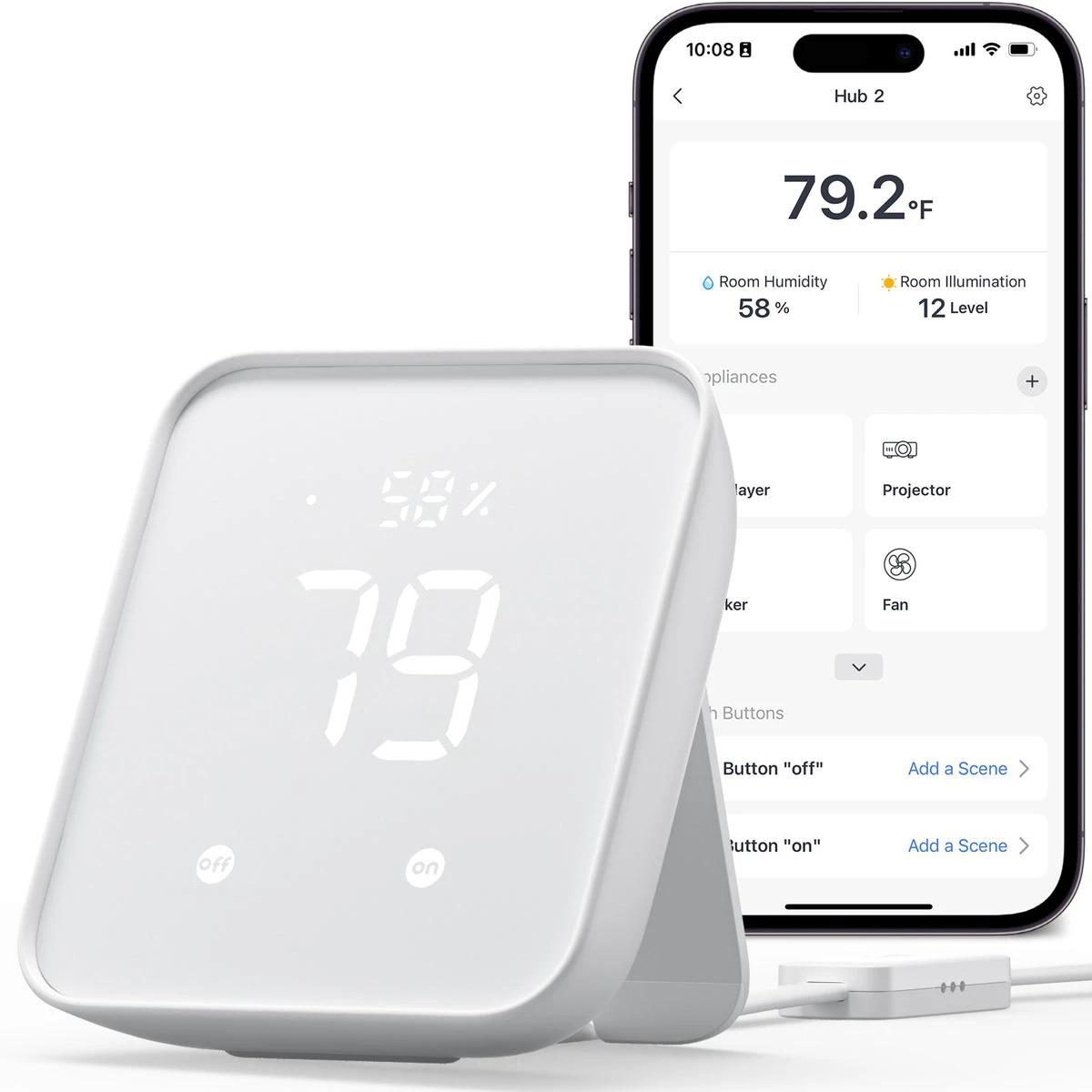
Selling smart-home products? Planning a store in Canada or the US?
Talk with SmartAccess about product selection, a demonstration range, installation partners and project delivery. Retailers, dealers, installers and local store operators are welcome.
Product supply, training, service area, cooperation terms and any fees are confirmed in discussion. No revenue or lead volume is promised.
Manufacturer references
Product information comes from the linked manufacturer references. Confirm the exact regional model, seller, current price, stock and installation conditions before purchase.
