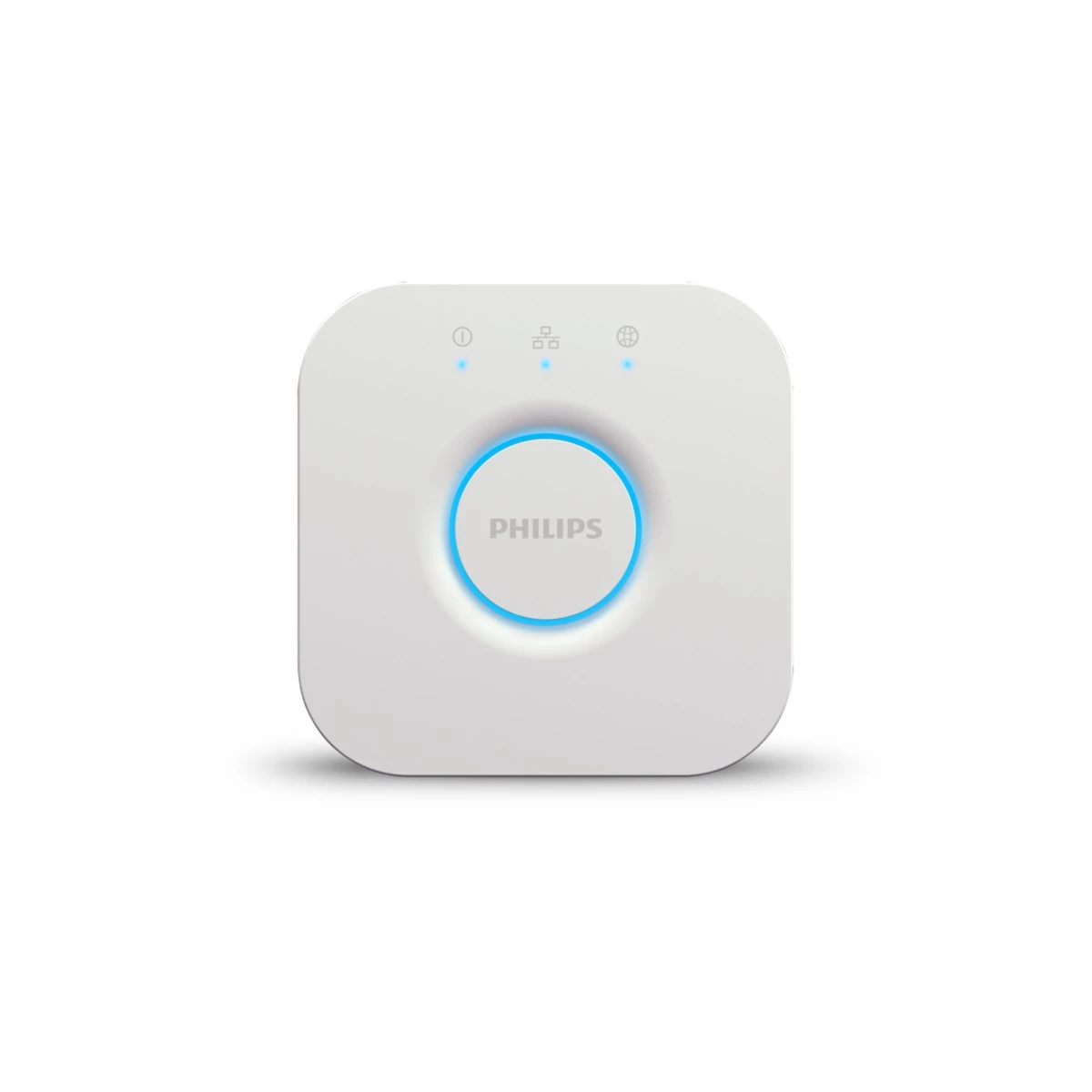
Create a short opening and reset checklist for every interactive display.
Define the normal starting state: light scene, curtain position and which controls are available to visitors. Keep that state easy for staff to recognise. An impressive display becomes confusing when one visitor’s experimental schedule interrupts the next demonstration.
Identify the settings that ordinary visitors may change and those reserved for trained staff. Use a dedicated account structure and do not expose customer credentials. If a device loses its connection, staff need a clear recovery route rather than repeated improvised resets.
Record recurring display faults because they can reveal support work your future customers will also face. The reset checklist should evolve with the exact equipment and firmware. It is a practical training document as well as a way to keep the showroom polished.
Before you order
- Define an obvious starting scene and position.
- Limit access to configuration settings.
- Record repeated faults and recovery steps.
A useful next step
Ask SmartAccess about a demonstration setup and repeatable operating checklist.
Related equipment
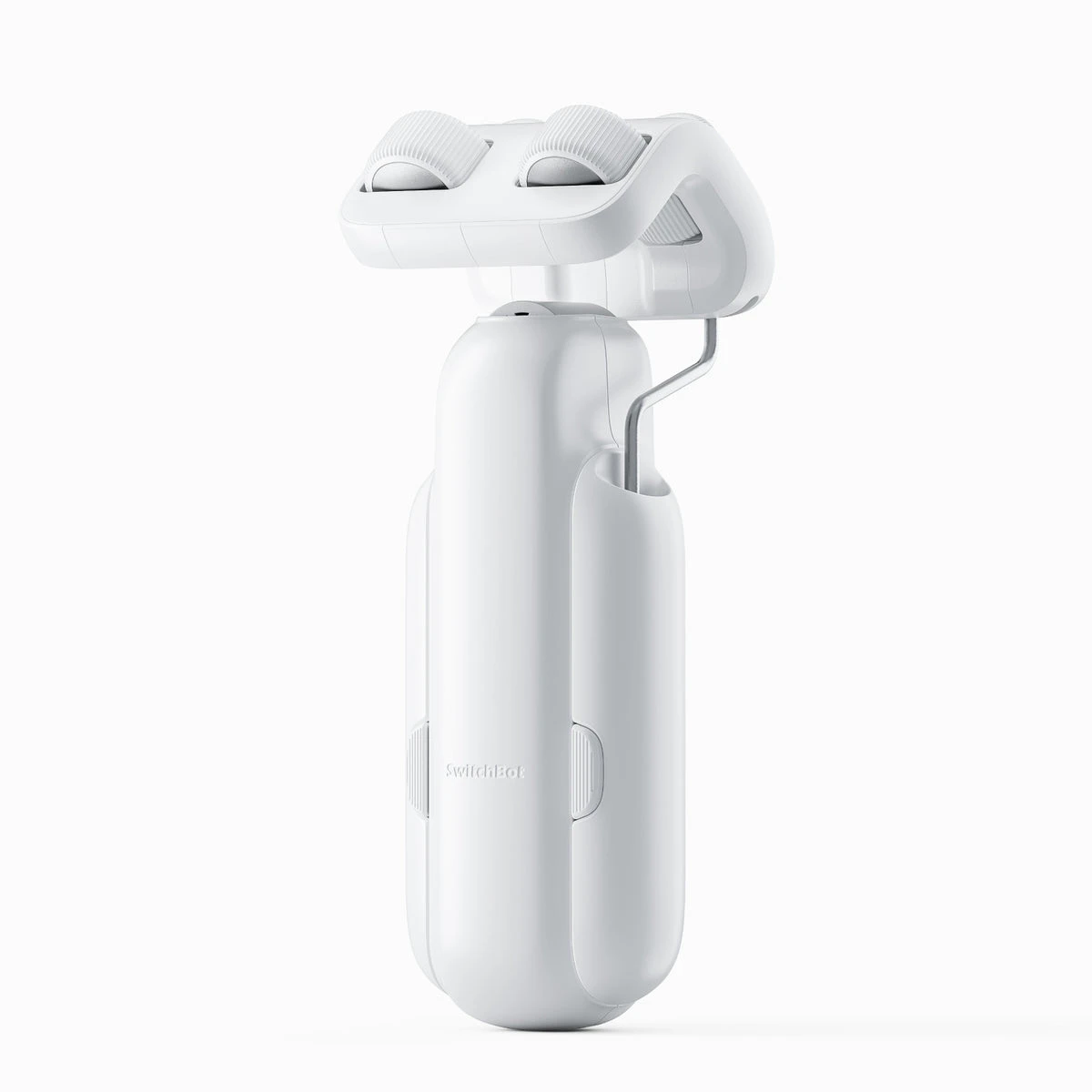
Selling smart-home products? Planning a store in Canada or the US?
Talk with SmartAccess about product selection, a demonstration range, installation partners and project delivery. Retailers, dealers, installers and local store operators are welcome.
Product supply, training, service area, cooperation terms and any fees are confirmed in discussion. No revenue or lead volume is promised.
Manufacturer references
Product information comes from the linked manufacturer references. Confirm the exact regional model, seller, current price, stock and installation conditions before purchase.
