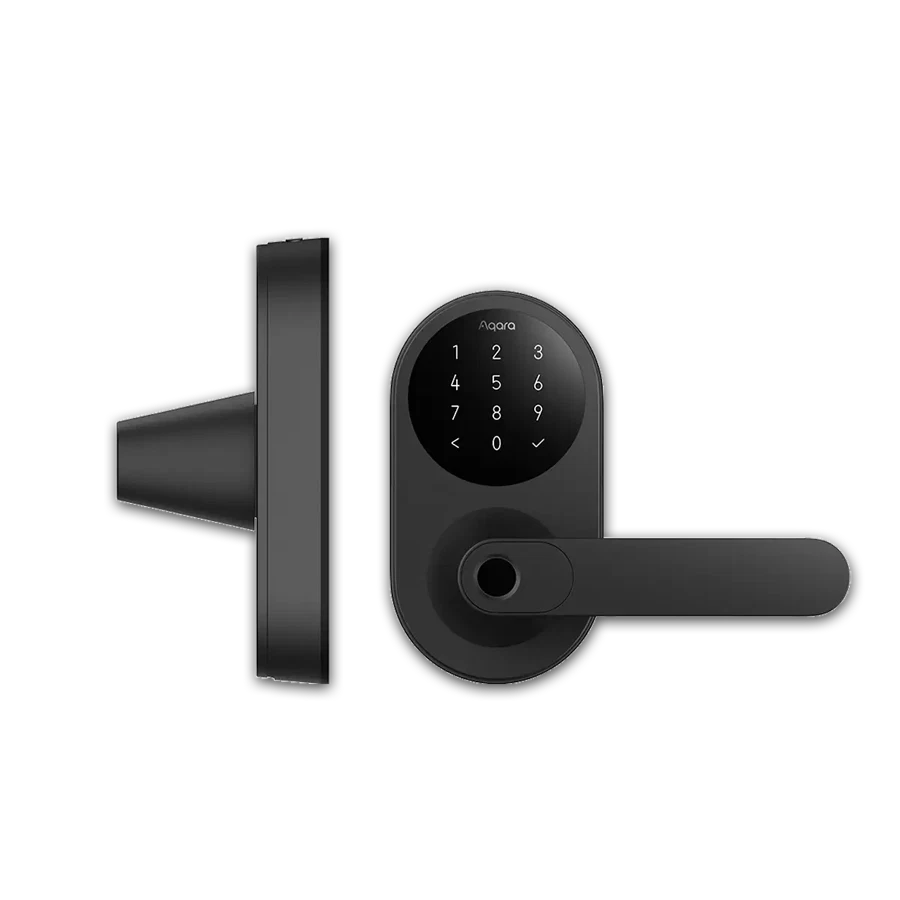
Choose devices and account practices around staff changes as well as normal daily use.
List permanent staff, temporary visitors and the person responsible for managing access. Decide which credentials or app permissions are appropriate for each. A convenient shared code may create a different operating burden from individual access, depending on the selected product and workflow.
Include a departure checklist covering the relevant lock permissions, shared accounts and any device-control access. Test the removal process on the actual configuration. Do not assume that changing one code automatically removes every other route to control.
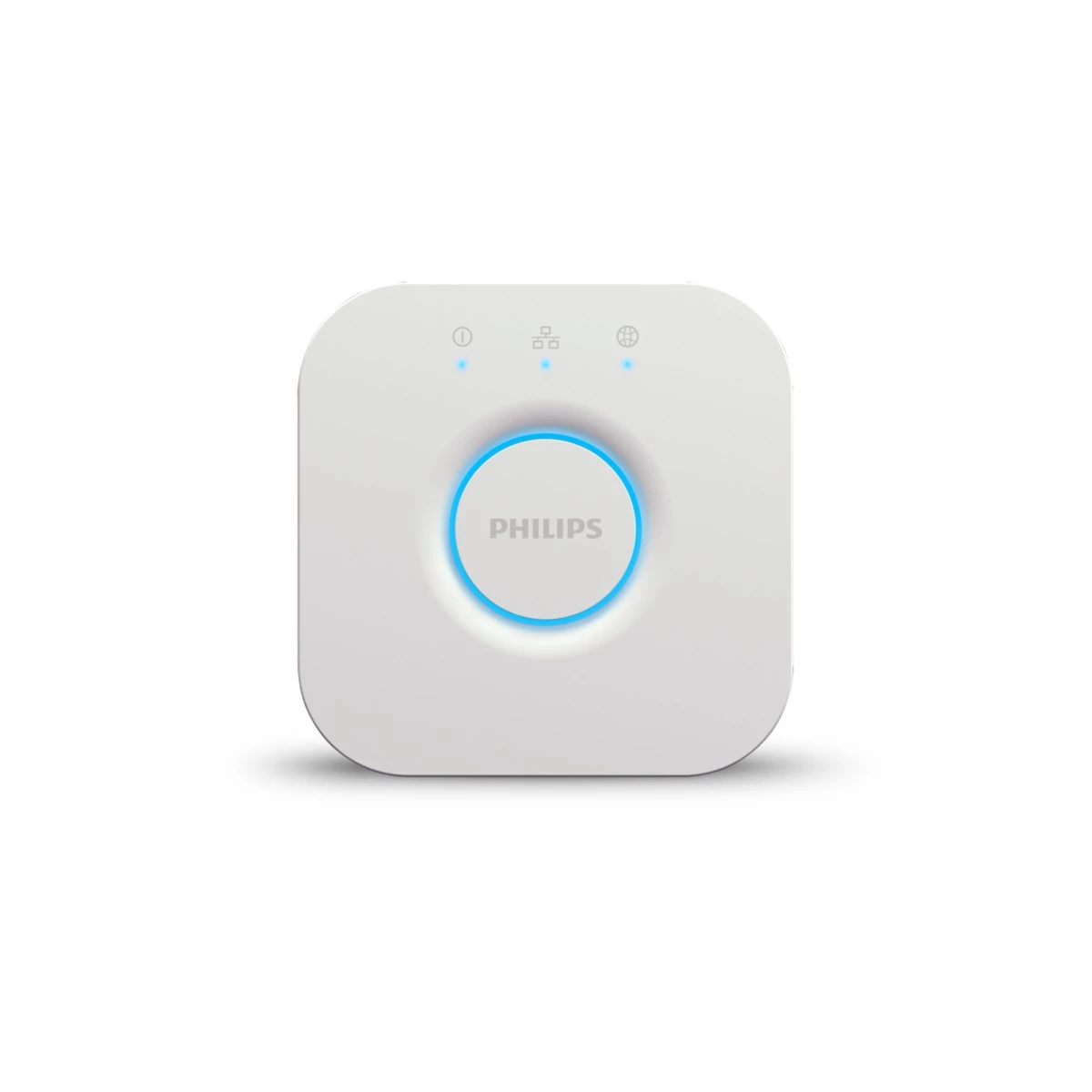
Keep lighting scenes and other common controls usable by authorised staff without exposing administrator settings unnecessarily. The equipment offer should show how an ordinary working day and a staff transition are handled. That makes the purchase easier for an office manager to assess.
Before you order
- Identify permanent and temporary access roles.
- Test every relevant access-removal route.
- Separate everyday controls from administration.
A useful next step
Discuss a small-office equipment and handover brief with SmartAccess.
Related equipment
Selling smart-home products? Planning a store in Canada or the US?
Talk with SmartAccess about product selection, a demonstration range, installation partners and project delivery. Retailers, dealers, installers and local store operators are welcome.
Product supply, training, service area, cooperation terms and any fees are confirmed in discussion. No revenue or lead volume is promised.
Manufacturer references
Product information comes from the linked manufacturer references. Confirm the exact regional model, seller, current price, stock and installation conditions before purchase.
