Air-quality/presence sensor candidate
Quantity, exact model and supported function are selected for your project.
Regional product & source review →Show the selected sensor's measured parameters and trends with clear limits.
Canada-led operations. Your project stays with its country team.
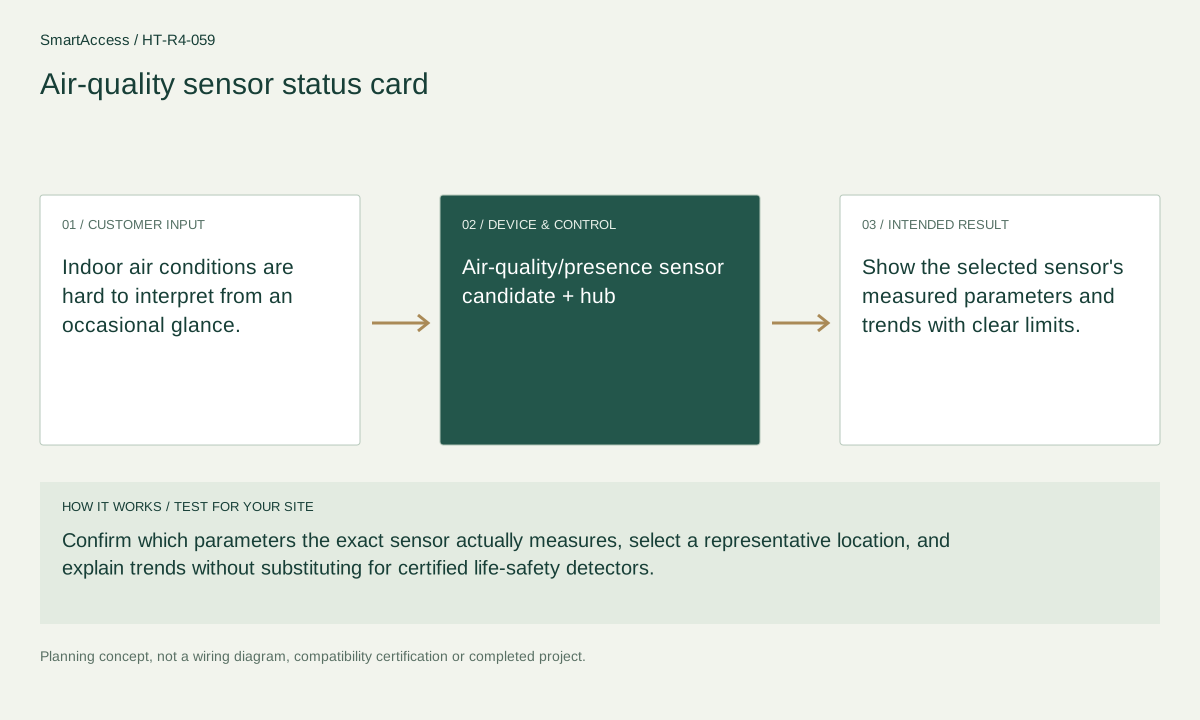
Indoor air conditions are hard to interpret from an occasional glance.
Confirm which parameters the exact sensor actually measures, select a representative location, and explain trends without substituting for certified life-safety detectors.
Show the selected sensor's measured parameters and trends with clear limits.
These are candidate devices and work items, not a pre-tested fixed kit or a stock promise.
Quantity, exact model and supported function are selected for your project.
Regional product & source review →Quantity, exact model and supported function are selected for your project.
Regional product & source review →Quantity, exact model and supported function are selected for your project.
Regional product & source review →| Equipment / work item | Quantity logic | Before ordering |
|---|---|---|
| Sensing points | One suitable sensor per representative air-monitoring zone | Validate the measured function, placement, environmental rating and alert path. |
| Project scope / optional items | supported hub or display as required | Confirm the actual regional model, installation conditions and agreed project scope. |
| Project scope / optional items | presence-only sensors do not count as air-quality sensors | Confirm the actual regional model, installation conditions and agreed project scope. |
One suitable sensor per representative air-monitoring zone; supported hub or display as required; presence-only sensors do not count as air-quality sensors.
Exact measured-parameter list, sensor-placement plan, trend/notification interpretation and limitations, with life-safety detector exclusions.
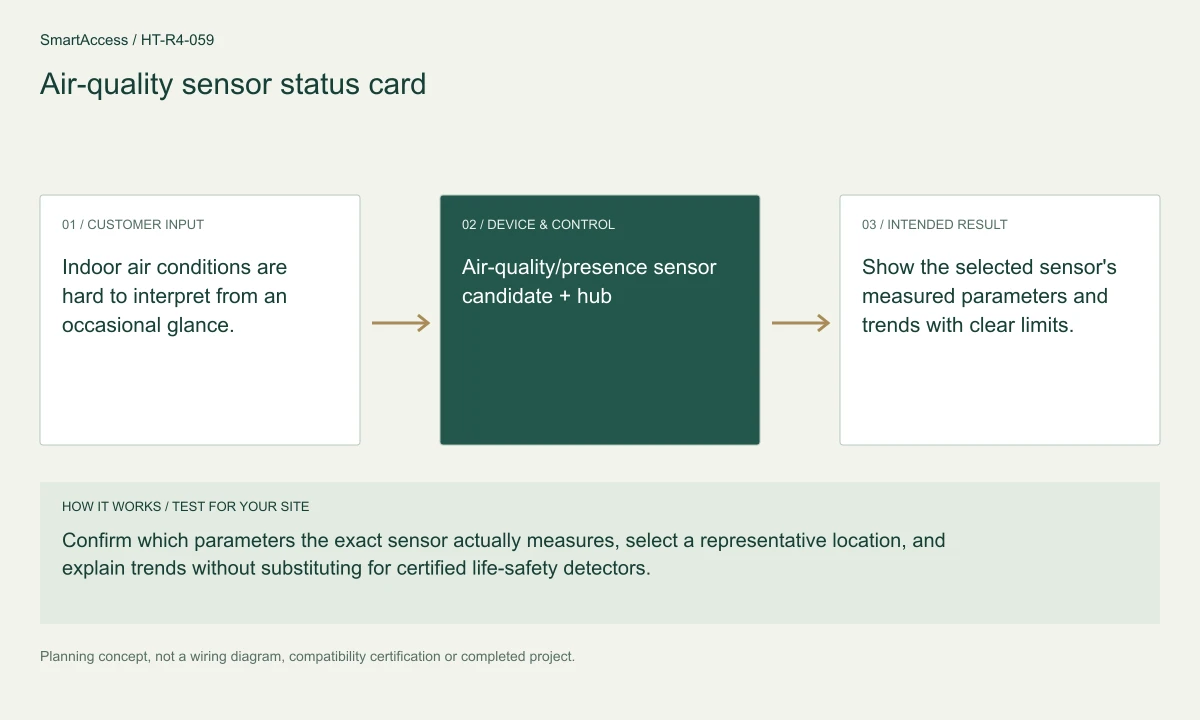
Planning illustration based on this scenario. The final model selection, function testing and site drawing are agreed for your project.
Confirm regional SKU and supplier, wiring/voltage and local requirements, firmware and protocol roles, supported bridge functions, manual operation, privacy and install permissions. The diagram is a planning aid; the final project documents take precedence.
Canada is quoted in CAD; United States projects in USD. Supplier, exact SKU, stock, lead time, warranty and installation coverage remain to be confirmed. No regional availability is inferred from an international manufacturer page.
US manufacturer catalog ↗ · Canada catalog reference ↗ Licensed setting · illustrative
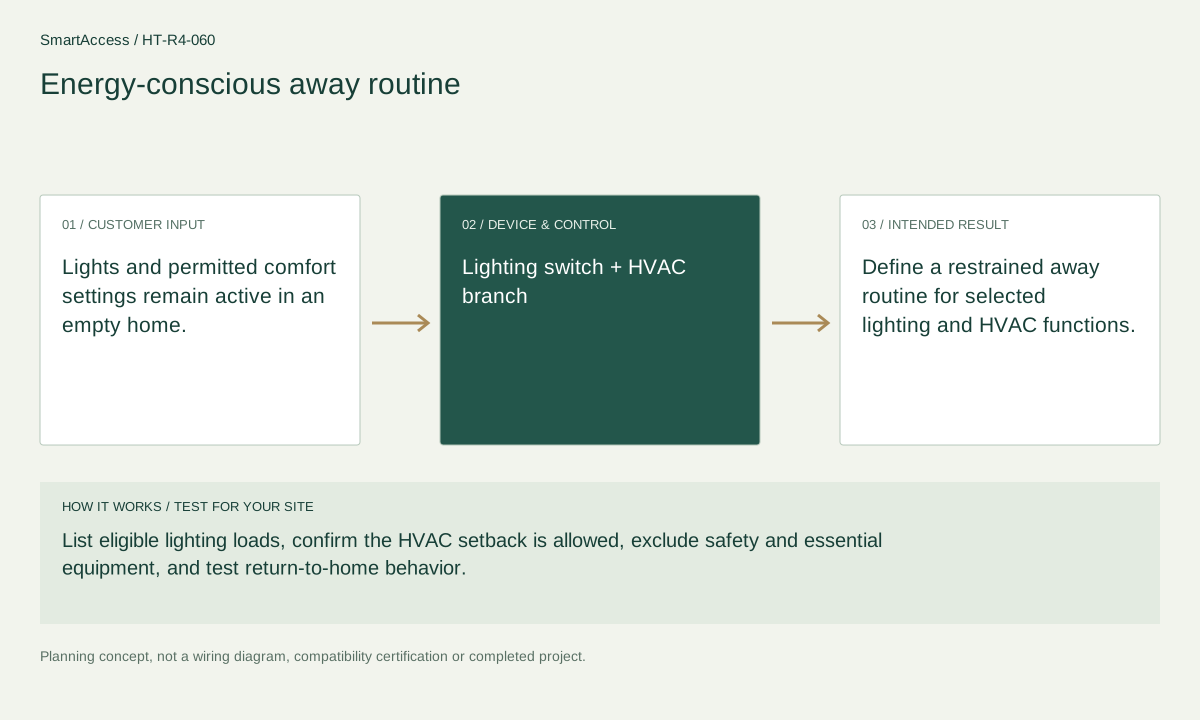
Lights and permitted comfort settings remain active in an empty home.
 Licensed setting · illustrative
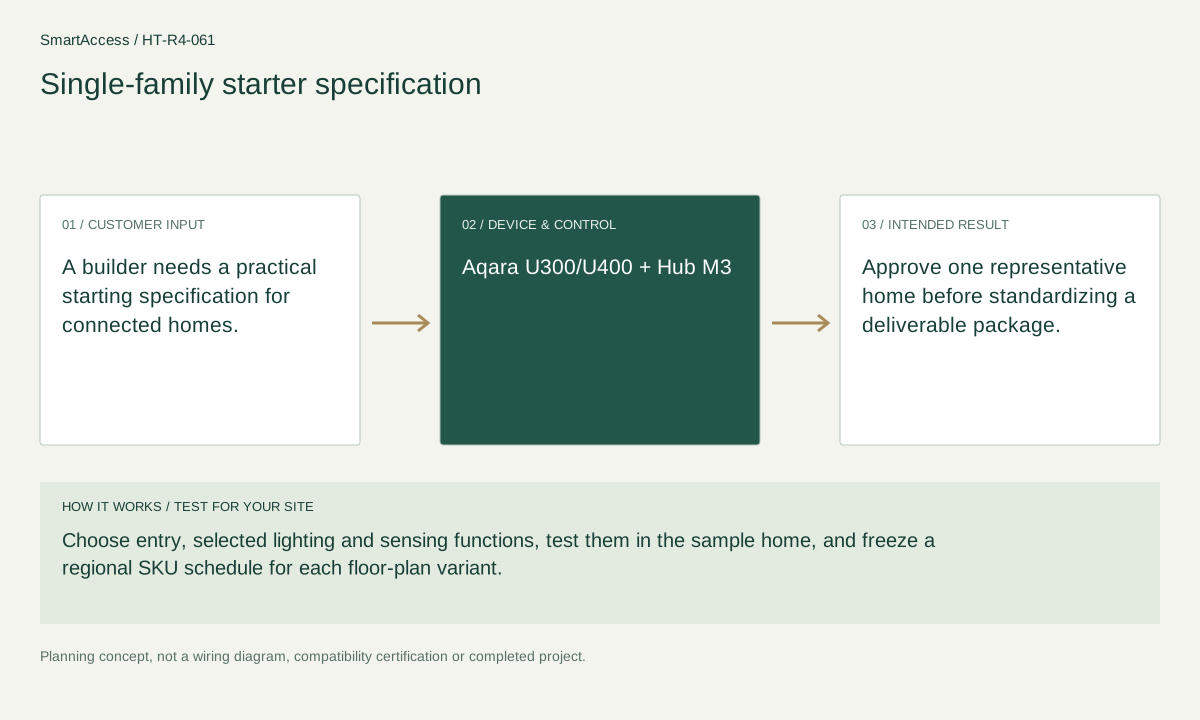
A builder needs a practical starting specification for connected homes.
 Licensed setting · illustrative
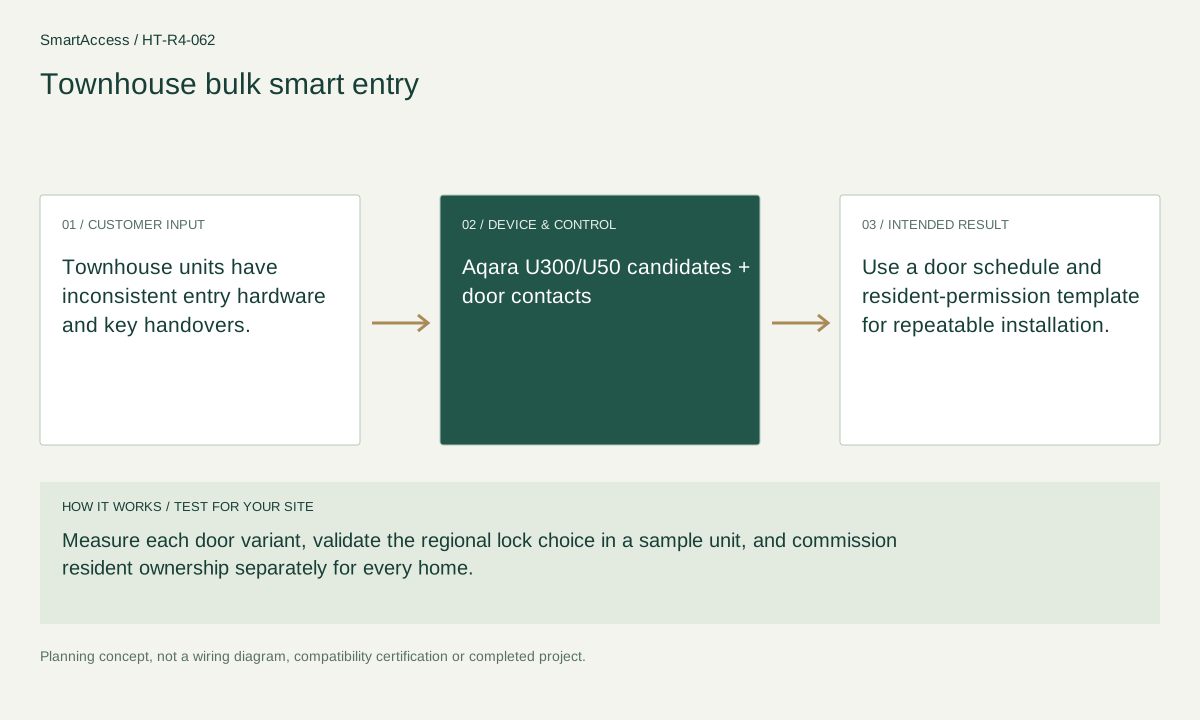
Townhouse units have inconsistent entry hardware and key handovers.
Get a conversation about the right equipment, a defined system scope and the support your team needs.
Canada-led operations. Your project stays with its country team.
Canada-led operations · Canadian inquiries → Canada team · US inquiries → US team.
+86 13162319758