Aqara U300/U50 candidates
Quantity, exact model and supported function are selected for your project.
Regional product & source review →Use a door schedule and resident-permission template for repeatable installation.
Canada-led operations. Your project stays with its country team.
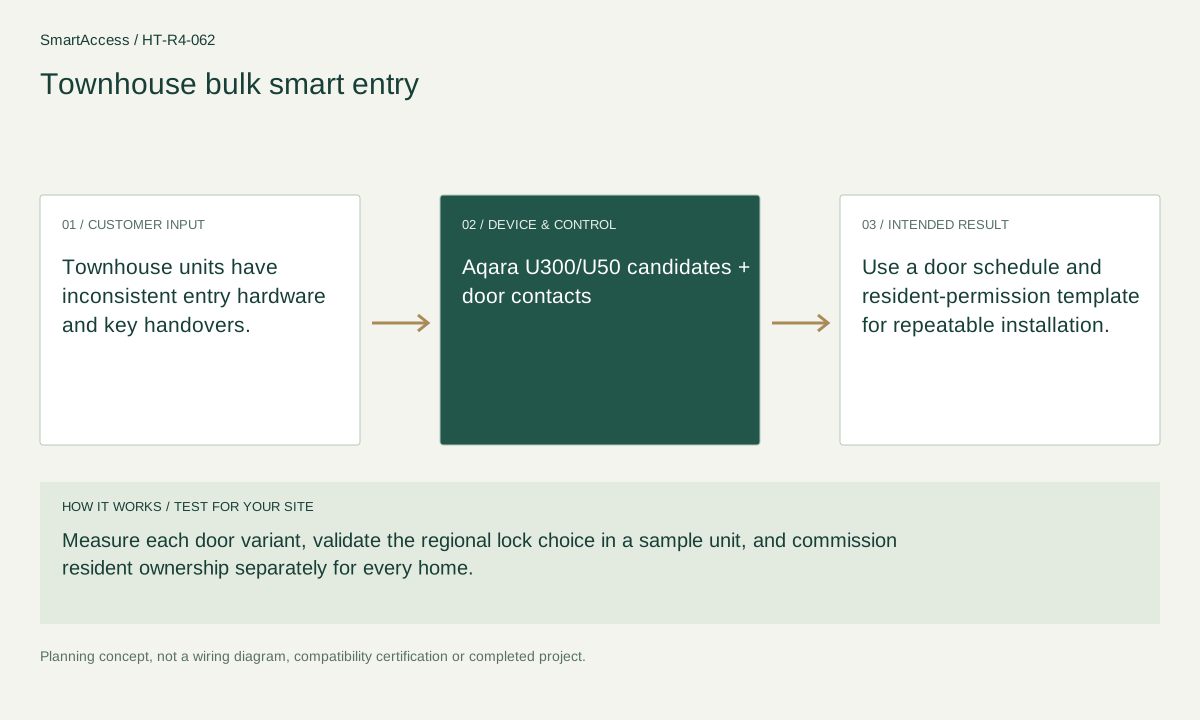
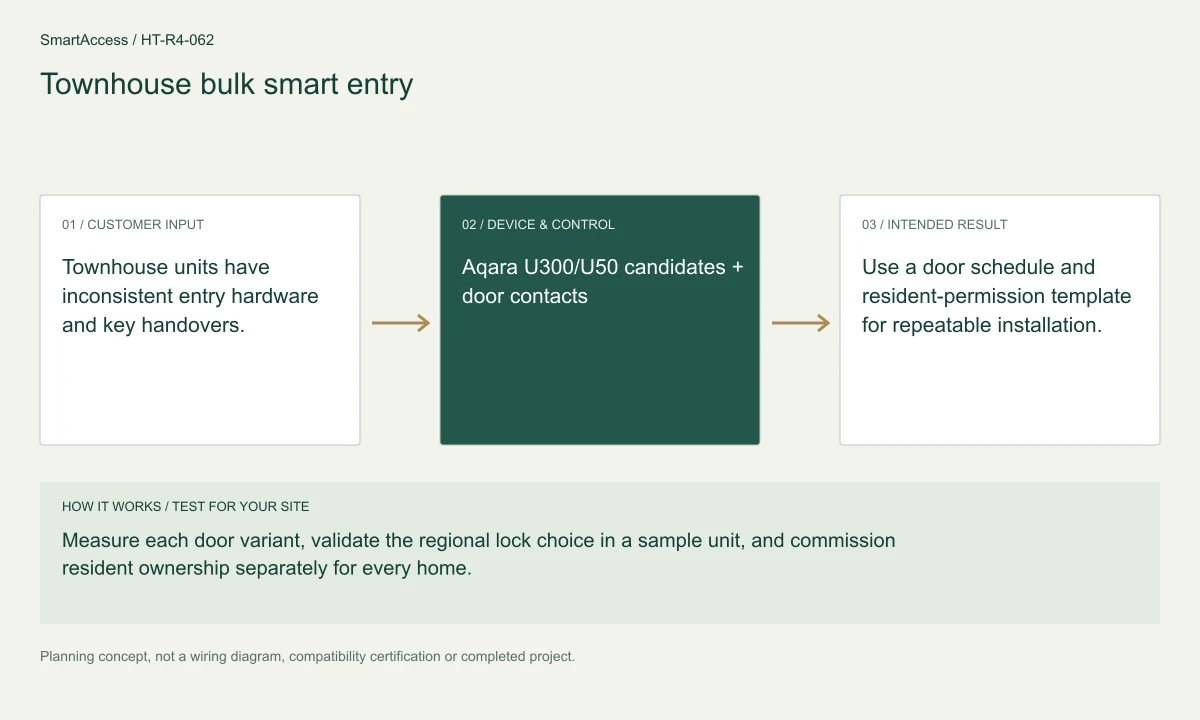
Townhouse units have inconsistent entry hardware and key handovers.
Measure each door variant, validate the regional lock choice in a sample unit, and commission resident ownership separately for every home.
Use a door schedule and resident-permission template for repeatable installation.
These are candidate devices and work items, not a pre-tested fixed kit or a stock promise.
Quantity, exact model and supported function are selected for your project.
Regional product & source review →Quantity, exact model and supported function are selected for your project.
Regional product & source review →Quantity, exact model and supported function are selected for your project.
Regional product & source review →| Equipment / work item | Quantity logic | Before ordering |
|---|---|---|
| Regional smart locks | One eligible lock per specified unit entrance | Confirm door fit, local permissions, supported credentials and mechanical backup. |
| Door / window contacts | contacts only for monitored doors | Check mounting alignment, radio coverage and the intended notification rule. |
| Hubs & control domains | hubs by each unit's verified function and coverage, not shared resident accounts | Verify device support, radio coverage, capacity and account isolation. |
One eligible lock per specified unit entrance; contacts only for monitored doors; hubs by each unit's verified function and coverage, not shared resident accounts.
Sample-unit acceptance plan, floor-plan equipment schedule, trade coordination and handover checklist, with country-specific quotation scope.
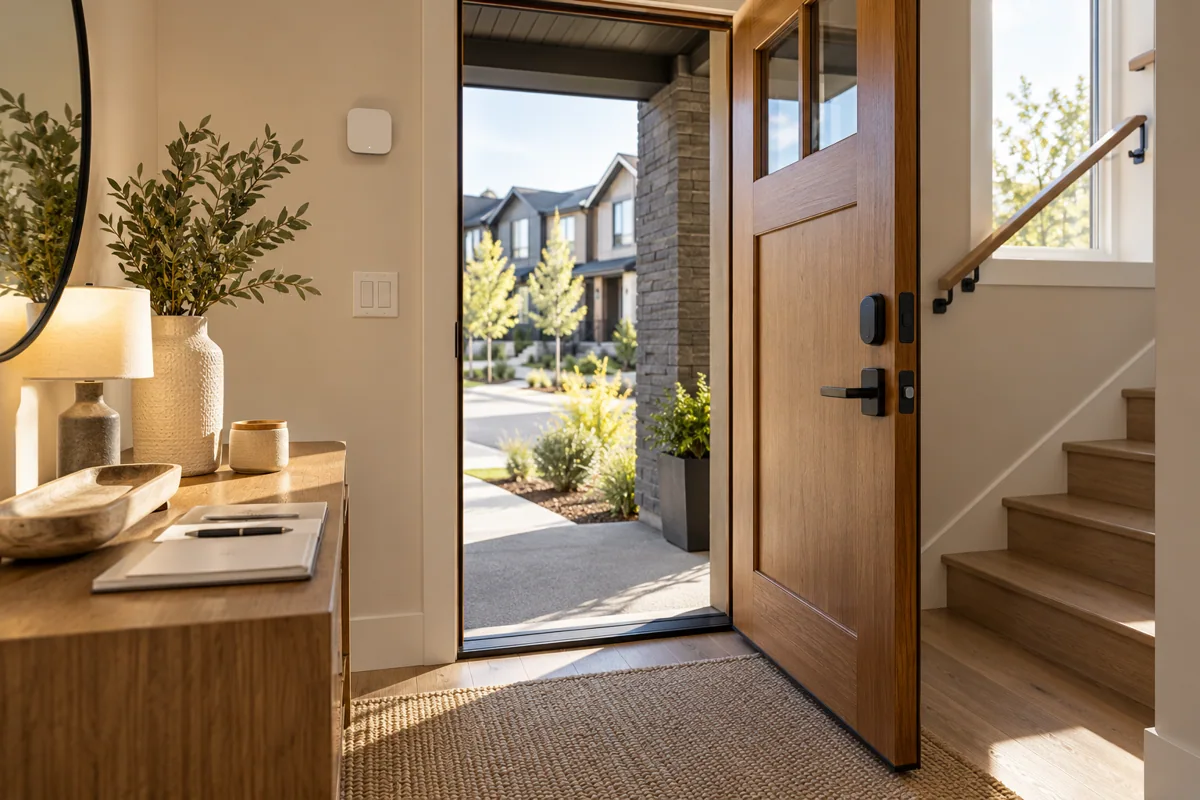
Planning illustration based on this scenario. The final model selection, function testing and site drawing are agreed for your project.
Confirm regional SKU and supplier, wiring/voltage and local requirements, firmware and protocol roles, supported bridge functions, manual operation, privacy and install permissions. The diagram is a planning aid; the final project documents take precedence.
Canada is quoted in CAD; United States projects in USD. Supplier, exact SKU, stock, lead time, warranty and installation coverage remain to be confirmed. No regional availability is inferred from an international manufacturer page.
US manufacturer catalog ↗ · Canada catalog reference ↗ Licensed setting · illustrative
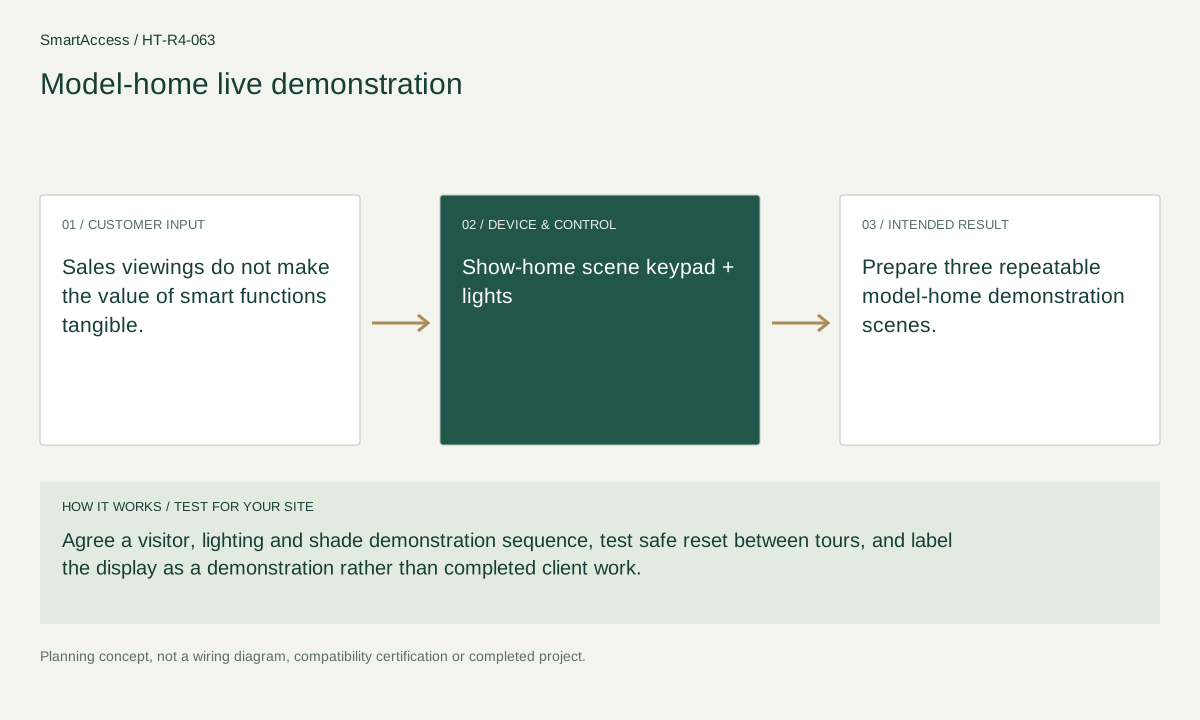
Sales viewings do not make the value of smart functions tangible.
 Licensed setting · illustrative
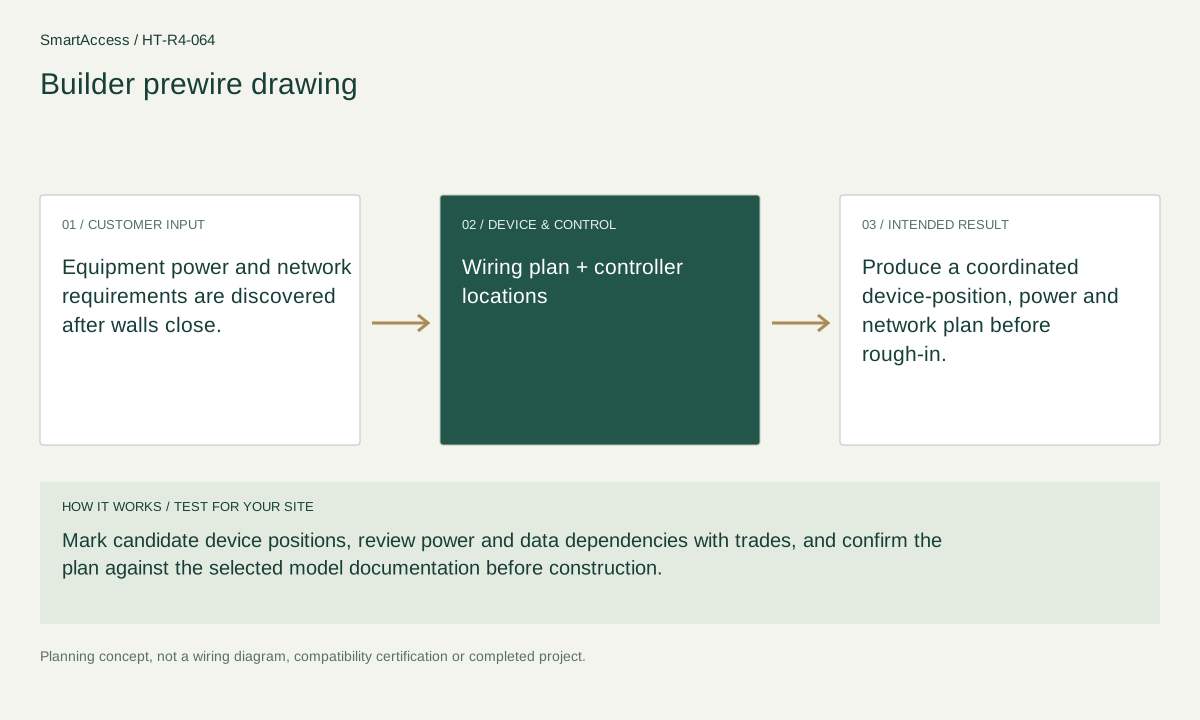
Equipment power and network requirements are discovered after walls close.
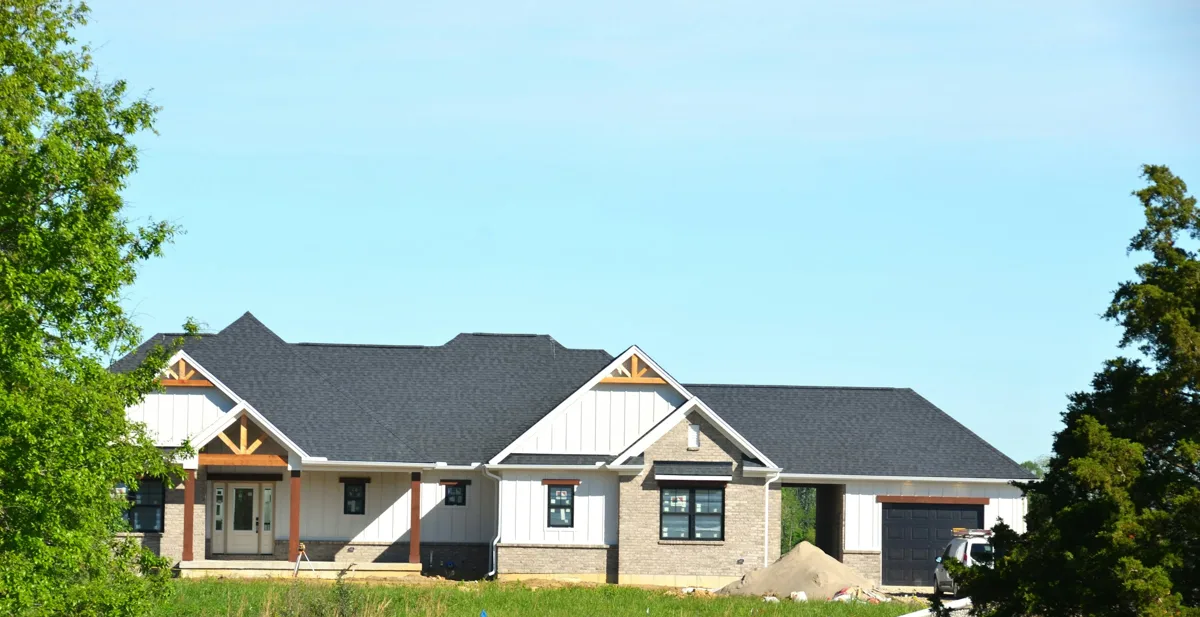 Licensed setting · illustrative
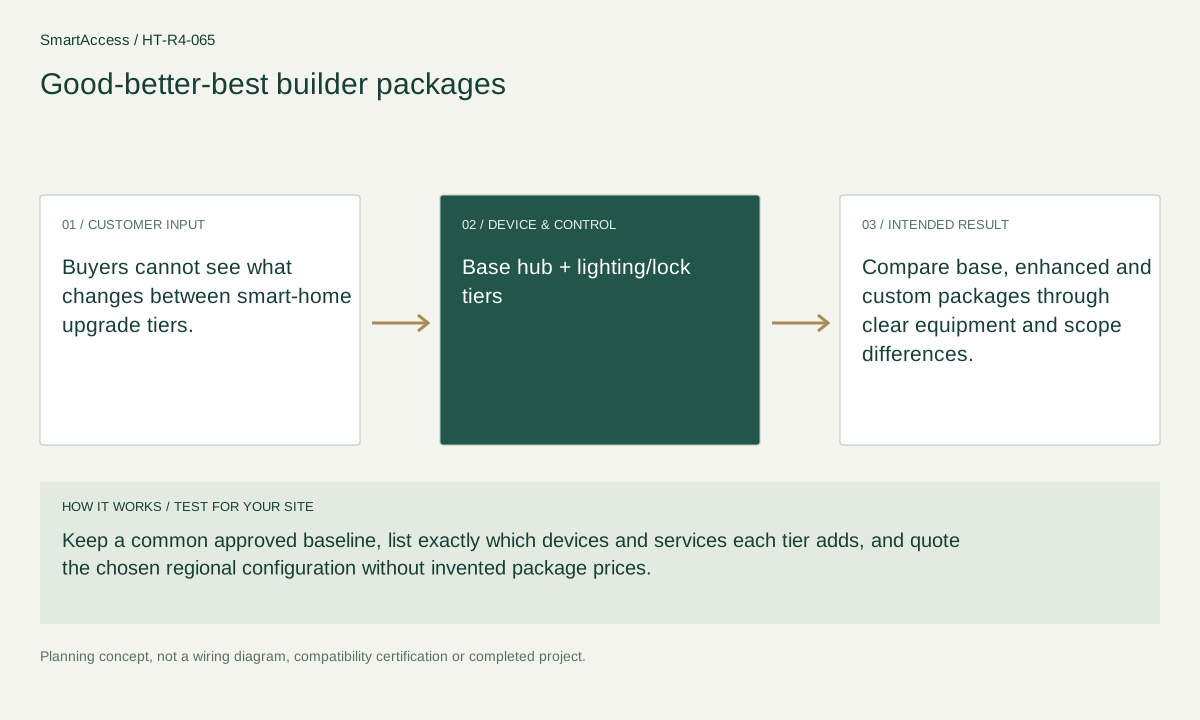
Buyers cannot see what changes between smart-home upgrade tiers.
Get a conversation about the right equipment, a defined system scope and the support your team needs.
Canada-led operations. Your project stays with its country team.
Canada-led operations · Canadian inquiries → Canada team · US inquiries → US team.
+86 13162319758