Aqara lock
Quantity, exact model and supported function are selected for your project.
Regional product & source review →Arrange entry, water-risk and lighting samples around customer problems.
Canada-led operations. Your project stays with its country team.
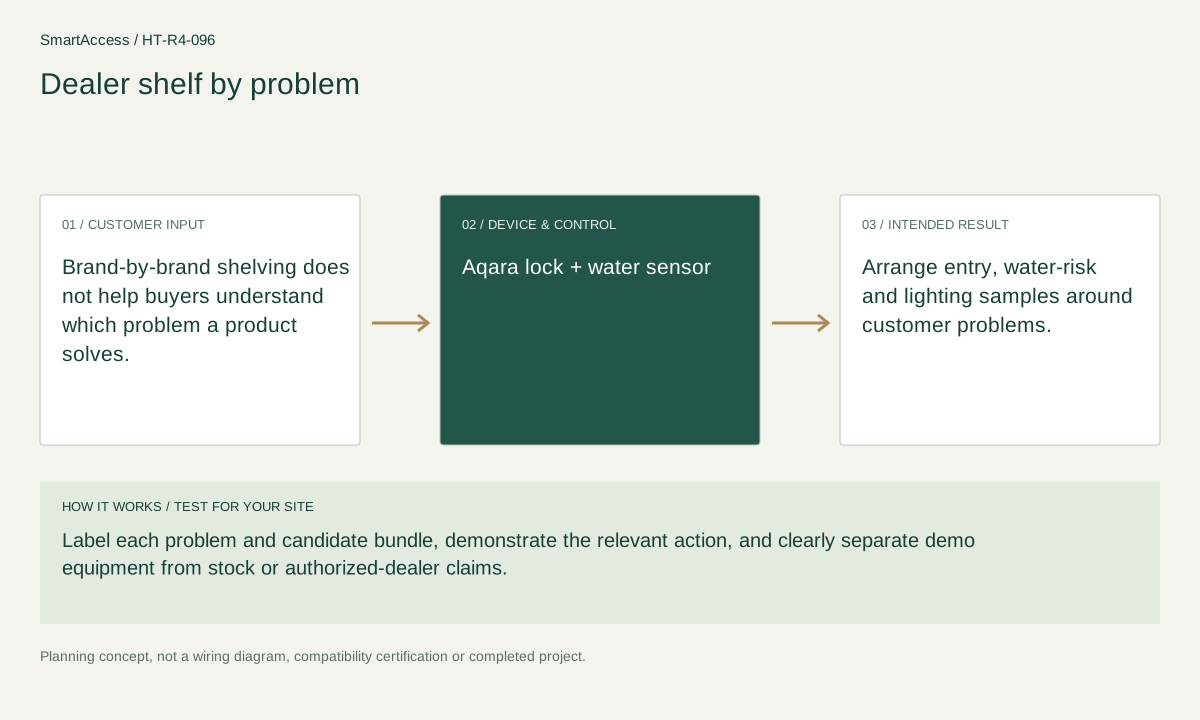
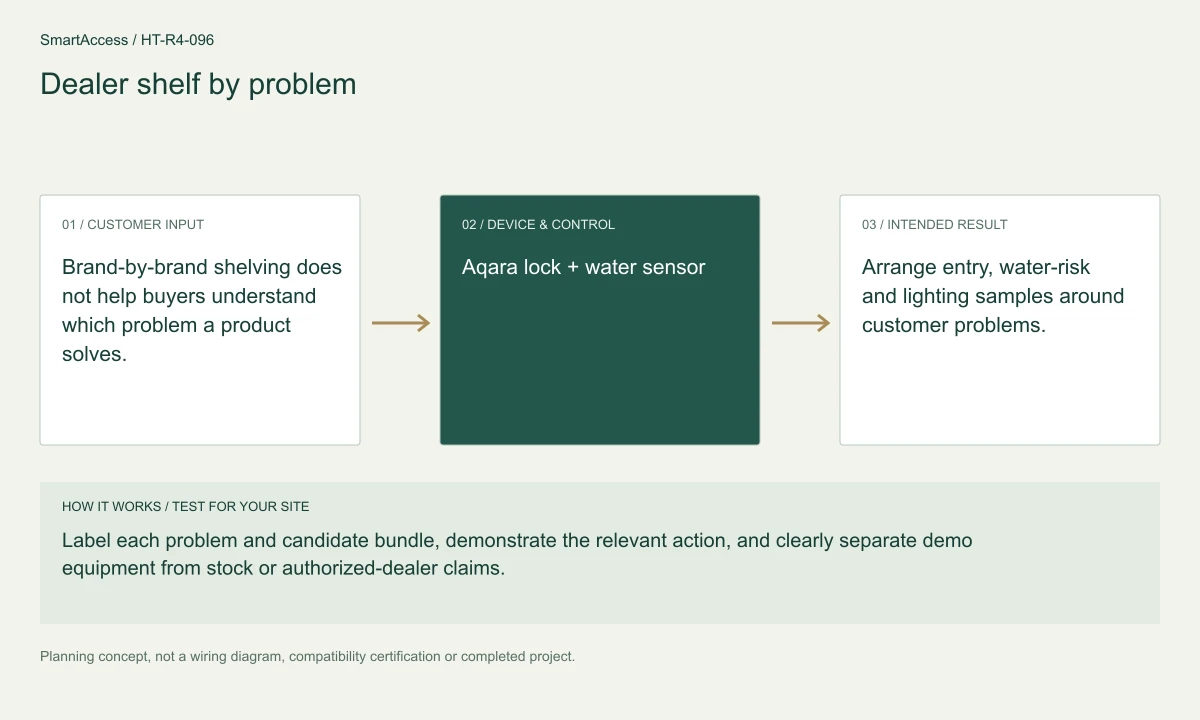
Brand-by-brand shelving does not help buyers understand which problem a product solves.
Label each problem and candidate bundle, demonstrate the relevant action, and clearly separate demo equipment from stock or authorized-dealer claims.
Arrange entry, water-risk and lighting samples around customer problems.
These are candidate devices and work items, not a pre-tested fixed kit or a stock promise.
Quantity, exact model and supported function are selected for your project.
Regional product & source review →Quantity, exact model and supported function are selected for your project.
Regional product & source review →Quantity, exact model and supported function are selected for your project.
Regional product & source review →Quantity, exact model and supported function are selected for your project.
Regional product & source review →| Equipment / work item | Quantity logic | Before ordering |
|---|---|---|
| Demonstration hardware | One working sample set per selected problem display | Use safe fixtures and resettable demo accounts; samples are not stock commitments. |
| Project scope / optional items | shared compatible hub counted once where suitable | Confirm the actual regional model, installation conditions and agreed project scope. |
| Project scope / optional items | retail inventory quantities require a separate order | Confirm the actual regional model, installation conditions and agreed project scope. |
One working sample set per selected problem display; shared compatible hub counted once where suitable; retail inventory quantities require a separate order.
Sample/demo equipment schedule, supported demonstration script, account-reset guide, product-reference pack and cooperation request scope.
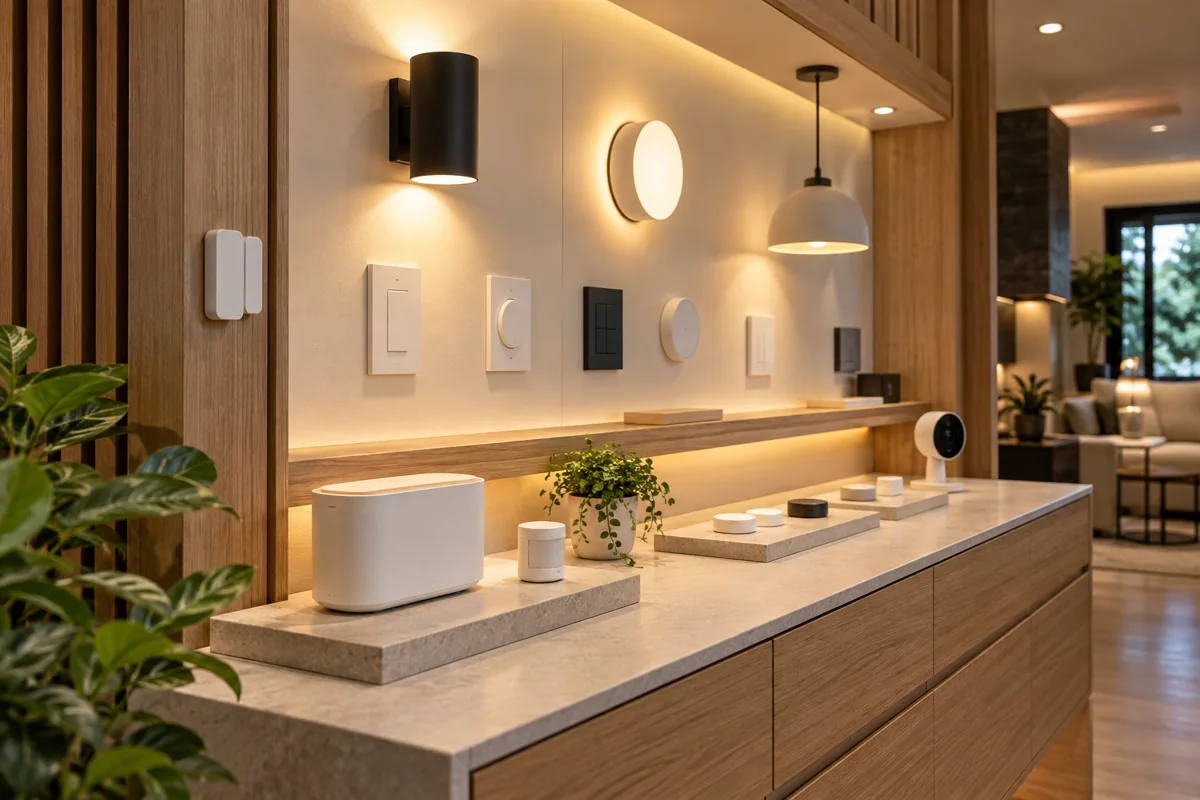
Planning illustration based on this scenario. The final model selection, function testing and site drawing are agreed for your project.
Confirm regional SKU and supplier, wiring/voltage and local requirements, firmware and protocol roles, supported bridge functions, manual operation, privacy and install permissions. The diagram is a planning aid; the final project documents take precedence.
Canada is quoted in CAD; United States projects in USD. Supplier, exact SKU, stock, lead time, warranty and installation coverage remain to be confirmed. No regional availability is inferred from an international manufacturer page.
US manufacturer catalog ↗ · Canada catalog reference ↗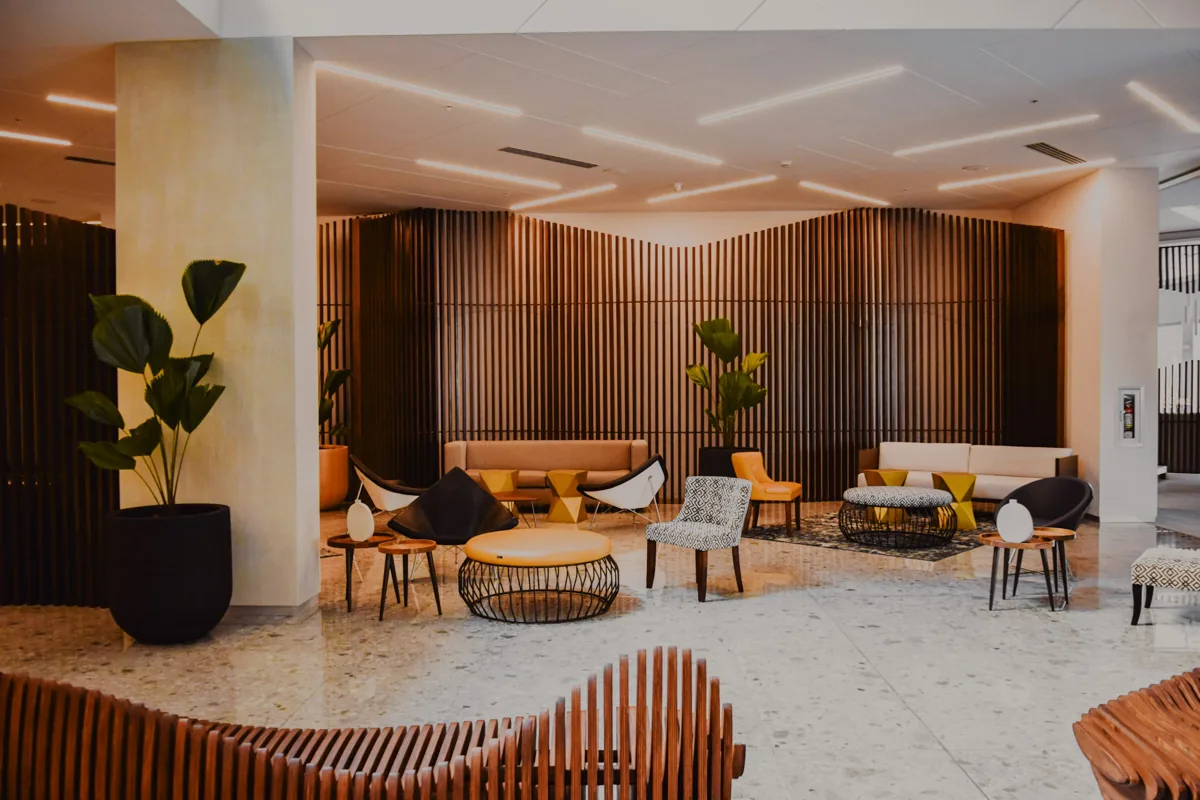 Licensed setting · illustrative
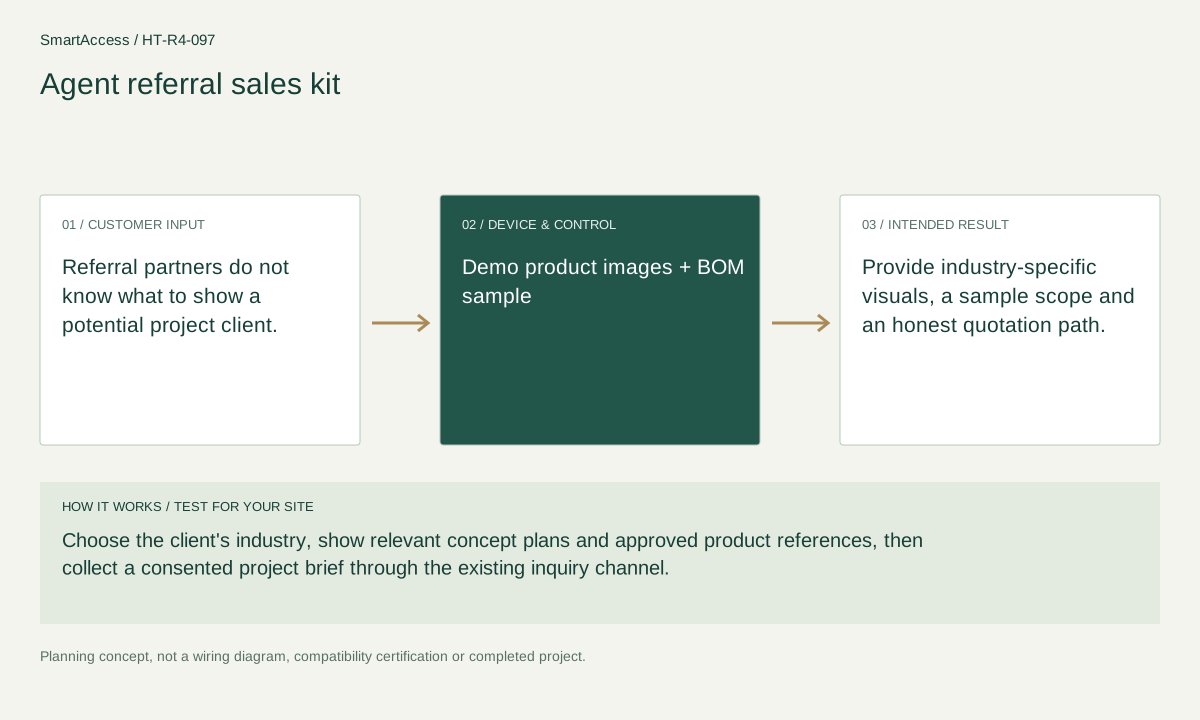
Referral partners do not know what to show a potential project client.
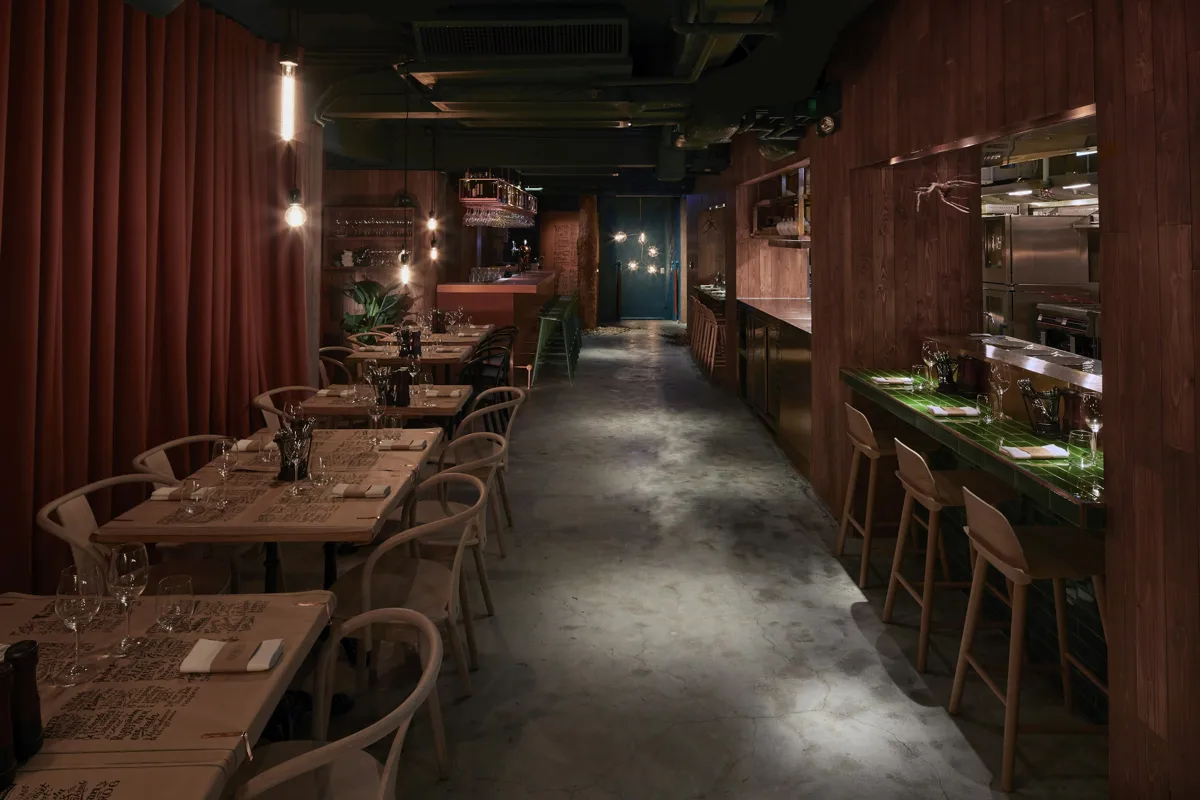 Licensed setting · illustrative
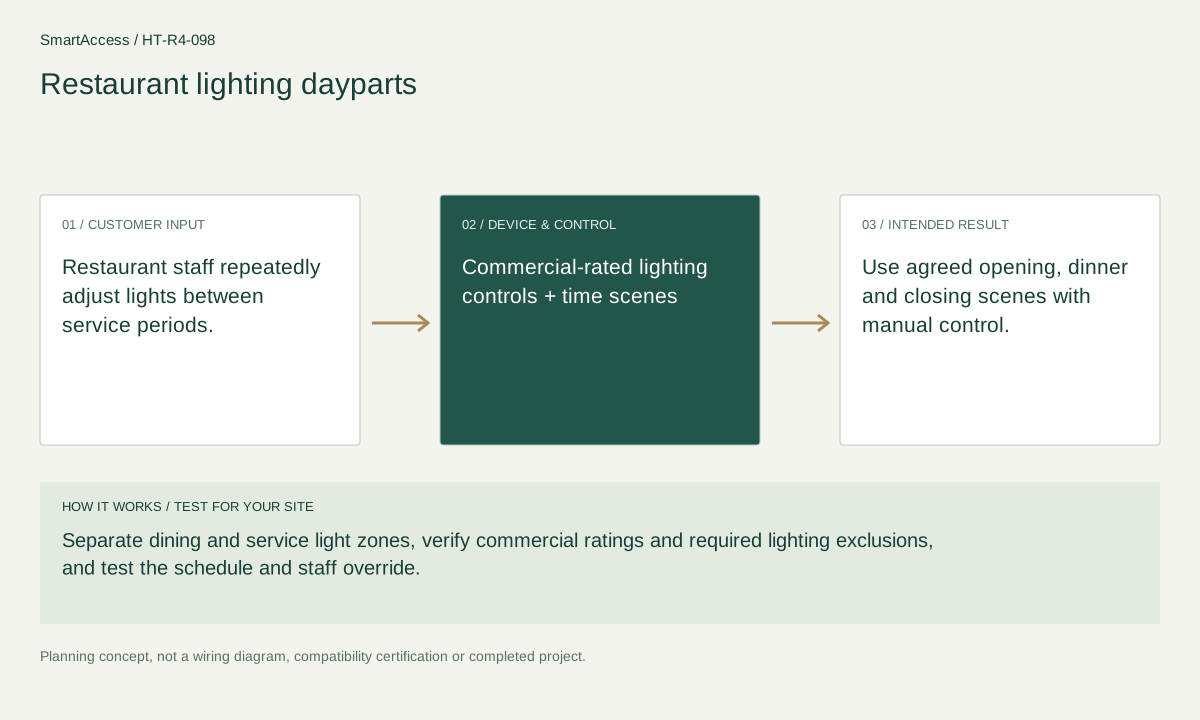
Restaurant staff repeatedly adjust lights between service periods.
 Licensed setting · illustrative
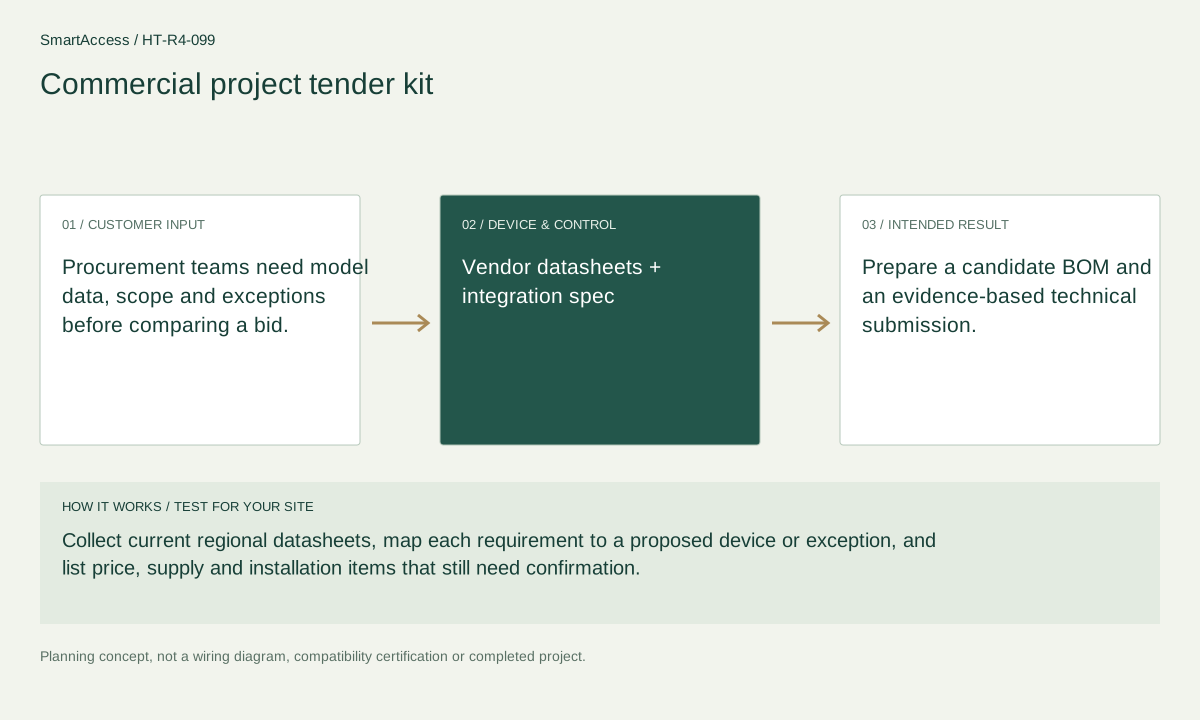
Procurement teams need model data, scope and exceptions before comparing a bid.
Get a conversation about the right equipment, a defined system scope and the support your team needs.
Canada-led operations. Your project stays with its country team.
Canada-led operations · Canadian inquiries → Canada team · US inquiries → US team.
+86 13162319758