
Have the team explain the task, complete setup list and purchase limitations in their own words.
Ask a staff member to demonstrate the normal action and manual fallback without reading a marketing sheet. Then ask what changes at a customer’s home. Door fit, rail variant, power and hub needs should appear naturally in the explanation.
Use a second colleague to play a visitor with an unsuitable or incomplete setup. The salesperson should know when to stop recommending a fixed product and request an assessment. This tests judgement rather than memory of feature counts.
Record the questions that staff could not answer and use them to focus training. Keep the display limited to what the team can support while learning. A shop can build authority through clear answers and appropriate next steps without pretending every employee is already a specialist in every system.
Before you order
- Demonstrate normal and manual operating paths.
- Explain the complete controller and accessory list.
- Practise an unsuitable-customer scenario.
A useful next step
Discuss product training needs and a focused opening range with SmartAccess.
Related equipment
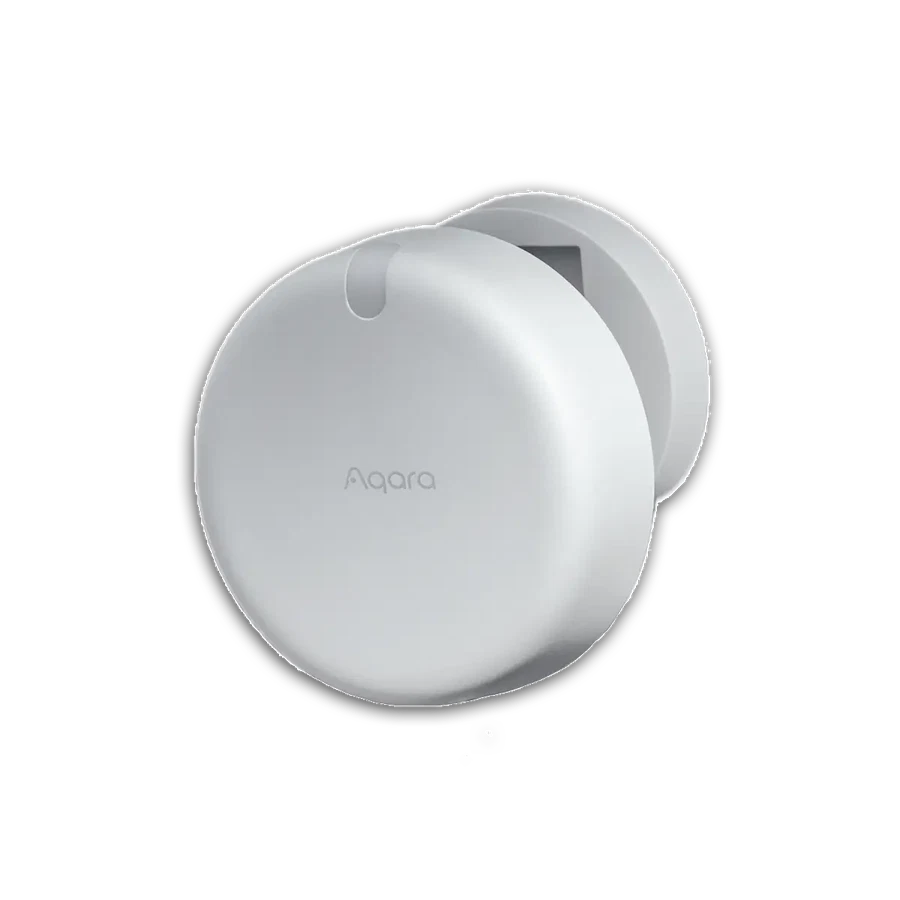
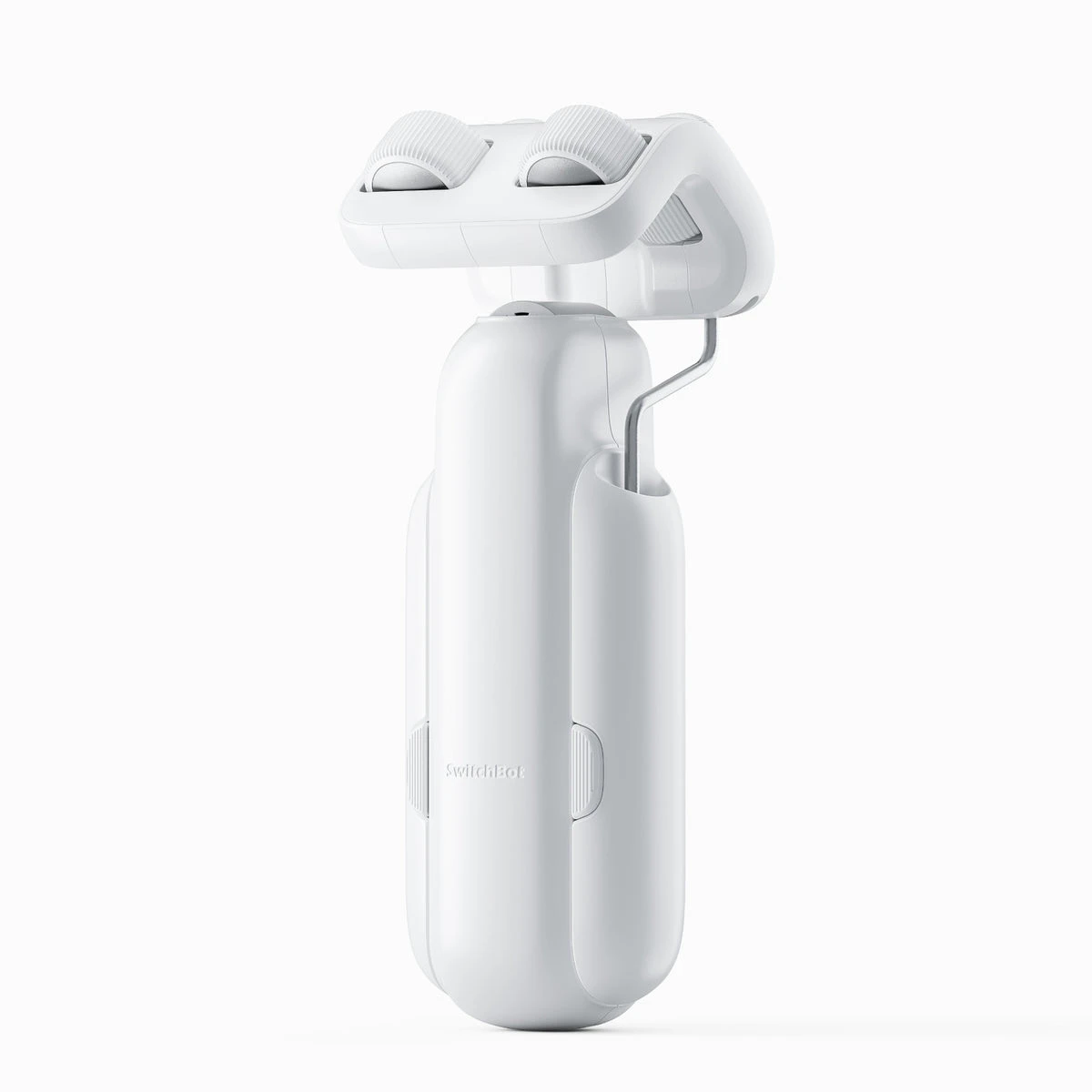
Selling smart-home products? Planning a store in Canada or the US?
Talk with SmartAccess about product selection, a demonstration range, installation partners and project delivery. Retailers, dealers, installers and local store operators are welcome.
Product supply, training, service area, cooperation terms and any fees are confirmed in discussion. No revenue or lead volume is promised.
Manufacturer references
- aqara.com · smart-lock-u100 ↗
- aqara.com · presence-sensor-fp2 ↗
- switch-bot.com · switchbot-curtain-3 ↗
Product information comes from the linked manufacturer references. Confirm the exact regional model, seller, current price, stock and installation conditions before purchase.